1. Johdanto
Kiitos ostoksestasiasing the Portable Mini Projector. This device is designed to provide a versatile and immersive viewing experience, supporting high-definition decoding and various connectivity options for both indoor and outdoor use. Please read this manual thoroughly before operating the projector to ensure proper use and to maximize its performance and lifespan.
2. Turvallisuustiedot
To prevent fire, electric shock, or damage to the projector, please observe the following safety precautions:
- Älä tuki tuuletusaukkoja. Varmista riittävä ilmankierto projektorin ympärillä.
- Do not expose the projector to rain or moisture. Keep it away from water sources.
- Käytä ainoastaan projektorin mukana toimitettua virtalähdettä.
- Vältä katsomasta suoraan projektorin linssiin, kun lamp on päällä, sillä kirkas valo voi aiheuttaa silmien rasitusta tai vaurioittaa niitä.
- Älä yritä purkaa tai muokata projektoria. Jätä kaikki huoltotyöt pätevän henkilöstön tehtäväksi.
- Aseta projektori vakaalle ja tasaiselle alustalle, jotta se ei putoa.
- Keep the projector away from direct sunlight, heat sources, and extreme temperatures.
3. Pakkauksen sisältö
Tarkista pakkauksen sisältö purkamisen yhteydessä:
- Kannettava miniprojektori
- Virtalähde
- Kaukosäädin (paristot eivät sisälly toimitukseen)
- HDMI kaapeli
- Käyttöopas
4. Tuotteen ominaisuudet ja komponentit
Familiarize yourself with the projector's key features and components:
- Projektorilinssi: Emits the image onto the screen or surface.
- Tarkennusrengas: Säätää projisoidun kuvan selkeyttä.
- Tuloportit: HDMI, USB, AV, Memory Card slot for various device connections.
- Sisäänrakennettu kaiutin: Tarjoaa äänilähdön.
- Ilmanvaihtoritilät: Lämmön haihdutusta varten.
- Virtapainike: Kytkee projektorin päälle/pois.
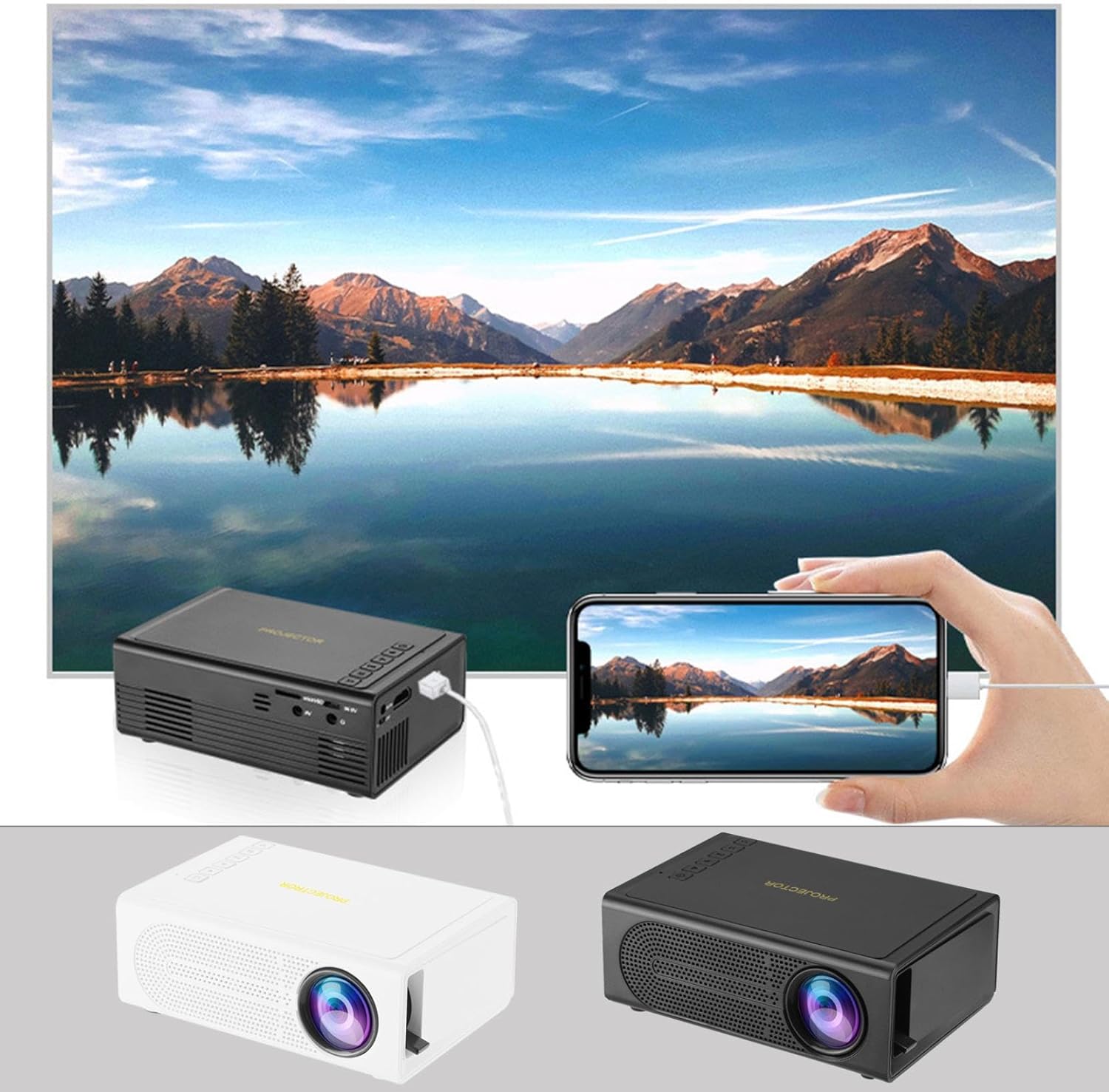
Image: The Portable Mini Projector in use, demonstrating its ability to mirror a smartphone screen onto a large display. Both black and white color options of the projector are shown.

Image: Physical dimensions of the projector, indicating its compact size.
5. Asennus
- Virtaliitäntä: Connect the supplied power adapter to the projector's power input port and then plug it into a power outlet.
- Sijoitus: Aseta projektori vakaalle ja tasaiselle alustalle. Optimaalisen tuloksen saavuttamiseksi viewAseta projektori kohtisuoraan heijastuspintaan (seinä tai valkokangas) nähden.
- Virta päälle: Kytke laite päälle painamalla projektorin tai kaukosäätimen virtapainiketta.
- Tarkennuksen säätö: Once powered on, rotate the focus ring on the projector until the projected image appears clear and sharp.
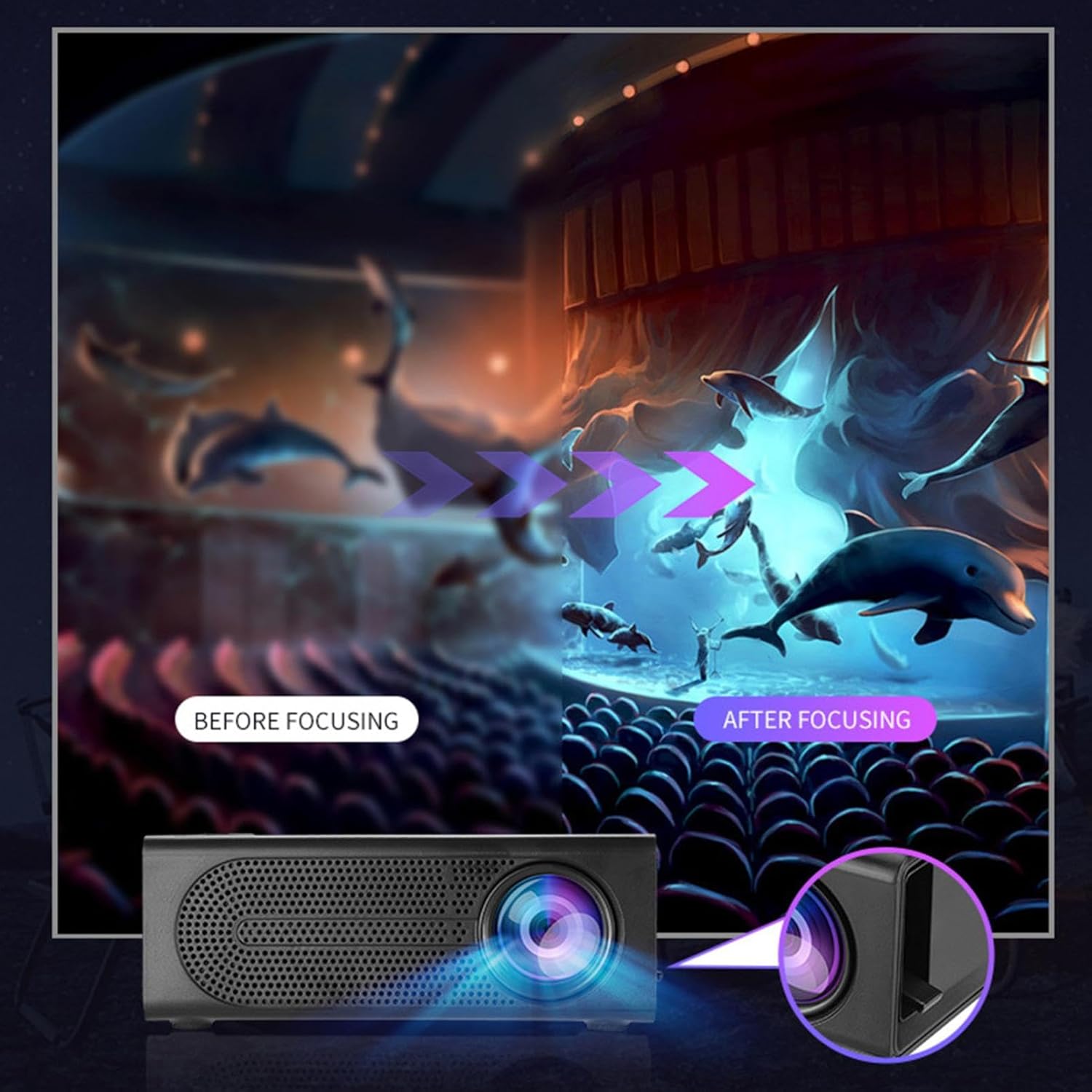
Image: Visual demonstration of focus adjustment, showing the difference between a blurry and a sharp image.
6. Käyttöohjeet
6.1 Laitteiden liittäminen
The projector supports various input sources. Select the appropriate input mode from the projector's menu after connecting your device.
- HDMI: Connect laptops, gaming consoles, DVD players, or other HDMI-enabled devices using an HDMI cable.
- USB: Aseta USB-muistitikku toistaaksesi mediaa files suoraan.
- AV: Use an AV cable to connect older devices like VCRs or some set-top boxes.
- Muistikortti: Insert a compatible memory card to view valokuvia tai videoita.
- Älypuhelin/tabletti: For wired phone same screen playback, connect your smartphone or tablet via a compatible cable (e.g., USB to Lightning/USB-C for screen mirroring, if supported by your device and the projector).

Image: Connectivity diagram illustrating the wide range of devices compatible with the projector.
6.2 Heijastuskoon säätäminen
The projector can project images ranging from 32 to 100 inches. The projection size is determined by the distance between the projector and the projection surface. Move the projector closer to the surface for a smaller image, and further away for a larger image.
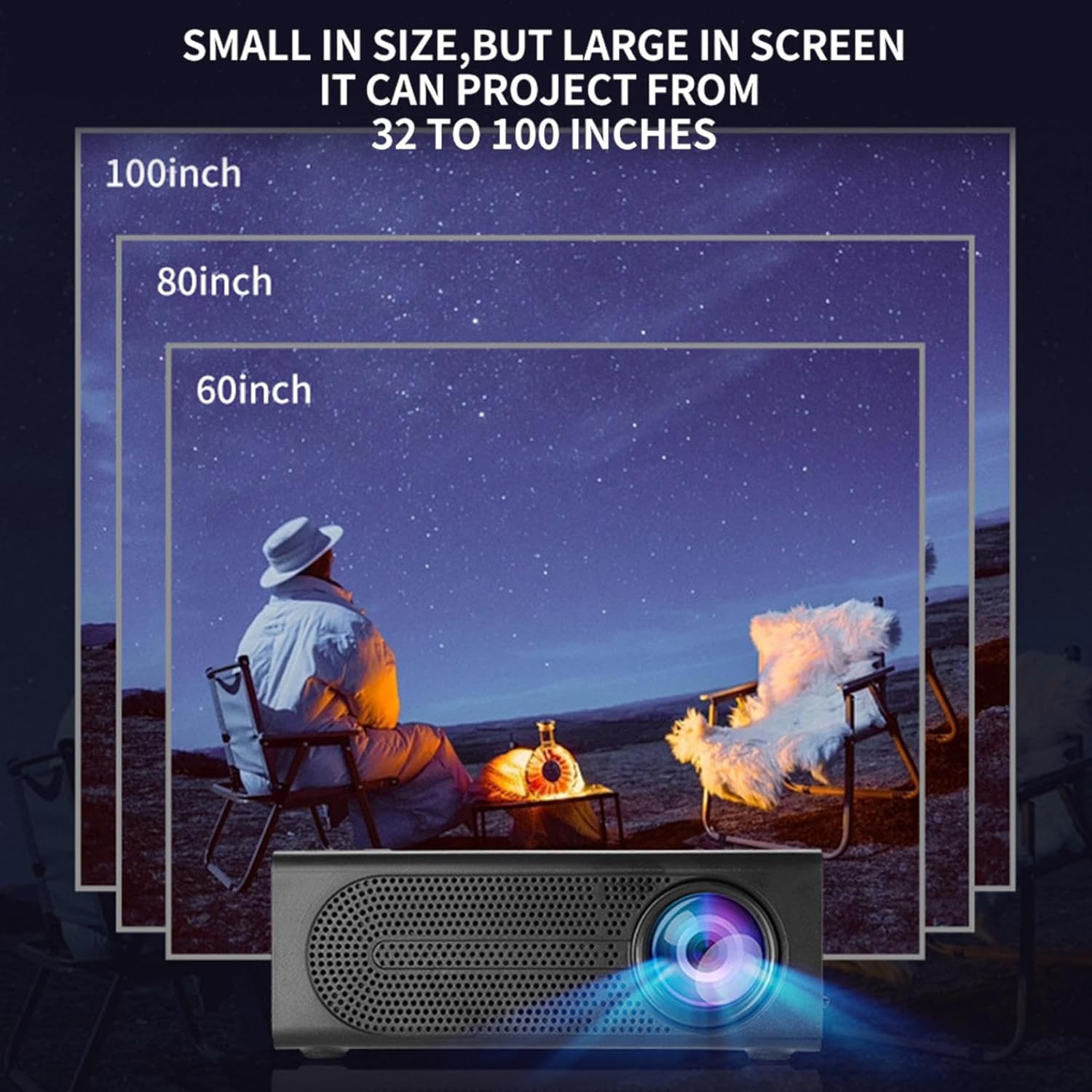
Image: Illustration of various projection sizes achievable with the projector, from 32 to 100 inches.
6.3 Käyttöskenaariot
This projector is suitable for a variety of environments and uses:
- Parent-child interaction: Enjoy movies or educational content with family.
- Outdoor cinema: Set up a movie night in your backyard.
- Bedroom projection: Watch content comfortably from your bed.
- Living room cinema: Transform your living space into a home theater.

Kuva: esimamples of diverse usage scenarios for the projector, from indoor home theater to outdoor entertainment.

Image: Depiction of family entertainment using the projector, alongside a technical diagram explaining the benefit of diffuse reflection for eye comfort compared to direct-ray light from a TV.
7. Huolto
Oikea huolto varmistaa projektorin pitkän käyttöiän ja optimaalisen suorituskyvyn:
- Linssien puhdistus: Pyyhi projektorin linssi varovasti pehmeällä, nukkaamattomalla liinalla, joka on erityisesti suunniteltu optisille linsseille. Älä käytä hankaavia puhdistusaineita tai liiallista voimaa.
- Pölynpoisto: Regularly clean the ventilation grilles with a soft brush or compressed air to prevent dust buildup, which can affect cooling and performance.
- Varastointi: Kun projektoria ei käytetä pitkään aikaan, säilytä sitä viileässä, kuivassa paikassa, poissa suorasta auringonvalosta ja äärimmäisistä lämpötiloista.
- Katkaise virta oikein: Sammuta projektori aina virtapainikkeesta ja anna sen jäähtyä ennen kuin irrotat sen pistorasiasta tai siirrät sitä.
8. Vianmääritys
Jos projektorin kanssa ilmenee ongelmia, katso seuraavat yleiset ongelmat ja ratkaisut:
| Ongelma | Mahdollinen syy | Ratkaisu |
|---|---|---|
| Ei kuvaa projisoituna | Power not connected; Input source not selected; Lens cap on. | Ensure power is connected and unit is on; Select correct input source; Remove lens cap. |
| Kuva on epäselvä | Tarkennusta ei ole säädetty; Projektori on liian lähellä/kaukana valkokankaasta. | Säädä tarkennusrengasta; Säädä projektioetäisyyttä. |
| Ei ääntä | Äänenvoimakkuus liian alhainen; Äänikaapeli ei ole kytketty; Mykistetty. | Increase volume; Check audio connections; Unmute projector/source device. |
| Kaukosäädin ei toimi | Paristot tyhjentyneet/väärin asennettu; kaukosäätimen ja projektorin välissä on este. | Vaihda paristot; varmista, että infrapunavastaanottimeen on esteetön näköyhteys. |
Jos ongelma jatkuu näiden ratkaisujen kokeilemisen jälkeen, ota yhteyttä asiakastukeen.
9. Tekniset tiedot
- Tuotetyyppi: Kannettava miniprojektori
- Merkki: Yleinen
- Yhteensopivat laitteet: Laptop, Gaming Console, Tablet, Camera, Smartphone
- Kuvan kontrastisuhde: Korkea
- Projektion koko: 32-100 tuumaa
- Videon dekoodaus: H.264, H.265
- Liitettävyys: HDMI, USB, AV, Memory Card
- Mitat: Approximately 5in (L) x 3.2in (W) x 1.9in (H) / 12.7cm (L) x 8.15cm (W) x 4.85cm (H)
10. Takuu ja tuki
This product comes with a standard manufacturer's warranty. Please refer to the warranty card included in your package for specific terms and conditions. For technical support, troubleshooting assistance, or warranty claims, please contact the retailer or manufacturer's customer service department.
Asiakastuen yhteystiedot: Please refer to retailer or manufacturer websivusto yhteystiedot.