
1. Johdanto
This manual provides detailed instructions for the installation, setup, operation, and maintenance of your LIFEMOI Outdoor Dual-Band WiFi Extender with Solar Panel. This device is designed to extend your existing WiFi network coverage to outdoor areas, utilizing solar power for continuous operation.
2. Turvallisuustiedot
- Lue kaikki ohjeet huolellisesti ennen asennusta ja käyttöä.
- Ensure the device is installed in a location with adequate sunlight for optimal solar charging.
- Älä yritä avata tai muokata laitetta. Jätä kaikki huoltotyöt pätevän henkilöstön tehtäväksi.
- Keep the device away from extreme heat sources or open flames.
- Use only the provided or recommended accessories for installation.
3. Pakkauksen sisältö
Varmista, että pakkauksessasi on kaikki tarvittavat osat:
- 1x WiFi Extender (with integrated solar panel)
- 1x käyttöopas
- 1x kiinnike
- Ruuvit ja seinätulpat asennusta varten
4. Tuote ohiview
The LIFEMOI Outdoor Dual-Band WiFi Extender is equipped with a 15W/5V solar panel, a 20000mAh built-in battery, and two external high-gain antennas. It supports 2.4GHz WiFi at 300Mbps and features an IP65 waterproof and dustproof enclosure with a built-in lightning arrester.
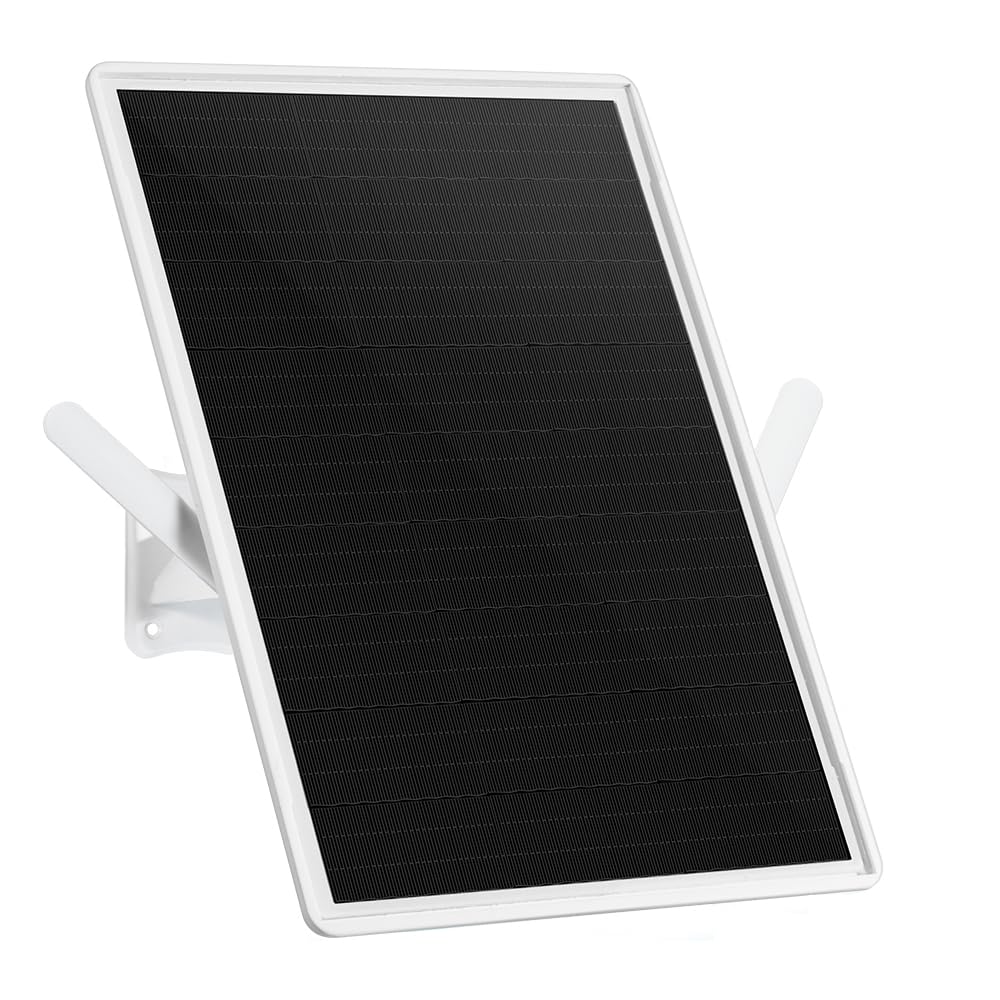
Figure 4.1: The LIFEMOI Outdoor Dual-Band WiFi Extender, featuring a solar panel for continuous power and two external high-gain antennas for extended coverage.

Kuva 4.2: Takaosa view of the WiFi extender, highlighting mounting points and antenna connections.
5. Asennus
Proper installation is crucial for optimal performance and durability.
5.1 Asennuspaikka
- Choose a location that receives direct sunlight for most of the day to ensure continuous solar charging.
- Mount the device horizontally or at a 45-degree angle for best WiFi coverage.
- Ensure the location is within range of your existing router's WiFi signal for initial pairing.
5.2 Asennusvaiheet
- Attach the mounting bracket to the back of the solar panel unit.
- Position the device at the desired outdoor location (e.g., wall, pole, tree).
- Merkitse kiinnitystelineen porauskohdat.
- Drill holes and insert wall plugs if mounting on a wall.
- Kiinnitä kiinnitysteline pintaan mukana toimitetuilla ruuveilla.
- Adjust the angle of the solar panel to maximize sun exposure.
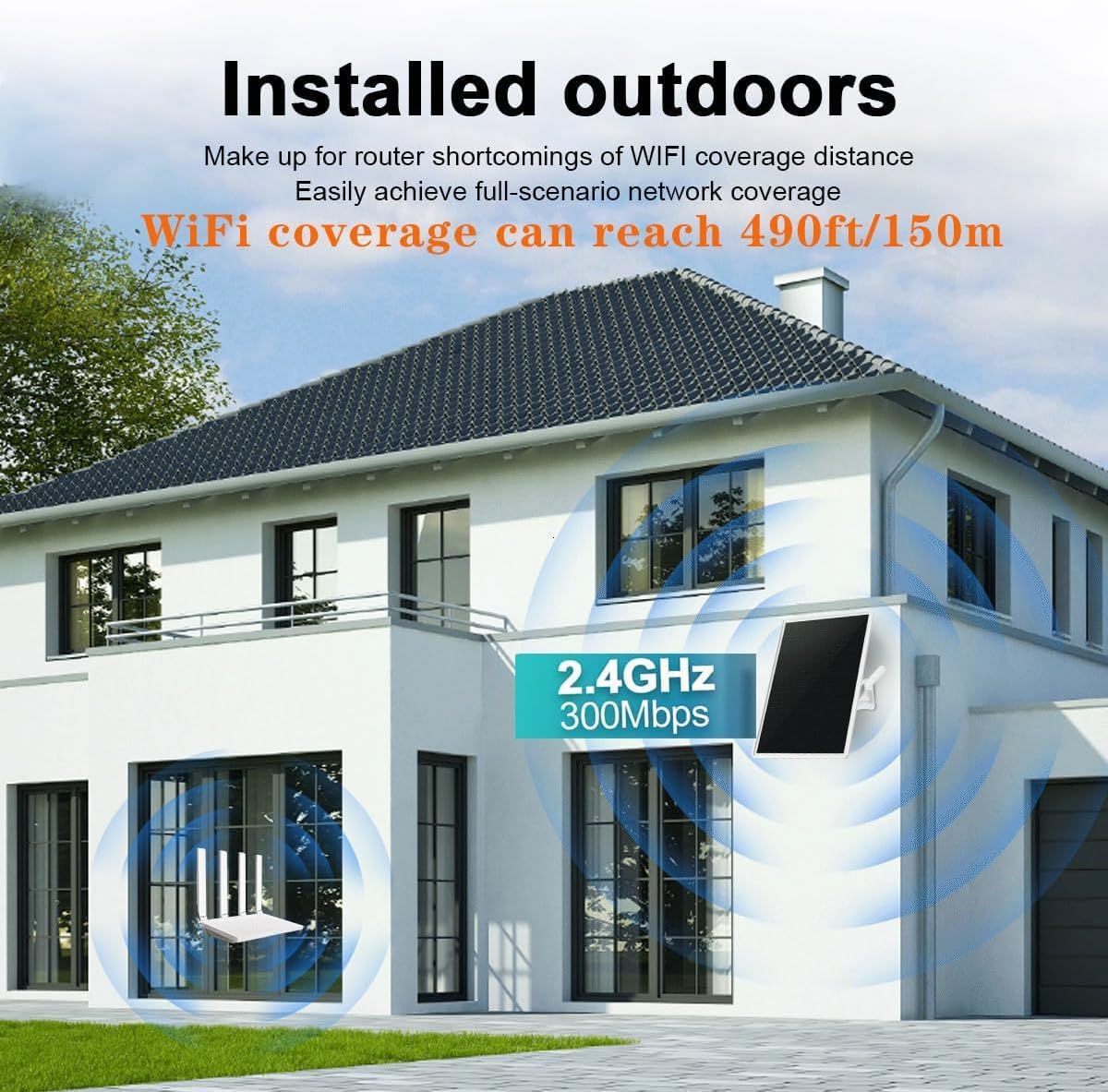
Kuva 5.1: Esimample installation of the WiFi extender on an exterior wall of a building, demonstrating its outdoor placement.
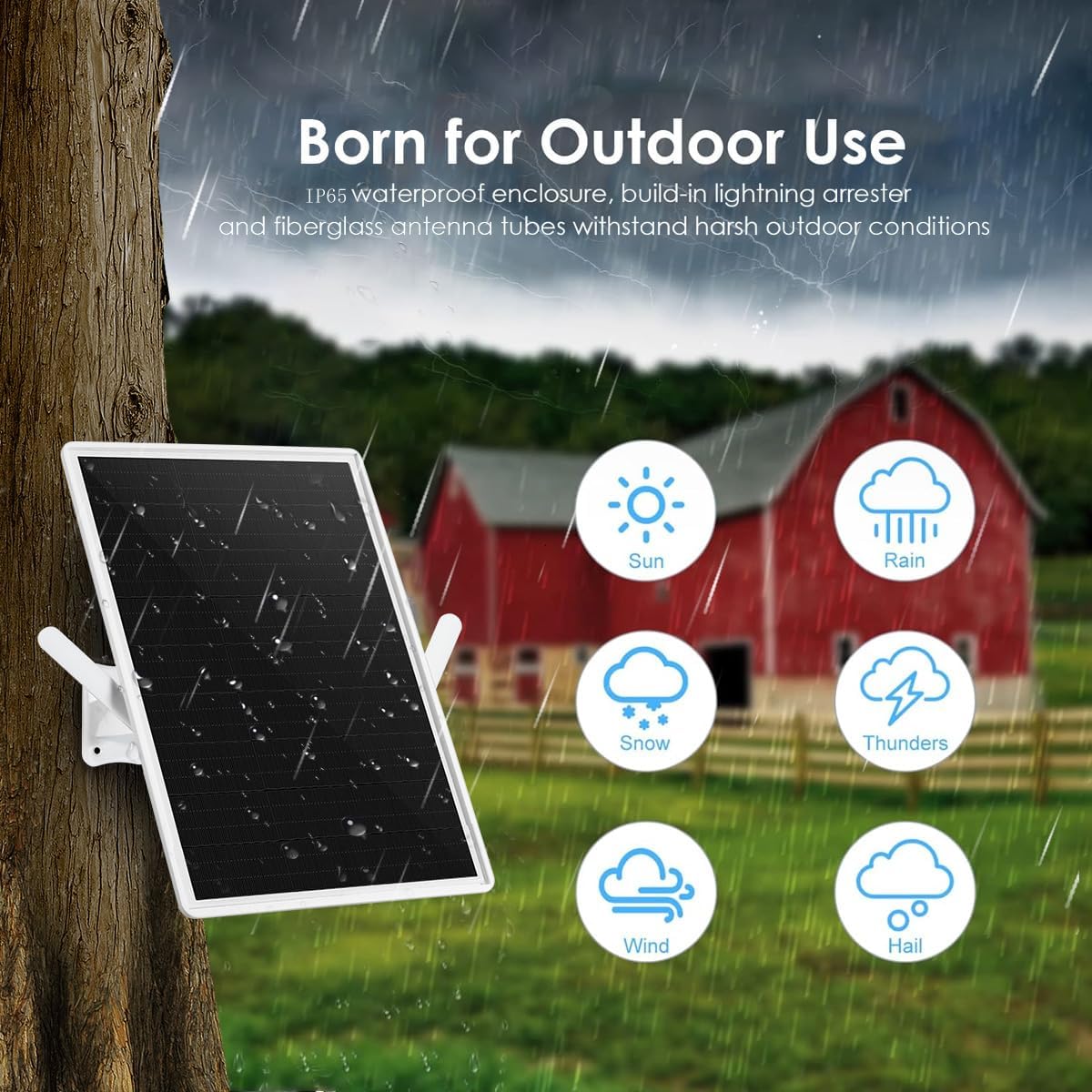
Figure 5.2: The WiFi extender mounted on a tree, showcasing its IP65 dustproof and waterproof design, suitable for various outdoor conditions including sun, rain, snow, and wind.
6. Asennus
Follow these steps to configure your WiFi extender.
6.1 Ensimmäinen käynnistys
- Before initial setup, ensure the device is fully charged. It is recommended to charge it overnight via solar power or using the Type-C port.
- Once powered, the device will broadcast its own WiFi network (SSID).
6.2 Verkkoasetukset
- Connect your computer or smartphone to the extender's WiFi network (SSID usually found on the device label or in the manual).
- Avaa a web browser and enter the default IP address (e.g., 192.168.1.1) or domain name (e.g., repeater.net) provided in the manual.
- Log in using the default username and password (also found in the manual).
- Follow the on-screen wizard to select your existing WiFi network (router's SSID).
- Enter the password for your existing WiFi network.
- Configure the extender's new SSID and password, or choose to clone your router's settings.
- Save the settings and restart the extender if prompted.
- Once restarted, the extender will broadcast the extended WiFi network.

Figure 6.1: A step-by-step diagram illustrating the process of connecting and configuring the WiFi extender to an existing network.
7. Käyttö
After successful setup, the extender will operate automatically.
7.1 LED-ilmaisimet
The device features an LED indicator to show its status:
- Vihreä: Device is operating normally, and the internal battery is sufficiently charged.
- Oranssi: Device is operating, but the internal battery charge is at a medium level.
- Punainen: Device is operating, but the internal battery is low.
- Vilkkuva punainen: Internal battery is critically low and requires immediate recharging. Connect to a Type-C power source if solar charging is insufficient.
7.2 Optimaalinen suorituskyky
For maximum WiFi coverage (up to 150 meters in clear, unobstructed conditions), ensure the extender is positioned optimally and has a strong signal from the main router.

Figure 7.1: Illustrates various outdoor scenarios where the extended WiFi coverage can be beneficial, such as by a pool, in a yard, park, or farm.
8. Huolto
Regular maintenance helps ensure the longevity and performance of your device.
- Puhdistus: Puhdista aurinkopaneelin pinta säännöllisesti pehmeällä, damp liinalla poistaaksesi pölyn, lian tai roskat, jotka voivat heikentää lataustehokkuutta.
- Kotelo: Inspect the device enclosure for any signs of damage or wear, especially after severe weather conditions.
- antennit: Ensure antennas are securely attached and free from obstruction. The antennas are detachable and can be replaced with more powerful ones if needed (SMA connector).
- Akku: The integrated 20000mAh lithium battery is continuously recharged by the solar panel. If prolonged periods of low sunlight occur, you can manually charge the device via its Type-C interface.
9. Vianmääritys
If you encounter issues with your WiFi extender, refer to the following common problems and solutions.
| Ongelma | Mahdollinen syy | Ratkaisu |
|---|---|---|
| No power/LED off | Low battery, insufficient solar charging. | Ensure solar panel is clean and exposed to direct sunlight. Charge via Type-C port. |
| Weak or no extended WiFi signal | Extender too far from router, obstructions, incorrect placement. | Relocate extender closer to the router. Ensure optimal placement (horizontal or 45° angle). Check for physical obstructions. |
| Cannot connect to extender's WiFi | Incorrect WiFi password, extender not configured. | Verify the WiFi password. Re-run the setup wizard via the web käyttöliittymä. |
| Hidas internet-nopeus | Signal degradation, network congestion. | Ensure a strong signal between the router and extender. Minimize interference from other devices. |
10. Tekniset tiedot
Technical details of the LIFEMOI Outdoor Dual-Band WiFi Extender:
- Merkki: LIFEMOI
- Mallinumero: 中継器-150M
- Langattoman tiedonsiirron standardi: 802.11b/n/ac
- Tiedonsiirtonopeus: 300 Mbps
- Taajuuskaistaluokka: Yksikaistainen (2.4 GHz)
- Tuetut taajuuskaistat: 2.4 GHz
- Erikoisominaisuudet: 20000mAh Battery, 15W Solar Panel, IP65 Waterproof
- Kattavuusalue: Jopa 150 metriä (490 jalkaa) avoimilla alueilla
- Yhteensopivat laitteet: WiFi -reitittimet
- Tuotteen mitat (S x L x K): 1.2 x 25 x 33 cm
- Käyttölämpötila: -30 °C - +60 °C (-22 °F - +158 °F)
- Virtalähde: Solar Panel (15W/5V), Built-in 20000mAh Lithium Battery, Type-C input
- Väri: Valkoinen
- Alkuperämaa: Kiina
11. Takuu ja tuki
Your LIFEMOI Outdoor Dual-Band WiFi Extender comes with a 1-year manufacturer's warranty.
For technical support or warranty claims, please contact your retailer or visit the official LIFEMOI websivusto lisäapua varten.