
1. Johdanto ja loppuview
The RGBlink mini-ISO is a compact, all-in-one 10-channel video mixer switcher designed for professional live production. It integrates multiple video and audio inputs, a 3.5-inch touchscreen multiview display, and advanced control features for seamless live streaming and recording. This manual provides essential information for setting up, operating, and maintaining your device.

Kuva 1: Etuosa view of the RGBlink mini-ISO Video Mixer Switcher.
2. Asennus ja liitännät
Proper connection of your video and audio sources is crucial for optimal performance. The mini-ISO offers a variety of input and output options.
2.1 videotuloa
The mini-ISO supports up to 10 video inputs, including:
- 4 x SDI Inputs: For professional cameras and video sources.
- 4 x 4K60 HDMI Inputs: For high-resolution cameras, laptops, or other HDMI devices.
- NDI Input: For network-based video sources (requires license activation as per user manual).
- UVC/Webcam Input: For USB cameras or webkamerat.
2.2 Audiotulot
The device features 7 audio inputs:
- 4 x HDMI-A Embedded Audio: Audio embedded within HDMI video signals.
- 2 x Analog Signal Inputs: For external microphones or line-level audio devices.
- 1 x USB-A Audio Input: For USB microphones or audio interfaces.
2.3 lähtöä
Video and audio outputs are provided for monitoring, program output, and streaming:
- HDMI Output (Multiview): For monitoring all inputs and program output on an external display.
- USB-A UVC Output: For streaming up to 1080P60 to a computer.
- Ethernet (LAN) -portti: For network control, NDI, and streaming via TAO Cloud.

Figure 2: Detailed diagram of RGBlink mini-ISO input and output ports.
Video 1: Yliview of mini-ISO video mixer switcher inputs and outputs.
3. Käyttöohjeet
The mini-ISO is designed for intuitive operation with its touchscreen and physical controls.
3.1 Tulosignaalin vaihto
Use the numbered buttons (1-5) on the control panel to select your desired video input for program output. The 3.5-inch HD touchscreen allows you to monitor previews and adjust settings in real-time.

Figure 3: The 3.5-inch touchscreen displaying a multiview of inputs.
3.2 Audio Mixing
The mini-ISO features dedicated knobs for audio input adjustments. Maintain flawless sync between audio and video with advanced AFV (Audio Follow Video) and delay settings. The professional audio console with dynamic button operation provides precise control for volume adjustment, one-key mute, and monitoring.
3.3 PTZ-kameran ohjaus
Control up to 5 PTZ cameras directly from the mini-ISO using its full-function keyboard and 5-axis joystick. You can manage pan, tilt, zoom, and focus, and save up to 4 PTZ presets for instant recall.
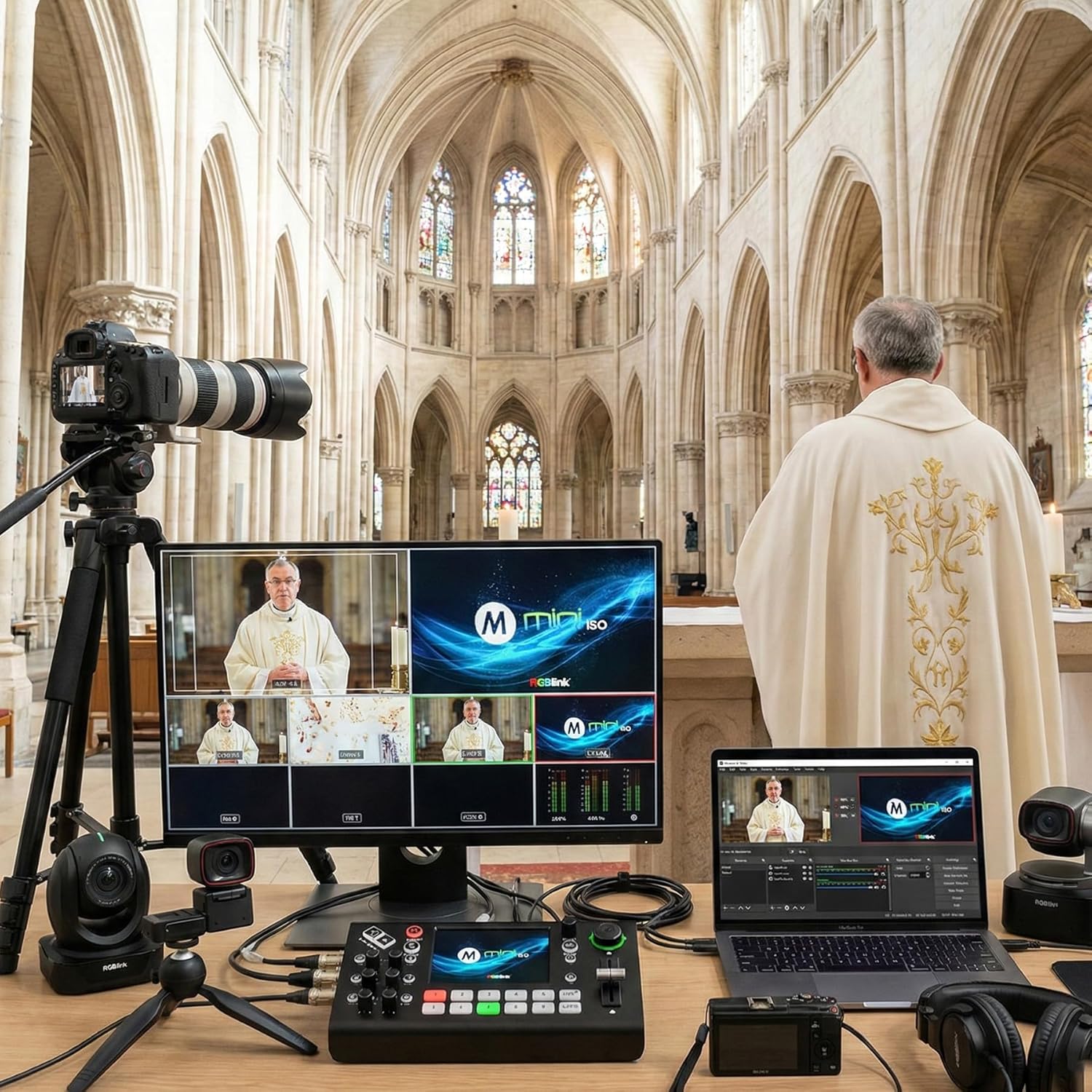
Figure 4: PTZ camera control interface on the mini-ISO touchscreen.
Video 2: Demonstrating PTZ camera remote control with the mini-ISO.
3.4 Chroma Key
Create virtual studios with the one-click Chroma Key feature. Layer graphics, backgrounds, and multiple camera sources directly from the mini-ISO without additional software.

Figure 5: Chroma Key functionality on the mini-ISO.
3.5 Suoratoisto
Stream directly to up to 4 platforms or restream to over 30 platforms simultaneously via TAO Cloud using RTMP(S). The device supports vertical live broadcasts and integrates with NDI|HX2 for FHD encoding. Ensure you apply for and import the necessary license as per the user manual for NDI functionality.
Video 3: Multi-camera live streaming setup with RGBlink mini-ISO.
3.6 Standalone Recording
Capture your program output directly to a USB-A drive (up to 2TB) without needing an external computer. The mini-ISO allows you to choose different recording bitrates, up to 16 Mbps, ensuring video clarity for later editing. You can monitor disk information during recording for reliability.
Video 4: Demonstrating the premium record function for customers.
4. Ominaisuudet Yliview
The RGBlink mini-ISO is packed with features to enhance your live production:
- 10 Input Video Switcher: Combines 4 SDI, 4 HDMI, NDI, and UVC/Webnokka-asennot.
- 3.5” Touchscreen Multiview Näyttö: For real-time monitoring and settings adjustment.
- Chroma Key & Multi-Layer Effects: For virtual studios and dynamic visual compositions.
- NDI & RTMP Streaming: Direct streaming to multiple platforms with NDI|HX2 support.
- Professional Audio & Video Sync: 8 audio inputs with AFV and delay settings.
- Built-in PTZ Camera Control: Control up to 5 PTZ cameras with presets.
- Itsenäinen tallennus: Record directly to USB-A drives.
- 15 Built-in Transition Effects: For creative production.
5. Huolto
5.1 laiteohjelmistopäivitystä
To ensure optimal performance and access to the latest features, regularly update the device firmware. Firmware updates can be performed via LAN or a USB drive. Refer to the detailed user manual for specific instructions on the update process.

Figure 6: Steps for updating the mini-ISO firmware.
6. Vianmääritys
If you encounter issues with your RGBlink mini-ISO, consider the following general troubleshooting steps:
- Tarkista liitännät: Ensure all video, audio, and power cables are securely connected.
- Tehosykli: Turn off the device, wait a few seconds, and then turn it back on.
- Laiteohjelmiston päivitys: Ensure your device is running the latest firmware. Outdated firmware can cause unexpected behavior.
- Input Limitations: Note that the device switches 5 channels at a time.
- PTZ-ohjaus: Verify IP settings and port numbers for PTZ cameras. Ensure mini-ISO and PTZ cameras are on the same network segment.
For more detailed troubleshooting, please refer to the comprehensive user manual provided with your product or visit the official RGBlink support resources.
7. Tekniset tiedot
| Erittely | Arvo |
|---|---|
| Tuotteen mitat | 7.76 x 4.45 x 2.36 tuumaa |
| Tuotteen paino | 1.32 kiloa |
| ASIN | B0DM64BH9W |
| Tuotteen mallinumero | 230-0007-01-0 |
| Päivämäärä ensimmäinen saatavilla | 10. tammikuuta 2025 |
| Valmistaja | RGBlink Science & Technology Co.,Ltd |
| Väri | mini-ISO |
| Liittimen tyyppi | HDMI, SDI |
| Yhteensopivat laitteet | Camcorder, Camera, Laptop, Monitor, Smartphone |
| Kaapelin tyyppi | HDMI, SDI |
8. Takuu ja tuki
The RGBlink mini-ISO Video Mixer Switcher is manufactured by RGBlink Science & Technology Co.,Ltd. For warranty information, technical support, or additional resources, please visit the official RGBlink Store or contact their customer service directly.