
Johdanto
Kiitos ostoksestasiasing the MangoKit MS1 CD Player HiFi System. This manual provides essential information for setting up, operating, and maintaining your device. Please read these instructions carefully before use and retain them for future reference.

Image: The MangoKit MS1 CD Player HiFi System in a maple finish, showcasinsen kompakti muotoilu ja etupaneelin säätimet.
Tärkeitä turvallisuustietoja
- Lue kaikki ohjeet ennen laitteen käyttöä.
- Pidä laite poissa vedestä, kosteudesta ja suorasta auringonvalosta.
- Älä tuki tuuletusaukkoja.
- Käytä vain valmistajan määrittelemiä lisälaitteita/lisävarusteita.
- Irrota laite verkkovirrasta ukkosmyrskyjen aikana tai kun sitä ei käytetä pitkään aikaan.
- Anna kaikki huoltotoimenpiteet pätevän huoltohenkilöstön tehtäväksi.
Pakkauksen sisältö
Varmista, että kaikki pakkauksessa olevat osat ovat mukana:
- 1 x MangoKit MS1 CD Player System
- 1 x kaukosäädin
- 1 x NA Mains Power Adapter with Cable
- 1 x Käyttöohje (tämä asiakirja)
Tuote loppuview
The MangoKit MS1 is a versatile HiFi system featuring a CD player, FM radio, Bluetooth streaming, AUX input, and USB playback/charging. It includes a full-color display, 60 presets, and a remote control for convenient operation.
Video: Yliview of the MangoKit MS1 CD Player FM Radio HiFi System, demonstrating its various features and functions.
Asennus
1. Virtaliitäntä
- Connect the provided NA mains power adapter to the DC IN port on the rear of the MS1 unit.
- Liitä virtalähde tavalliseen pistorasiaan.
2. Antenniasetukset
Optimaalisen FM-radiovastaanoton saavuttamiseksi vetämällä laitteen takana oleva teleskooppiantenni kokonaan ulos. Säädä sen asentoa parhaan signaalinlaadun saavuttamiseksi.
3. Ensimmäinen käynnistys
Paina POWER button on the front panel or remote control to turn on the unit. The display will illuminate, and the system will enter the last used mode.
Käyttöohjeet
1. Lähteen valinta
Paina LÄHDE button repeatedly on the front panel or remote control to cycle through available modes: CD, FM Radio, Bluetooth, AUX In, and USB Playback.
2. CD-soittimen käyttö
- Valitse CD lähde.
- Gently insert a CD into the disc tray with the label side facing up. The tray will automatically draw the disc in.
- Toisto alkaa automaattisesti. Käytä TOISTA/TAUKO, OHITA ETEENPÄIN, ja OHITA TAAKSEPÄIN painikkeita toiston ohjaamiseen.

Image: A hand inserting a CD into the MangoKit MS1 CD player, with the remote control positioned next to the unit, showing ease of use.
3. FM-radion käyttö
- Valitse FM-radio lähde.
- Paina SKANNATA button to automatically search for and store available stations.
- Käytä TUNE +/- buttons to manually tune to a specific frequency or navigate between scanned stations.

Image: The MangoKit MS1 CD Player HiFi System on a shelf, with its full-color display showing FM radio station information.
4. Bluetooth-suoratoisto
- Valitse Bluetooth source. The display will show "Pairing".
- On your smartphone or other Bluetooth device, enable Bluetooth and search for "MangoKit MS1".
- Select "MangoKit MS1" to pair. Once connected, you can stream audio from your device to the MS1.
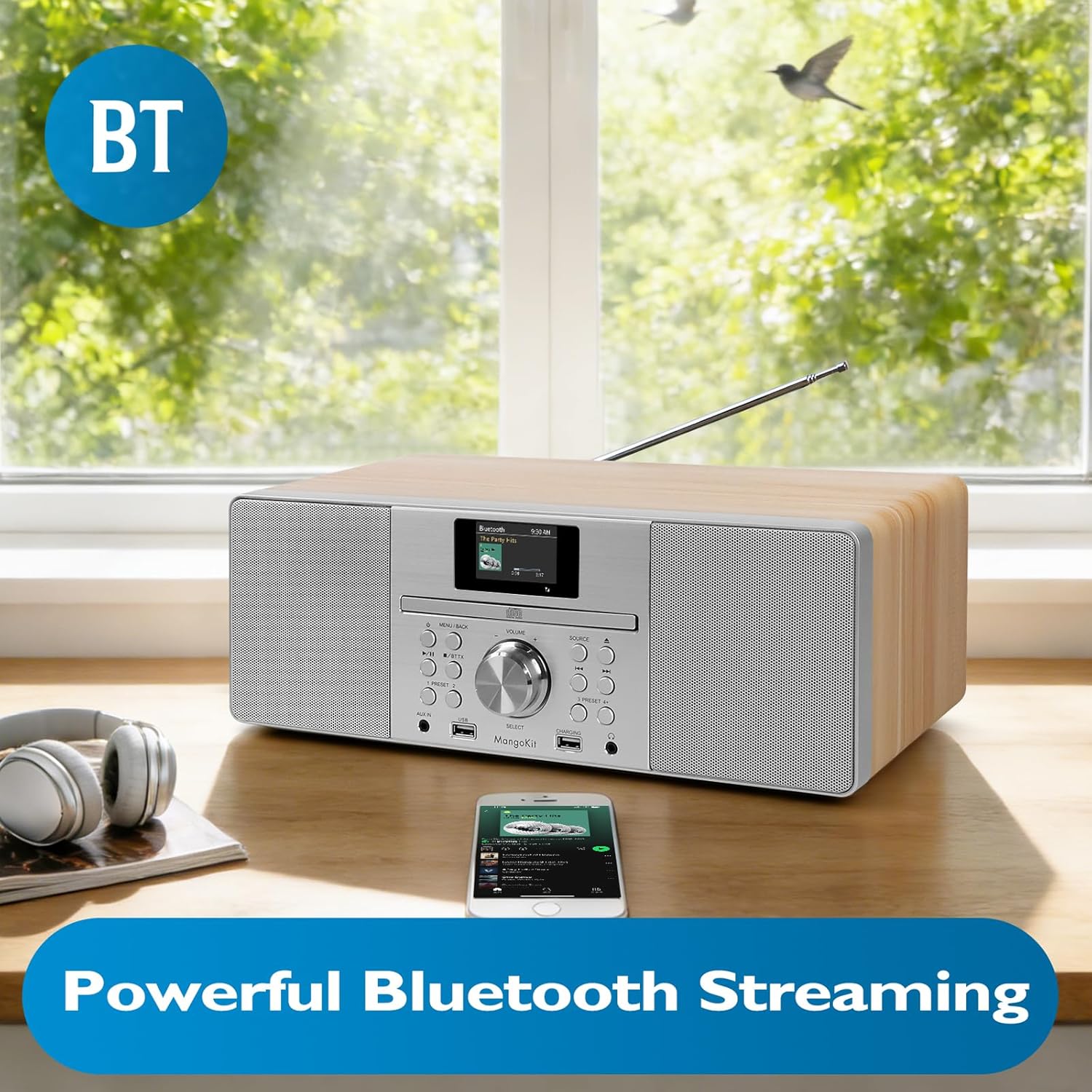
Image: The MangoKit MS1 HiFi System positioned next to a smartphone, illustrating a successful Bluetooth connection for wireless music streaming.
5. AUX -tulo
Liitä ulkoinen äänilaite (esim. MP3-soitin) AUX IN port on the front panel using a 3.5mm audio cable. Select the AUX-tulo lähde toistaaksesi ääntä liitetystä laitteesta.
6. USB-toisto ja -lataus
Aseta MP3-ääntä sisältävä USB-muistitikku files osaksi USB port. Select the USB-toisto source to access and play your music files. The dedicated CHARGING USB port can be used to charge compatible devices.
7. Kuulokkeiden käyttö
Connect headphones to the 3.5mm HP Jack on the front panel for private listening. The main speakers will mute automatically when headphones are connected.
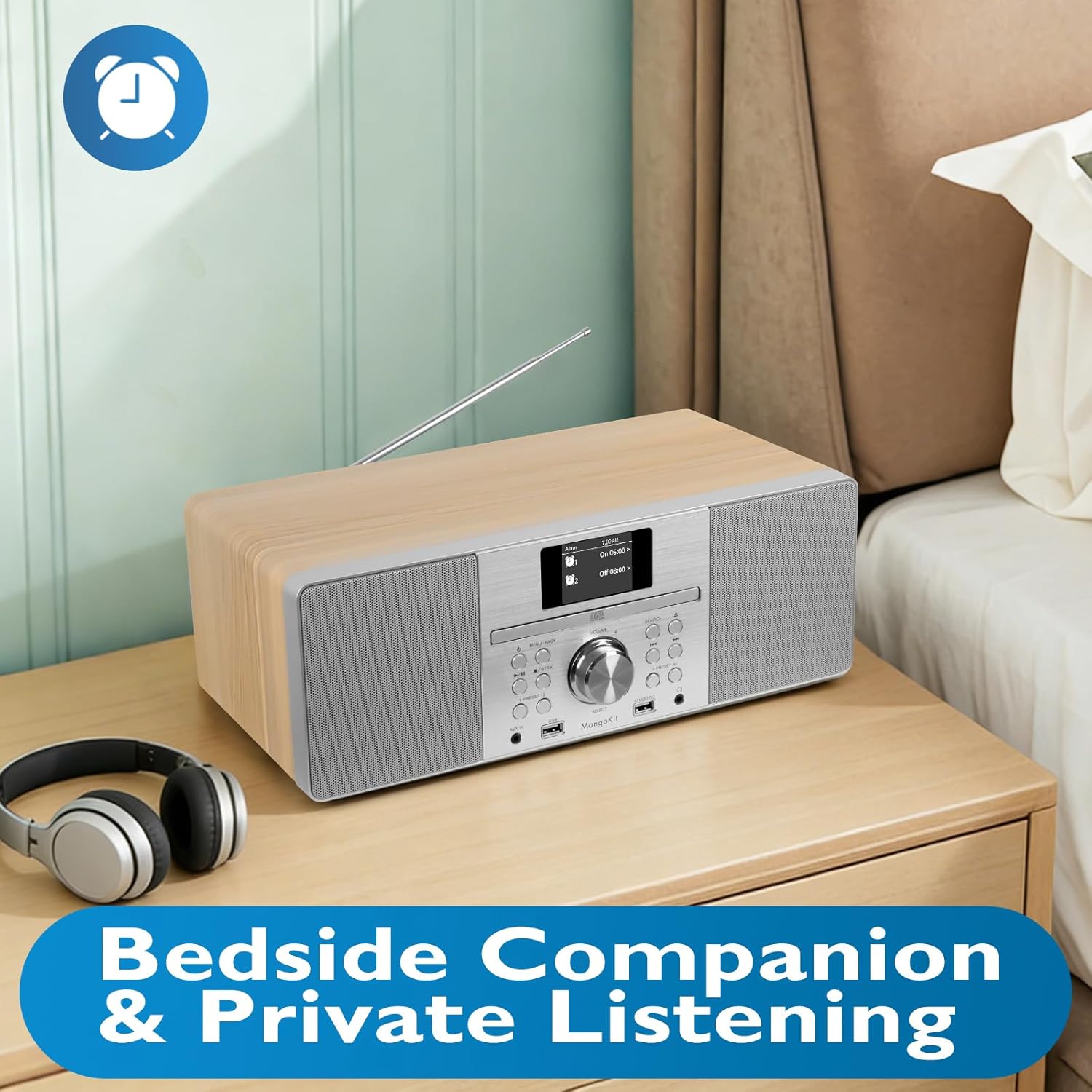
Image: The MangoKit MS1 HiFi System placed on a bedside table, accompanied by a pair of headphones, illustrating its suitability for private listening.
8. Setting Alarms and Sleep Timer
Käytä MENU to set dual alarms (Alarm 1, Alarm 2) to wake up to your favorite radio station or a buzzer. The sleep timer function allows the unit to automatically turn off after a set period.
9. Radioasemien pikavalintojen tallentaminen
The MS1 allows you to store up to 60 favorite radio stations. Tune to your desired station, then press and hold a PRESET button (1-60) until the display confirms the station is saved. To recall, simply press the corresponding PRESET -painiketta.
10. Audio Equalizer Settings
Navigoi kohtaan Järjestelmäasetukset menu to adjust the equalizer. You can select from preset EQ modes or customize your own settings for bass and treble to optimize sound for music or speech.
Huolto
1. Puhdistus
Wipe the unit with a soft, dry cloth. Do not use abrasive cleaners, waxes, or solvents as they may damage the finish. Ensure the unit is unplugged before cleaning.
2. Varastointi
Jos laitetta säilytetään pitkään, irrota se pistorasiasta ja säilytä sitä viileässä, kuivassa paikassa, poissa suorasta auringonvalosta ja äärimmäisistä lämpötiloista.
Vianetsintä
| Ongelma | Mahdollinen syy | Ratkaisu |
|---|---|---|
| Ei Virtaa | Virtajohto ei ole kytketty; pistorasia viallinen. | Varmista, että virtajohto on kytketty kunnolla. Kokeile toista pistorasiaa. |
| Ei ääntä | Äänenvoimakkuus liian alhainen; Mykistys aktivoitu; Kuulokkeet kytketty. | Increase volume. Check if mute is active. Disconnect headphones. |
| Huono FM-vastaanotto | Antenna not extended or positioned incorrectly. | Vedä teleskooppiantenni kokonaan ulos ja säädä sitä. |
| Bluetooth -pariliitos epäonnistui | Device too far; Bluetooth not enabled on source device; MS1 not in pairing mode. | Ensure devices are close. Enable Bluetooth on your device. Select Bluetooth source on MS1 to enter pairing mode. |
| CD Skipping | Dirty or scratched CD; Unit on unstable surface. | Clean the CD. Place the unit on a stable, flat surface. |
Tekniset tiedot
| Ominaisuus | Yksityiskohta |
|---|---|
| Merkki | MangoKit |
| Mallinumero | MS1 |
| Yhteystekniikka | Lisälaite, Bluetooth |
| Väri | Vaahtera |
| Kaiuttimen tyyppi | Stereot |
| Tuotteen mitat (P x L x K) | 14.96 x 8.27 x 5.51 tuumaa |
| Virtalähde | Johdollinen sähkö |
| Yhteensopivat laitteet | MP3-soitin, älypuhelin, tabletti |
| Wattage | 20 wattia |
| Tuetut standardit | Bluetooth, CD |
| Bluetooth-tuki | Kyllä |
| Tuettu äänimuoto | MP3, CD-DA |
| Kaiuttimien määrä | 2 |
| Äänilähtötila | Stereot |
| Smart Home -yhteensopivuus | Not Smart Home Compatible |
| Surround-äänikanavan asetukset | 2.0 |
Takuutiedot
The MangoKit MS1 CD Player HiFi System comes with a Limited Warranty. Please refer to the warranty card included in your package for specific terms, conditions, and duration of coverage. Retain your proof of purchase for warranty claims.
Asiakastuki
If you encounter any issues not covered in this manual or require further assistance, please contact MangoKit customer support. Refer to the contact information provided on the warranty card or the official MangoKit websivusto.

