
1. Johdanto
Thank you for choosing the Ailgely 2.4GHz WiFi Wall Touch Light Switch. This smart device integrates a light switch with a Type-C USB outlet, a standard USB outlet, and a US plug outlet, offering versatile control and charging capabilities. It supports 2-way light control, APP, and voice remote control, enhancing your smart home experience. This manual provides essential information for safe installation, operation, and maintenance.
2. Turvallisuustiedot
VAROITUS: Sähköiskun vaara. Virheellinen asennus voi johtaa vakavaan loukkaantumiseen tai kuolemaan.
- Aina cut off power at the circuit breaker before installing or servicing the switch.
- Asennuksen saa suorittaa vain pätevä sähköasentaja tai henkilö, jolla on perusteellinen käsitys sähköasennuksista.
- Ensure that the neutral wire is present and correctly installed. A neutral wire is required for this device.
- Verify that live and neutral wires are connected to their correct terminals.
- Tighten all screw terminals securely to prevent loose connections.
- This device only supports 2.4 GHz Wi-Fi networks. It is not compatible with 5 GHz networks.
3. Pakkauksen sisältö
Avattuasi paketin tarkista, että kaikki osat ovat mukana ja vahingoittumattomia:
- 1 x Ailgely Smart Wall Touch Light Switch (2-Way Black US Plug)
- 1 x sarja kiinnitysruuveja
- 1 x Käyttöohje

Image: Package contents including the smart switch, mounting screws, and the user manual.
4. Tuotteen ominaisuudet
- Integroitu suunnittelu: Combines a smart light switch with a Type-C outlet, a USB outlet, and a standard US plug outlet for multiple functionalities.
- 2-Way Light Control: Designed to control two separate lights from a single location.
- Kaukosäädin: Easy pairing via 2.4GHz Wi-Fi for APP and voice remote control.
- Älykkäät toiminnot: Supports timing, scheduling, and shared control with family members through the smart APP.
- Moderni estetiikka: Features an anti-scratch tempered glass panel for sensitive touch control and a sleek design that complements various home styles.
5. Tekniset tiedot
| Erittely | Arvo |
|---|---|
| Väri | Black US Plug |
| Tyyppi | 2 tapa |
| Päämateriaali | ABS + lasi |
| Tulo Voltage | 95-250V / AC 50-60Hz |
| Max. Load (Socket) | 16A |
| USB-lähtö | 5V 2.1A |
| Langaton yhteys | 802.11 b/g/n 2.4G Wi-Fi (Not 5 GHz) |
| Mitat (P x L x S) | 120 mm x 76 mm x 34 mm (4.72 x 2.99 x 1.33 tuumaa) |
| Tuotteen paino | 8.5 unssia |
| Wattage | 4000 wattia |

Image: Detailed dimensions of the smart wall switch for installation planning.
6. Asennus ja asennus
Ennen kuin aloitat: Ensure the power is OFF at the circuit breaker. A neutral wire is required for installation.
- Virran katkaisu: Locate the circuit breaker that controls the power to the switch you are replacing or the new installation location. Turn off the power completely. Verify power is off using a voltage testaaja.
- Irrota vanha kytkin (jos sovellettavissa): Carefully remove the existing wall plate and switch from the wall box. Disconnect the wires, noting their connections.
- Tunnista johdot: Identify the Live (Hot), Neutral, and Load wires in your wall box. This smart switch requires a neutral wire. If you are unsure, consult a qualified electrician.
- Johdinliitäntä: Connect the wires from your wall box to the corresponding terminals on the Ailgely Smart Switch. Refer to the wiring diagram provided with the product for precise connections. Ensure all wires are securely tightened in their terminals.
- Kiinnitä kytkin: Gently push the wired switch into the wall box. Use the provided mounting screws to secure the switch to the wall box.
- Asenna seinälevy: Attach the tempered glass wall plate to the switch.
- Palauta virta: Kytke virta takaisin päälle sulakkeesta.
- Wi-Fi-pariliitos: Follow the instructions in the included manual to pair the switch with your smart home APP. Ensure your Wi-Fi network is 2.4 GHz.
7. Käyttöohjeet
7.1 Manuaalinen kosketusohjaus
The tempered glass panel features touch-sensitive icons for controlling the lights. Simply touch the light bulb icons to toggle the connected lights ON or OFF. The power outlet icon controls the integrated US plug outlet.

Image: The tempered glass panel offers sensitive and durable touch control.
7.2 Älykäs sovellusohjaus
After successfully pairing the switch with your smart home APP (e.g., Tuya Smart, Smart Life), you can control the lights and outlets remotely from your smartphone or tablet.
- Kaukosäädin ON/OFF: Turn lights and outlets on or off from anywhere.
- Timing & Schedule: Set schedules for lights to turn on/off automatically at specific times.
- Kohtauksen luominen: Luo mukautettuja kohtauksia useiden laitteiden ohjaamiseen yhdellä komennolla.
- Jaa ohjaus: Share device control with family members through the APP.

Image: Demonstrates remote control of the smart switch using a mobile application.
7.3 Ääniohjaus
The smart switch is compatible with popular voice assistants (e.g., Amazon Alexa, Google Assistant). Once integrated, you can use voice commands to control your lights and outlets.
- Example Commands:
- "Alexa, laita olohuoneen valo päälle."
- "Hei Google, sammuta keittiön valo."
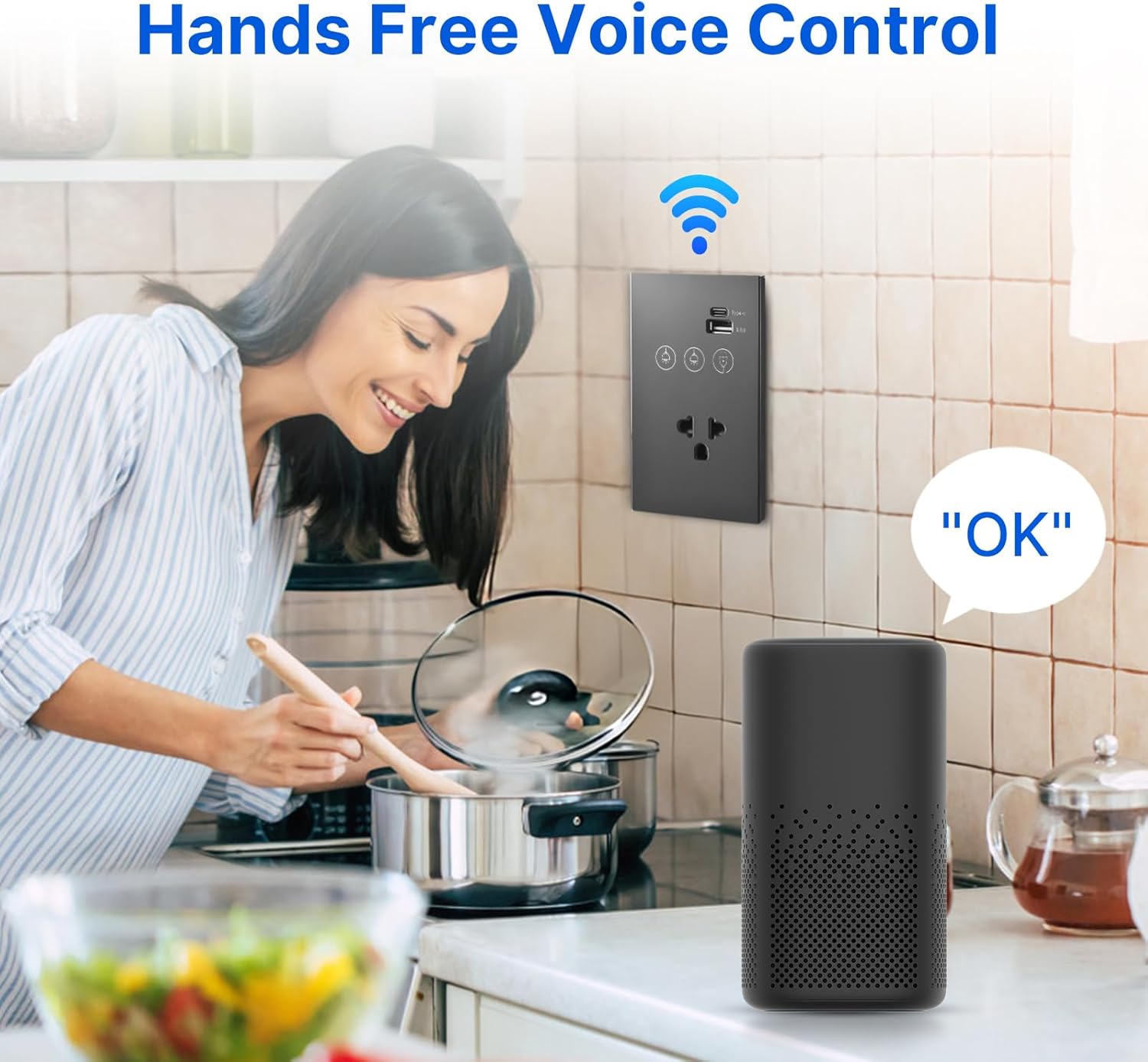
Image: Illustrates hands-free voice control of the smart switch.
8. Huolto
- Puhdistus: The tempered glass panel is anti-scratch and easy to clean. Use a soft, damp pyyhi pinta liinalla. Vältä hankaavia puhdistusaineita tai liuottimia, jotka voivat vahingoittaa pintaa.
- Laiteohjelmistopäivitykset: Periodically check the smart home APP for available firmware updates for your device to ensure optimal performance and security.
- Yhteyden tarkistus: If experiencing connectivity issues, ensure your Wi-Fi router is functioning correctly and the switch is within range of the 2.4 GHz network.
9. Vianmääritys
- Kytkin ei vastaa:
- Tarkista, onko sulake päällä.
- Ensure all wiring connections are secure and correct (Live, Neutral, Load).
- If recently installed, double-check that the neutral wire is properly connected.
- Wi-Fi-yhteyden katkeaminen:
- Confirm your Wi-Fi network is 2.4 GHz. This device does not support 5 GHz Wi-Fi.
- Varmista, että kytkin on Wi-Fi-reitittimesi kantaman sisällä.
- Käynnistä Wi-Fi-reititin uudelleen ja yritä pariliitosta uudelleen.
- Make sure you are entering the correct Wi-Fi password.
- APP Control Issues:
- Varmista, että älypuhelimellasi on aktiivinen internetyhteys.
- Ensure the smart home APP is updated to the latest version.
- Try unpairing and re-pairing the device in the APP.
- Ääniohjaus ei toimi:
- Confirm the smart switch is successfully linked to your voice assistant account (e.g., Alexa, Google Home).
- Check if your voice assistant device is online and functioning correctly.
- Use the exact device names configured in your smart home APP.
10. Takuu ja tuki
This product comes with a standard manufacturer's warranty. For specific warranty terms and conditions, please refer to the documentation provided at the time of purchase or contact the retailer. For technical support, troubleshooting assistance, or inquiries regarding your Ailgely Smart Wall Touch Light Switch, please contact Ailgely customer service through the contact information provided on the product packaging or the official Ailgely websivusto.