
Johdanto
The MangoKit MD5 is a versatile digital radio offering DAB/DAB+, FM, and Bluetooth connectivity. It features a 2.4-inch TFT color display, 40 preset stations, dual alarms, a sleep timer, and a headphone port, designed for both mains and battery operation. This manual provides comprehensive instructions to help you get the most out of your device.
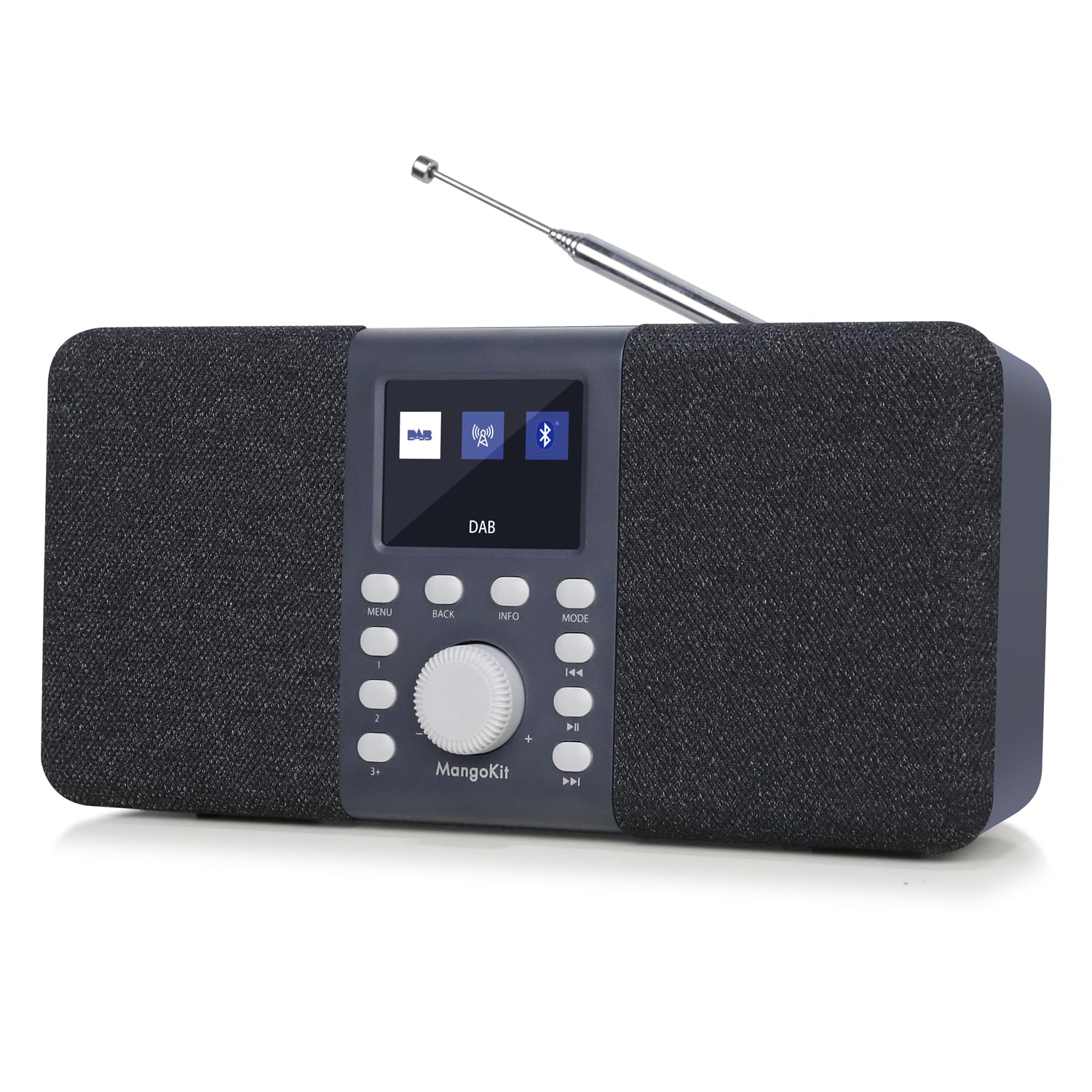
Kuva: Edessä view of the MangoKit MD5 Stereo DAB/DAB+ Digital Radio, showcasinsen näyttö ja säätimet.
Turvallisuustiedot
- Lue kaikki ohjeet huolellisesti ennen laitteen käyttöä.
- Älä altista laitetta sateelle, kosteudelle tai äärimmäisille lämpötiloille.
- Käytä vain määritettyä virtalähdettä.
- Älä yritä purkaa tai korjata laitetta itse. Jätä kaikki huoltotyöt pätevän henkilöstön tehtäväksi.
- Pidä laite poissa vahvoista magneettikentistä.
- If using batteries, ensure they are inserted correctly and remove them if the unit will not be used for an extended period.
Pakkauksen sisältö
Tarkista, että kaikki osat ovat mukana:
- MangoKit MD5 Digital Radio
- Käyttöopas
- Pika-aloitusopas
- Virtalähde
- USB C -kaapeli
Tuote loppuview
Familiarize yourself with the main components and controls of your MangoKit MD5 radio.

Kuva: Yksityiskohtainen view of the MangoKit MD5 radio's front panel, showing the display, control buttons, and rotary knob.
Säätimet ja näyttö:
- 2.4 tuuman TFT-värinäyttö: Näyttää aseman tiedot, ajan, valikkovaihtoehdot ja asetukset.
- Pyörivä nuppi: Käytetään äänenvoimakkuuden säätöön, valikoissa navigointiin ja valintoihin.
- Ohjauspainikkeet: Include Menu, Back, Info, Mode, Preset, Play/Pause, Skip Forward/Backward.
- Teleskooppiantenni: For optimal DAB/DAB+ and FM reception.
Portit:
- Kuulokeliitäntä (3.5 mm): Yksityiseen kuunteluun.
- USB-C-portti: Virransyöttöä varten.
- Akkulokero: Located at the rear for 4x AA batteries (not included).

Kuva: Takaosa view of the MangoKit MD5 radio, highlighting the battery compartment and overall dimensions.
Asennus
1. Laitteen virran kytkeminen
The MangoKit MD5 can be powered by mains electricity or batteries.
- Verkkovirta: Connect the supplied USB-C cable to the radio's USB-C port and the power supply to a wall outlet.
- Akun teho: Open the battery compartment on the rear and insert 4x AA batteries (not included), ensuring correct polarity. The radio cannot charge rechargeable batteries.
2. Initial Setup and Auto-Scan
- Vedä teleskooppiantenni kokonaan ulos parhaan vastaanoton saavuttamiseksi.
- Paina Tehoa painiketta radion käynnistämiseksi.
- Upon first use, the radio will automatically perform a full scan for DAB/DAB+ stations. This may take a few minutes.
- The time and date will automatically synchronize via DAB signal once a station is found.
Käyttöohjeet
DAB/DAB+ radiotila
- Paina tila button to select DAB radio.
- If no stations are found or you wish to rescan, navigate to the 'Full Scan' option in the menu using the rotary knob and press to confirm.
- Rotate the knob to browse available stations and press to select.

Image: The MangoKit MD5 radio displaying DAB station information on its color screen.
FM-radiotila
- Paina tila painiketta valitaksesi FM-radion.
- Voit hakea asemia automaattisesti painamalla ja pitämällä Skannata button (often combined with Play/Pause or a dedicated button).
- To manually tune, rotate the knob to adjust the frequency.
Storing and Accessing Presets (DAB/FM)
The radio can store up to 20 DAB and 20 FM preset stations.
- Viritä haluamasi asema.
- Paina ja pidä painettuna Esiasetus -painiketta, kunnes näytössä näkyy 'Preset Store'.
- Rotate the knob to select a preset number (1-20) and press to confirm.
- Voit hakea esiasennon painamalla lyhyesti Esiasetus button, then rotate the knob to select the desired preset and press to confirm.
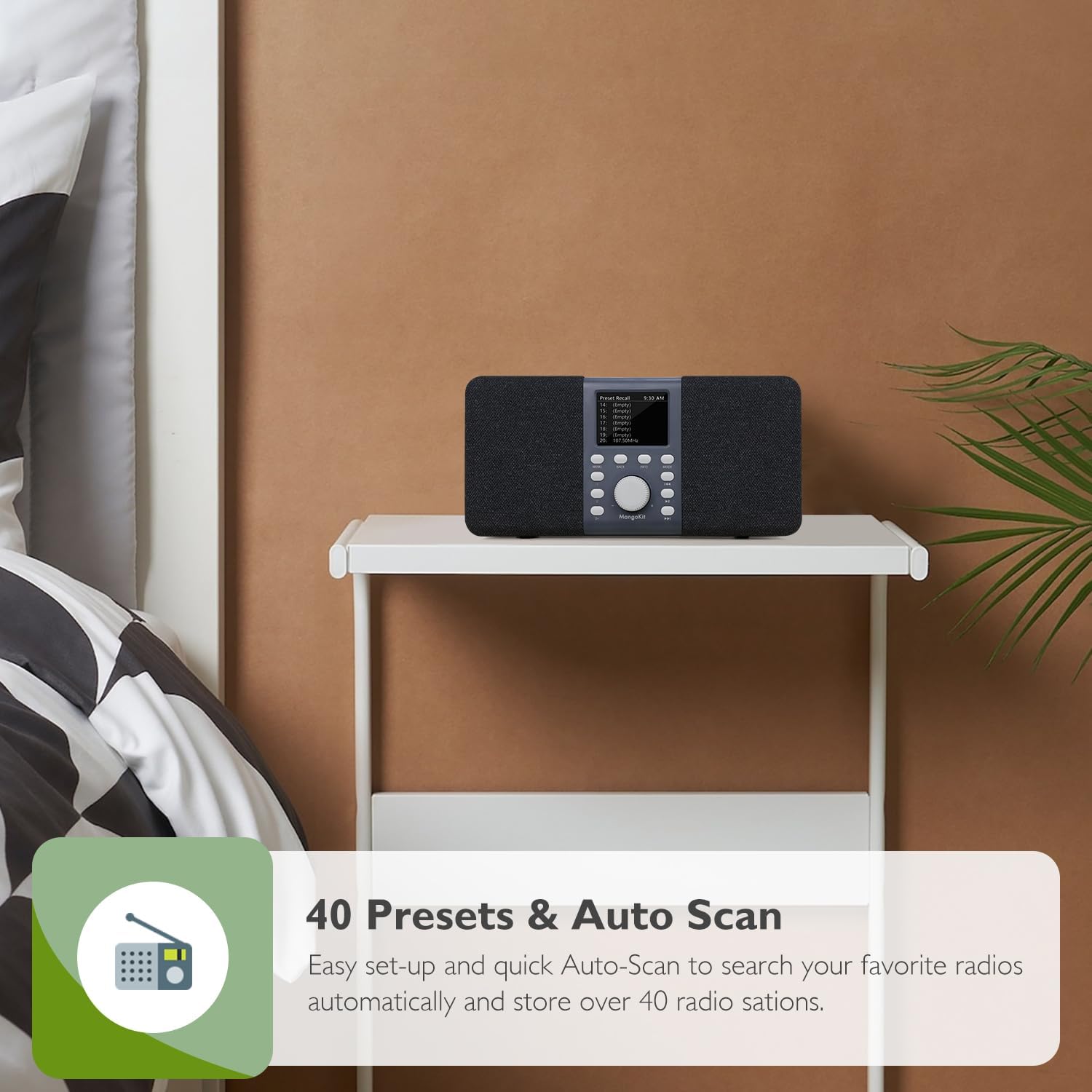
Image: The MangoKit MD5 radio showing a list of preset stations on its display.
Bluetooth-tila
Connect your smartphone or other Bluetooth-enabled device to stream audio.
- Paina tila button to select Bluetooth. The display will show 'Bluetooth Pairing'.
- On your external device, enable Bluetooth and search for 'Stereo DAB Radio'.
- Select 'Stereo DAB Radio' to pair. Once connected, the display will show 'Bluetooth Connected'.
- Voit nyt toistaa laitteesi ääntä radion kautta.

Image: The MangoKit MD5 radio displaying Bluetooth connection status, with a smartphone nearby.
Alarms, Sleep Timer, and Snooze
The MD5 features dual alarms and a sleep timer for convenience.
- Hälytysten asettaminen: Access the Alarm settings via the Valikko button. You can set two independent alarms with customizable times, sources (DAB/FM), and recurrence (daily, weekdays, weekends).
- Uniajastin: Set the radio to automatically turn off after a specified duration (OFF/15/30/45/60 minutes) by accessing the Sleep Timer option in the menu.
- torkku: Kun hälytys soi, paina Torkku -painiketta mykistääksesi sen tilapäisesti muutamaksi minuutiksi.

Image: The MangoKit MD5 radio on a bedside table, showing the time and an active alarm icon on its display.
Headphone Connectivity
For private listening, connect standard 3.5mm headphones to the headphone port on the back of the unit. The radio's speakers will automatically mute.

Image: A person wearing yellow headphones, listening to the MangoKit MD5 radio for private audio enjoyment.
Huolto
- Puhdistus: Pyyhi radio pehmeällä, kuivalla liinalla. Älä käytä nestemäisiä puhdistusaineita tai hankaavia aineita.
- Antennihoito: Käsittele teleskooppiantennia varovasti vaurioiden välttämiseksi.
- Akun vaihto: If using batteries, replace all four AA batteries at the same time. Do not mix old and new batteries or different types of batteries.
- Varastointi: Jos radiota säilytetään pitkään, poista paristot vuotojen estämiseksi.
Vianetsintä
| Ongelma | Mahdollinen syy | Ratkaisu |
|---|---|---|
| Ei virtaa | Virtajohto ei ole kytketty; Paristot ovat tyhjentyneet tai asetettu väärin. | Ensure power cable is securely connected. Check battery polarity and replace if necessary. |
| Huono DAB/FM-vastaanotto | Antenni ei ole ojennettuna; heikko signaalialue; häiriöitä. | Fully extend the telescopic antenna. Reposition the radio to improve signal. Perform a full scan. |
| Bluetooth ei muodosta yhteyttä | Radio not in Bluetooth mode; Device not in pairing mode; Device too far. | Ensure radio is in Bluetooth mode. Put your external device in pairing mode. Move devices closer. |
| Hälytys ei soi | Alarm not set correctly; Volume too low. | Verify alarm settings (time, source, recurrence). Increase the volume. |
Tekniset tiedot
| Ominaisuus | Yksityiskohta |
|---|---|
| Merkki | MangoKit |
| Mallinumero | MD5 |
| Väri | Dark Grey Stereo |
| Tuotteen mitat (P x L x K) | 23.7 L x 9.1 L x 11.3 K senttimetriä |
| Virtalähde | Mains and Battery Powered (4x AA, not included) |
| Viritin tekniikka | DAB/DAB+/FM |
| Yhteystekniikka | Bluetooth 5, Headphone (3.5mm), USB C |
| Näytön tyyppi | 2.4 tuuman TFT-värinäyttö |
| Esiasetetut asemat | 40 (20 DAB, 20 FM) |
| Erikoisominaisuudet | Stereo Portable DAB, DAB+, FM Radio and Bluetooth Speaker, Private EQ Setting, Dual Alarms, Sleep Timer, Snooze |
| Kotelon materiaali | Plastic and Fabric |
Takuu ja tuki
For warranty information, technical support, or service inquiries, please refer to the documentation included with your purchase or visit the official MangoKit websivusto. Säilytä ostokuittisi mahdollisten takuuvaatimusten varalta.

