
Johdanto
This manual provides comprehensive instructions for the setup, operation, and maintenance of your Diyeeni WH TA11PE Air Conditioner Remote Controller. Please read this manual carefully before using the remote control to ensure proper functionality and longevity.
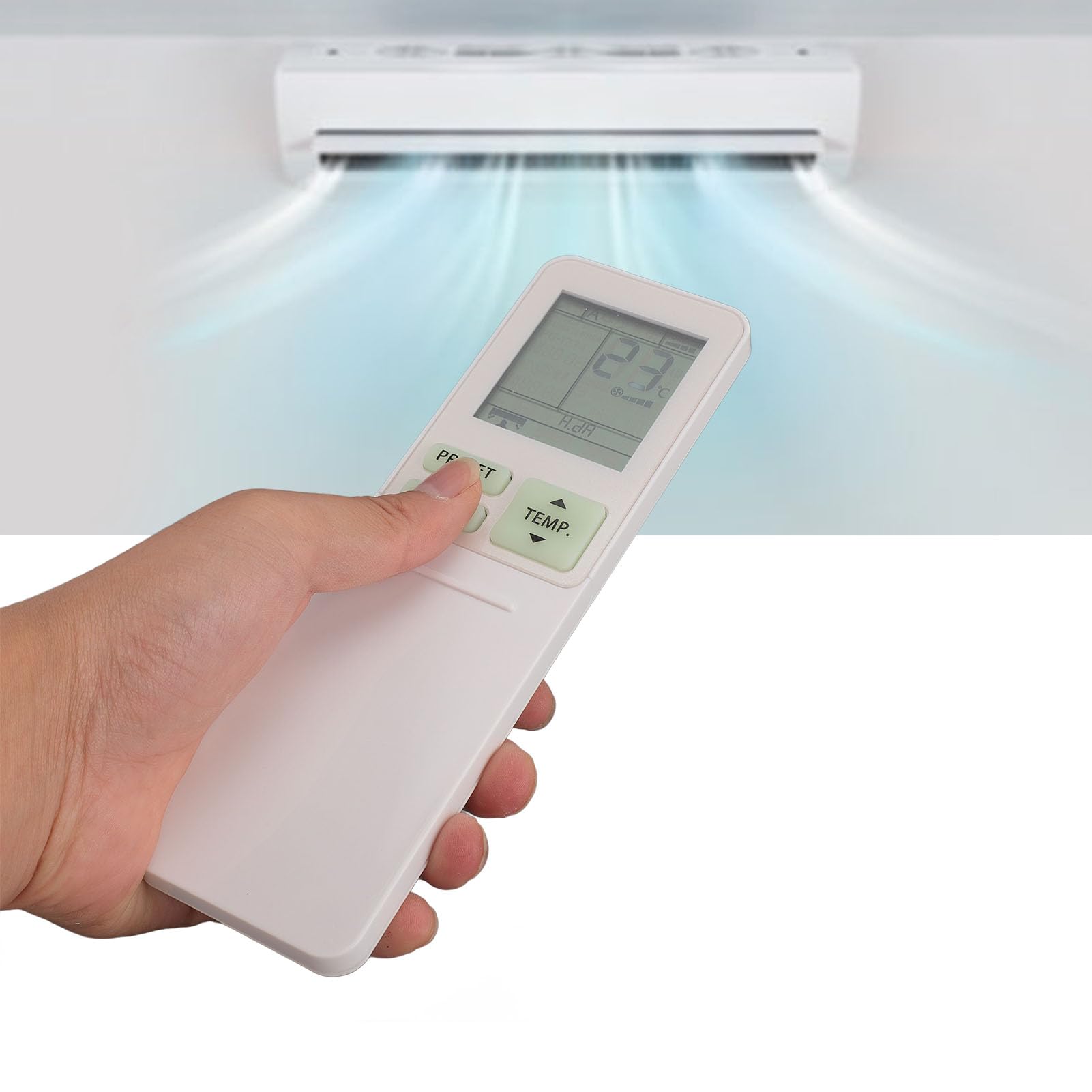
Image: The Diyeeni WH TA11PE remote control in use, with an air conditioner in the background.
Yhteensopivat mallit
The Diyeeni WH TA11PE remote controller is designed as a replacement for the following Toshiba Air Conditioner series:
- RAS-10G2KVP Series
- RAS-13G2KVP Series
- RAS-16G2KVP Series
- RAS-18E2KVSG A Series
- RAS-22E2KVSG A Series
- RAS-24E2KVSG A Series
This remote control offers full functionality for these specified models, replicating the original remote's features.
Asennus: Akun asennus
Jotta voit aloittaa kaukosäätimen käytön, sinun on ensin asennettava paristot.
- Avaa paristolokero: Etsi kaukosäätimen takaosassa oleva paristolokeron kansi. Avaa kansi liu'uttamalla tai painamalla salpaa varovasti.
- Aseta paristot: Insert two (2) AAA batteries (not included) into the compartment. Ensure the positive (+) and negative (-) terminals of the batteries match the indicators inside the compartment.
- Sulje paristolokero: Sulje paristolokeron kansi liu'uttamalla sitä takaisin paikalleen, kunnes se napsahtaa tukevasti kiinni.

Image: Remote control with the battery compartment open, illustrating correct battery placement.

Kuva: Yksityiskohtainen view of the battery compartment, highlighting the terminals.
Once batteries are installed, the remote control is ready for use. No programming is required for compatible Toshiba air conditioner models.
Käyttöohjeet
The Diyeeni WH TA11PE remote control provides access to all standard functions of your Toshiba air conditioner. Point the remote control directly at the air conditioner's receiver when operating.

Kuva: Edessä view kaukosäätimestä, kaikki painikkeet näkyvissä.
Tärkeimmät toiminnot:
- Virtanappi (⏻): Kytkee ilmastointilaitteen päälle tai pois päältä.
- TEMP. Buttons (▲/▼): Säätää lämpötila-asetusta ylös tai alas.
- PRESET -painike: Activates a pre-set operating mode or setting.
- MODE-painike: Vaihtaa toimintatiloja (esim. jäähdytys, lämmitys, tuuletin, kuivaus, automaattinen).
- SWING-painike: Ohjaa ilmanohjaimen pystysuuntaista liikettä.
- FAN-painike: Säätää tuulettimen nopeutta (esim. Matala, Keskitaso, Korkea, Automaattinen).
- AIR FLOW Button: Controls horizontal airflow direction.
- 8°C Button: Activates an 8°C heating mode for frost protection (if supported by AC).
- ECO-painike: Kytkee energiansäästötilan päälle.
- Hi POWER Button: Activates maximum power operation for rapid cooling/heating.
- PURE Button: Activates air purification function (if supported by AC).
- COMFORT SLEEP Button: Sets the air conditioner to a comfortable sleep mode.
- P-SEL (Program Select) Button: Selects programmed settings.
- WEEKLY ON/OFF, DAY/EDIT, PROGRAM P1-P4 Buttons: Used for setting and managing weekly timers and programs.
- TIMER ON/OFF, SET, CLR Buttons: Used for setting and clearing basic timers.
- CLOCK, CHECK, FILTER, RESET Buttons: For setting the clock, checking status, filter reset, and general reset functions.

Image: Close-up of the remote's display and primary control buttons.
Refer to your Toshiba air conditioner's original manual for specific details on how each function interacts with your unit.
Huolto
- Puhdistus: Pyyhi kaukosäädin pehmeällä, kuivalla liinalla. Älä käytä nestemäisiä puhdistusaineita, suihkeita tai hankaavia materiaaleja, sillä ne voivat vahingoittaa pintaa tai sisäisiä komponentteja.
- Akun vaihto: Replace batteries when the remote's range decreases or the display becomes dim. Always replace both batteries at the same time with new ones of the same type (AAA).
- Varastointi: Jos kaukosäädintä ei käytetä pitkään aikaan, poista paristot vuotojen ja mahdollisten vaurioiden estämiseksi. Säilytä viileässä ja kuivassa paikassa.
- Vältä altistumista: Älä altista kaukosäädintä suoralle auringonvalolle, korkeille lämpötiloille tai korkealle kosteudelle.
Vianetsintä
| Ongelma | Mahdollinen syy | Ratkaisu |
|---|---|---|
| Kaukosäädin ei ohjaa ilmastointilaitetta. |
|
|
| Näyttö on himmeä tai tyhjä. |
|
|
| Tietyt toiminnot eivät toimi. |
|
|
Tekniset tiedot
- Malli: WH TA11PE
- Materiaali: ABS
- Akun tyyppi: 2 x AAA paristot (eivät sisälly)
- Yhteensopivuus: Toshiba RAS-10G2KVP, RAS-13G2KVP, RAS-16G2KVP Series, RAS-18E2KVSG A, RAS-22E2KVSG A, RAS-24E2KVSG A
- Paino: Noin 110 grammaa

Image: Back of the remote control, displaying the model identifier.