
Johdanto
Thank you for choosing the KOORUI 2.4G Silent Full Size Ergonomic Wireless Keyboard and Mouse Combo. This manual provides essential information for setting up, operating, maintaining, and troubleshooting your new wireless peripheral set. Please read this manual thoroughly before use to ensure optimal performance and longevity of your product.

Figure 0: KOORUI Wireless Keyboard and Mouse Combo
1. Asennus
1.1 Pakkauksen sisältö
- Langaton näppäimistö
- Langaton hiiri
- 2-in-1 USB-vastaanotin
- Käyttöopas
1.2 Akun asennus
- Locate the battery compartment on the underside of the keyboard. Insert one AAA battery (not included), ensuring correct polarity.
- Locate the battery compartment on the underside of the mouse. The 2-in-1 USB receiver is stored inside this compartment. Remove the receiver, then insert one AA battery (not included), ensuring correct polarity.
- Sulje molemmat paristolokerot tiiviisti.

Figure 1: Battery and USB Receiver Installation
1.3 Laitteeseen yhdistäminen
- Ensure both the keyboard and mouse are switched to the "ON" position using their respective power switches.
- Plug the 2-in-1 USB receiver into an available USB port on your computer (Laptop/PC/Gaming Console).
- Your operating system should automatically detect and install the necessary drivers. The keyboard and mouse are ready for use once the installation is complete.
Video 1: Demonstrating the setup and functionality of the KOORUI 104-key wireless keyboard and mouse combo.
2. Käyttöohjeet
2.1 Näppäimistön ominaisuudet
- Täysikokoinen asettelu: The keyboard features a full-size layout with 104 keys, including a numeric keypad, for comprehensive input.
- Hiljainen kirjoitus: Soft and responsive keys provide a quiet typing experience, reducing noise in shared environments.
- Ergonominen muotoilu: Designed for comfort, the keyboard includes an 8° tilt angle to reduce wrist strain during extended use.
- Multimedia & Shortcut Keys: Access 5 multimedia keys and 12 shortcut functions (primarily for Windows systems) for quick control over media, applications, and system functions.

Figure 2: Ergonomic Design with 8° Tilt
Kuva 3: Multimedia- ja pikanäppäimet
2.2 Hiiren ominaisuudet
- 3 säädettävää DPI-tasoa: Cycle through 800, 1200, and 1600 DPI settings to adjust cursor sensitivity for precise control.
- Hiljaiset klikkaukset: The mouse features ultra-quiet buttons, minimizing click noise.
- Ergonominen muotoilu: Contoured shape fits comfortably in your hand for extended use.

Figure 4: Mouse DPI Settings
2.3 Yhteensopivuus
The KOORUI Wireless Keyboard and Mouse Combo is compatible with a wide range of operating systems, including Windows 7/8/10/11/Vista, macOS, and Linux. It can be used with laptops, personal computers, and gaming consoles.

Kuva 5: Laaja yhteensopivuus
3. Huolto
3.1 Puhdistus
The keyboard features a waterproof design, offering protection against accidental spills. To clean, gently wipe the surfaces of the keyboard and mouse with a soft, damp cloth. Avoid using harsh chemicals or abrasive materials. Ensure the devices are completely dry before use.

Figure 6: Waterproof Keyboard Design
3.2 Battery Life and Power Saving
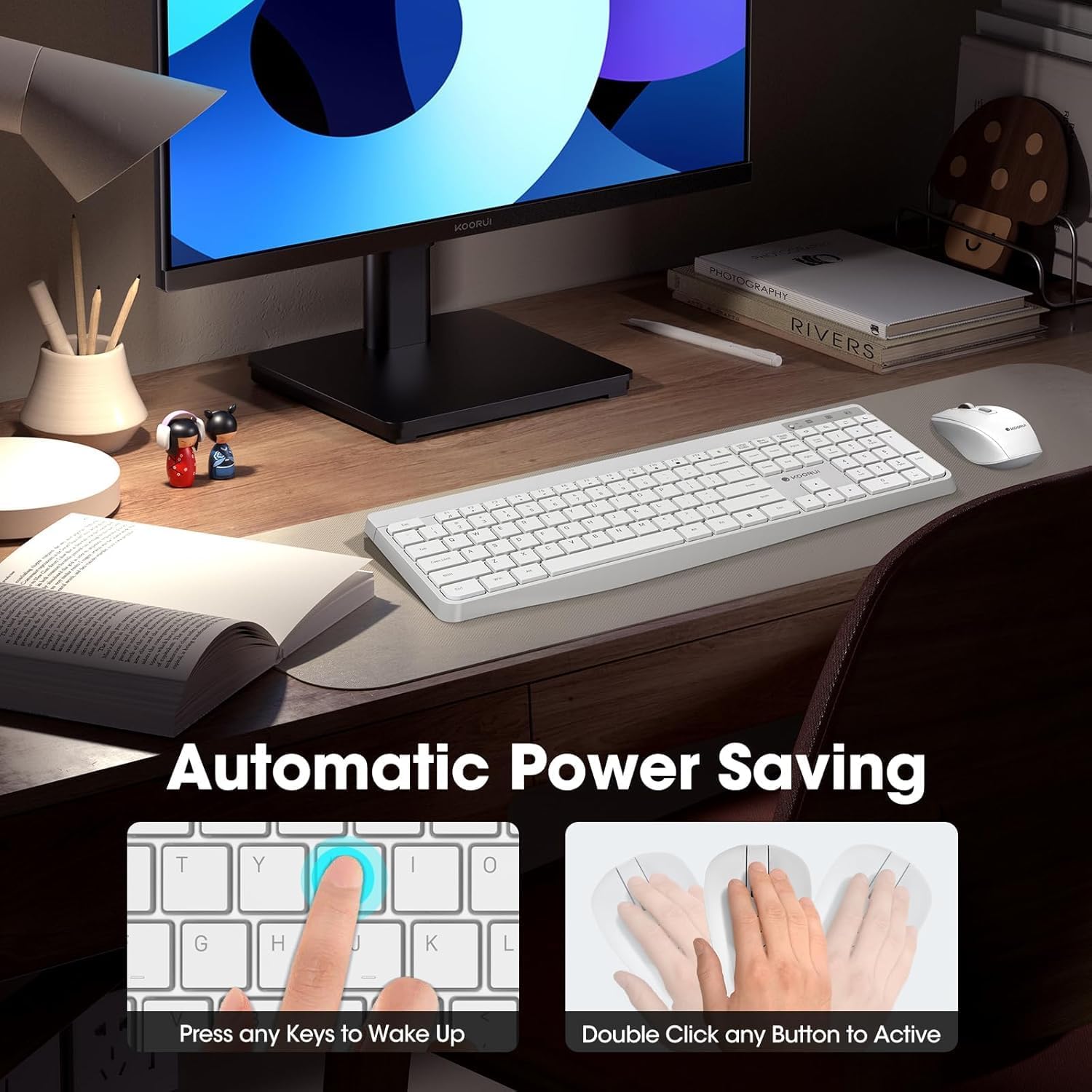
- The keyboard and mouse are equipped with an auto-sleep mode function to conserve battery life. They will enter sleep mode after a period of inactivity.
- To wake the devices, simply click any button on the mouse or press any key on the keyboard.
- Replace batteries when the low battery indicator light appears (Keyboard: 1 AAA, Mouse: 1 AA).
Figure 7: Battery Compartments and Power Indicators
4. Vianmääritys
4.1 Yhteysongelmat
- Ei vastausta:
- Ensure the keyboard and mouse power switches are in the "ON" position.
- Tarkista, että paristot on asennettu oikein ja että niissä on riittävästi virtaa. Vaihda tarvittaessa.
- Varmista, että USB-vastaanotin on kytketty tukevasti tietokoneen toimivaan USB-porttiin. Kokeile toista USB-porttia.
- Move the keyboard and mouse closer to the USB receiver to rule out range issues (maximum 10m/33ft).
- Viive tai katkonainen yhteys:
- Vähennä häiriöitä siirtämällä muut langattomat laitteet kauemmas vastaanottimesta.
- Varmista, ettei laitteiden ja vastaanottimen välissä ole suuria metalliesineitä.
4.2 Näppäimistökohtaiset ongelmat
- Näppäimet eivät vastaa:
- Tarkista akun varaustaso.
- Varmista, ettei näppäimistö ole lepotilassa (herätä se painamalla mitä tahansa näppäintä).
4.3 Hiiriin liittyvät ongelmat
- Cursor Not Moving:
- Tarkista akun varaustaso.
- Ensure the mouse is not in sleep mode (click any button to wake).
- Puhdista hiiren alapuolella oleva optinen anturi.
- Varmista, että käytät hiirtä sopivalla alustalla.
5. Tekniset tiedot
| Merkki | KOORUI |
| Malli | B0C4DVG5WV |
| Väri | Valkoinen |
| Yhteystekniikka | 2.4 GHz radiotaajuus |
| Erikoisominaisuus | Ergonomic, Silent Keys, Waterproof Design, Auto Power Saving |
| Yhteensopivat laitteet | Gaming Console, Laptop, Personal Computer |
| Movement Detection (Mouse) | Optical (800/1200/1600 DPI) |
| Käyttöjärjestelmän yhteensopivuus | Windows 7/8/10/11/Vista, macOS, Linux |
| Näppäimistön asettelu | QWERTY, Full Size (104 keys) |
| Virtalähde | Paristokäyttöinen (näppäimistö: 1 AAA, hiiri: 1 AA) |
| Wireless Range | Jopa 10 33 metriä (XNUMX XNUMX jalkaa) |
| Tuotteen paino | 0.7 kiloa |
| UPC | 738060953515 |
6. Takuutiedot
This KOORUI product comes with a 1 vuoden rajoitettu takuu from the date of purchase. This warranty covers manufacturing defects and workmanship under normal use. It does not cover damage caused by misuse, accident, unauthorized modification, or external causes.
Säilytä ostokuitti takuuvaatimuksia varten.
7. Asiakastuki
For any questions, technical assistance, or warranty inquiries regarding your KOORUI Wireless Keyboard and Mouse Combo, please contact our customer support team. We are committed to providing 24-hour service to assist you.
Please refer to the product packaging or the official KOORUI websivustolta ajantasaisimmat yhteystiedot.