
Anker Soundcore K20i
Anker Soundcore K20i True Wireless -nappikuulokkeet Käyttöohje
Model: K20i | Brand: Anker Soundcore
1. Johdanto
The Anker Soundcore K20i are true wireless earbuds designed for comfortable, extended listening. They feature Bluetooth 5.3 connectivity, IPX5 water resistance, and up to 36 hours of total playback with the charging case. Enjoy powerful bass and clear calls with AI noise reduction.

Image: Anker Soundcore K20i earbuds and charging case in black, white, purple, and blue.
2. Pakkauksen sisältö
Varmista, että tuotepakkauksessa on kaikki tarvittavat osat:
- Soundcore K20i True Wireless Earbuds
- Latauskotelo
- USB-C & USB-A Charging Cable
- Safety Manual & Quick Start Guide

Image: The Anker Soundcore K20i earbuds, their charging case, and the included USB-C charging cable.
3. Asennus
3.1. Lataus
Lataa sekä nappikuulokkeet että latauskotelo täyteen ennen ensimmäistä käyttökertaa.
- Place the earbuds into the charging case. Close the case to begin charging the earbuds.
- Liitä latauskotelo virtalähteeseen mukana toimitetulla USB-C-kaapelilla.
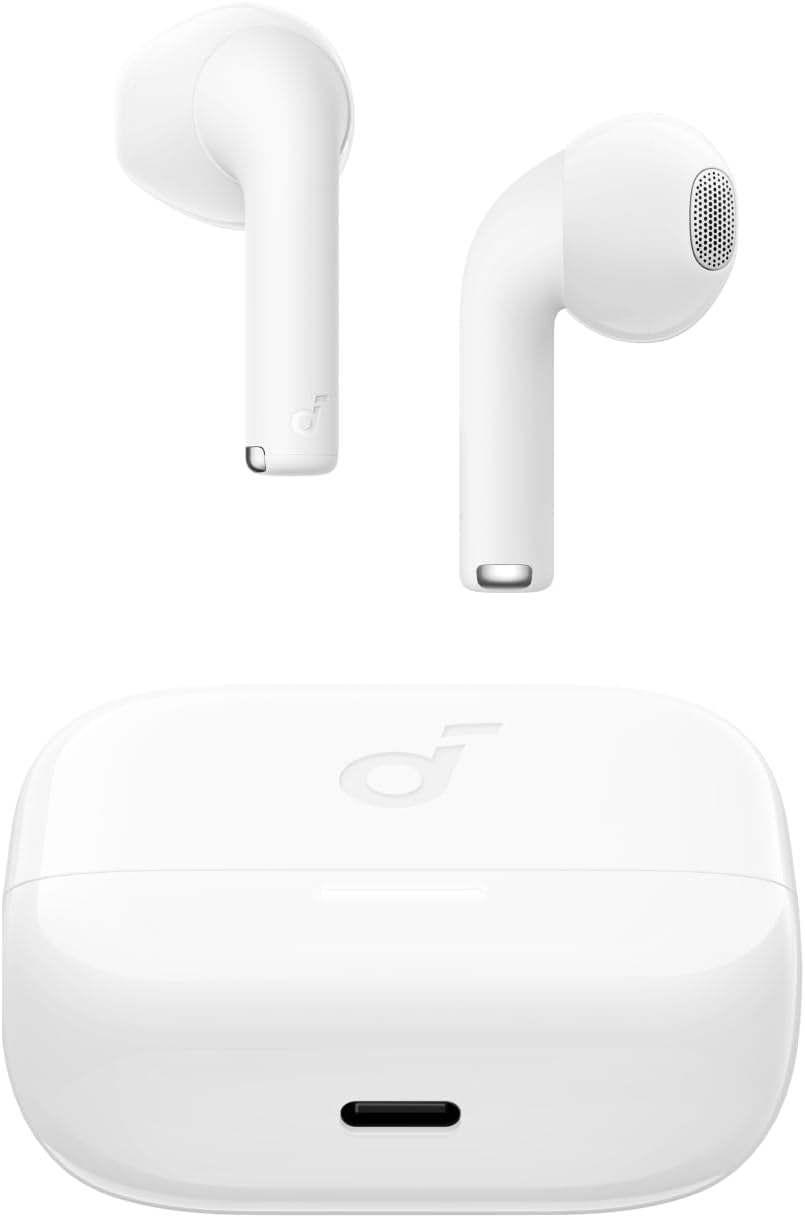
Image: The Anker Soundcore K20i earbuds resting in their open charging case, with the USB-C charging port visible at the front of the case.
3.2. Pariliitos
Yhdistä nappikuulokkeet Bluetooth-yhteensopivaan laitteeseen seuraavasti:
- Avaa latauskotelo. Kuulokkeet siirtyvät automaattisesti Bluetooth-pariliitostilaan.
- On your device (smartphone, PC), enable Bluetooth and search for 'Soundcore K20i'.
- Select 'Soundcore K20i' to connect.
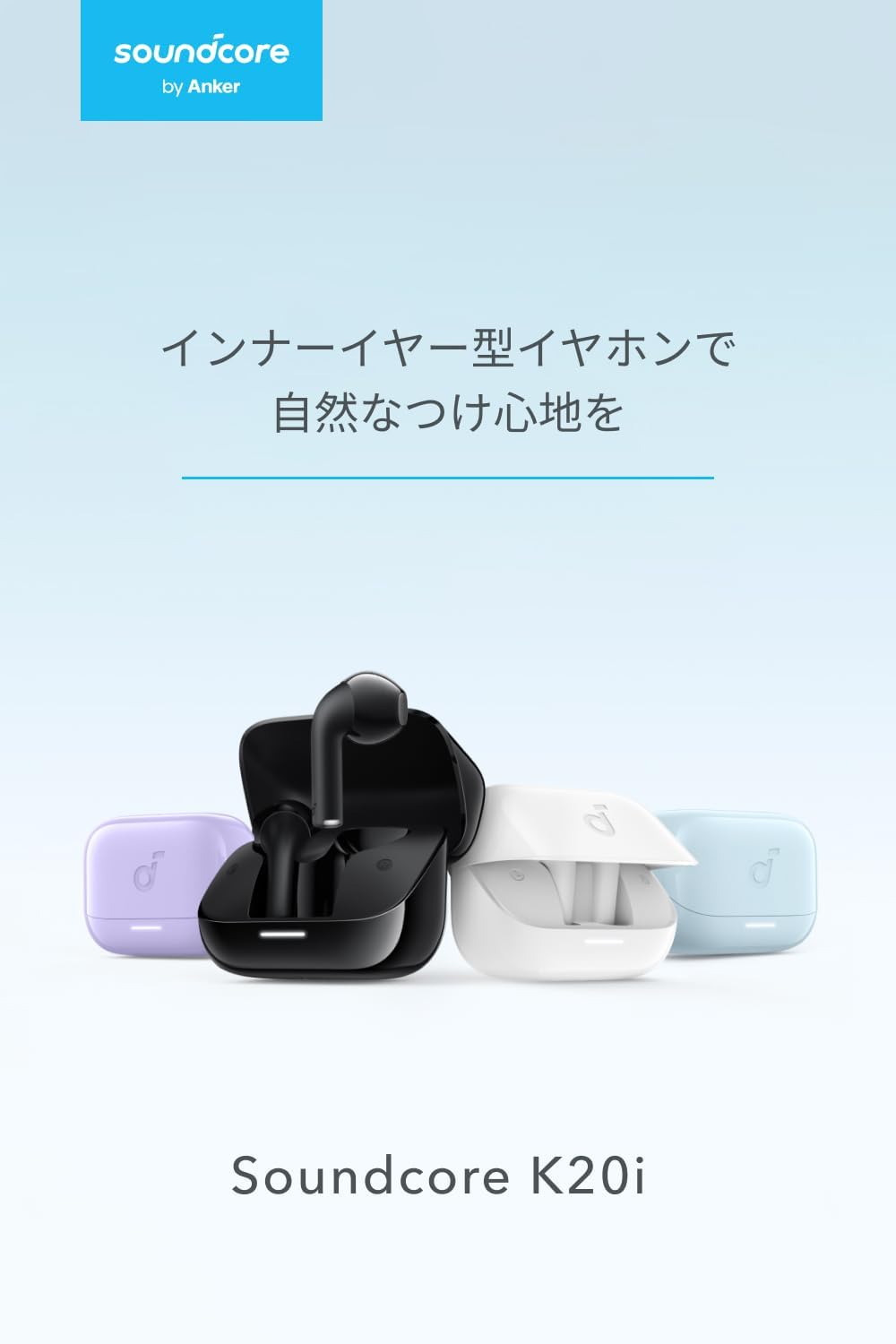
Image: The Anker Soundcore K20i earbuds removed from their charging case, indicating they are ready for Bluetooth pairing.
4. Käyttöohjeet
4.1. Korvanappikuulokkeiden käyttö
For optimal comfort and sound quality, ensure the earbuds are properly seated in your ears.
- Insert the earbuds into your ears and gently rotate them until they fit snugly and comfortably.
- Each earbud weighs approximately 3.3g, designed for extended comfortable wear without ear tips.

Image: A diagram illustrating the correct way to position the Anker Soundcore K20i earbud in the ear canal for a secure and comfortable fit.
4.2. Perussäätimet
The Soundcore K20i earbuds feature touch controls for various functions. Specific actions for single, double, or triple taps can often be customized via the Soundcore app.
4.3. Soundcore-sovellus
Paranna kuuntelukokemustasi lataamalla Soundcore-sovellus. Sovelluksen avulla voit:
- Customize sound settings and adjust the equalizer.
- Paikanna korvanapit, jos ne ovat kadonneet.
- Päivitä kuulokkeiden laiteohjelmisto.

Image: A user interacting with the Soundcore application on a smartphone, displaying various sound customization options for the earbuds.
5. Huolto
5.1. Puhdistus
Säännöllinen puhdistus auttaa ylläpitämään optimaalista suorituskykyä ja hygieniaa:
- Regularly clean the earbuds and charging case with a dry, soft, lint-free cloth.
- Vältä kovien kemikaalien tai hankaavien materiaalien käyttöä.
5.2. Vedenkestävyys (IPX5)
The earbuds are IPX5 water-resistant, meaning they can withstand splashes and sweat. This makes them suitable for workouts and light rain. Älä upota niitä veteen.

Image: Two Anker Soundcore K20i earbuds covered in water droplets, illustrating their IPX5 water-resistant design.
5.3. Varastointi
Säilytä nappikuulokkeita latauskotelossa, kun niitä ei käytetä, jotta ne eivät vaurioidu ja pysyvät ladattuina.
6. Vianmääritys
If you encounter issues with your Soundcore K20i earbuds, try the following solutions:
- Kuulokkeet eivät muodosta pariliitosta: Ensure both earbuds are charged and within range of your device. Turn off and on your device's Bluetooth.
- Only one earbud plays sound: Try placing both earbuds back into the charging case, closing it for a few seconds, then reopening. Refer to the quick start guide for specific earbud reset instructions.
- Huono äänenlaatu: Ensure the earbuds are properly seated in your ears. Try adjusting equalizer settings in the Soundcore app.
- Latausongelmat: Varmista, että latauskaapeli on kytketty kunnolla sekä koteloon että virtalähteeseen. Varmista, että nappikuulokkeiden ja kotelon sisällä olevat latauskoskettimet ovat puhtaat.
7. Tekniset tiedot
| Ominaisuus | Erittely |
|---|---|
| Mallin nimi | Soundcore K20i |
| Yhteystekniikka | Langaton (Bluetooth 5.3) |
| Korvien sijoitus | Korvassa |
| Kuulokkeiden tyyli | Korvassa |
| Impedanssi | 16 ohmia |
| Melunhallinta | None (AI Noise Reduction for calls) |
| Toistoaika (nappikuulokkeet) | Jopa 6 tuntia |
| Kokonaistoistoaika (kotelon kanssa) | Jopa 36 tuntia |
| Pikalataus | 10 minutes charge for approx. 2 hours playback |
| Earbud Weight (per earbud) | Noin 3.3 g |
| Tuotteen paino | 42.6 g |
| Vedenkestävyys | IPX5 |
| Valmistajan mallinumero | A3994 |
| Yhteensopivat laitteet | Smartphones, PCs, and other Bluetooth-compatible devices |
8. Takuu ja tuki
Anker Soundcore K20i comes with an 18 kuukauden tuotetakuu from the date of purchase. For registered members, an additional 6-month extended warranty is provided, totaling 24 months of coverage.
For product or delivery-related inquiries, please contact customer support. Anker provides dedicated Japanese customer support.

Image: Details on Anker's 18-month product warranty, an additional 6-month extended warranty for members, and information for contacting Japanese customer support.
Ask a question about this manual
Ask about setup, troubleshooting, compatibility, parts, safety, or missing instructions. Manuals+ will review the question and use this page’s manual context to help answer it.