
Tärkeitä turvallisuustietoja
VAROITUS: Before installing or using this thermostat, ensure the main power supply to the heating system is disconnected at the circuit breaker. Installation must be performed by a qualified electrician in accordance with local and national electrical codes. This thermostat is designed for high voltage systems. Failure to follow these instructions can result in electric shock, fire, or property damage.
This thermostat is intended for use with fan heaters and fan-forced units. Do not use it for any other purpose.
Tuote loppuview
The Stelpro ST402PFF is a programmable electronic thermostat designed for accurate temperature control of fan heaters and fan-forced units. It offers programming capabilities to manage heating schedules and contributes to energy efficiency. The thermostat features a clear display and touch controls for user interaction.

Kuva 1: Etuosa view of the Stelpro ST402PFF Thermostat.
Asennus ja asennus
Asennusta edeltävä tarkistuslista
- Ensure the main power supply to the heating system is OFF at the circuit breaker.
- Confirm the thermostat is compatible with your heating system's voltage (120V, 208V, or 240V) and wattage (jopa 4000 W).
- Verify that a junction box is available for mounting.
- Gather necessary tools: screwdriver, wire strippers, electrical tape, and wire nuts (included).
Termostaatin asennus
The thermostat utilizes an S3 mounting plate for secure installation. Attach the mounting plate to the junction box using appropriate screws. Ensure the plate is firmly secured before proceeding with wiring.

Figure 2: S3 Mounting Plate for secure installation.
Sähköliitäntä
This thermostat requires a three-wire electrical connection. Connect the thermostat wires to your heating system's wiring within the junction box using wire nuts. Refer to the diagram below for correct wiring. Ensure all connections are tight and secure.

Figure 3: Three-Wire Electrical Connection Diagram.
After wiring, carefully push the wires back into the junction box and attach the thermostat to the mounting plate. Restore power at the circuit breaker.
Käyttöohjeet
Peruskäyttö
The thermostat features touch controls integrated into the faceplate. Use the left and right touch controls to decrease or increase the desired temperature setpoint. The digital display shows the current temperature and is backlit when in use for improved visibility.
Programming Modes (5/2 Day)
The ST402PFF thermostat offers 5/2 day programming capability, allowing you to set different heating schedules for weekdays and weekends. This includes specific setpoints for 'wake', 'leave', 'return', and 'sleep' periods to optimize comfort and energy usage.
Consult the full programming guide (if provided separately or online) for detailed steps on setting up your customized schedules.
Lämpötehostustila
Activate the heat boost mode for a rapid increase in room temperature. This feature provides quick warmth when needed, temporarily overriding the programmed schedule.
Lämpötila-alue
The adjustable temperature range for this thermostat is from 41°F (5°C) to 86°F (30°C).
Huolto
The Stelpro ST402PFF thermostat requires minimal maintenance. Periodically wipe the exterior with a soft, damp cloth to remove dust and dirt. Do not use abrasive cleaners or solvents. No internal user-serviceable parts are present.
Vianetsintä
Thermostat Heats Up During Extended Operation
During extended periods of heating, the left side of the thermostat, where the high-power TRIAC is located, may become noticeably warm (surface temperature above 30°C). This is considered normal operation. This internal heating can temporarily affect the built-in temperature sensor, potentially causing the thermostat to cycle the heating load off prematurely and then restart it after a short interval as the TRIAC temperature decreases. The target temperature will still be reached, though the process may take slightly longer with brief pauses. This behavior is more apparent during long heating cycles, such as when recovering from significant temperature drops.
Yleiset ongelmat
- Ei näyttöä: Check the circuit breaker to ensure power is supplied to the heating system and thermostat.
- Virheellinen lämpötilalukema: Ensure the thermostat is not exposed to direct sunlight, drafts, or heat sources that could interfere with its sensor.
- Lämmitys ei käynnisty: Verify the setpoint is above the ambient temperature and that the programming schedule is active.
Tekniset tiedot
| Merkki | Stelpro |
| Mallin nimi | ST402PFF |
| Tuotteen mitat (K x L x S) | 4.94" x 4.94" x 1.38" (125.5 mm x 125.5 mm x 35 mm) |
| Väri | Valkoinen |
| Voitage Yhteensopivuus | 120 V, 208 V, 240 V |
| Suurin wattitage | 4000 W (also supports 2000 W / 3475 W) |
| Lämpötila-alue | 41°F - 86°F (5°C - 30°C) |
| Temperature Control Precision | ± 1 ° F (± 0.5 ° C) |
| Ohjelmointi | 5/2 Day Programmable |
| Tuotteen paino | 13.4 unssia |
| UPC | 626296599075 |

Figure 4: Product Dimensions of the ST402PFF Thermostat.
Takuutiedot
The Stelpro ST402PFF Programmable Electronic Thermostat is covered by a 5 vuoden takuu ostopäivästä lukien. Tämä takuu kattaa materiaali- ja valmistusvirheet normaalissa käytössä. Säilytä ostokuitti takuuvaatimuksia varten.
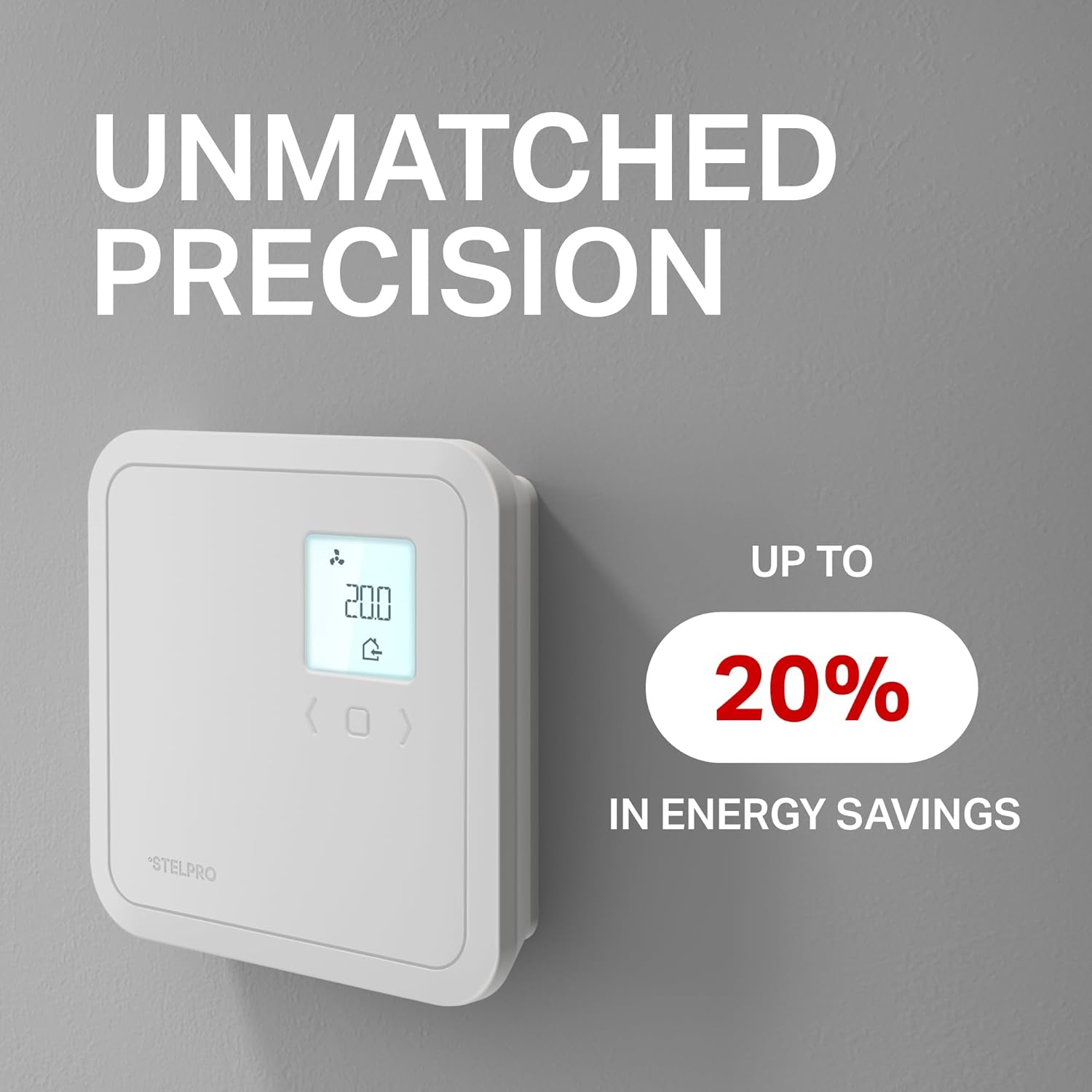
Figure 5: Warranty and Key Features Overview.
Asiakastuki
For technical assistance, troubleshooting beyond this manual, or warranty inquiries, please contact Stelpro customer service. Visit the official Stelpro websivustolta yhteystietoja ja lisäresursseja.
Stelpro Official Websivusto: www.stelpro.com


