
Johdanto
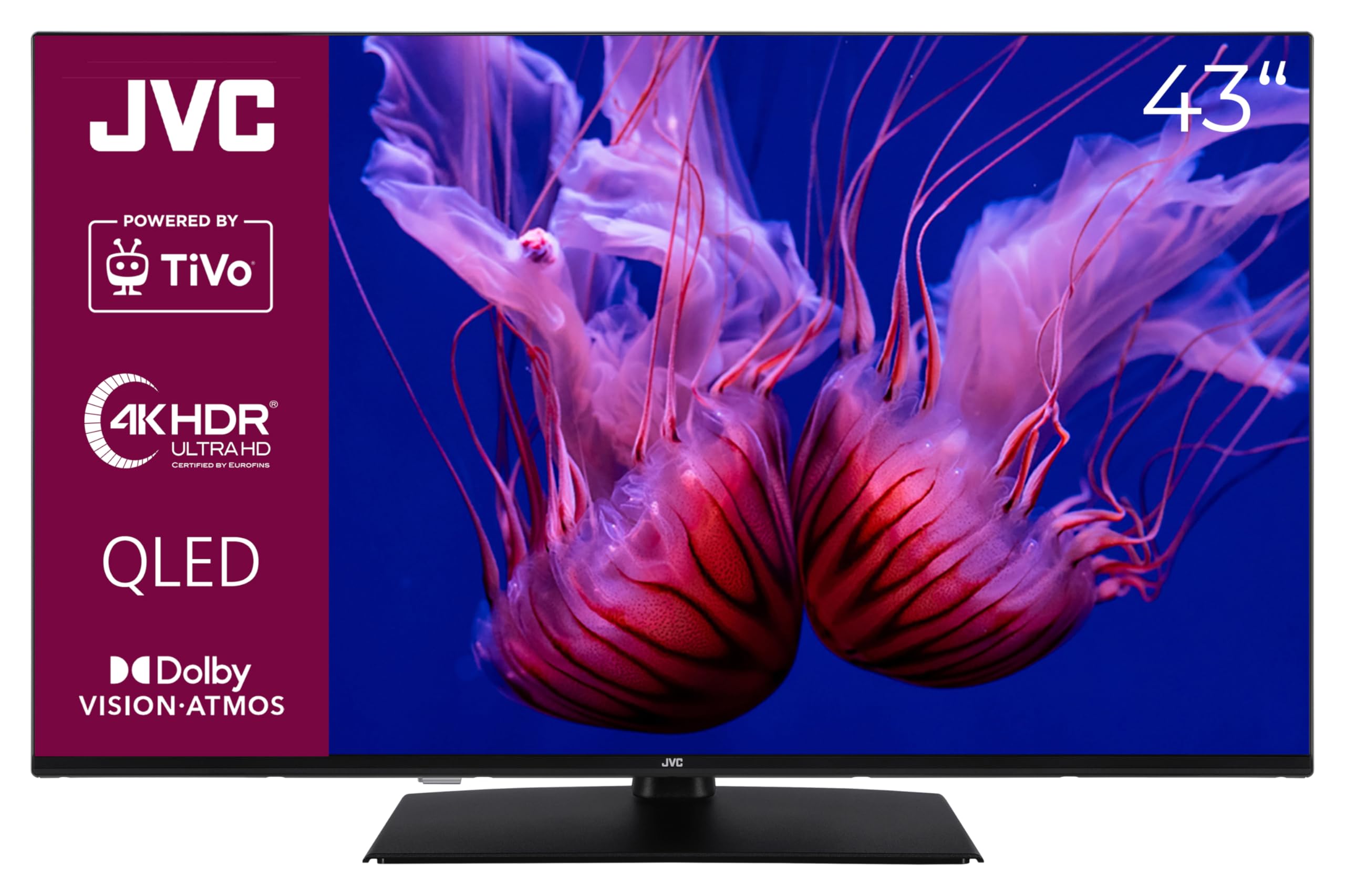
This manual provides essential information for the safe and efficient operation of your JVC LT-43VUQ3455 43-inch QLED 4K Smart TV. Please read these instructions thoroughly before using your television and retain them for future reference. This television combines brilliant 4K UHD resolution with advanced features like HDR Dolby Vision, Dolby Atmos audio, and the intuitive TiVo Smart TV operating system.
Turvallisuustiedot
Always follow basic safety precautions when using this television to reduce the risk of fire, electric shock, and injury. Do not expose the TV to rain or moisture. Do not open the cabinet; refer all servicing to qualified personnel. Ensure proper ventilation and avoid placing the TV near heat sources. Use only the power cord supplied with the unit.
Asennus
1. Laatikon purkaminen ja komponentit
Carefully remove the television and all components from the packaging. The box should contain:
- JVC LT-43VUQ3455 43-inch QLED 4K Smart TV
- Kaukosäädin kahdella AAA-paristolla
- TV Stand (feet)
- Käyttöopas
2. Jalustan asennus tai seinäkiinnitys
If using the included stand, attach the feet securely to the bottom of the television according to the diagrams in the quick start guide. For wall mounting, ensure you use a VESA-compatible bracket (M4 100x100 mm) and follow the bracket manufacturer's instructions. The TV dimensions are approximately 96.5 cm (width) x 60.8 cm (height with stand) x 23.5 cm (depth with stand).

3. Oheislaitteiden liittäminen
Connect your external devices to the appropriate ports on the rear of the television. The TV features:
- 3x HDMI 2.1 ports (CEC + ARC): Blu-ray-soittimien, pelikonsolien, soundbar-kaiuttimien jne. liittämiseen.
- 1x USB port: Median toistoon USB-asemilta.
- Digitaalinen äänilähtö (optinen): Ulkoisiin äänijärjestelmiin liittämistä varten.
- Antenna (RF/F) input: For DVB-T2/C/S2 connections.
- LAN (Ethernet) port: Kiinteää internetyhteyttä varten.
- Kuulokeliitäntä: Yksityiseen kuunteluun.
- CI-paikka: Ehdollisen pääsyn moduuleille.
- Bluetooth: For wireless audio devices and remote control.
- Wi-Fi: Langatonta internetyhteyttä varten.

4. Ensimmäinen käynnistys ja ensimmäinen asennus
After connecting all cables and plugging the TV into a power outlet, press the power button on the remote control. The TV will guide you through the initial setup process, including language selection, network connection (Wi-Fi or Ethernet), channel scanning (DVB-T2/C/S2), and TiVo account setup. Follow the on-screen prompts to complete the setup.
Käyttöohjeet
1. Kaukosäädin
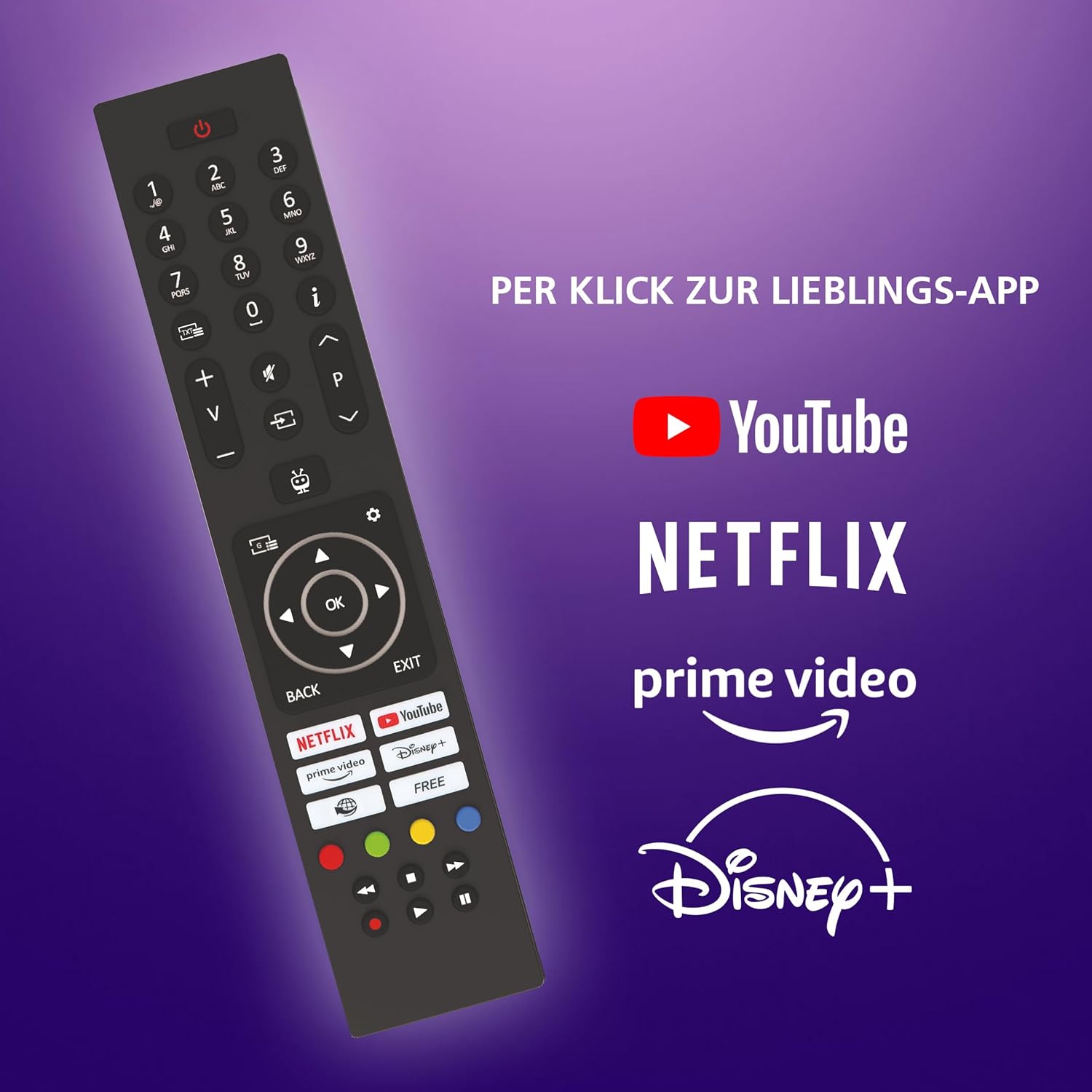
The remote control allows you to navigate the TV's interface and control various functions. Insert the two AAA batteries into the remote control. Key features include power, volume, channel, navigation buttons, and dedicated buttons for popular streaming services.
2. TiVo Smart TV Features
Your JVC TV is powered by TiVo, offering a smart and personalized entertainment experience. The TiVo interface provides intelligent navigation, personalized recommendations, and access to a wide range of applications.
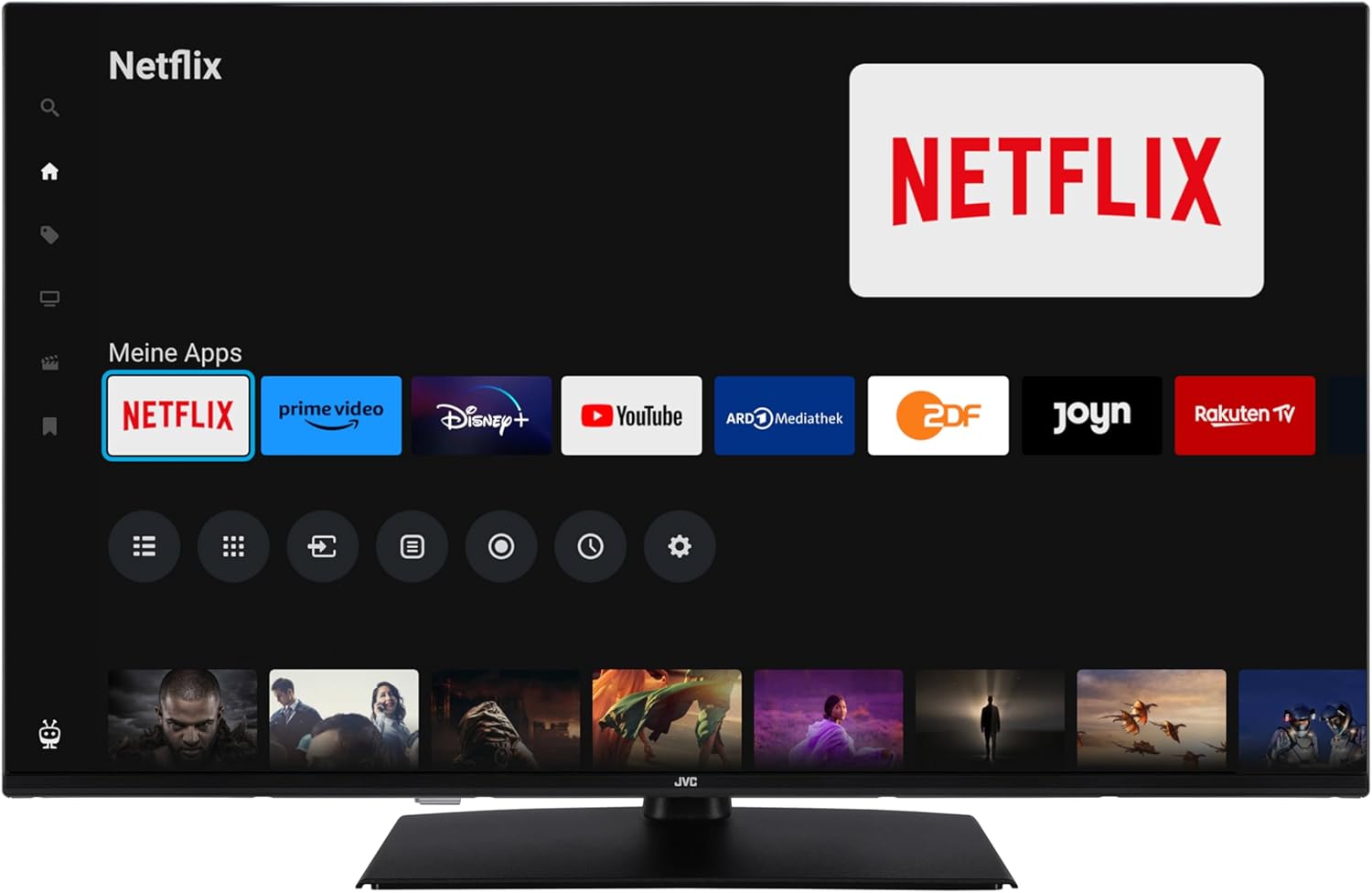
Access popular streaming services directly from the home screen, including Netflix, Prime Video, Disney+, YouTube, and DAZN. Regular software updates ensure new features and streaming options are available.

3. Kuva-asetukset
The TV offers advanced picture technologies for an optimal viewkokemus:
- 4K UHD resoluutio: Tarjoaa teräviä ja yksityiskohtaisia kuvia.
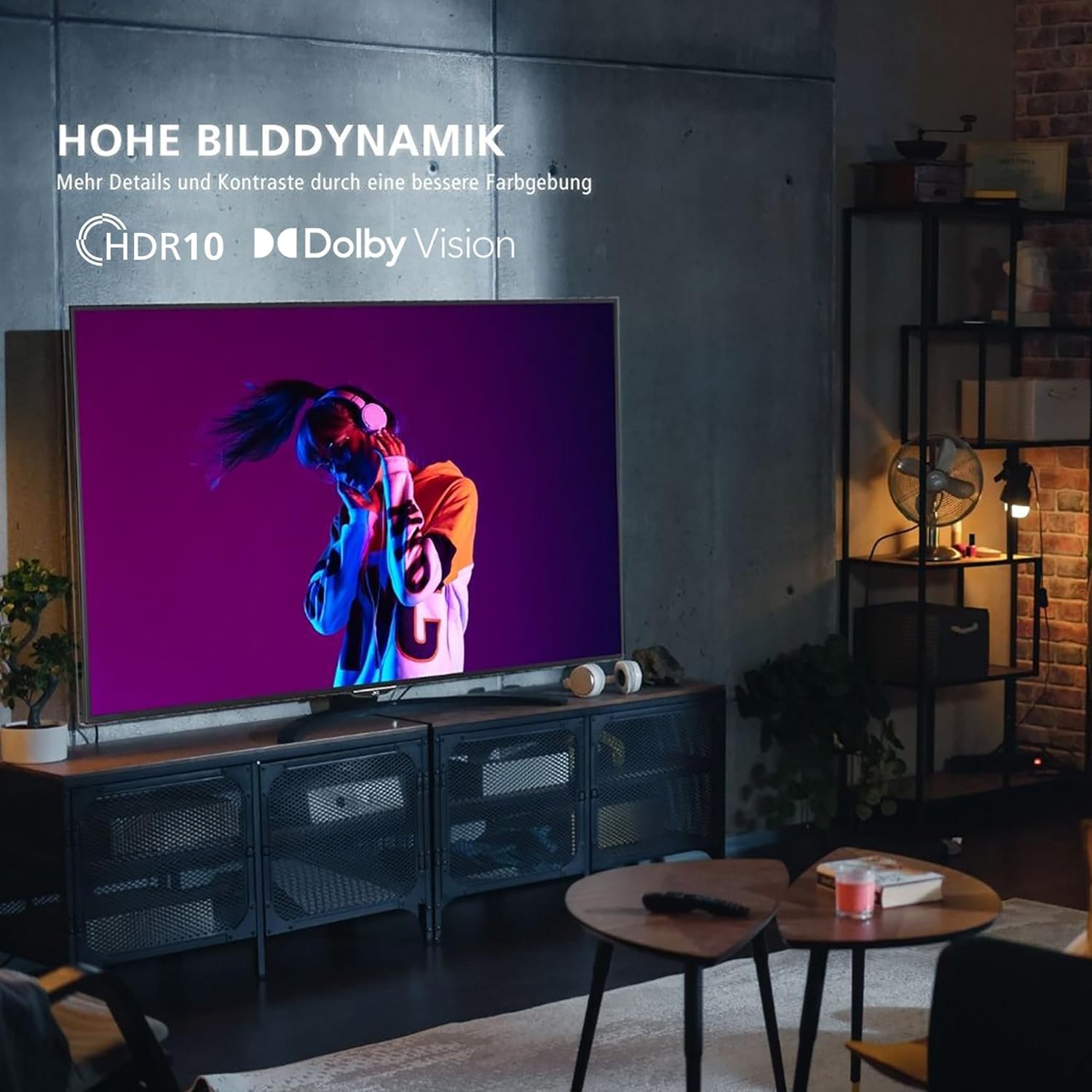
- HDR (High Dynamic Range) with Dolby Vision and HDR10: Enhances contrast and color accuracy for more realistic visuals.
- Superresoluutio: Skaalaa matalamman resoluution sisällön lähelle 4K-laatua.
- Mikrohimmennys: Parantaa kontrastia analysoimalla ja säätämällä kirkkautta näytön eri alueilla.
- MEMC (liikkeen arviointi, liikkeen kompensointi): Reduces motion blur and judder in fast-moving scenes.


4. Ääniasetukset
Koe mukaansatempaava ääni seuraavien avulla:
- Dolby Atmos: Delivers three-dimensional surround sound, placing you in the center of the action.
- DTS Virtual:X: Creates a virtual 3D sound space for an enhanced listening experience.

5. Virittimen käyttö
The integrated triple tuner supports DVB-C (cable), DVB-T2 (terrestrial), and DVB-S2 (satellite) signals, allowing you to receive various TV programs without an external receiver. During initial setup, the TV will scan for available channels. You can also access HD+ channels, with a 6-month trial included.

6. Median toisto
Connect a USB storage device to the USB port to play back compatible media files (photos, music, videos) using the TV's built-in media player.
7. Optimaalinen Viewing Etäisyys
Parhaan puolesta viewkäyttökokemuksen vuoksi, ota huomioon suositeltu istumaetäisyys televisiosi koon ja resoluution perusteella.

Huolto
1. Puhdistus
Puhdista näyttö pyyhkimällä se varovasti pehmeällä, nukkaamattomalla liinalla. Pinttyneisiin tahroihin pyyhi kevyestiampen the cloth with water or a screen-cleaning solution. Do not use harsh chemicals or abrasive materials. Clean the TV cabinet with a soft, dry cloth.
2. Ohjelmistopäivitykset
The TV may receive automatic software updates via its internet connection. Ensure your TV is connected to the internet to receive the latest features and performance improvements. Do not power off the TV during an update.
Vianetsintä
Jos televisiossasi on ongelmia, tutustu seuraaviin yleisiin ongelmiin ja ratkaisuihin:
- TV turns off unexpectedly: Check power connections. Ensure sleep timers or eco-mode settings are not configured to power off the TV. If the issue persists, contact support.
- Kaukosäädin ei vastaa: Vaihda paristot. Varmista, ettei kaukosäätimen ja television infrapunatunnistimen välissä ole esteitä.
- No signal/Cannot find channels: Verify antenna/cable connections. Perform a channel rescan through the TV settings. Ensure the correct input source is selected.
- "Cannot find HD programs" error: This message may appear even after scanning. Ensure your HD+ subscription is active if applicable. Try rescanning channels. If the message persists but channels are available, it may be a software notification that can often be dismissed.
- Poor picture/sound quality: Check cable connections. Adjust picture and sound settings in the TV menu. Ensure the source device is outputting a high-quality signal.
- Smart TV features not working: Tarkista internet-yhteytesi (Wi-Fi tai lähiverkko). Käynnistä televisio ja reititin uudelleen.
For further assistance, consult the full user manual or contact JVC customer support.
Tekniset tiedot
| Ominaisuus | Erittely |
|---|---|
| Mallinumero | LT-43VUQ3455 |
| Näytön koko | 43 tuumaa (108 cm) |
| Näyttötekniikka | QLED |
| Resoluutio | 4K UHD (3840 2160 x XNUMX XNUMX) |
| Päivitystaajuus | 120 Hz |
| HDR-tuki | Dolby Vision, HDR10, HLG |
| Äänitekniikka | Dolby Atmos, DTS Virtual:X |
| Kaiuttimen lähtöteho | 20 wattia |
| Smart TV -alusta | TiVo-älytelevisio |
| Yhteydet | 3x HDMI 2.1 (CEC+ARC), 1x USB, Bluetooth, Wi-Fi, Ethernet, Optical Audio Out |
| Virittimen tyyppi | DVB-T2/S2/C (Triple Tuner) |
| VESA-asennus | 100 x 100 mm |
| Dimensions (W x H x D with stand) | 96.5 x 60.8 x 23.5 cm |
| Paino | 7.46 kiloa |
| Vuotuinen energiankulutus (SDR) | 54 Watts (51 kWh/1000h) |
| Vuotuinen energiankulutus (HDR) | 81 kWh/1000h |
| Alkuperämaa | Turkki |
For detailed energy information, refer to the EU Energy Label and Product Data Sheet:


Takuu
This product comes with a limited warranty. Please refer to the warranty card included in the packaging or contact JVC customer service for detailed terms and conditions. Spare parts availability is guaranteed for 7 years from the date of product discontinuation.
Tukea
For technical support, product registration, or service inquiries, please visit the official JVC website or contact their customer service department. Keep your model number (LT-43VUQ3455) and purchase information readily available when seeking support.