
1. Johdanto
This manual provides essential information for setting up, operating, maintaining, and troubleshooting your Acer Aspire Lite AL15-41 laptop. Please read this guide thoroughly to ensure proper use and to maximize the lifespan of your device.
2. Asennus
2.1 Laatikon purkaminen ja alkutarkastus
Poista kaikki osat varovasti pakkauksesta. Varmista, että kaikki alla luetellut osat ovat mukana ja vahingoittumattomia.
- Acer Aspire Lite AL15-41 Laptop
- Virtajohto
- Sovitin
- Käyttöopas (tämä asiakirja)

Kuva 2.1: Etuosa view of the Acer Aspire Lite AL15-41 laptop.
2.2 Virtasovittimen kytkeminen
Connect the power adapter to the laptop's power input port and then plug the power cord into a wall outlet. The laptop can be used while charging.
2.3 Ensimmäinen käynnistys ja Windowsin asennus
Käynnistä kannettava tietokone painamalla virtapainiketta. Suorita Windows 11 Home -asennus loppuun noudattamalla näytön ohjeita. Tämä sisältää alueen ja kielen valinnan, yhteyden muodostamisen Wi-Fi-verkkoon ja käyttäjätilin luomisen.
3. Käyttöohjeet
3.1 Näppäimistö ja kosketuslevy
The laptop features a 100-/101-/104-key keyboard with an independent numeric keypad for efficient data entry. The touchpad supports multi-touch gestures for navigation.

Kuva 3.1: Yksityiskohtainen view näppäimistöstä ja kosketuslevystä.
3.2 Portit ja liitettävyys
The Acer Aspire Lite AL15-41 offers various ports for connecting external devices:
- 2 x USB 2.0 (tyyppi A)
- 1 x USB 3.2 Gen 1 (Type A)
- 1 x USB 3.2 Gen 2 (Type C)
- 1 x HDMI port for video output
- Audioliitin
For wireless connectivity, the laptop supports Wi-Fi 5 and Bluetooth 5.1.

Kuva 3.2: Sivu view illustrating the available ports.
3.3 Näytön ominaisuudet
The laptop features a 15.6-inch Full HD (1920 x 1080) TN display with a 16:9 aspect ratio. The ultra-slim design enhances the viewkokemusta.

Figure 3.3: The 15.6-inch Full HD display.
3.4 180-Degree Hinge Mechanism
The screen can be rotated 180 degrees, facilitating collaboration and flexible viewing angles. To activate this feature, press the Function + R key combination.

Figure 3.4: Laptop demonstrating the 180-degree hinge.
3.5 Akun hallinta
The laptop is equipped with a 3-cell Lithium Ion battery with 36 Watt Hours of energy content, providing up to 7 hours of battery life under normal usage conditions. For optimal battery health, avoid frequent full discharges and keep the laptop in a cool environment.
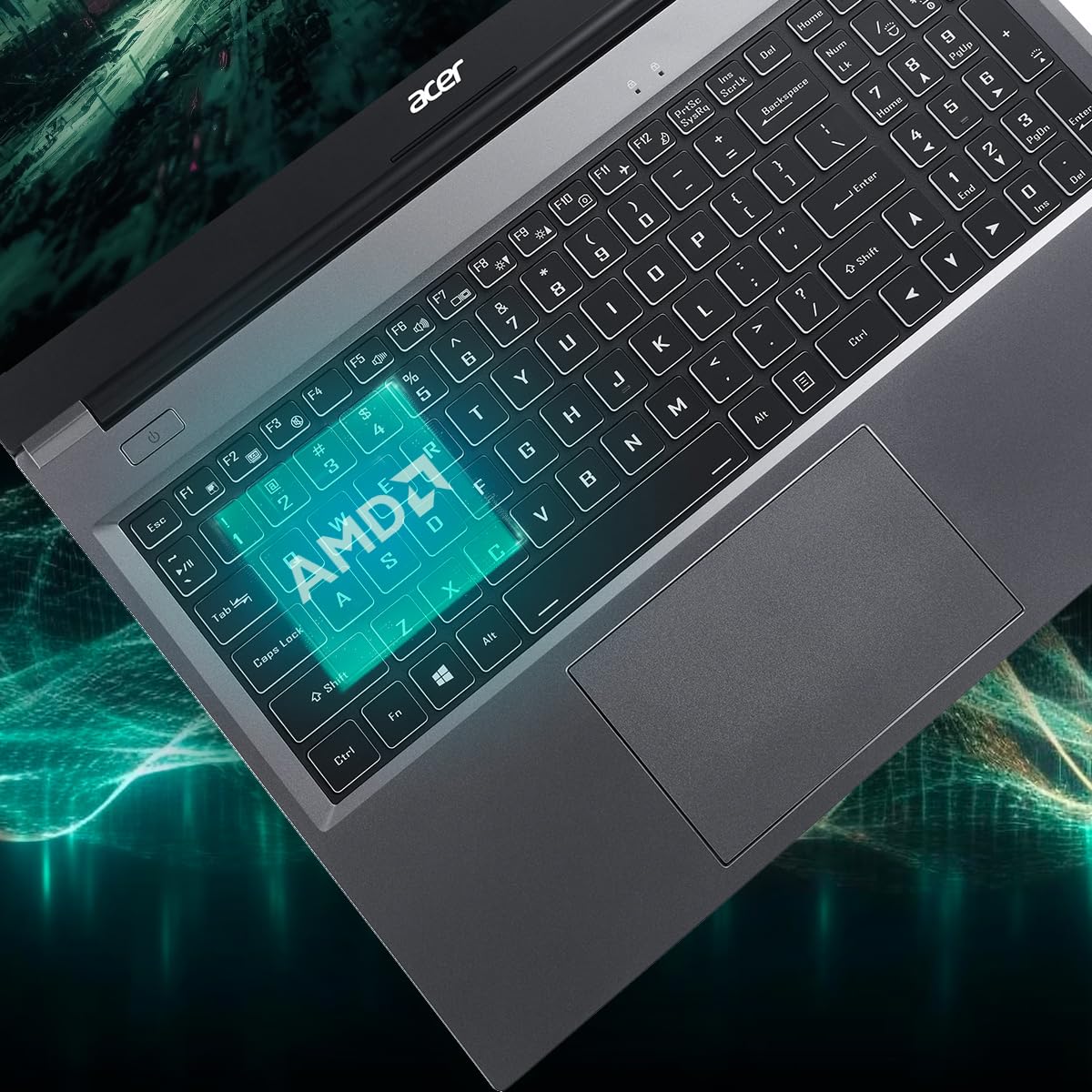
Figure 3.5: Laptop design emphasizing portability and battery life.
4. Huolto
4.1 Kannettavan tietokoneen puhdistaminen
Käytä pehmeää, nukkaamatonta liinaa hieman dampened with water or a specialized screen cleaner to clean the display. For the keyboard and chassis, use a soft brush or compressed air to remove dust. Avoid harsh chemicals or abrasive materials.
4.2 Ohjelmistopäivitykset
Regularly update your operating system (Windows 11 Home) and drivers to ensure optimal performance and security. Check the Acer support website for the latest driver updates for your AL15-41 model.
4.3 Tallennustilan ja RAM-muistin päivitykset
The laptop's 8 GB DDR4 RAM is upgradable up to 32GB across two SODIMM sockets. The 512 GB PCIe Gen3 NVMe SSD storage is upgradable up to 1 TB. For upgrades, it is recommended to consult a qualified technician or refer to Acer's official service guidelines to avoid voiding your warranty.
5. Vianmääritys
Jos kannettavan tietokoneen kanssa ilmenee ongelmia, harkitse seuraavia vianmääritysohjeita:
- Ei virtaa: Varmista, että virtalähde on kytketty kunnolla sekä kannettavaan tietokoneeseen että toimivaan pistorasiaan. Kokeile toista pistorasiaa.
- Näyttöongelmat: If the screen is blank, try connecting an external monitor to determine if the issue is with the laptop's display or graphics output.
- Hidas suorituskyky: Close unnecessary applications, check for malware, and ensure your operating system and drivers are up to date. Consider the recommended maintenance steps.
- Yhteysongelmat: For Wi-Fi or Bluetooth issues, try restarting your laptop and your router/Bluetooth device. Check device manager for driver status.
For more complex issues, refer to the online support resources available on the official Acer website or contact Acer customer support.
6. Tekniset tiedot
Detailed technical specifications for the Acer Aspire Lite AL15-41 laptop:
| Ominaisuus | Erittely |
|---|---|
| Merkki | Acer |
| Mallin nimi | Aspire Lite |
| Mallinumero | AL15-41 |
| Prosessori | AMD Ryzen 3 7330U Processor (2.3 GHz, up to 4.3 GHz) |
| Grafiikka | Integroitu AMD Radeon -näytönohjain |
| RAM | 8 GB DDR4 (Upgradable up to 32 GB) |
| Varastointi | 512 GB NVMe SSD (Upgradable up to 1 TB) |
| Näyttö | 15.6 Inches Full HD (1920 x 1080) TN LCD |
| Käyttöjärjestelmä | Windows 11 Home |
| Väri | Teräksen harmaa |
| Paino | 1.6 kiloa |
| Dimensions (L x W x Thickness) | 23.9P x 36L x 2S senttimetriä |
| USB-portit | 2 x USB 2.0 (Type A), 1 x USB 3.2 Gen 1 (Type A), 1 x USB 3.2 Gen 2 (Type C) |
| HDMI-portti | 1 |
| Langaton yhteys | Wi-Fi 5, Bluetooth 5.1 |
| Akun kesto | 7 Hours (36 Watt Hours Lithium Ion) |
| Näppäimistö | Chiclet with numeric keypad |
| Kosketuslevy | Clickpad, Multi-touch |
| Webnokka | Kyllä (edessä) |
7. Takuu ja tuki
7.1 Takuutiedot
Your Acer Aspire Lite AL15-41 laptop comes with a 1-Year Manufacturer Warranty. Please retain your proof of purchase for warranty claims. The warranty covers manufacturing defects under normal use conditions.
7.2 Manufacturer and Importer Contact
Valmistaja: Acer
Maahantuoja: ACER INDIA PRIVATE LIMITED
Embassy Heights, 6th Floor, No. 13, Magrath Road, Next to HOSMAT Hospital, Bangalore, INDIA – 560025
Pakkaaja: ACER INDIA PRIVATE LIMITED
RS No.38/2, Sedarpet Village, Villanur Commune, Poducherry - 605111.
7.3 Asiakastuki
Jos tarvitset teknistä tukea, ajurilatauksia tai huoltopyyntöjä, käy Acerin virallisella tukisivustolla. website or contact their customer service directly. You can find contact details and support resources on the Acer India websivusto.