
1. Johdanto
Welcome to your new Fire-Boltt Maverick Smartwatch. This manual provides essential information for setting up, operating, and maintaining your device. Please read it carefully to ensure optimal performance and longevity of your smartwatch.
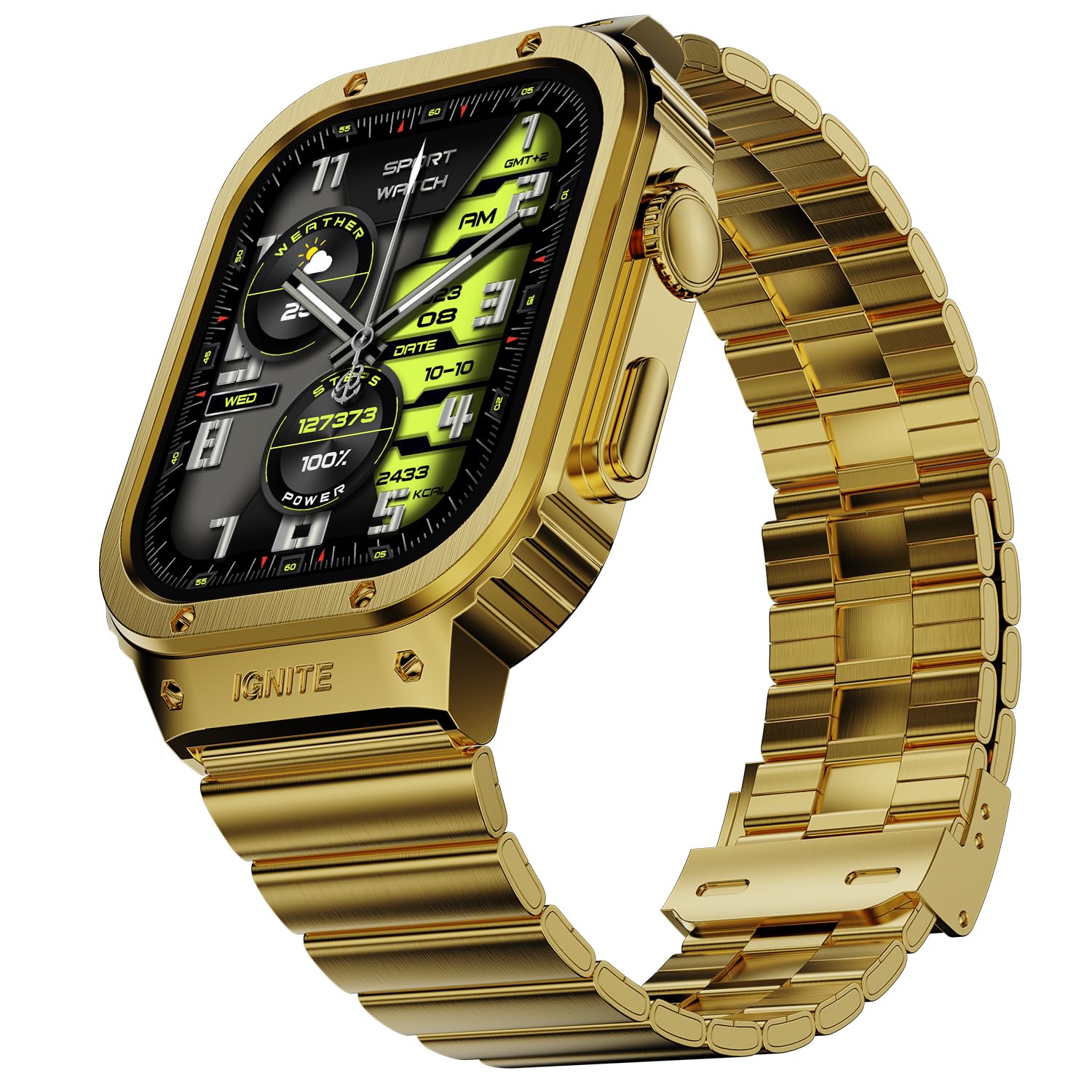
Image 1: Fire-Boltt Maverick Smartwatch, Gold variant.
2. Mitä laatikossa on
Upon unboxing your Fire-Boltt Maverick Smartwatch, verify that all the following items are included:
- Fire-Boltt Maverick Smartwatch
- Latauskaapeli
- Takuukortti
- Käyttöopas (tämä asiakirja)

Image 2: Contents of the Fire-Boltt Maverick Smartwatch packaging.
3. Aloitus
3.1. Laitteen lataaminen
Before initial use, fully charge your smartwatch. Connect the provided charging cable to the charging port on the back of the watch and to a 3.7V to 5V adapter or a laptop USB port. A full charge takes approximately 3 hours. For a minimum 20% charge, charge for 30-40 minutes.
3.2. Yhdistäminen älypuhelimeen
To unlock the full functionality of your Fire-Boltt Maverick Smartwatch, pair it with your smartphone via the dedicated companion application. The application name can typically be found in the quick start guide or by scanning a QR code on the watch or packaging.
- Lataa ja asenna kumppanisovellus Android-älypuhelimeesi.
- Varmista, että Bluetooth on käytössä älypuhelimellasi.
- Open the app and follow the on-screen instructions to search for and connect to your Fire-Boltt Maverick Smartwatch.
- Vahvista pariliitospyyntö sekä puhelimellasi että älykellollasi.
4. Älykellon käyttö
4.1. Näyttö ja navigointi
The Fire-Boltt Maverick features a 2.02-inch IPS display with 320x385 pixel resolution and up to 700 Nits brightness for clear visuals. Navigate through menus and features using touch gestures and the physical buttons, including a rotating crown.

Kuva 3: Yksityiskohtainen view of the smartwatch display specifications.
4.2. Viestintäominaisuudet
- Bluetooth-puhelut: Make and receive calls directly from your wrist using the built-in microphone and speaker. Access recent calls, a dial pad, and sync contacts through the watch interface.
- Ääni-avustaja: Interact with your smartwatch using voice commands. The watch supports voice assistance for various tasks.
- Älykkäät ilmoitukset: Saat hälytykset puheluista, viesteistä ja sovellusilmoituksista suoraan ranteeseesi.

Image 4: Bluetooth Calling interface on the smartwatch.

Image 5: Smart Notifications and Voice Assistant features.
4.3. Terveydentilan seuranta
Fire-Boltt Health Suite tarjoaa kattavat terveyden seurantaominaisuudet:
- Sykkeen seuranta: Seuraa sykettäsi koko päivän.
- SpO2-valvonta: Mittaa veresi happitasot.
- Unenvalvonta: Seuraa unirytmiäsi ja -laatuasi.
- Askeleet ja kalorit: Count your steps and estimate calories burned.
- Verenpaine: Tarkkaile verenpainettasi.
- Naisten terveydenhuolto: Naisten terveyden seurantaominaisuudet.
- Muistutus istumisesta: Saat hälytyksiä liikkumisesta käyttämättömyysjaksojen jälkeen.
- Muistutus juomavedestä: Vastaanota muistutuksia nesteytyksen ylläpitämisestä.
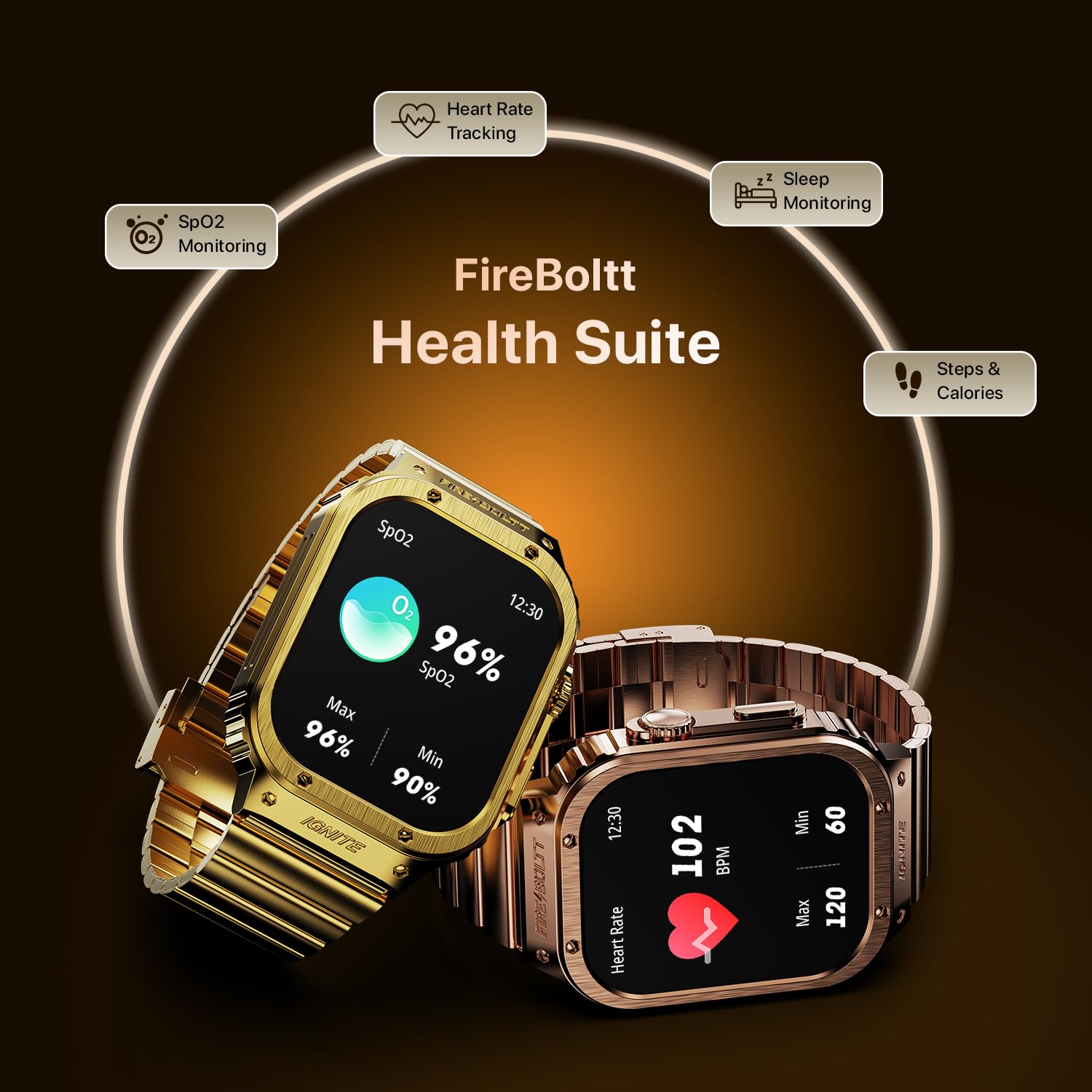
Image 6: Health monitoring features including SpO2 and Heart Rate.
4.4. Kuntoilun seuranta
The smartwatch supports 128 sports modes to track various physical activities, helping you monitor and optimize your workouts.
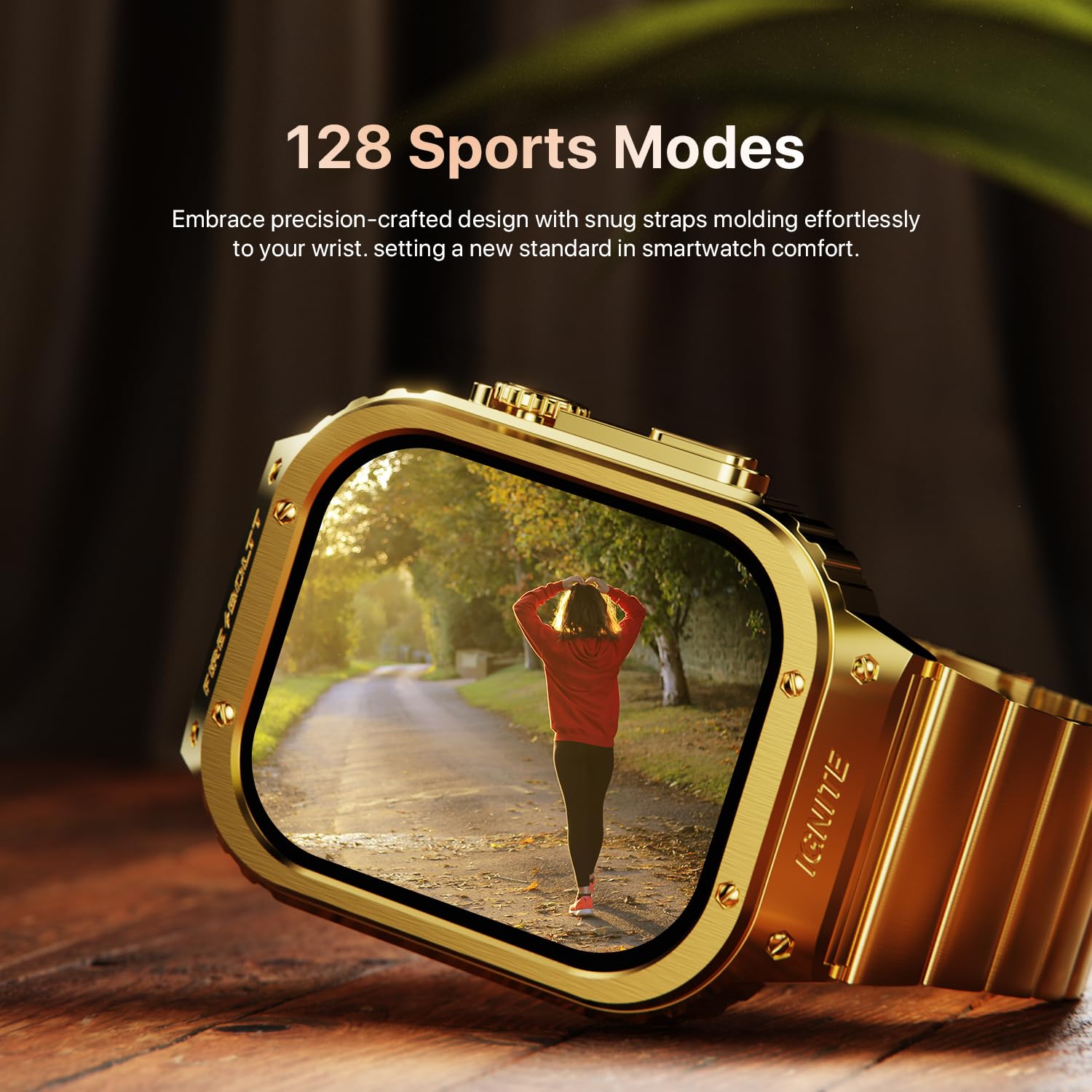
Image 7: Smartwatch interface showing various sports modes.
4.5. Lisäominaisuudet
- Sääpäivitykset: Hanki reaaliaikaisia sääennusteita.
- Laskin: Suorita peruslaskutoimitukset ranteessasi.
- Sisäänrakennetut pelit: Enjoy pre-installed games.
- Kameran ohjaus: Ohjaa älypuhelimesi kameraa etänä.
- Herätys, Sekuntikello, Ajastin: Olennaiset ajanhallintatyökalut.
- Useita kellotauluja: Customize your watch's appearance with various watch faces.
- Etsi puhelin: Paikanna paritettu älypuhelin.

Kuva 8: ohiview of additional smart features.
5. Akun tiedot
The Fire-Boltt Maverick Smartwatch is equipped with a 300mAh Lithium-Ion battery. It offers an average battery life of 5 days with typical usage and up to 30 days on standby. Charging from 0% to 100% takes approximately 3 hours.

Image 9: Smartwatch build quality and battery details.
6. Hoito ja huolto
The Fire-Boltt Maverick Smartwatch has an IP67 rating, making it water-resistant. This means it can withstand splashes, rain, and brief immersion in water up to 1 meter. However, it is not recommended for swimming or showering. To maintain your device:
- Pyyhi kello säännöllisesti pehmeällä, kuivalla liinalla.
- Vältä kellon altistamista äärimmäisille lämpötiloille tai voimakkaille kemikaaleille.
- Varmista, että latausportti on kuiva ennen lataamista.
7. Vianmääritys
If you encounter issues with your smartwatch, try the following:
- Kello ei käynnisty: Varmista, että kello on ladattu täyteen.
- Ei voi yhdistää puhelimeen: Tarkista, onko Bluetooth käytössä puhelimessasi ja onko kello kantaman sisällä. Käynnistä molemmat laitteet uudelleen ja yritä pariliitosta uudelleen.
- Epätarkat terveystiedot: Ensure the watch is worn snugly on your wrist and the sensors are clean.
- Ilmoitukset eivät näy: Check app permissions on your phone and ensure notifications are enabled in the companion app.
8. Tekniset tiedot
Key technical specifications for the Fire-Boltt Maverick Smartwatch:
| Ominaisuus | Erittely |
|---|---|
| Mallin nimi | Maverick |
| Mallinumero | BSW177 |
| Näytön koko | 2.02 tuumaa (51.3 mm) |
| Näytön tyyppi | IPS LCD |
| Resoluutio | 320 x 385 pikseliä |
| Max Display Brightness | 700 nittiä |
| Yhteydet | Bluetooth |
| Akun kapasiteetti | 300 mAh Lithium-Ion |
| Akun kesto (keskimäärin) | 5 päivää |
| Akun kesto (valmiustila) | 30 päivää |
| Latausaika | 3 tuntia |
| Vedenkestävyys | IP67 luokitus |
| Kotelon materiaali | Sinkkiseos |
| Bandin materiaali | Ruostumaton teräs |
| Kellon mitat | 56.7mm x 41.9mm |
| Kaistan leveys | 22 mm |
| Bandin pituus | 275 mm |
| Paino | 250 grammaa |
| Yhteensopivat laitteet | Android-älypuhelimet |
| Mitatut mittarit | Heart Rate, SpO2, Blood Pressure, Sleep, Steps, Calories, Distance, Breath Rate |

Image 10: Smartwatch size chart and dimensions.
9. Takuu ja tuki
Your Fire-Boltt Maverick Smartwatch comes with a 1-year limited brand warranty. For warranty registration and support, please visit the official Fire-Boltt warranty registration portal:
For further assistance, refer to the contact information provided on your warranty card or the official Fire-Boltt websivusto.