
1. Johdanto
The PNI PMR R70 PRO is a portable PMR446 radio designed for reliable communication. This device operates on the 446 MHz frequency band, offering 16 channels and 99 PC programmable channels. It features 50 CTCSS tones and 166 DCS tones for enhanced privacy and interference reduction. With an IP67 rating, the radio is protected against dust and water immersion, making it suitable for various environments. No license is required for operation in most European Union countries.
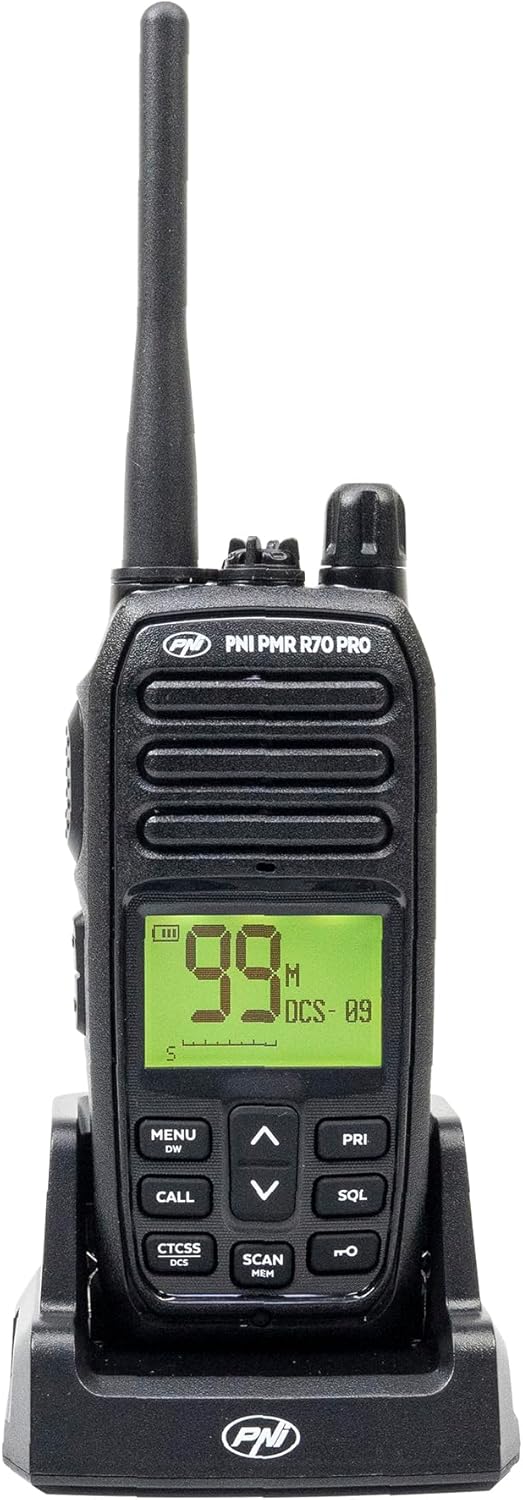
Kuva 1.1: Edessä view of the PNI PMR R70 PRO portable radio, showing the display and control buttons.
2. Pakkauksen sisältö
Varmista, että pakkauksessasi on kaikki alla luetellut tuotteet:
- PNI PMR R70 PRO Radio Unit
- Antenni
- 1800 mAh akku
- Pöytälaturi
- Vyöklipsi
- Käyttöopas
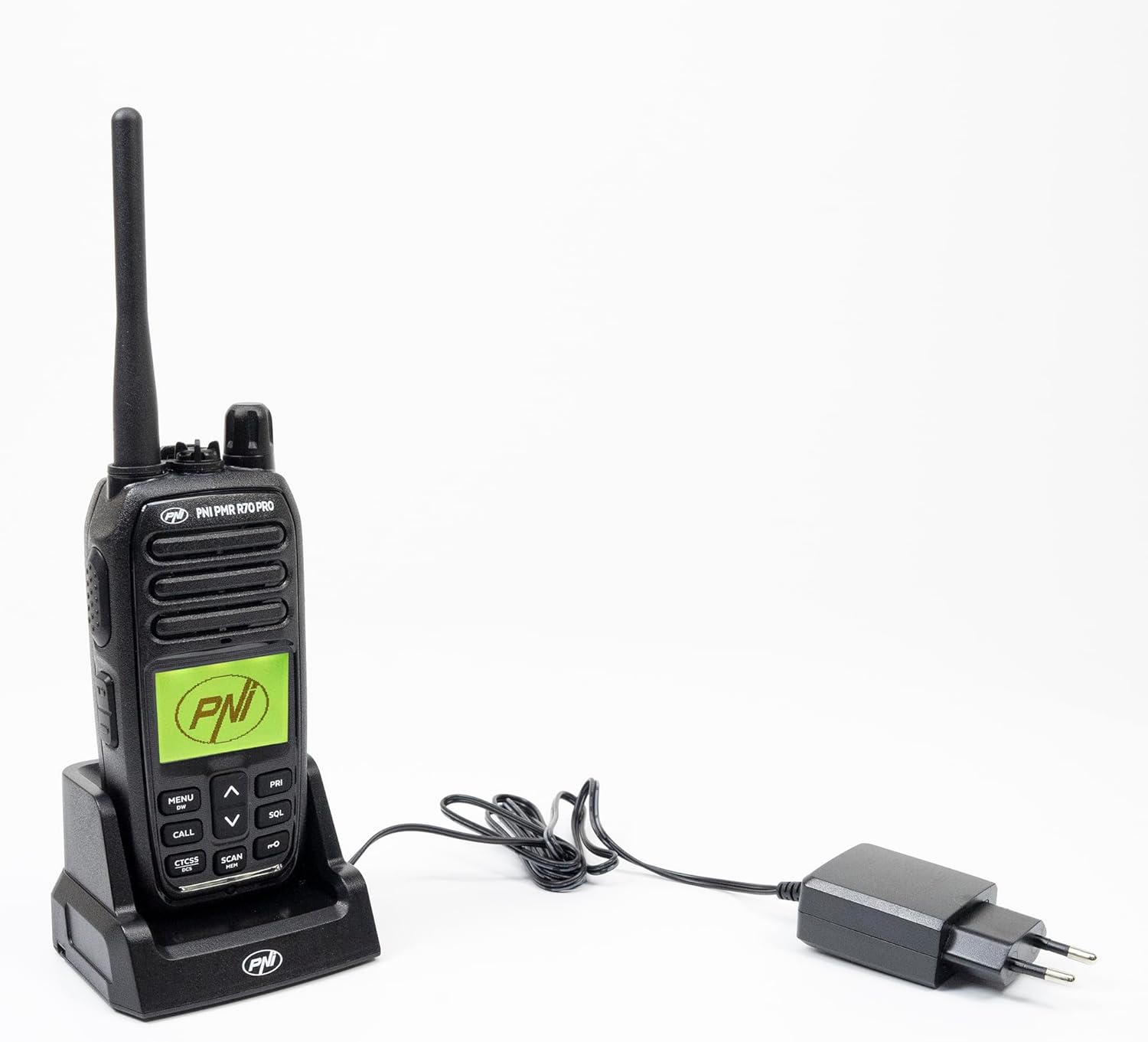
Image 2.1: All components included in the PNI PMR R70 PRO package: radio, antenna, battery, desktop charger, and belt clip.
3. Asennus
3.1 Akun asennus
- Varmista, että radio on sammutettu.
- Paikanna paristolokeron kansi radion takaa.
- Unscrew the retaining screw and carefully remove the cover.
- Insert the 1800 mAh battery into the compartment, ensuring the contacts align correctly.
- Aseta paristolokeron kansi takaisin paikalleen ja kiinnitä se ruuvilla.

Kuva 3.1: Takaosa view of the PNI PMR R70 PRO radio with the battery compartment open, showing the battery and its connection.
3.2 Akun lataaminen
- Connect the desktop charger to a power outlet.
- Place the radio unit into the charging cradle. Ensure the charging contacts on the radio align with those on the charger.
- The charging indicator light on the charger will illuminate, typically red for charging and green for fully charged.
- Täysi lataus kestää yleensä useita tunteja. Älä ylilataa akkua.
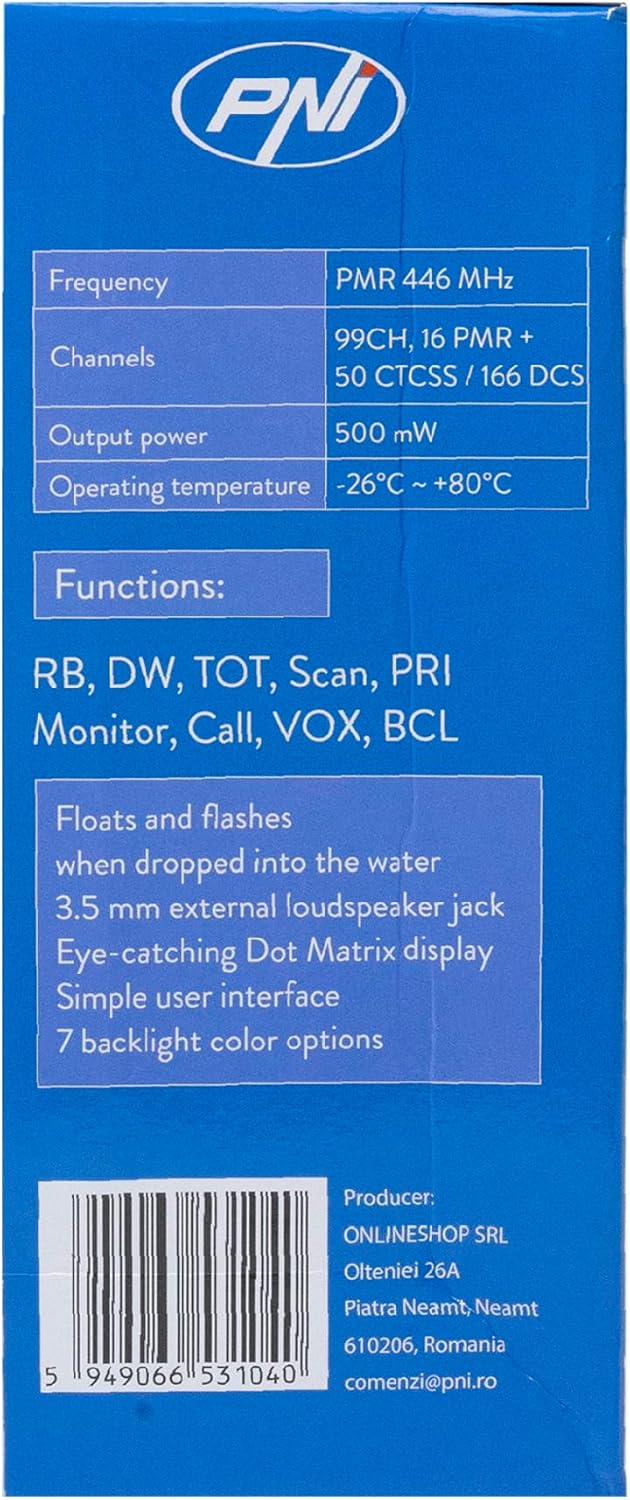
Image 3.2: The PNI PMR R70 PRO radio placed in its desktop charging cradle, connected to a power adapter.
4. Käyttöohjeet
4.1 Virta päälle/pois
To power on the radio, rotate the power/volume knob clockwise until you hear a click. To power off, rotate the knob counter-clockwise until it clicks.
4.2 Äänenvoimakkuuden säätö
Käännä virta-/äänenvoimakkuusnuppia myötäpäivään lisätäksesi äänenvoimakkuutta ja vastapäivään vähentääksesi sitä.
4.3 Kanavan valinta
Käytä UP (^) ja ALAS (v) arrow buttons on the front panel to select one of the 16 available channels. The selected channel number will be displayed on the screen.
4.4 Lähetys ja vastaanotto
- Lähetettäväksi: Press and hold the Push-To-Talk (PTT) button located on the side of the radio. Speak clearly into the microphone. Release the PTT button to stop transmitting.
- Vastaanotettava: Varmista, ettei PTT-painiketta ole painettu. Radio vastaanottaa automaattisesti signaaleja valitulta kanavalta.
4.5 Erikoisominaisuudet
- CTCSS/DCS-äänet: The radio supports 50 CTCSS (Continuous Tone-Coded Squelch System) and 166 DCS (Digitally Coded Squelch) tones. These tones help filter out unwanted conversations on the same channel. Refer to the full user guide for programming instructions.
- Skannaustoiminto: Activate the scan function to monitor all active channels. The radio will stop on an active channel until the transmission ends.
- Kaksoisvalvonta (DW): This feature allows the radio to monitor two channels simultaneously.
- Roger piippaa: An audible tone emitted when the PTT button is released, signaling the end of your transmission.
- Näppäimistön lukitus: Estää asetusten tahattomat muutokset.
- PC Programmable Channels: The radio supports 99 PC programmable channels. This requires a specific programming cable (PNI - PSR70) and software.

Image 4.1: The PNI PMR R70 PRO radio connected to a laptop via a programming cable for channel and feature customization.
5. Huolto
5.1 Puhdistus
Pyyhi radio pehmeällä, damp liinalla. Älä käytä voimakkaita kemikaaleja tai hankaavia puhdistusaineita. Varmista, että radio on kuiva ennen käyttöä tai lataamista.
5.2 Vedenkestävyys (IP67)
The PNI PMR R70 PRO is rated IP67, meaning it is fully protected against dust ingress and can withstand immersion in water up to 1 meter for 30 minutes. While robust, avoid unnecessary exposure to water and ensure all covers (e.g., battery cover, accessory port cover) are securely closed before exposing the radio to water.

Image 5.1: The PNI PMR R70 PRO radio with water droplets, illustrating its IP67 water resistance feature.
6. Vianmääritys
If you encounter issues with your PNI PMR R70 PRO radio, consider the following common troubleshooting steps:
- Ei virtaa: Varmista, että akku on asennettu oikein ja täyteen ladattu. Tarkista, että virta-/äänenvoimakkuusnuppi on päällä.
- Ei voi lähettää tai vastaanottaa: Verify that you are on the correct channel. Check if the PTT button is functioning. Ensure the antenna is securely attached.
- Huono äänenlaatu: Adjust the volume. Ensure the microphone and speaker are not obstructed. Move to an area with fewer obstructions for better signal.
- Lyhyt kantama: Obstacles like buildings and terrain can significantly reduce range. Operate in open areas for maximum range. Ensure the battery is fully charged.
- Näppäimistö ei reagoi: Check if the keypad lock feature is activated. Deactivate it if necessary.
For persistent issues, consult the comprehensive user guide or contact customer support.
7. Tekniset tiedot
| Ominaisuus | Erittely |
|---|---|
| Merkki | PNI |
| Mallinumero | PNI-R70-PRO |
| Taajuusalue | 446.00625 ~ 446.19375 MHz |
| Kanavien lukumäärä | 16 (PMR), 99 PC Programmable |
| Lähtöteho | 0.5 W |
| CTCSS-äänet | 50 |
| DCS Tones | 166 |
| Kansainvälinen turva-arviointi | IP67 (Dustproof, Submersible up to 1m for 30 min) |
| Akku | 1800 mAh (sisältyy pakkaukseen) |
| Keskimääräinen akun käyttöikä | 18 tuntia |
| Voitage | 7.4 volttia (DC) |
| Suurin kantama | Up to 10 Kilometers (open space) |
| Käyttölämpötila | -26°C ~ +80°C |
| Tuotteen mitat (S x L x K) | 6P x 13l x 4K senttimetriä |
| Tuotteen paino | 225 grammaa |
| Erikoisominaisuudet | Digital Display, Rechargeable, Roger Beep, Submersible, Keypad Lock |
8. Takuu ja tuki
8.1 Takuutiedot
The PNI PMR R70 PRO radio comes with a 2 vuoden takuu ostopäivästä lukien. Tämä takuu kattaa valmistusvirheet normaalissa käytössä. Säilytä ostokuitti takuuvaatimuksia varten.
8.2 Asiakastuki
For technical assistance, troubleshooting, or warranty service, please contact your retailer or the manufacturer's customer support. Refer to the contact information provided in your purchase documentation.