
Johdanto
Thank you for choosing the LEXIP Madara Design Headset. This manual provides detailed instructions for setting up, operating, and maintaining your headset. Please read this manual thoroughly before use to ensure optimal performance and longevity of your device.
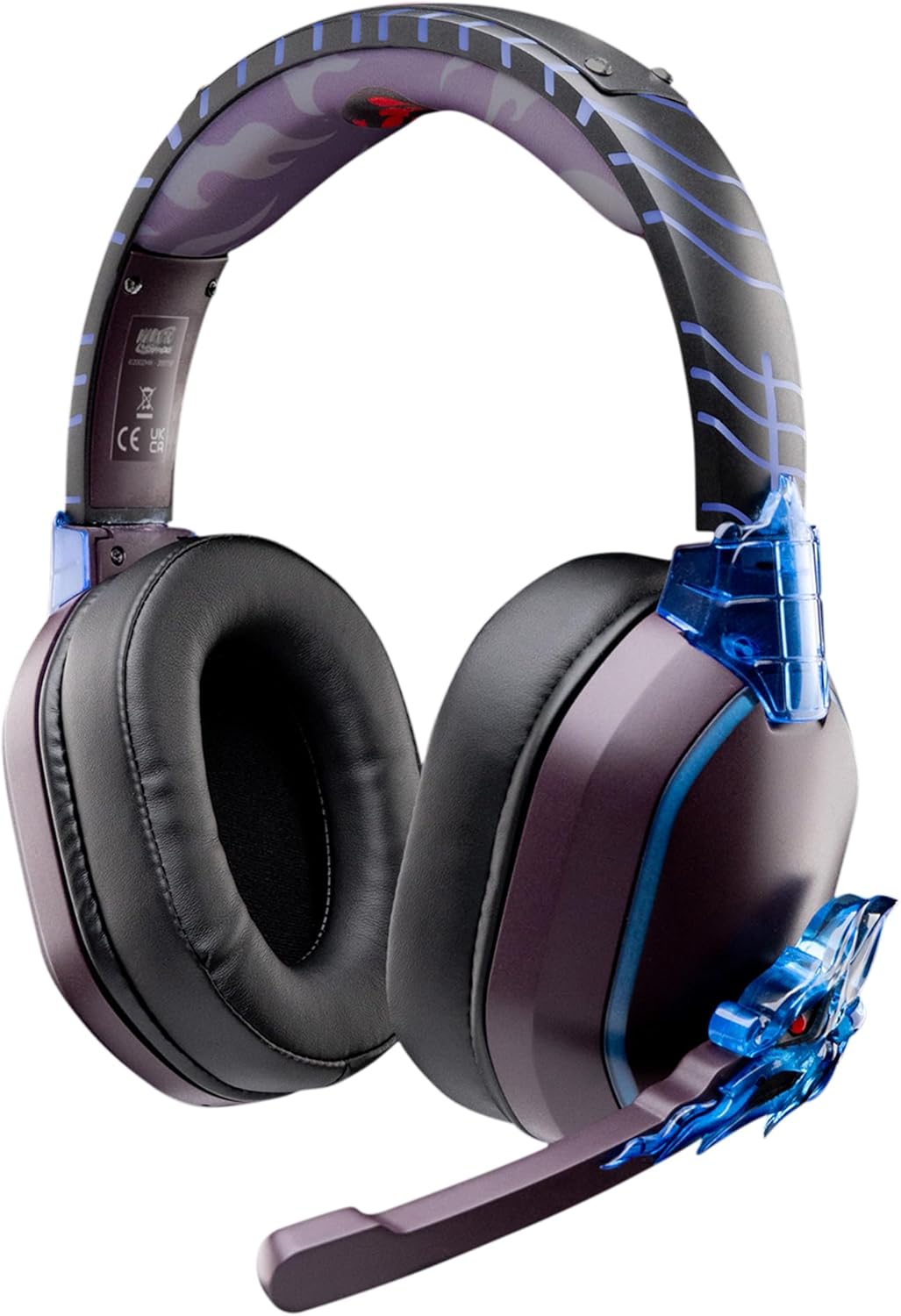
Image: The LEXIP Madara Design Headset, featuring a distinctive purple and blue color scheme with intricate design elements inspired by Madara.
Pakkauksen sisältö
Varmista, että pakkauksessa on kaikki tarvittavat osat:
- LEXIP Madara Design Headset
- Irrotettava mikrofoni
- 3.5 mm audiokaapeli
- USB-latauskaapeli
- Käyttöopas
Tuote loppuview
Familiarize yourself with the components and design features of your headset.

Image: Close-up of the headset's ear cup, highlighting the intricate blue dragon design element.

Kuva: View of the soft earcups and adjustable headband, designed for comfort during extended use.
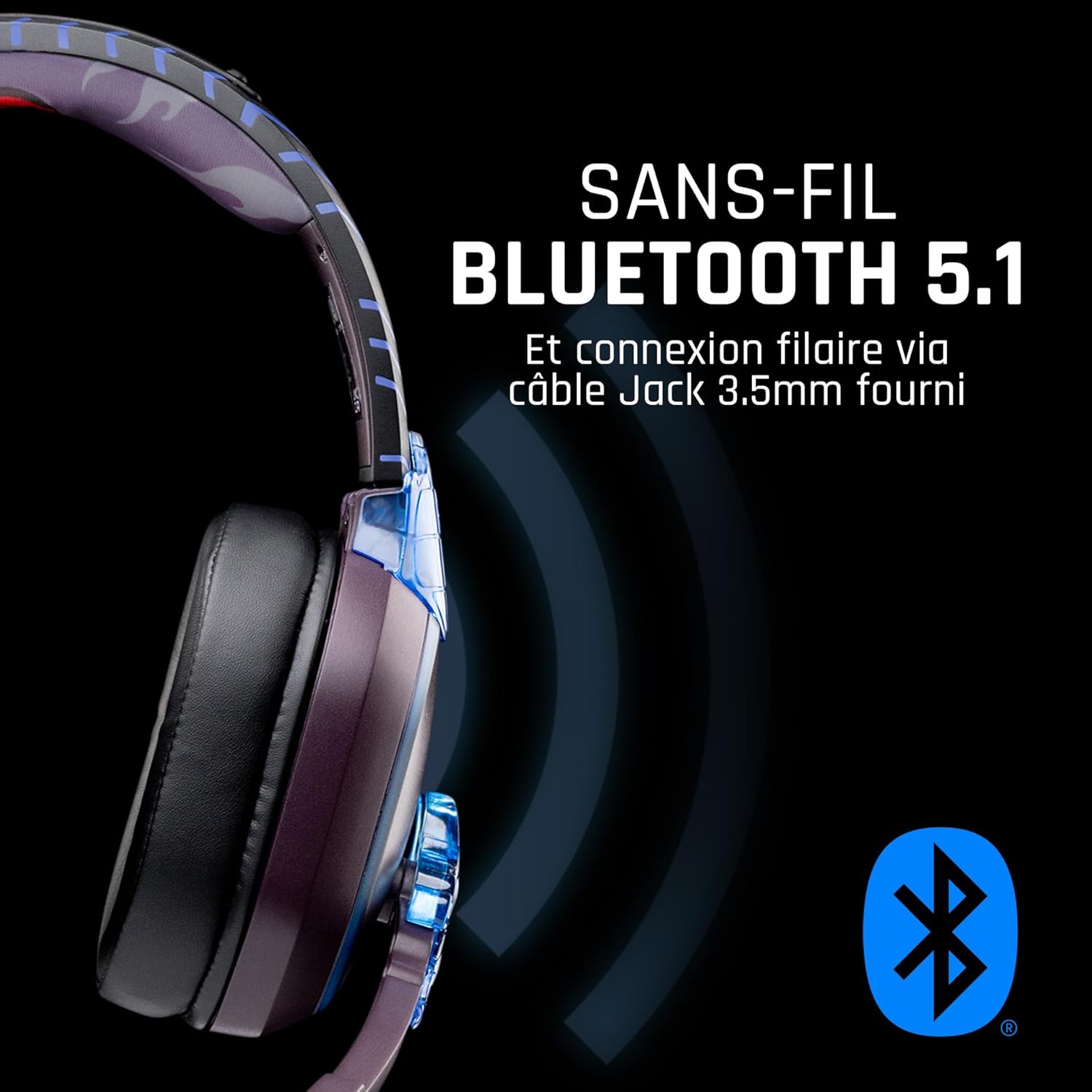
Kuva: Sivu view of the headset, illustrating its wireless Bluetooth 5.1 capability and connection points.

Image: The headset displayed on a stand, alongside a matching game controller, showcasing its gaming application.
Tärkeimmät ominaisuudet:
- Langaton Bluetooth 5.1: For seamless wireless audio.
- Langallinen yhteys: Via the included 3.5mm Jack cable.
- Irrotettava mikrofoni: For clear communication and versatility.
- Äänenvoimakkuuden säätö: Integrated controls for easy audio adjustment.
- Äänieristys: Passive noise reduction for an immersive experience.
- Mukava muotoilu: Adjustable headband and over-ear form factor.
Asennus
1. Kuulokkeen lataaminen
- Liitä USB-latauskaapeli kuulokkeiden latausporttiin.
- Liitä USB-kaapelin toinen pää yhteensopivaan USB-virtalähteeseen (esim. tietokoneen USB-porttiin tai USB-seinäsovittimeen).
- The LED indicator on the headset will show the charging status. A full charge typically takes approximately 2-3 hours.
2. Mikrofonin kiinnittäminen
- Locate the microphone input port on the headset, usually on the left earcup.
- Kohdista irrotettava mikrofoniliitin porttiin ja työnnä sitä varovasti sisään, kunnes se napsahtaa paikalleen.
- Säädä mikrofonin asentoa optimaalisen äänentallennuksen saavuttamiseksi.
Käyttöohjeet
1. Virta päälle / pois
- Virran kytkeminen: Paina virtapainiketta ja pidä sitä painettuna noin 3 sekuntia, kunnes LED-merkkivalo syttyy.
- Virran sammuttaminen: Paina virtapainiketta ja pidä sitä painettuna noin 5 sekuntia, kunnes LED-merkkivalo sammuu.
2. Bluetooth-pariliitos (langaton tila)
- Varmista, että kuulokkeista on katkaistu virta.
- Press and hold the Power button for approximately 5-7 seconds until the LED indicator flashes rapidly, indicating pairing mode.
- On your device (Windows 10/11, Mac, PS5, PS4, Xbox Series X/S, Xbox One, Nintendo Switch, Android, iOS, tablets), navigate to Bluetooth settings.
- Etsi available devices and select "LEXIP Madara Headset" (or similar name).
- Kun pariliitos on muodostettu, LED-merkkivalo lakkaa vilkkumasta ja pysyy tasaisena sinisenä.
3. Wired Connection (3.5mm Jack)
- Insert one end of the 3.5mm audio cable into the headset's audio jack.
- Insert the other end into the 3.5mm audio port of your desired device.
- The headset will operate in passive wired mode, even if the power is off.
4. Äänenvoimakkuuden säätö
- Use the volume control dial or buttons located on the headset to adjust the audio level.
Huolto
- Puhdistus: Puhdista kuulokkeet pehmeällä, kuivalla liinalla. Älä käytä hankaavia puhdistusaineita tai liuottimia.
- Varastointi: Säilytä kuulokkeita viileässä, kuivassa paikassa, poissa suorasta auringonvalosta ja äärimmäisistä lämpötiloista.
- Akun hoito: Optimaalisen akunkeston saavuttamiseksi vältä kuulokkeiden jatkuvaa tyhjentämistä kokonaan. Lataa ne säännöllisesti.
- Vedenkestävyys: Kuulokkeet eivät ole vedenpitävät. Vältä altistumista nesteille.
Vianetsintä
| Ongelma | Mahdollinen syy | Ratkaisu |
|---|---|---|
| Kuulokkeista ei kuulu ääntä | Headset not powered on; Volume too low; Not paired/connected; Incorrect audio output selected on device. | Ensure headset is powered on and charged. Increase volume. Re-pair Bluetooth or check 3.5mm cable connection. Select headset as audio output on your device. |
| Pariliitos Bluetoothin kautta ei onnistu. | Headset not in pairing mode; Device Bluetooth off; Too far from device; Interference. | Ensure headset is in pairing mode (flashing LED). Turn device Bluetooth off and on again. Move headset closer to device. Avoid strong Wi-Fi signals or other Bluetooth devices. |
| Mikrofoni ei toimi | Microphone not properly attached; Muted on headset/device; Incorrect input selected on device. | Ensure microphone is securely attached. Check if microphone is muted. Select headset microphone as input device in your device's sound settings. |
| Lyhyt akunkesto | Headset not fully charged; Old battery. | Ensure headset is fully charged before use. Battery performance may degrade over time. |
Tekniset tiedot
| Mallinumero | TSXLXHS0003 |
| Merkki | Lexip |
| Yhteystekniikka | Langaton (Bluetooth 5.1), Langallinen (3.5 mm:n liitin) |
| Taajuusalue | 20 Hz–20,000 XNUMX Hz |
| Impedanssi | 3 ohmia |
| Herkkyys | 116 dB |
| Melun eristys | Passiivinen kohinanvaimennus |
| Mikrofoni | Irrotettava |
| Säätimet | Äänenvoimakkuuden säätö, Kaukosäädin |
| Yhteensopivat laitteet | Windows 10/11, Mac, PS5, PS4, Xbox Series X/S, Xbox One, Nintendo Switch, Android, iOS, tablets |
| Muototekijä | Over-ear, Extra-aural |
| Materiaali | Sekalaiset materiaalit |
| Ikäluokka | Aikuinen |
| Vedenkestävyystaso | Ei vedenkestävä |
| Akku | 1 epästandardi akku (sisältyy pakkaukseen) |
Takuu ja tuki
The LEXIP Madara Design Headset comes with a 2 vuoden valmistajan takuu ostopäivästä alkaen. Tämä takuu kattaa materiaali- ja valmistusvirheet normaalikäytössä.
For warranty claims, technical support, or further assistance, please contact LEXIP customer service through their official website or the retailer where the product was purchased. Please have your proof of purchase and model number (TSXLXHS0003) ready when contacting support.
Huomautus: Tietoja varaosien saatavuudesta ja ohjelmistopäivityksistä ei ole tällä hetkellä saatavilla.