
1. Johdanto
Kiitos ostoksestasiasing the CAMRY EK2550 Foldable Digital Kitchen Scale. This scale is designed for precise measurement of ingredients, suitable for various applications including cooking, baking, portion control, and portable use during travel or camping. Its unique foldable design ensures easy storage and portability. Please read this manual thoroughly before use to ensure proper operation and to maintain the product's longevity.
2. Turvallisuustiedot
- Place the scale on a hard, flat surface to ensure accurate readings.
- Älä upota vaakaa veteen tai muihin nesteisiin. Puhdista vedellä.amp kangas.
- Vältä vaa'an altistamista äärimmäisille lämpötiloille tai kosteudelle.
- Do not overload the scale beyond its maximum capacity of 5 kg (11 lb).
- Pidä poissa lasten ulottuvilta.
- Poista paristot, jos vaakaa ei käytetä pitkään aikaan.
3. Tuotteen ominaisuudet
- Taitettava muotoilu: Unique scissor-like folding mechanism for compact storage and portability.
- Korkea tarkkuus: Equipped with 4 high-precision sensors for accurate measurements with 1g increments.
- Useita yksiköitä: Supports weighing in lb:oz, g, fl'oz, and ml.
- Suuri LED-näyttö: 15.7mm LED display for clear and easy-to-read digits.
- Kosketa kytkintä: Simple touch controls for power and functions.
- Taaratoiminto: Allows weighing of multiple ingredients in the same container.
- Automaattinen sammutus: Sammuu automaattisesti 2 minuutin käyttämättömyyden jälkeen akun säästämiseksi.
- Riippuva muotoilu: Integrated hole for convenient wall hanging storage.
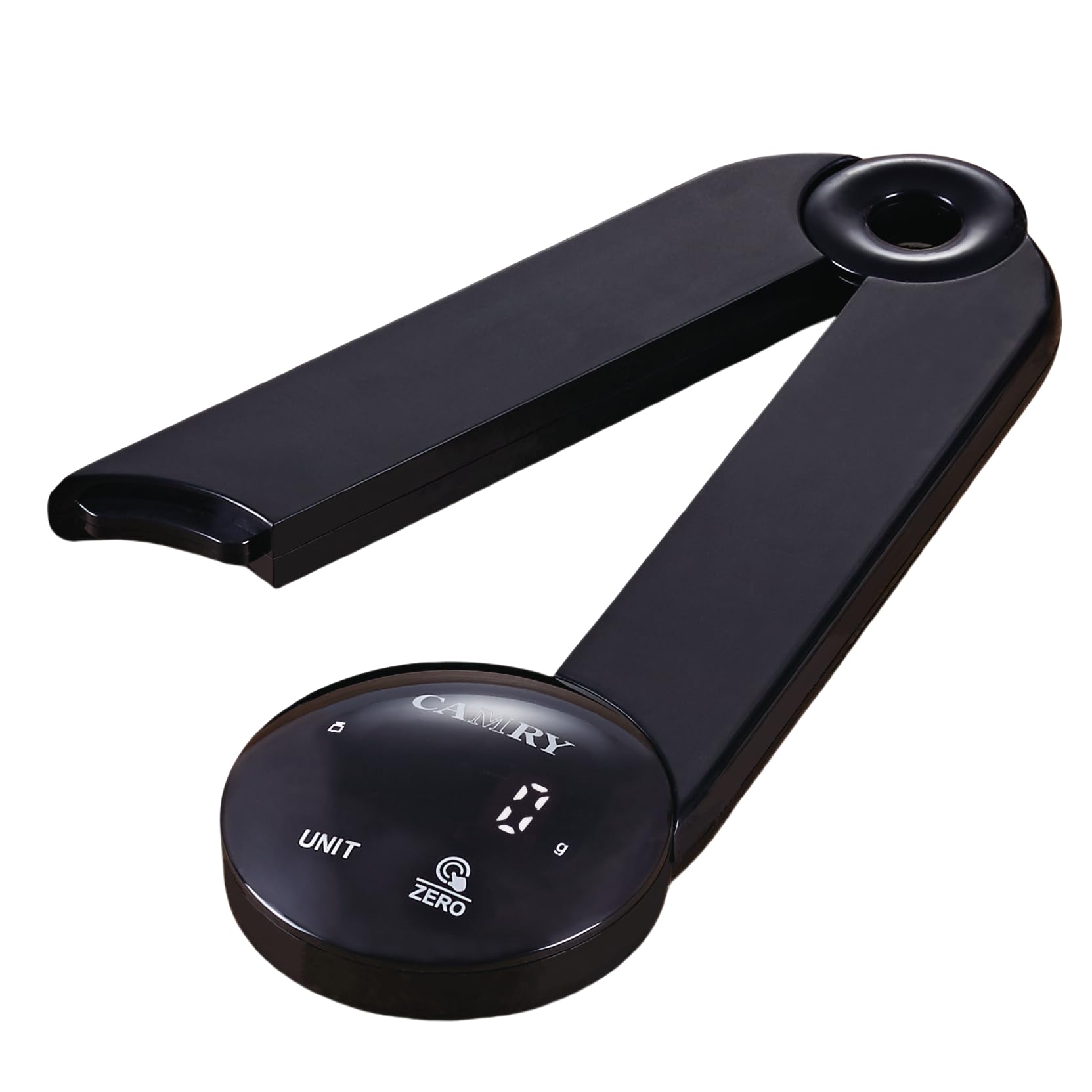
Image: The CAMRY EK2550 foldable digital kitchen scale in an open position, ready for use, with various food items around it, demonstrating its high accuracy and ease of use.
4. Tekniset tiedot
| Merkki | CAMRY |
| Malli | EK2550 |
| Väri | LED-black |
| Suurin painokapasiteetti | 5 kiloa (11 paunaa) |
| Mittaustarkkuus | +/- 1 grammaa |
| Mittayksiköt | lb:oz, g, fl'oz, ml |
| Näytön tyyppi | LED |
| Materiaali | Akryylinitriilibutadieenistyreeni (ABS) |
| Virtalähde | 3 x AAA paristot (eivät sisälly) |
| Automaattinen virrankatkaisutoiminto | 2 minuuttia |

Image: A diagram illustrating the compact dimensions of the CAMRY EK2550 foldable digital kitchen scale, measuring 23 cm in length and 7 cm in height when folded.
5. Asennus
5.1. Akun asennus
- Paikanna paristolokero vaa'an alapuolelta.
- Avaa paristolokeron kansi.
- Aseta 3 AAA-paristoa paikoilleen varmistaen oikea napaisuus (+/-).
- Sulje paristolokeron kansi kunnolla.
5.2. Unfolding the Scale
Gently unfold the scale from its compact position until it forms a stable, open platform. The two arms should extend outwards, creating a stable base for weighing.
6. Käyttöohjeet
6.1. Virta päälle/pois
- Kytke virta päälle painamalla ZERO/ON/OFF button. The display will show "0 g" when ready.
- Katkaise virta pitämällä -painiketta painettuna ZERO/ON/OFF button for a few seconds. The scale will also automatically turn off after 2 minutes of inactivity.
6.2. Yksikkömuunnos
Paina UNIT button to cycle through the available measurement units: grams (g), pounds and ounces (lb:oz), fluid ounces (fl'oz), and milliliters (ml).
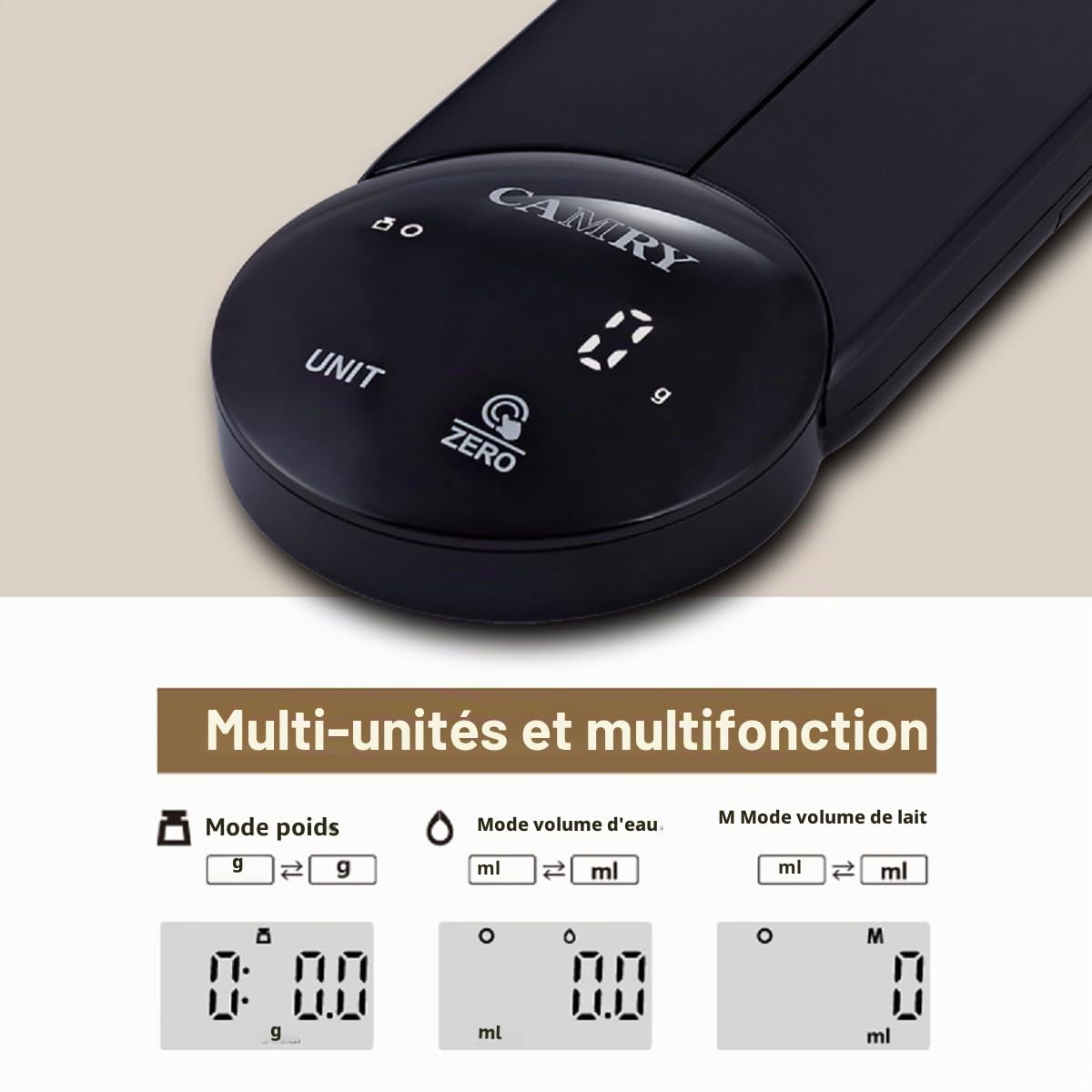
Image: The CAMRY EK2550 digital kitchen scale's display illustrating the various unit modes available, including grams, fluid ounces, and milliliters.
6.3. Taaraustoiminto
The tare function allows you to subtract the weight of a container, so you only measure the ingredients.
- Aseta tyhjä astia vaa'an alustalle. Näytöllä näkyy sen paino.
- Paina ZERO/ON/OFF button. The display will reset to "0" (or "0 g").
- Add ingredients to the container. The display will now show only the weight of the ingredients.
6.4. Punnitusmenettely
- Ensure the scale is on a flat, stable surface and powered on.
- Select your desired unit of measurement using the UNIT -painiketta.
- If using a container, perform the tare function as described above.
- Place the item(s) to be weighed onto the center of the scale platform.
- Read the stable weight displayed on the LED screen.

Kuva: Yksityiskohtainen view of the CAMRY EK2550's circular control panel, highlighting the clear LED display showing '0 g' and the touch-sensitive 'UNIT' and 'ZERO' buttons.
7. Huolto
7.1. Puhdistus
- Pyyhi vaa'an pinta pehmeällä,amp kangas.
- Älä käytä hankaavia puhdistusaineita äläkä upota vaakaa veteen.
- Varmista, että vaaka on täysin kuiva ennen säilytystä tai seuraavaa käyttökertaa.
7.2. Varastointi
The foldable design allows for convenient storage. Fold the scale into its compact form. It can be stored in a drawer or hung on a wall using the integrated hanging hole.
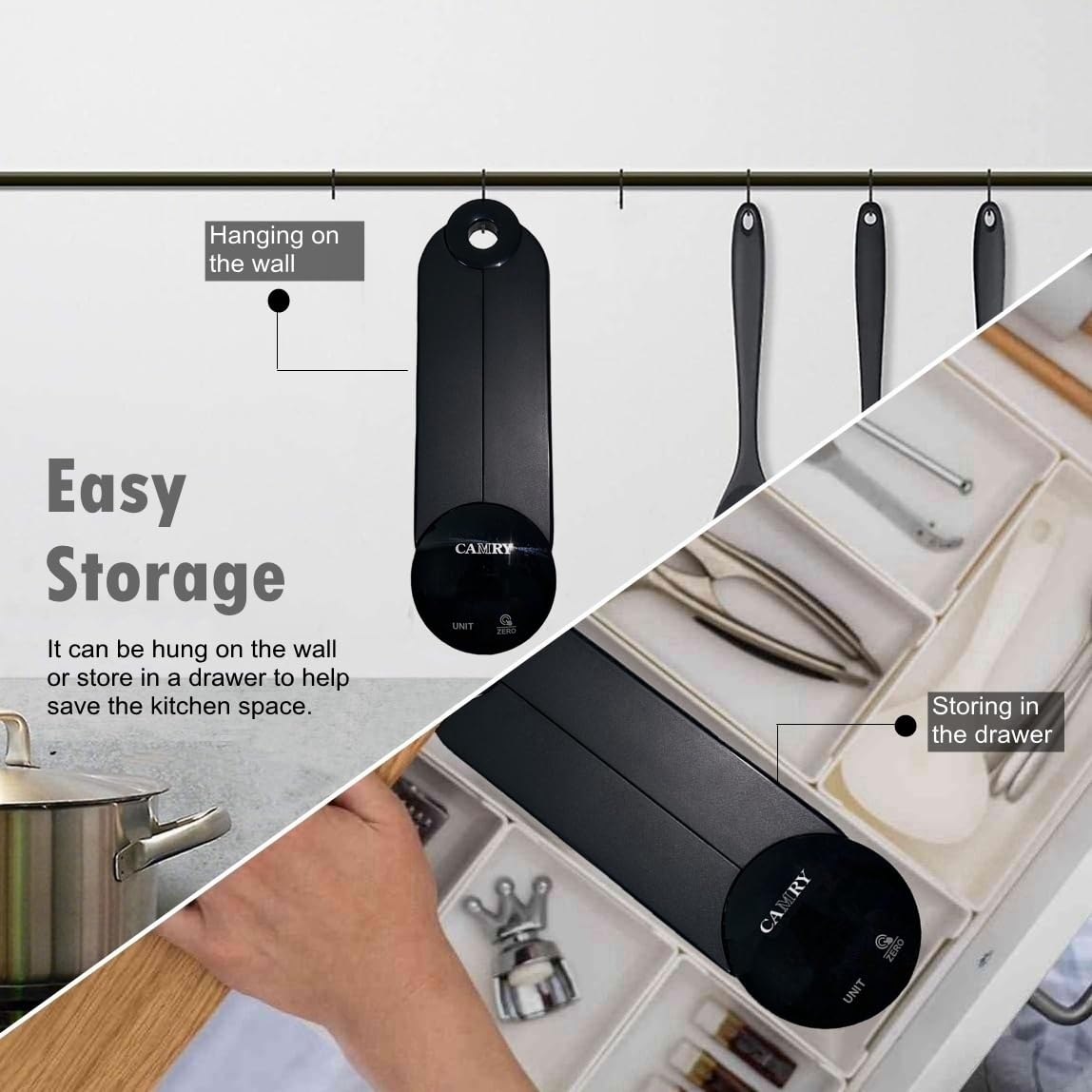
Image: The CAMRY EK2550 scale demonstrating its easy storage capabilities, showing it both hanging on a kitchen wall and neatly tucked away in a kitchen drawer.
8. Vianmääritys
| Ongelma | Mahdollinen syy | Ratkaisu |
|---|---|---|
| "Lo" näkyy | Alhainen akun teho. | Vaihda 3 AAA-paristoa. |
| Näytössä näkyy "Err" | Ylikuormitus tai epävakaa pinta. | Remove excess weight. Ensure the scale is on a flat, stable surface. |
| Epätarkkoja lukemia | Unstable surface, scale not zeroed, or external interference. | Place on a firm, level surface. Press the ZERO button before weighing. Avoid drafts or vibrations. |
9. Takuu ja tuki
CAMRY products are manufactured with quality and precision. For warranty information or technical support, please refer to the documentation included with your purchase or contact your retailer. Keep your purchase receipt as proof of purchase.


