
Johdanto
The PPLEE CR1021 Portable White Noise Machine is designed to create a peaceful and soothing environment, aiding in sleep, relaxation, and focus. It features 42 non-looping sounds, a rechargeable battery, night light, and timer functions, making it suitable for home, office, and travel use.
This manual provides detailed instructions for the safe and effective use of your device. Please read it thoroughly before operation and retain it for future reference.
Turvallisuustiedot
Please observe the following safety precautions to prevent damage to the device or injury to yourself or others:
- Älä altista laitetta vedelle tai liialliselle kosteudelle.
- Pidä laite poissa lämmönlähteistä ja suorasta auringonpaisteesta.
- Älä yritä purkaa tai korjata laitetta itse. Ota yhteyttä pätevään huoltohenkilöstöön.
- Use only the provided Type-C charging cable and a compatible power adapter (DC 5V/1A).
- Keep out of reach of small children when not in use, especially the charging cable.
- Ensure proper ventilation; do not cover the speaker grille during operation.
Pakkauksen sisältö
Varmista, että pakkauksessa on kaikki tarvittavat osat:
- 1x PPLEE CR1021 Portable White Noise Machine
- 1 x C-tyypin virtajohto
- 1x Hanging Loop
- 1x Käyttöohje (tämä asiakirja)
Asennus
Laitteen lataaminen
Before first use, fully charge the white noise machine. The device features a built-in 2200mAh rechargeable battery.
- Liitä mukana toimitettu Type-C-latauskaapeli laitteen latausporttiin.
- Connect the other end of the cable to a compatible USB power adapter (DC 5V/1A) or a computer's USB port.
- Latauksen merkkivalo palaa latauksen aikana ja sammuu, kun akku on täyteen ladattu.
A full charge provides approximately 33-58 hours of playtime, depending on volume level and night light usage.
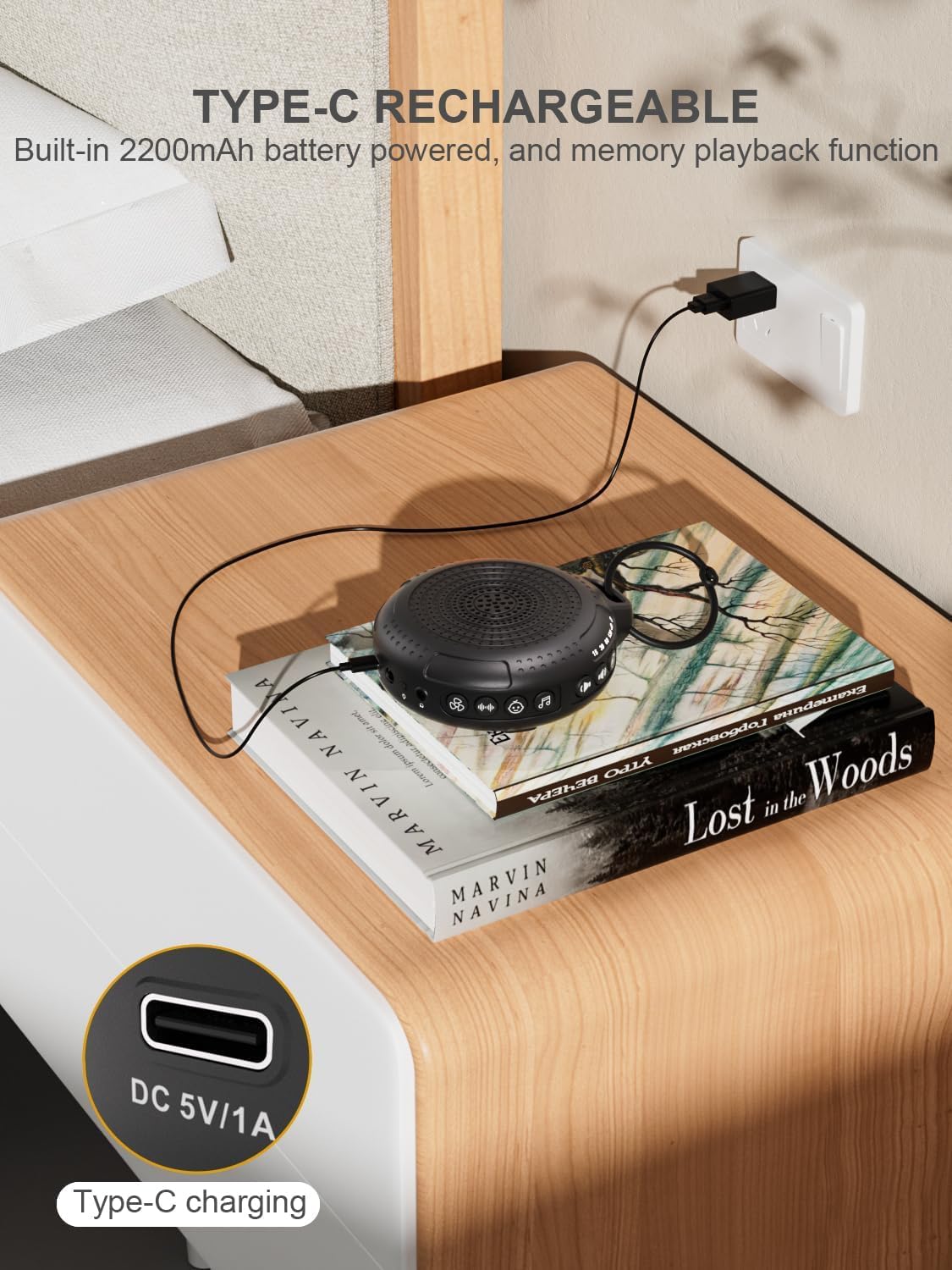
Image: The PPLEE CR1021 White Noise Machine connected to a Type-C charger, demonstrating how to charge the device.
Sijoitus
Place the device on a stable, flat surface or use the included hanging loop to attach it to a stroller, car seat, or crib. Ensure the speaker is not obstructed for optimal sound projection.

Image: The PPLEE CR1021 White Noise Machine hanging from a stroller, highlighting its compact and portable design for travel.
Käyttöohjeet
Hallitseeview

Kuva: Yksityiskohtainen view of the PPLEE CR1021 White Noise Machine, illustrating the location of its various control buttons and features.
Virta päälle/pois
- Pidä virtapainiketta painettuna (⏻) for 2 seconds to turn the device ON or OFF.
- The device will remember your last sound, volume, and timer settings upon powering on.
Äänen valinta
The device offers 42 non-looping soothing sounds across four categories:
- Valkoiset äänet: 5 ääntä
- Tuulettimen äänet: 6 ääntä
- Kehtolaulut: 15 ääntä
- Luonnolliset äänet: 16 ääntä
- Press the Sound Category buttons (e.g., White Noise, Fan, Lullaby, Nature) to switch between sound categories.
- Once a category is selected, press the Sound Selection button (♫) to cycle through the sounds within that category.
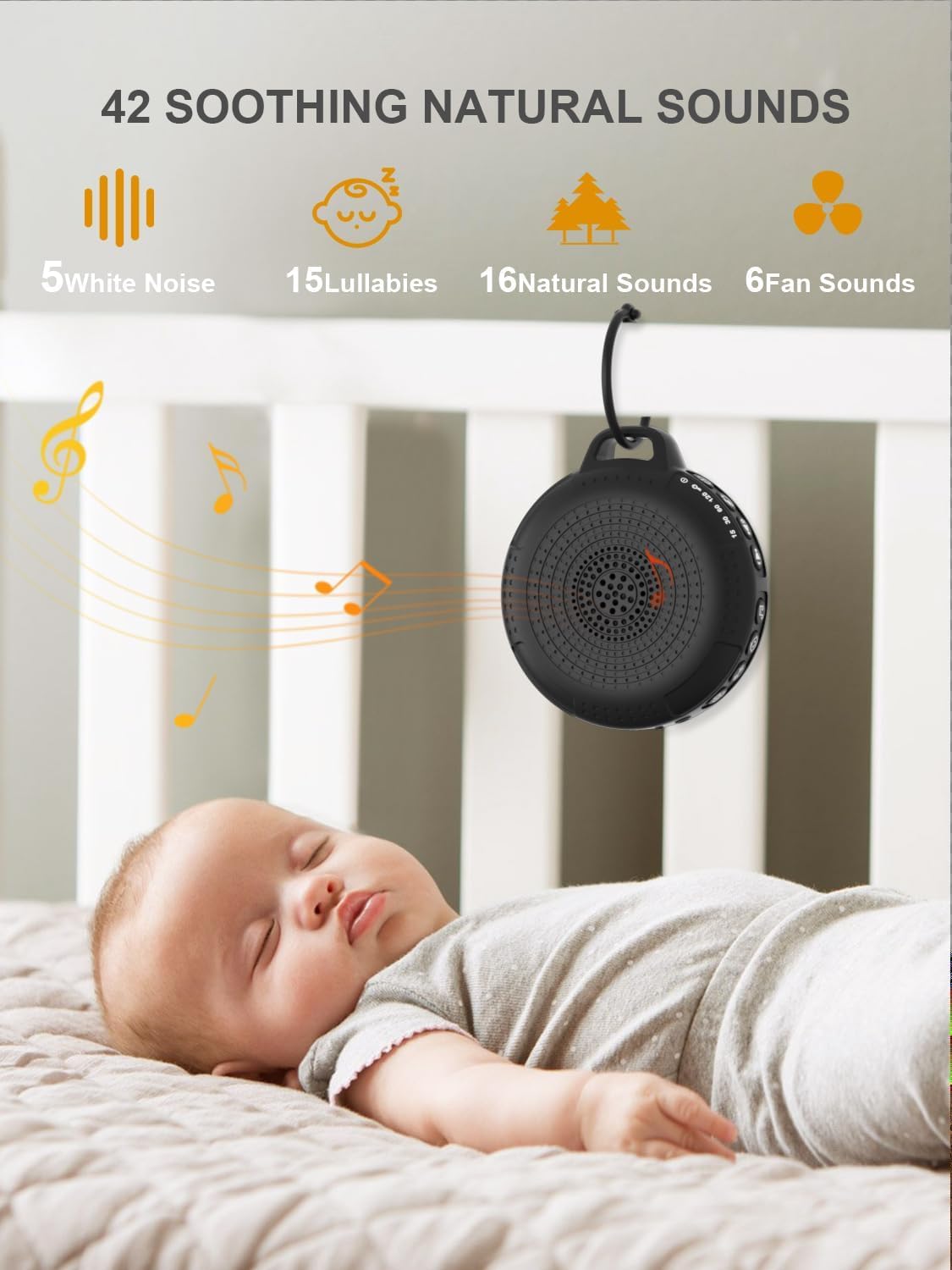
Image: The PPLEE CR1021 White Noise Machine displaying the variety of 42 soothing sounds available, categorized for easy selection.
Äänenvoimakkuuden säätö
Adjust the sound volume using the dedicated volume buttons:
- Paina äänenvoimakkuuden lisäyspainiketta (+) to increase the volume.
- Paina äänenvoimakkuuden vähennyspainiketta (-) to decrease the volume.
- There are 8 distinct volume levels.

Image: The PPLEE CR1021 White Noise Machine highlighting its volume adjustment and timer functions, showing options for 15, 30, 60, and 120 minutes.
Ajastintoiminto
The device can play continuously or automatically turn off after a set period:
- Paina ajastinpainiketta (⏱) to cycle through the available timer settings: 15 minutes, 30 minutes, 60 minutes, 120 minutes, or continuous play.
- An indicator light will show the selected timer duration.
Yövalo
The integrated night light offers two brightness levels:
- Press the Night Light button (💡) once for the first brightness level.
- Press it again for the second, brighter level.
- Press a third time to turn the night light off.
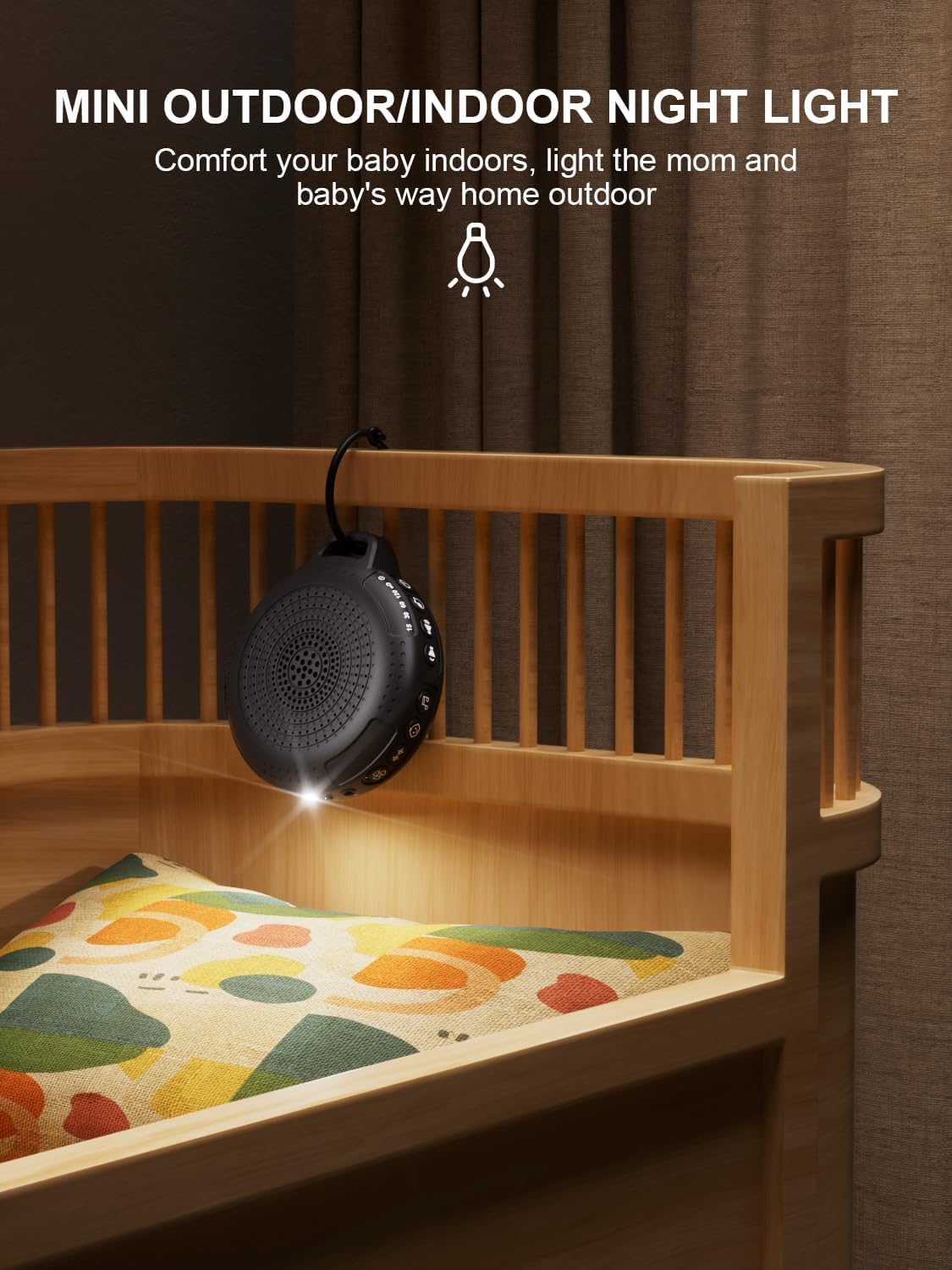
Image: The PPLEE CR1021 White Noise Machine with its night light illuminated, shown hanging on a crib, providing gentle illumination.
Lapsilukkotoiminto
Estääksesi asetusten tahattomat muutokset, aktivoi lapsilukko:
- Paina ja pidä alhaalla lapsilukkopainiketta (🔒) for 2 seconds to activate or deactivate the child lock.
- When activated, all other buttons will be unresponsive until the child lock is deactivated.
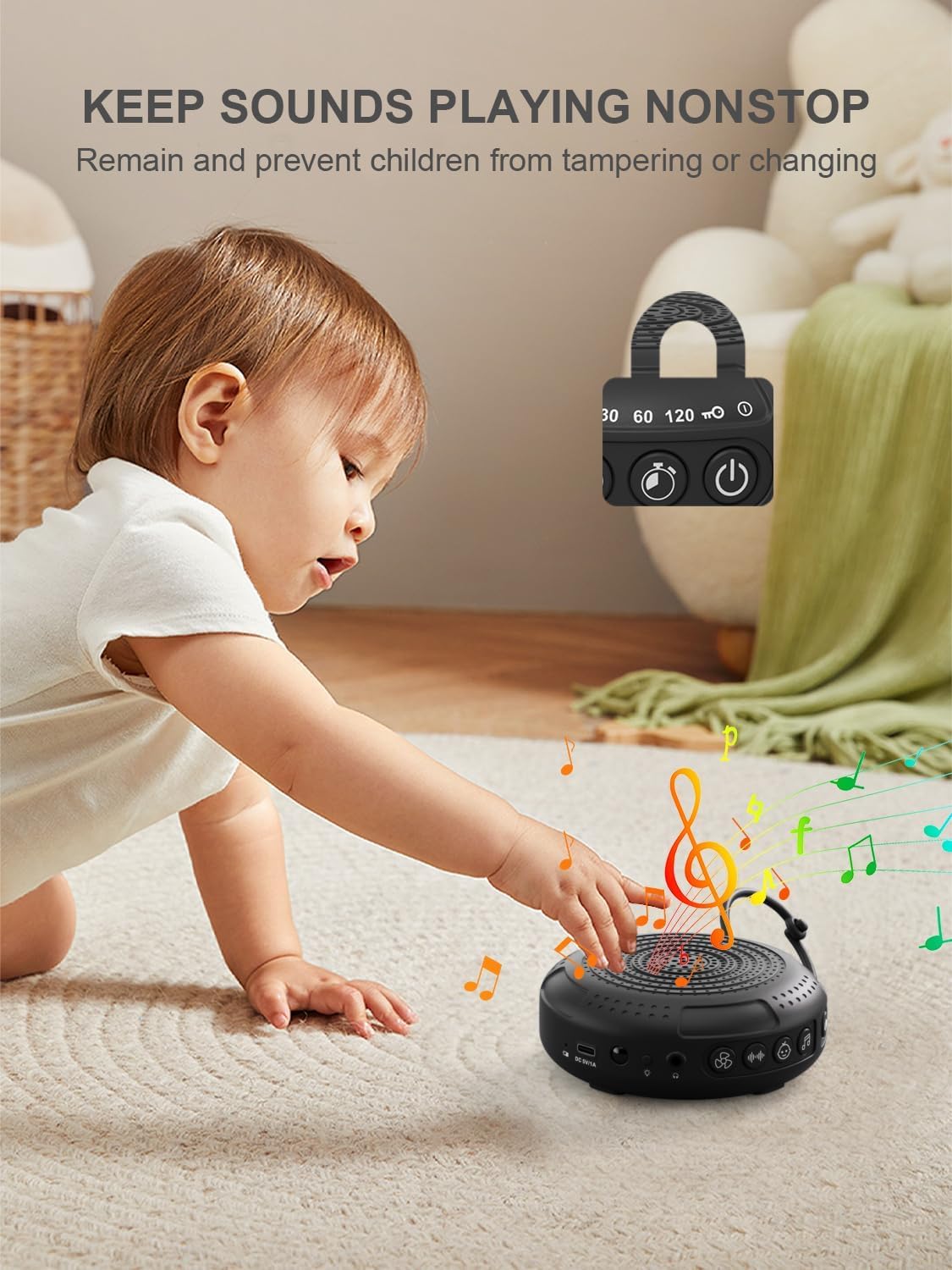
Image: The PPLEE CR1021 White Noise Machine with a visual representation of its child lock feature, designed to maintain settings and prevent tamperehtyvä.
Kuulokeliitäntä
For private listening, connect standard 3.5mm headphones to the headphone jack located on the side of the device. The speaker will automatically mute when headphones are connected.
Huolto
Puhdistus
- Varmista, että laite on sammutettu ja irrotettu pistorasiasta ennen puhdistamista.
- Wipe the exterior with a soft, dry, or slightly damp kangas.
- Älä käytä hankaavia puhdistusaineita, liuottimia tai voimakkaita kemikaaleja.
Varastointi
- Säilytä laitetta viileässä, kuivassa paikassa, poissa suorasta auringonvalosta ja äärimmäisistä lämpötiloista.
- Jos säilytät akkua pitkään, lataa se säännöllisesti sen käyttöiän ylläpitämiseksi.
Vianetsintä
| Ongelma | Mahdollinen syy | Ratkaisu |
|---|---|---|
| Laite ei käynnisty. | Akku on tyhjä. | Lataa laite mukana toimitetulla Type-C-kaapelilla. |
| Ei ääntä. | Äänenvoimakkuus on liian alhainen tai mykistetty. Kuulokkeet on kytketty. | Lisää äänenvoimakkuutta. Irrota kuulokkeet, jos niitä ei tarvita. |
| Painikkeet eivät reagoi. | Lapsilukko on aktivoitu. | Deactivate the Child Lock by pressing and holding the Child Lock button for 2 seconds. |
| Akun käyttöikä on odotettua lyhyempi. | High volume level or continuous night light use. Battery degradation over time. | Reduce volume or night light usage. Ensure full charge. |
| Lataus on hidasta tai ei toimi. | Faulty cable or power adapter. Charging port issue. | Try a different Type-C cable and a known working 5V/1A USB power adapter. |
Tekniset tiedot
| Ominaisuus | Yksityiskohta |
|---|---|
| Mallin nimi | CR1021 |
| Merkki | PPLEE |
| Virtalähde | Akkukäyttöinen (2200 mAh ladattava) |
| Latausportti | Type-C (DC 5V/1A) |
| Äänien määrä | 42 (5 White Noise, 6 Fan, 15 Lullabies, 16 Natural) |
| Äänenvoimakkuustasot | 8 |
| Ajastimen asetukset | 15, 30, 60, 120 minutes, Continuous |
| Yövalo | 2 Kirkkaustasot |
| Mitat (P x L x K) | 12.5 x 11 x 4.3 cm (4.92 x 4.3 x 1.69 tuumaa) |
| Paino | 177 g (0.39 lbs) |
| Mukana olevat komponentit | Device, Type-C Cable, Hanging Loop, User Manual |
Takuu ja tuki
For warranty information or technical support, please refer to the contact details provided with your purchase or visit the official PPLEE websivusto. Säilytä ostokuitti ostotodistuksena.