
Baseus NGTD020202
Baseus Bowie D05 langattomien kuulokkeiden käyttöopas
Model: NGTD020202
1. Johdanto
Thank you for choosing the Baseus Bowie D05 Wireless Headphones. This manual provides detailed instructions on how to set up, operate, maintain, and troubleshoot your new headphones. Please read this manual carefully before use to ensure optimal performance and longevity of your device.
2. Mitä laatikossa on
Avattuasi pakkauksen varmista, että kaikki seuraavat osat ovat mukana:
- Baseus Bowie D05 langattomat kuulokkeet
- USB-A-USB-C-latauskaapeli
- 3.5 mm audiokaapeli
- Käyttöopas
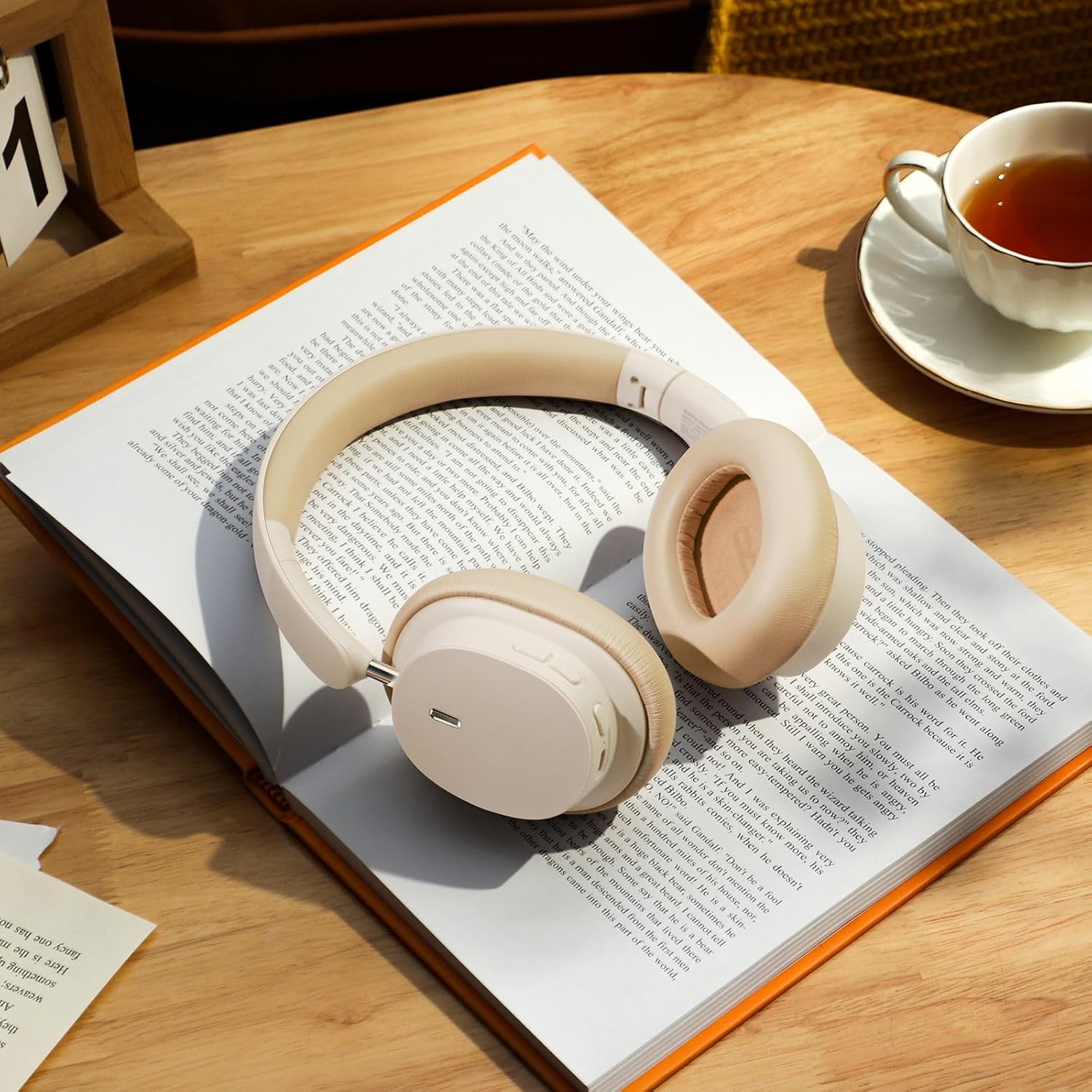
Image: The Baseus Bowie D05 headphones shown alongside their USB-C charging cable and 3.5mm audio cable, illustrating the complete package contents.
3. Tuote ohiview
Familiarize yourself with the various parts and controls of your Baseus Bowie D05 headphones:
- Virta-/monitoimipainike: Käytetään virran kytkemiseen/katkaisemiseen, toistoon/taukoon, puheluihin vastaamiseen/lopettamiseen ja ääniavustajan aktivoimiseen.
- Äänenvoimakkuuden lisäyspainike: Increases volume, long press for next track.
- Äänenvoimakkuuden vähennyspainike: Decreases volume, long press for previous track.
- USB-C-latausportti: Kuulokkeiden lataamiseen.
- 3.5 mm ääniliitäntä: Langallista yhteyttä varten.
- LED-ilmaisin: Näyttää virran, latauksen ja pariliitoksen tilan.
- Mikrofoni: Puheluita ja äänikomentoja varten.

Kuva: Yksityiskohtainen view of the left earcup of the Baseus Bowie D05 headphones, highlighting the location of the control buttons (volume up/down, multi-function) and the charging/audio ports.
4. Asennus
4.1 Kuulokkeiden lataaminen
- Connect the USB-C end of the charging cable to the headphone's charging port.
- Connect the USB-A end to a USB power adapter (5V/1A recommended) or a computer's USB port.
- The LED indicator will show red during charging and turn off or blue when fully charged.
- Täysi lataus kestää yleensä noin 1.5–2 tuntia.
4.2 Bluetooth -pariliitos
- Varmista, että kuulokkeet ovat täyteen ladatut.
- Press and hold the Power/Multi-function button for 3-5 seconds until the LED indicator flashes blue and red alternately, indicating pairing mode.
- Ota Bluetooth käyttöön laitteellasi (älypuhelin, tabletti, tietokone).
- Etsi "Baseus Bowie D05" in the list of available Bluetooth devices.
- Select "Baseus Bowie D05" to connect. Once connected, the LED indicator will flash blue slowly or turn off.
4.3 Langallinen yhteys (valinnainen)
Voit käyttää kuulokkeita mukana tulevalla 3.5 mm:n äänikaapelilla, kun akku on vähissä tai laitteissa, joissa ei ole Bluetooth-yhteyttä.
- Kytke 3.5 mm:n äänikaapelin toinen pää kuulokkeiden 3.5 mm:n ääniliitäntään.
- Liitä toinen pää laitteesi äänilähtöliitäntään.
- Note: Controls on the headphones may not function in wired mode.
5. Käyttöohjeet
5.1 Virta päälle/pois
- Virta päälle: Paina virta-/monitoimipainiketta ja pidä sitä painettuna 3 sekunnin ajan.
- Virta pois: Paina virta-/monitoimipainiketta ja pidä sitä painettuna 5 sekunnin ajan.
5.2 Musiikin toisto
- Toista/tauko: Paina virta-/monitoimipainiketta lyhyesti.
- Ääni kovemmalle: Paina lyhyesti äänenvoimakkuuden lisäyspainiketta.
- Äänenvoimakkuutta pienemmälle: Paina äänenvoimakkuuden vähennyspainiketta lyhyesti.
- Seuraava kappale: Paina pitkään äänenvoimakkuuden lisäyspainiketta.
- Edellinen kappale: Paina äänenvoimakkuuden vähennyspainiketta pitkään.
5.3 Puheluiden hallinta
- Puhelun vastaaminen/lopetus: Paina virta-/monitoimipainiketta lyhyesti.
- Hylkää puhelu: Paina virta-/monitoimipainiketta pitkään kahden sekunnin ajan.
5.4 Usean laitteen yhteys
The Baseus Bowie D05 headphones support simultaneous connection to two devices, allowing seamless switching between them.
- Connect the headphones to the first device via Bluetooth as described in section 4.2.
- Disconnect the headphones from the first device (do not unpair).
- Yhdistä kuulokkeet toiseen laitteeseen Bluetoothin kautta.
- Reconnect the headphones to the first device from its Bluetooth settings. The headphones should now be connected to both devices.
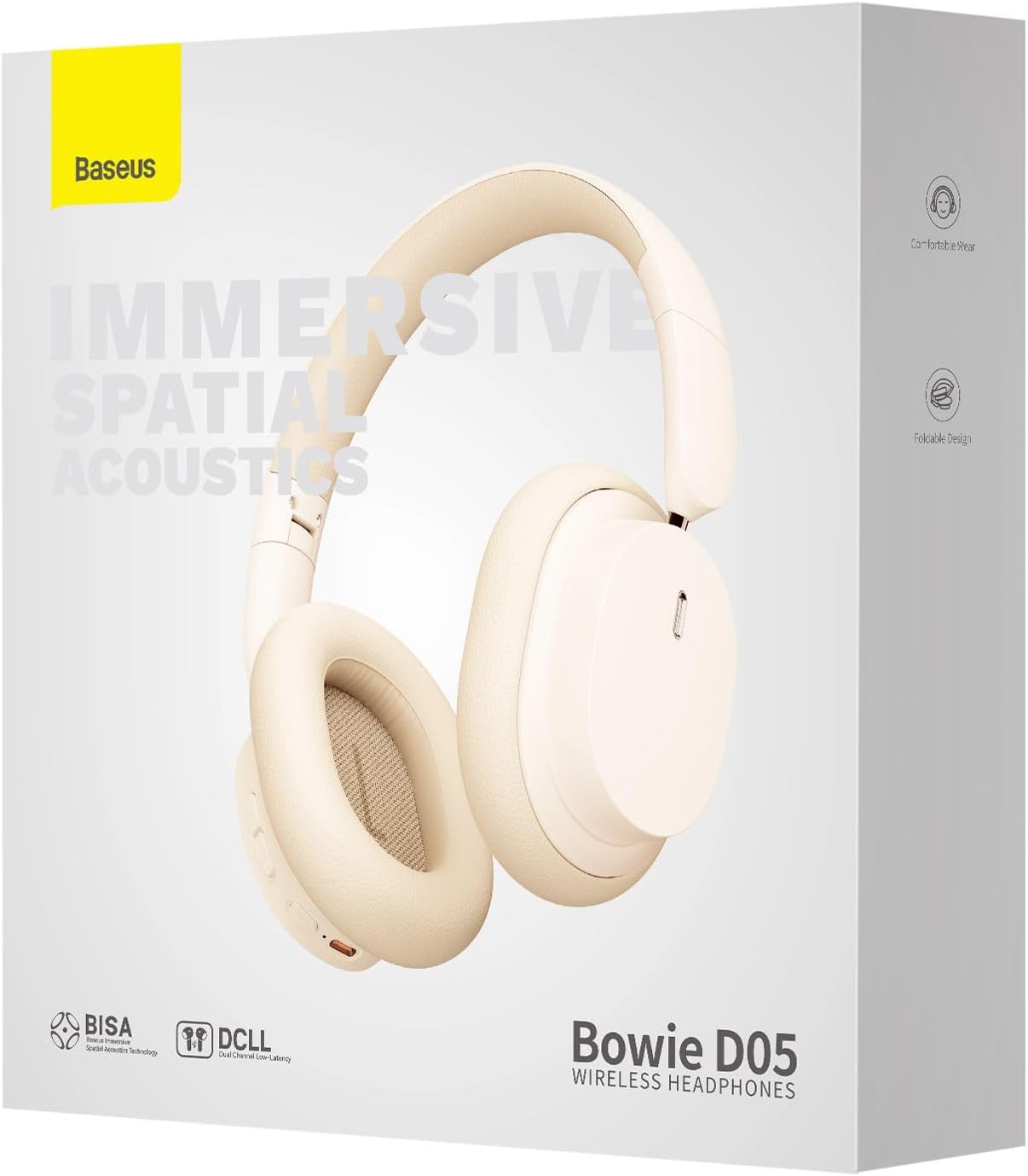
Image: The Baseus Bowie D05 headphones are depicted wirelessly connected to both a smartphone and a tablet, demonstrating their multi-device connectivity feature.
6. Huolto
Kuulokkeiden pitkän käyttöiän ja optimaalisen suorituskyvyn varmistamiseksi noudata näitä huolto-ohjeita:
- Puhdistus: Puhdista kuulokkeet pehmeällä, kuivalla ja nukkaamattomalla liinalla. Älä käytä hankaavia puhdistusaineita, alkoholia tai kemiallisia liuottimia.
- Varastointi: Kun kuulokkeita ei käytetä, säilytä niitä viileässä, kuivassa paikassa, poissa suorasta auringonvalosta ja äärimmäisistä lämpötiloista.
- Vältä kosteutta: Pidä kuulokkeet poissa vedestä ja liiallisesta kosteudesta.
- Käsittele varovasti: Vältä kuulokkeiden pudottamista tai voimakkaiden iskujen kohteeksi altistamista.
7. Vianmääritys
If you encounter any issues with your Baseus Bowie D05 headphones, please refer to the following common problems and solutions:
| Ongelma | Mahdollinen ratkaisu |
|---|---|
| Kuulokkeet eivät käynnisty. | Varmista, että kuulokkeet ovat täyteen ladatut. Liitä virtalähteeseen ja yritä uudelleen. |
| Laitteen pariliitos ei onnistu. | Ensure headphones are in pairing mode (flashing blue/red). Turn off and on Bluetooth on your device. Clear previous Bluetooth connections on your device. Move headphones closer to the device. |
| Ei ääntä tai äänenvoimakkuus on alhainen. | Check headphone and device volume levels. Ensure headphones are properly connected. Try playing different audio. If using wired connection, ensure cable is fully inserted. |
| Huono äänenlaatu. | Move closer to your device to avoid interference. Avoid obstacles between headphones and device. Try disconnecting and reconnecting. |
| Kuulokkeet irtoavat usein. | Ensure headphones are fully charged. Keep within Bluetooth range (typically 10 meters). Avoid strong electromagnetic interference. |
Jos ongelma jatkuu näiden ratkaisujen kokeilemisen jälkeen, ota yhteyttä asiakastukeen.
8. Tekniset tiedot
Detailed technical specifications for the Baseus Bowie D05 Wireless Headphones:
- Mallin nimi: NGTD020202
- Merkki: Baseus
- Yhteystekniikka: Langaton (Bluetooth)
- Langaton viestintätekniikka: Bluetooth
- Korvien sijoitus: Korvan yli
- Muototekijä: Korvan yli
- Ääniohjaimen tyyppi: Dynaaminen ohjain
- Ohjainyksikön koko: 40 mm
- Akun kesto: Up to 70 hours of audio playback (at 70% volume)
- Latausportti: USB-C
- Ääniliitäntä: 3.5 mm Jack
- Materiaali: Muovi
- Tuotteen paino: Noin 209 grammaa (7.37 unssia)
- Väri: Creamy-White (as per product title, though spec says Black)
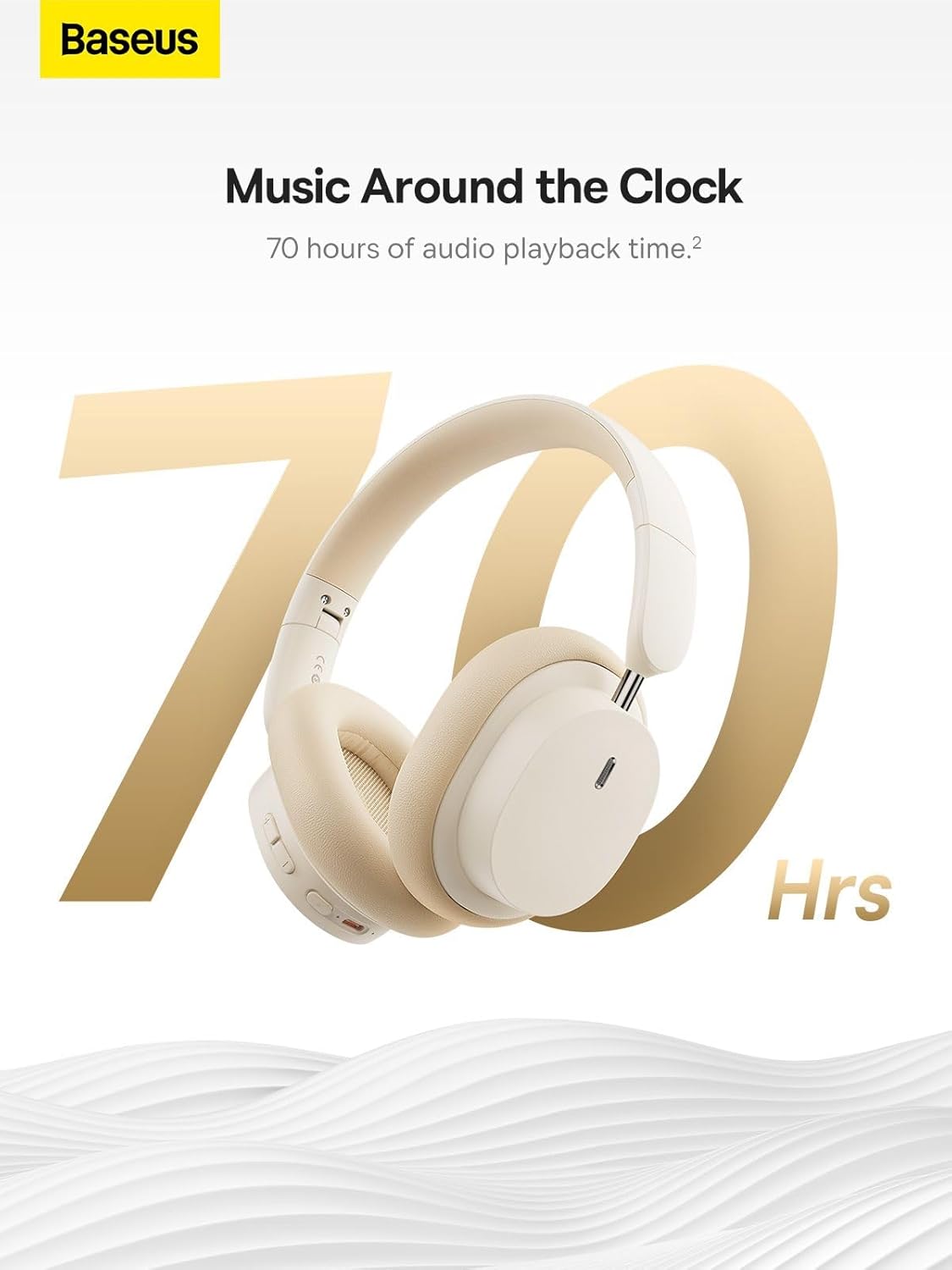
Image: The Baseus Bowie D05 headphones are featured with a prominent '70 Hrs' graphic, highlighting their extended audio playback time on a single charge.

Image: Two individuals are shown comfortably wearing the Baseus Bowie D05 headphones, emphasizing their lightweight design with the text 'Only 209g' for extended listening sessions.

Image: A visual representation of a 40mm large driver unit, illustrating its capability to deliver detailed high-end and fuller low-end audio performance.
9. Takuu ja tuki
9.1 Takuutiedot
Baseus products are covered by a limited warranty from the date of purchase. Please refer to the warranty card included in your product packaging or visit the official Baseus websivustolta tarkemmat takuuehdot.
9.2 Asiakastuki
For technical assistance, troubleshooting, or warranty claims, please contact Baseus customer support through the following channels:
- Virallinen Websivusto: Visit the Baseus official websivusto usein kysyttyjen kysymysten, tukiresurssien ja yhteydenottolomakkeiden osalta.
- Sähköpostituki: Katso tuotteen pakkauksesta tai virallisesta webasiakastuen sähköpostiosoitteen sivusto.
- Valtuutettu jälleenmyyjä: Contact the retailer from whom you purchased the product for assistance.
Ask a question about this manual
Ask about setup, troubleshooting, compatibility, parts, safety, or missing instructions. Manuals+ will review the question and use this page’s manual context to help answer it.