Johdanto
This manual provides essential information for the safe and efficient use of your Tekswamp HP 45W AC Adapter Charger. This adapter is designed for compatibility with the 20- All-in-One Desktop PC Model TPC-Q023-19, providing reliable power and charging capabilities.
Turvallisuustiedot
Lue ja ymmärrä kaikki turvallisuusohjeet ennen tuotteen käyttöä. Näiden ohjeiden noudattamatta jättäminen voi aiheuttaa sähköiskun, tulipalon tai vahingoittaa tuotetta tai kytkettyjä laitteita.
- Vain sisäkäyttöön: Tämä sovitin on suunniteltu sisäkäyttöön kuivissa tiloissa. Älä altista sitä sateelle, kosteudelle tai äärimmäisille lämpötiloille.
- Oikea ilmanvaihto: Ensure the adapter has adequate ventilation. Do not cover it or place it in an enclosed space during operation, as this can lead to overheating.
- Vältä nesteitä: Keep the adapter away from water, beverages, and other liquids. If liquid enters the adapter, disconnect it immediately and do not use it.
- Oikea Voltage: Only connect the adapter to power outlets that provide the specified input voltage (100-240 V AC).
- Kaapelihuolto: Do not place heavy objects on the power cord or adapter cable. Avoid bending, twisting, or pulling the cables excessively. Inspect cables regularly for damage.
- Katkaise yhteys, kun sitä ei käytetä: Unplug the adapter from the wall outlet and your device when not in use for extended periods.
- Ei käyttäjän huollettavia osia: Älä yritä avata tai korjata sovitinta. Jätä kaikki huoltotyöt pätevän henkilöstön tehtäväksi.
Pakkauksen sisältö
Varmista, että paketti sisältää seuraavat kohteet:
- 1 x HP 45W AC Adapter (Model TPC-Q023-19)
- 1 x virtajohto

Image: The HP 45W AC Adapter and its accompanying power cord, as received in the package.
Tekniset tiedot
| Merkki | HP (Genuine) |
| Wattage | 45W |
| Lähtö | 19.5V 2.31A |
| Tulo Voltage | 100-240V~1.4A 50-60Hz (Worldwide Compatible) |
| Liittimen kärjen koko | 4.5 x 3.0 mm (Blue Tip) |
| Turvaominaisuudet | Väärä Voltage (IV) Protection, Short Circuit (SC) Protection, Internal Overheating (IO) Protection |

Kuva: Lähikuva view of the adapter's label, displaying detailed electrical specifications and safety certifications.

Kuva: Yksityiskohtainen view of the 4.5 x 3.0 mm blue tip connector, which plugs into the desktop PC.
Asennus
Follow these steps to properly connect your AC adapter to your desktop PC:
- Connect Power Cord to Adapter: Take the power cord and firmly insert its female end into the input port on the AC adapter.
- Connect Power Cord to Outlet: Plug the male end of the power cord into a standard wall electrical outlet.
- Connect Adapter to PC: Carefully insert the adapter's DC output connector (the 4.5 x 3.0 mm blue tip) into the power input port on your 20- All-in-One Desktop PC. Ensure a snug and secure connection.
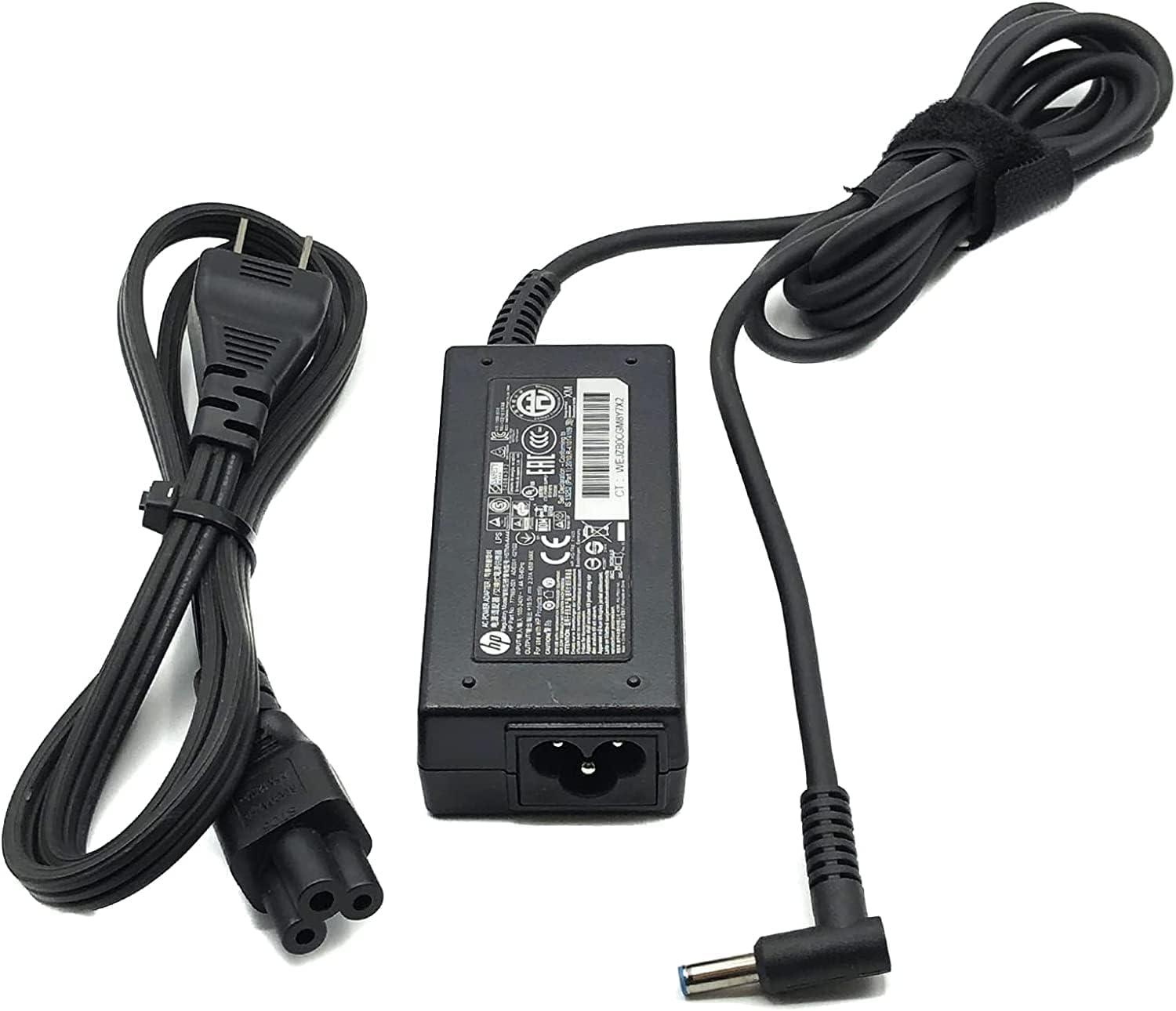
Image: The complete adapter assembly, showing the AC adapter, power cord, and the DC output connector ready for connection.
Käyttöohjeet
Once properly connected, the adapter will automatically begin supplying power to your desktop PC. If your PC has an internal battery, the adapter will also charge it.
- Ensure all connections are secure before powering on your PC.
- Avoid disconnecting the adapter abruptly during critical operations to prevent data loss or system instability.
- The adapter may become warm during operation; this is normal. However, if it becomes excessively hot, disconnect it and check for proper ventilation.
Huolto
Varmista verkkovirtalähteesi pitkäikäisyys ja optimaalinen suorituskyky noudattamalla näitä huolto-ohjeita:
- Puhdistus: Puhdista sovitin pehmeällä, kuivalla liinalla. Älä käytä nestemäisiä puhdistusaineita tai liuottimia.
- Varastointi: Kun sovitinta ei käytetä, säilytä sitä viileässä ja kuivassa paikassa. Vältä kaapeleiden tiukkaa kiepauttamista vaurioiden välttämiseksi.
- Tarkastus: Tarkista sovitin ja kaapelit säännöllisesti mahdollisten vaurioiden varalta, kuten rispaantuneet johdot, paljaat johtimet tai haljenneet osat.asing. Lopeta käyttö, jos havaitset vaurioita.
Vianetsintä
If you encounter issues with your AC adapter, refer to the following table for common problems and solutions:
| Ongelma | Mahdollinen syy | Ratkaisu |
|---|---|---|
| PC not powering on or charging | Loose connection, faulty outlet, damaged adapter/cable | Ensure all connections are secure. Try a different wall outlet. Inspect adapter and cables for damage. If damaged, replace the adapter. |
| Adapter is excessively hot | Poor ventilation, overloaded circuit, internal fault | Ensure adapter is in a well-ventilated area. Disconnect and allow to cool. If problem persists, discontinue use. |
| Ajoittainen virtalähde | Loose connection, damaged cable, internal adapter issue | Check all connections for tightness. Inspect cables for damage. If issues continue, the adapter may need replacement. |
Takuu ja tuki
Tämän tuotteen mukana tulee a 30 päivän takuu ostopäivästä lukien, kattaen valmistusvirheet.
For technical support, warranty claims, or further assistance, please contact Tekswamp customer service. You can find more information and contact details by visiting the official Tekswamp store on Amazon: Tekswamp Store.