
1. Johdanto
Thank you for choosing the Jectse Digital Voice Recorder Watch. This portable wristband device is designed for convenient audio recording in various settings, including lectures, meetings, and personal notes. It features advanced noise reduction, voice-activated recording, and a timestamp function for precise record-keeping. Its sleek design and long battery life make it an ideal companion for students, professionals, and anyone needing reliable audio capture.

The Jectse Digital Voice Recorder Watch is discreet and portable, suitable for various recording needs.
2. Pakkauksen sisältö
Tarkista pakkauksesta seuraavat tuotteet:
- Digital Voice Recorder Watch
- USB-latauskaapeli
- Earbuds (3.5mm jack)
- Käyttöopas

The package includes the Digital Voice Recorder Watch, USB charging cables, and earbuds for playback.
3. Tuote ohiview
Familiarize yourself with the components of your Jectse Digital Voice Recorder Watch:
- Tallennuspainike: Aloittaa ja pysäyttää tallennuksen.
- Virtakytkin: Kytkee laitteen päälle tai pois päältä.
- USB-portti: Lataamiseen ja tiedonsiirtoon.
- Mikrofoni: Built-in for audio capture.
- Kuulokeliitäntä: For connecting earbuds for private playback.
- Merkkivalo: Displays device status (recording, charging, low battery).
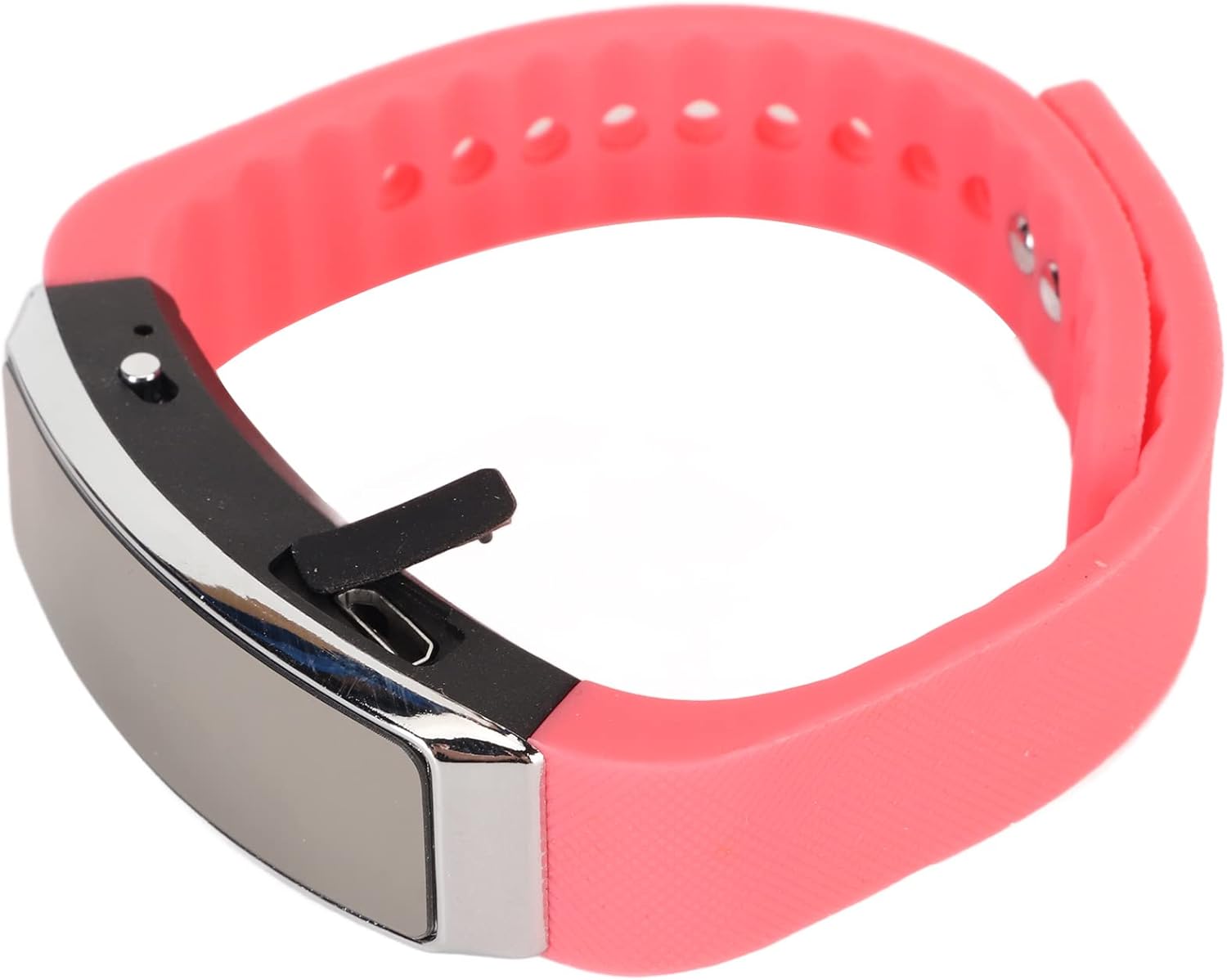
Sivu view of the recorder watch, highlighting its compact design and accessible controls.

Yläosa view of the recorder watch, showcasing sen modernia estetiikkaa.
4. Asennus
4.1. Laitteen lataaminen
- Connect the small end of the USB charging cable to the USB port on the recorder watch.
- Connect the larger end of the USB cable to a USB power adapter (not included), computer USB port, or other compatible charging device.
- The indicator light will show the charging status. A full charge typically takes a few hours.

The USB port for charging and data transfer is located on the side of the device, protected by a small flap.
4.2. Setting Time and Date (Timestamp)
Tarkan ajan varmistamiseksiamps on your recordings, connect the device to a computer. The device will automatically synchronize its time and date with your computer's system time. No manual adjustment is typically required.
5. Käyttöohjeet
5.1. Virta päälle/pois
- To power on: Slide the power switch to the 'ON' position. The indicator light will briefly illuminate.
- To power off: Slide the power switch to the 'OFF' position. The device will save any active recording before shutting down.
5.2. Voice Activated Recording
The device supports voice-activated recording, which means it will automatically start recording when sound is detected and pause when there is silence, conserving battery and memory.
- Varmista, että laitteeseen on kytketty virta.
- The recorder will automatically enter voice-activated recording mode. The indicator light may flash or change color to indicate active recording.
- To stop recording, slide the power switch to the 'OFF' position. The recording will be saved automatically.
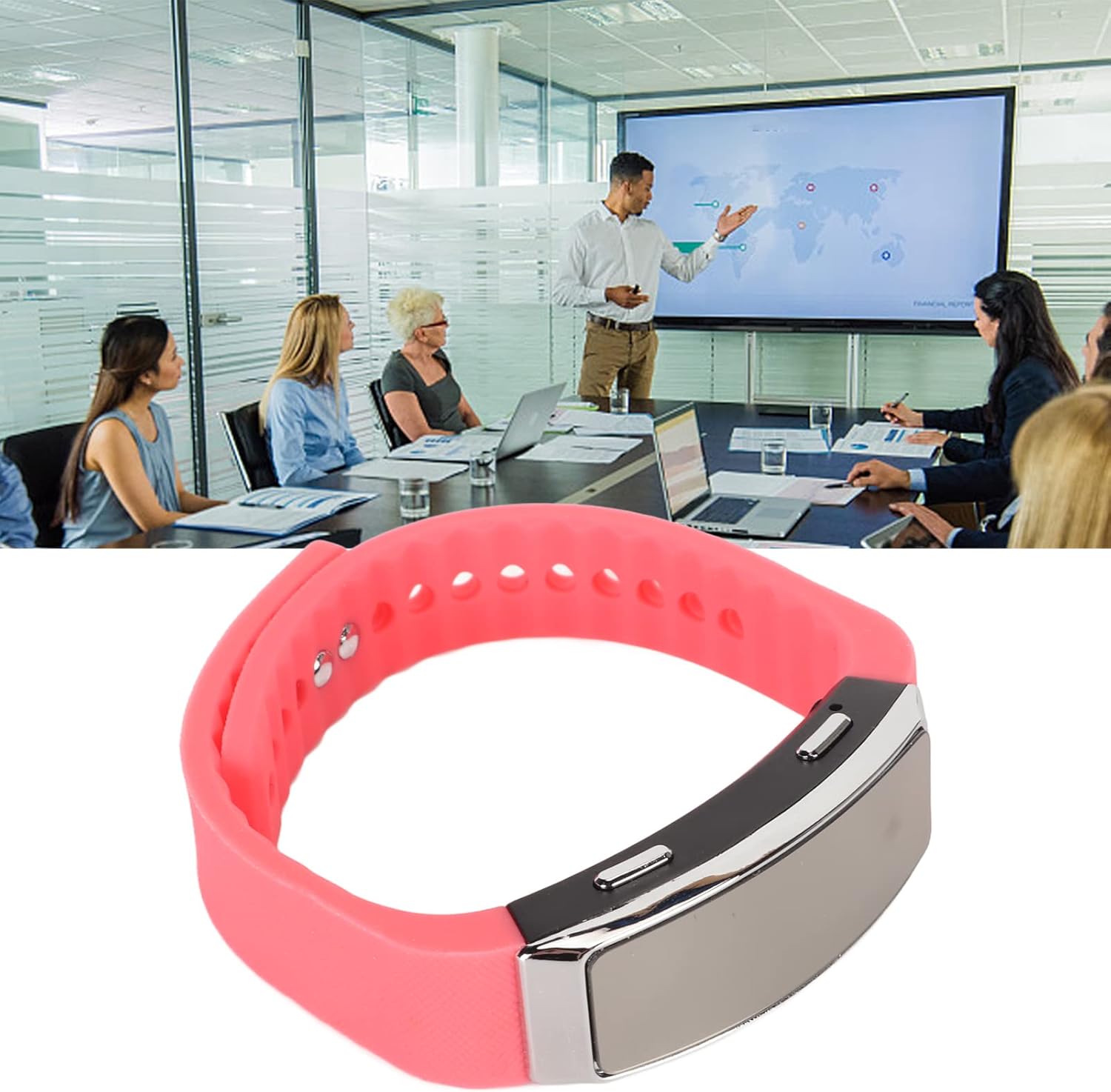
The voice recorder watch is ideal for capturing important discussions in meetings.
5.3. Toisto
Voit kuunnella äänitteitäsi seuraavasti:
- Varmista, että laitteen virta on katkaistu.
- Plug the included earbuds into the headphone jack on the recorder watch.
- Slide the power switch to the 'ON' position. The device will automatically enter playback mode.
- Use the control buttons (if available on the earbuds or device, refer to specific model instructions) to navigate through recordings, adjust volume, or pause/play.
5.4. Connecting to PC/Transferring Files
- Varmista, että laitteen virta on katkaistu.
- Connect the recorder watch to your computer using the USB charging cable.
- The computer should recognize the device as a removable disk.
- Open the device folder to access your recorded audio files (typically in WAV format).
- Voit kopioida, siirtää tai poistaa files tarpeen mukaan.
6. Huolto
- Puhdistus: Puhdista laite pehmeällä, kuivalla liinalla. Vältä voimakkaiden kemikaalien tai hankaavien materiaalien käyttöä.
- Varastointi: Säilytä laitetta viileässä, kuivassa paikassa, poissa suorasta auringonvalosta ja äärimmäisistä lämpötiloista.
- Akun hoito: Akun käyttöiän pidentämiseksi vältä akun usein tapahtuvaa täydellistä tyhjentymistä. Lataa laite säännöllisesti, vaikka sitä ei käytettäisi pitkään aikaan.
7. Vianmääritys
- Laite ei käynnisty: Varmista, että akku on ladattu. Liitä laite virtalähteeseen ja yritä uudelleen.
- Ei voi tallentaa: Tarkista, onko laitteessa riittävästi muistia. Siirrä files tietokoneeseen vapauttaaksesi tilaa.
- Huono äänenlaatu: Ensure the microphone is not obstructed. Record in a quieter environment or closer to the sound source. The built-in noise reduction feature helps, but extreme noise can still affect quality.
- Ei voi muodostaa yhteyttä tietokoneeseen: Try a different USB port or cable. Ensure the device is powered off before connecting.
8. Tekniset tiedot
| Ominaisuus | Yksityiskohta |
|---|---|
| Merkki | Jectse |
| Mallinumero | Jectsetqeg4s2wir-11 |
| Muistin tallennuskapasiteetti | 8 Gt |
| Akun kesto (jatkuva tallennus) | 20 tuntia |
| Valmiusaika | Jopa 30 päivää |
| Mikrofonin muototekijä | Sisäänrakennettu |
| Äänimuoto | WAV |
| Laitteistorajapinta | USB |
| Kuulokkeet Jack | 3.5 millimetriä |
| Yhteensopivat laitteet | Henkilökohtainen tietokone |
| Erikoisominaisuudet | Voice Activated, Noise Reduction, Timestamp |
9. Takuu ja tuki
The Jectse Digital Voice Recorder Watch comes with a standard manufacturer's warranty. For specific warranty details, returns, or technical support, please refer to the product packaging or contact your retailer. Keep your purchase receipt as proof of purchase.
10. Tärkeitä turvallisuustietoja
- Älä altista laitetta äärimmäisille lämpötiloille, suoralle auringonvalolle tai korkealle kosteudelle.
- Vältä laitteen pudottamista tai altistamista voimakkaille iskuille.
- Pidä poissa lasten ulottuvilta.
- Älä yritä purkaa tai korjata laitetta itse. Tämä mitätöi takuun.
- Hävitä laite ja sen akku vastuullisesti paikallisten määräysten mukaisesti.