
1. Johdanto
This manual provides essential instructions for the SOLTECH CCTV Remote Control, model RCWN00001B (also identified as EP10-001090A). This remote is specifically designed for use with various Samsung Wisenet Security & Surveillance Camera Systems, including DVRs and NVRs. Please read this manual thoroughly to ensure proper use and functionality of your remote control.
2. Tuote ohiview
The SOLTECH CCTV Remote Control is a dedicated device for managing your Samsung Wisenet security system. It replicates the functionality of the original remote control included with Wisenet All-In-One systems, providing convenient access to your DVR or NVR functions.
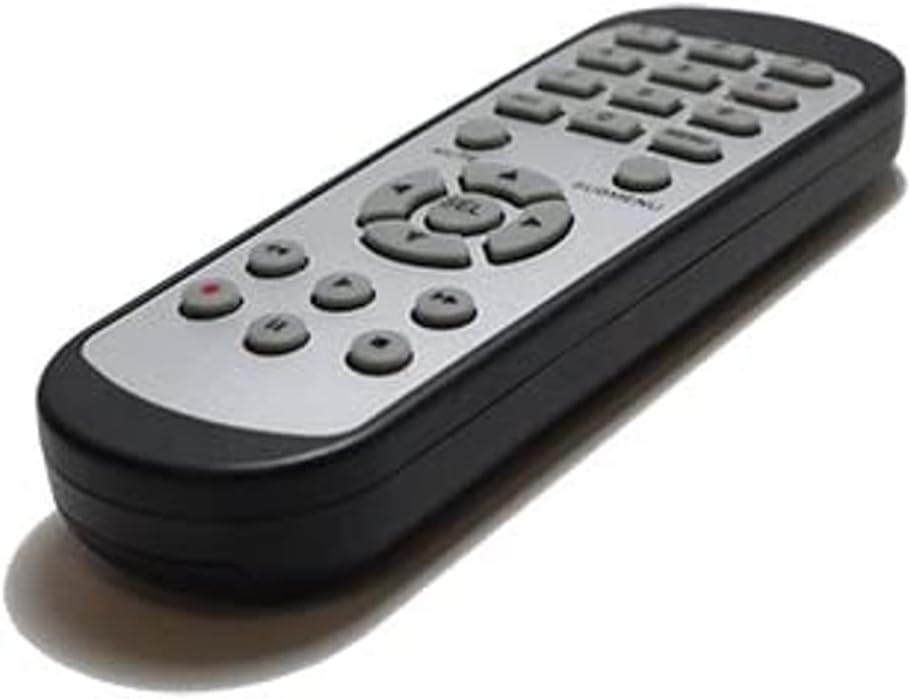
Kuva 2.1: Edessä view of the SOLTECH CCTV Remote Control (Model RCWN00001B / EP10-001090A).
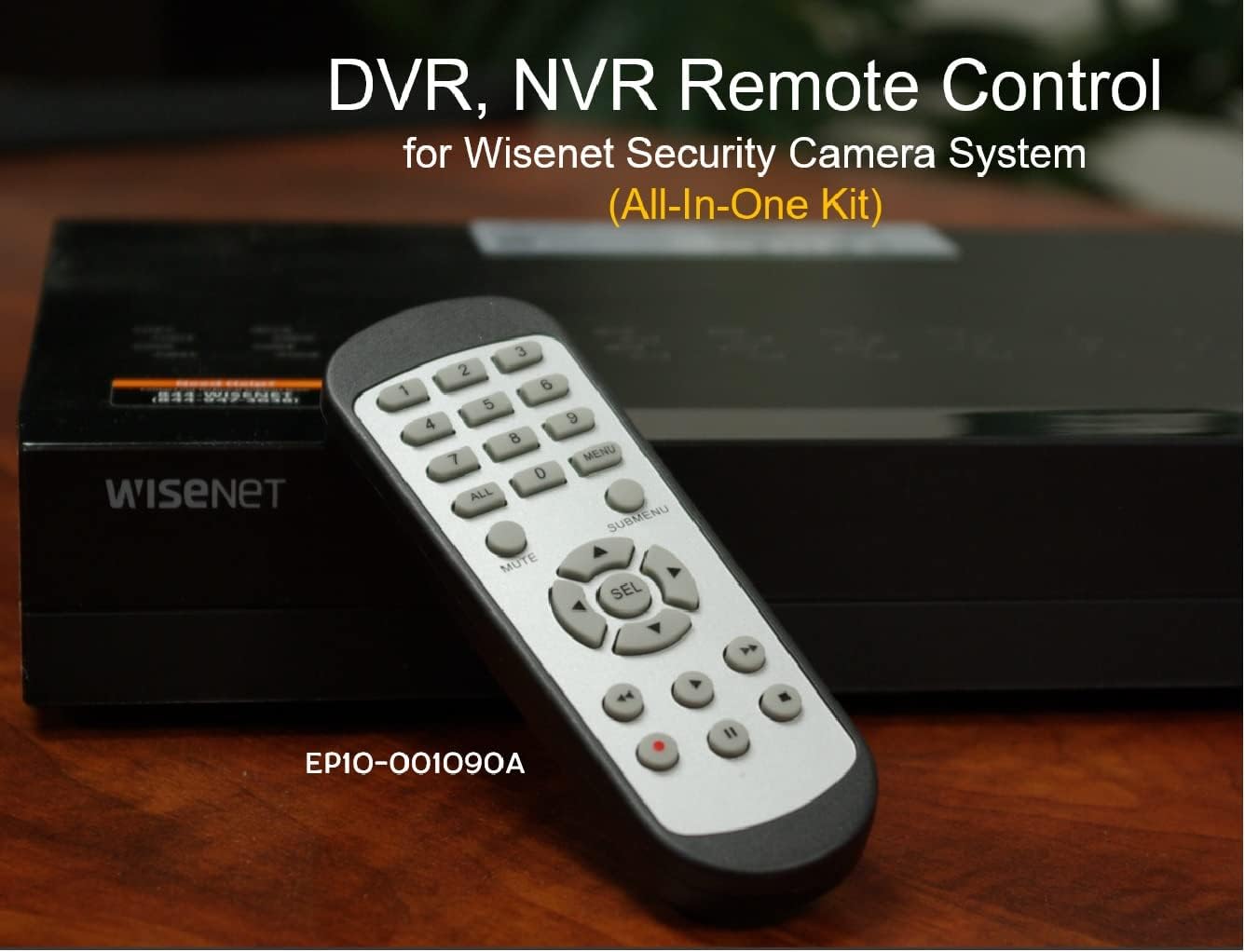
Image 2.2: The remote control positioned on a Wisenet Digital Video Recorder (DVR).
3. Asennus
This remote control requires two AAA batteries for operation. Batteries are not included with the product and must be purchased separately.
3.1 Akun asennus
- Paikanna paristolokero kaukosäätimen takana.
- Liu'uta paristolokeron kantta alaspäin ja nosta se pois.
- Aseta kaksi AAA-paristoa lokeroon varmistaen oikean napaisuuden (+ ja -) lokeron sisällä olevien merkintöjen mukaisesti.
- Sulje paristolokeron kansi liu'uttamalla sitä takaisin paikalleen, kunnes se napsahtaa tukevasti kiinni.

Kuva 3.1: Takaosa view kaukosäätimestä paristolokero avoinna, osoittaen, mihin AAA-paristot asetetaan.
3.2 Ensimmäinen yhteys
The SOLTECH CCTV Remote Control is pre-configured for Samsung Wisenet All-In-One System DVRs and NVRs. No additional setup, programming, or pairing is required. Once batteries are installed, the remote is ready for immediate use with compatible systems.
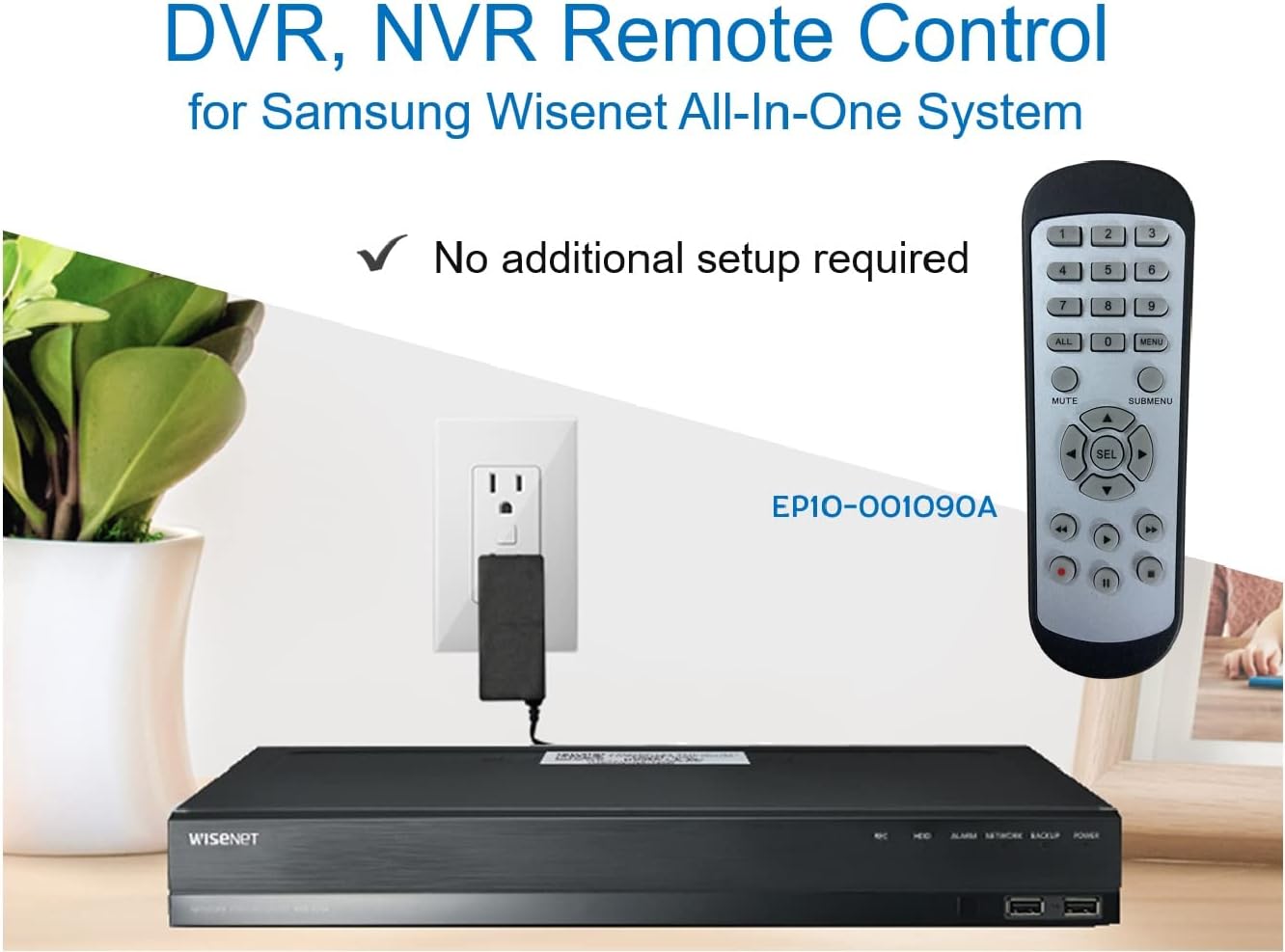
Image 3.2: The remote control shown alongside a Wisenet DVR, illustrating the 'no additional setup required' feature.
4. Käyttöohjeet
Point the remote control directly at your Samsung Wisenet DVR or NVR. Press the desired buttons to navigate menus, control playback, switch camera views, and access other functions of your security system. The button layout is standard for Wisenet systems, allowing for intuitive operation.
- Numeropainikkeet (0-9): Used for direct camera selection or data entry.
- Directional Pad (Up, Down, Left, Right, SEL): Valikon navigointia ja valintaa varten.
- MYKISTÄ: Mykistää äänen ulostulon.
- SUBMENU: Accesses sub-menus within the system interface.
- Toiston säätimet (toisto, tauko, pysäytys, kelaus eteenpäin, kelaus taaksepäin): Manages recorded footage toisto.
- REC (Äänitys): Initiates manual recording.
5. Yhteensopivuus
This remote control is compatible with various Samsung Wisenet All-In-One System Series. It is designed to function as a direct replacement for the original remote controls supplied with these systems.
5.1 Compatible System Series
The remote control is compatible with, but not limited to, the following Samsung Wisenet All-In-One System Series:
- SDH-E95127
- SDH-B94047
- SDH-C94087
- SDH-B73043
- SDH-C85080
- SDH-SF440
- SDH-B74043
- SDH-B74083
- SDH-B74041
- SDH-B74081
- SDH-C85100
- SDR-C85300
- SNK-B73047
- SDH-B74086
- SDH-C73043
- SDR-C73303
- SDH-C74043DF
- SDR-C74303N1T
- SDR-B74301

Image 5.1: The remote control displayed alongside a partial list of compatible Samsung Wisenet All-In-One System Series.

Image 5.2: An illustration showing the remote control's compatibility with a range of Samsung Wisenet security camera systems.
6. Huolto
6.1 Pariston vaihto
When the remote control's performance diminishes or it stops responding, replace the AAA batteries. Always replace both batteries at the same time with new ones. Do not mix old and new batteries, or different types of batteries.
6.2 Puhdistus
Puhdista kaukosäädin pehmeällä, kuivalla liinalla. Pinttyneeseen likaan, hankaa kevyesti.ampen the cloth with water. Avoid using harsh chemicals, abrasive cleaners, or solvents, as these can damage the remote's surface or internal components.
6.3 Varastointi
Säilytä kaukosäädintä viileässä, kuivassa paikassa, poissa suorasta auringonvalosta ja äärimmäisistä lämpötiloista. Jos kaukosäädintä ei käytetä pitkään aikaan, on suositeltavaa poistaa paristot vuotojen estämiseksi.
7. Vianmääritys
If you experience issues with your SOLTECH CCTV Remote Control, refer to the following common troubleshooting steps:
- Kaukosäädin ei vastaa:
- Tarkista, että paristot on asetettu oikein päin ja oikea napaisuus on oikea.
- Vaihda paristot uusiin AAA-paristoihin.
- Ensure there is a clear line of sight between the remote control and the infrared receiver on your Wisenet DVR/NVR. Obstructions can block the signal.
- Verify that the remote control is pointed directly at the Wisenet system.
- Ajoittainen toiminnallisuus:
- Tämä viittaa usein paristojen alhaiseen varaukseen. Vaihda paristot.
- Varmista, ettei infrapunasignaalia häiritse voimakas valonlähde (kuten suora auringonvalo tai kirkkaat loisteputket).
- Remote Does Not Control My System:
- Confirm that your security system is a Samsung Wisenet All-In-One System and is listed as compatible in Section 5.1. This remote is specifically designed for these systems and may not work with other brands or models.
- As this remote requires no additional setup, if it is not working with a confirmed compatible system after battery replacement, contact customer support.
8. Tekniset tiedot
| Ominaisuus | Yksityiskohta |
|---|---|
| Mallinumero | RCWN00001B (EP10-001090A) |
| Tuotteen mitat | 5 x 1.75 x 0.75 tuumaa |
| Tuotteen paino | 1.76 unssia |
| Paristot vaaditaan | 2 AAA-paristoa (ei sisälly) |
| Valmistaja | Soltech |
| Väri | Harmaa |
| Tuettujen laitteiden enimmäismäärä | 1 (Wisenet DVR/NVR) |
| Yhteensopivat laitteet | Samsung Wisenet Security Camera Systems (DVR/NVR) |

Image 8.1: The remote control with its physical dimensions (length, width, thickness) indicated.
9. Takuu ja tuki
For information regarding product warranty, please refer to the documentation provided with your purchase or contact the seller directly. The seller for this product is SOLTECH America.
For further assistance or technical support, please reach out to the manufacturer or seller through their official contact channels.