
1. Tuote ohiview
The Amazon Echo Show 8 (3rd Generation) is a smart display designed to enhance your daily life with immersive entertainment, smart home control, and seamless communication. Featuring an 8-inch HD touchscreen and spatial audio, it offers a rich visual and auditory experience. The device integrates a built-in smart home hub for simplified control of compatible devices and a 13 MP camera for clear video calls.
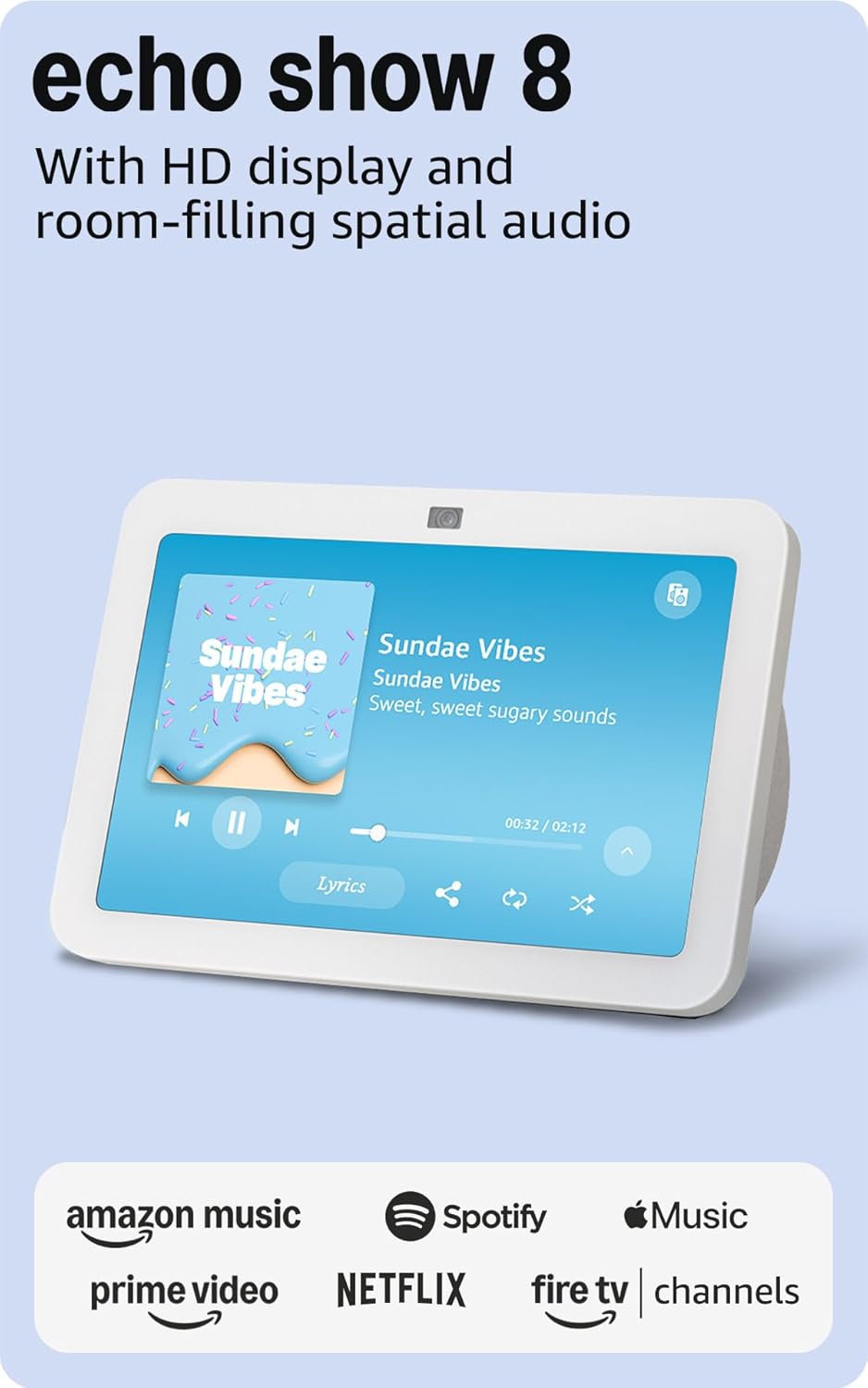
Kuva: Edessä view of the Amazon Echo Show 8 (3rd Gen) in Glacier White, displaying a music interface.
2. Mitä laatikossa on
- Echo Show 8 (3. sukupolvi) -laite
- Glacier White power adapter (30W) with 4.9 ft. cable
- Pika-aloitusopas
3. Asennusopas
3.1 Ensimmäinen käynnistys
- Connect the power adapter to the Echo Show 8 and plug it into a wall outlet.
- The device will power on automatically and display the Amazon logo.
3.2 Verkkoyhteys
- Follow the on-screen instructions to select your language and connect to your Wi-Fi network. The Echo Show 8 supports dual-band Wi-Fi (802.11a/b/g/n/ac).
- For simplified setup, Amazon Wi-Fi simple setup allows compatible devices to connect to your Wi-Fi network in a few easy steps.
3.3 Amazon Account Login
- Sign in with your Amazon account credentials. An Amazon account is required for full functionality.
- If you do not have an Amazon account, you can create one at amazon.com.
EI mukauttamista
Follow the prompts to personalize your device, including setting up Visual ID for personalized greetings and content display based on who is near the device. Alexa processes images on the device to recognize you.
4. Käyttöohjeet
4.1 Äänikomennot Alexan kanssa
The Echo Show 8 is primarily voice-controlled. Simply say "Alexa" followed by your command or question. Exampsisältää:
- "Alexa, soita musiikkia."
- "Alexa, millainen sää on?"
- "Alexa, aseta ajastin 10 minuutiksi."
- "Alexa, näytä minulle etuoven kamera."
4.2 Kosketusnäytön navigointi
The 8-inch HD touchscreen allows for intuitive navigation and control:
- Swipe down from the top: Access quick settings like Home, Settings, Do Not Disturb, Brightness, Notifications, Alarms, Photo Frame, Communicate, Music, Smart Home, Video, and Routines.
- Swipe left from the right edge: View adaptive content such as calendar, reminders, news, and suggested activities.
- Tap icons: Interact with on-screen elements, select options, or open applications.

Image: Amazon Echo Show 8 (3rd Gen) on a kitchen counter, displaying weather information.
4.3 Eleet
The Echo Show 8 supports gestures for quick actions:
- Hold your palm towards the camera: Dismiss timers and alarms.
5. Tärkeimmät ominaisuudet
5.1 Spatial Audio and HD Display
Experience immersive entertainment with room-filling spatial audio and an 8-inch HD touchscreen. The device features 2 x 2" full range neodymium drivers with a passive bass radiator for rich sound. Room adaptation technology automatically analyzes acoustics for optimal sound.
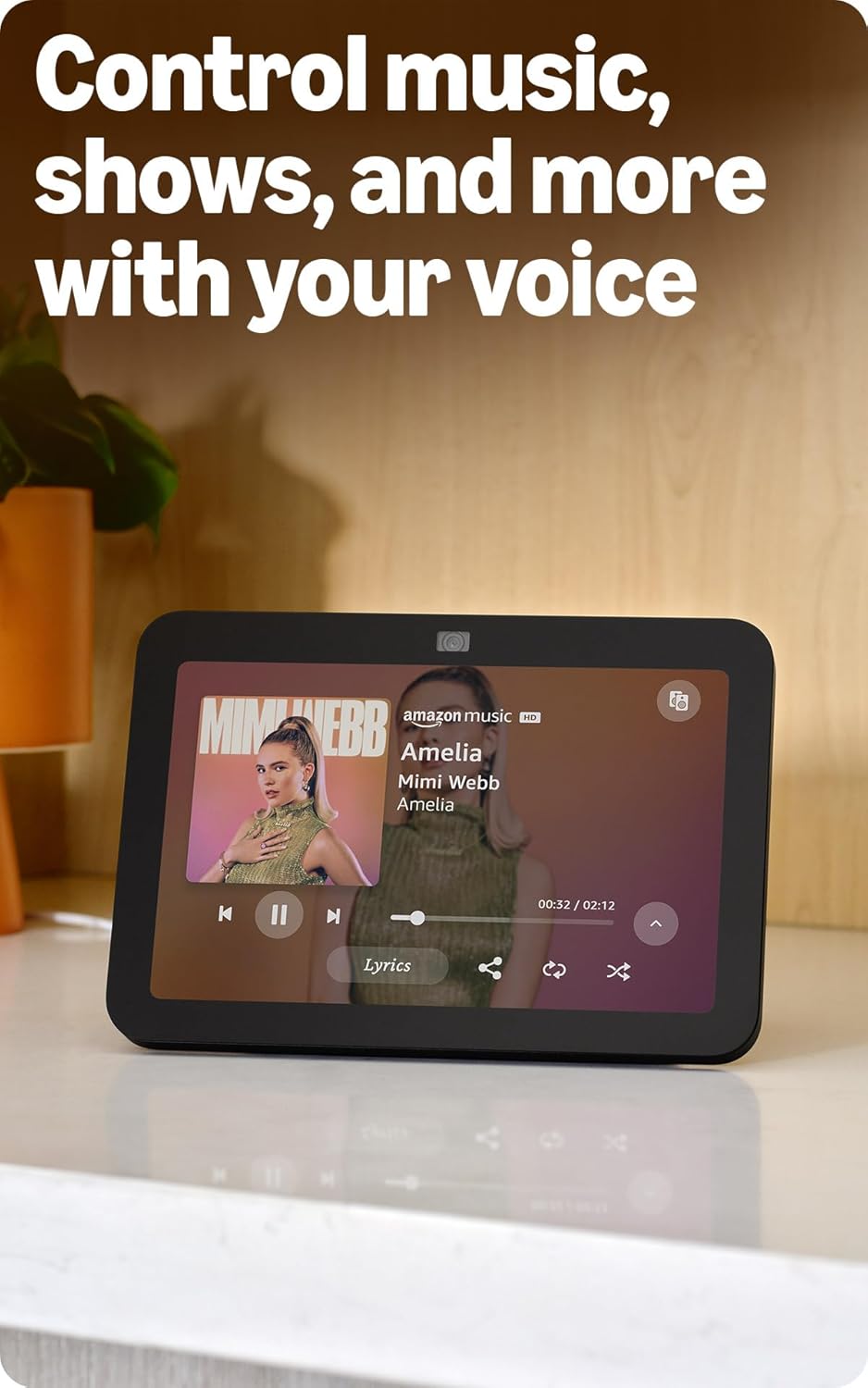
Image: Amazon Echo Show 8 (3rd Gen) showing music playback with lyrics on screen.
5.2 Enhanced Camera for Video Calls
The 13 MP centered camera with auto-framing and noise reduction technology ensures crisper video calls. The camera can keep you centered in the frame as you move. A built-in camera shutter provides privacy when needed.
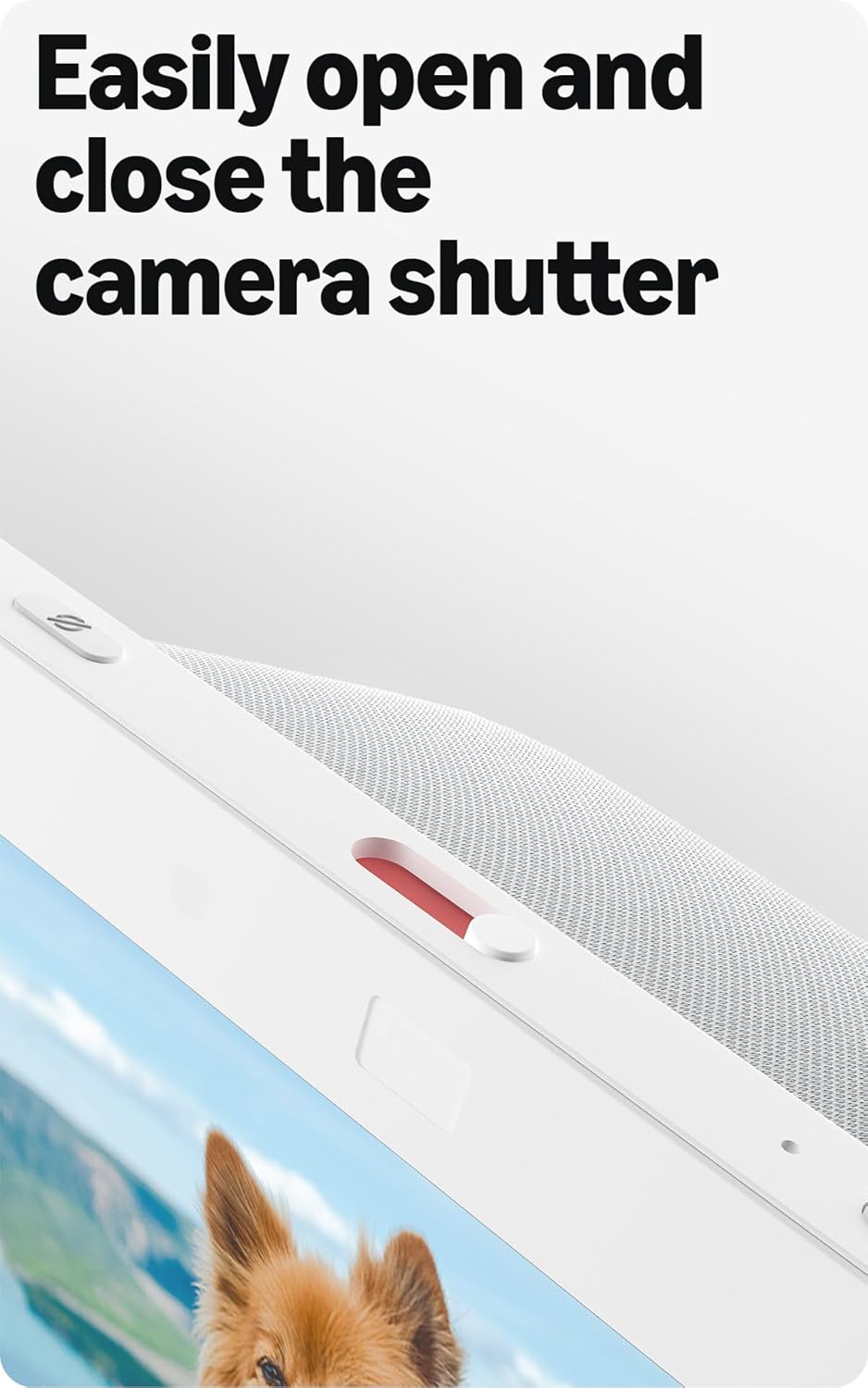
Image: Close-up of the top of the Echo Show 8 (3rd Gen) showing the physical camera shutter control.
5.3 Built-in Smart Home Hub
The Echo Show 8 includes a built-in smart home hub compatible with Zigbee, Matter, and Thread Border Router protocols. This allows you to pair and control a wide range of smart devices directly from your Echo Show 8 without needing a separate hub. Manage cameras, lights, and more using the display or your voice.
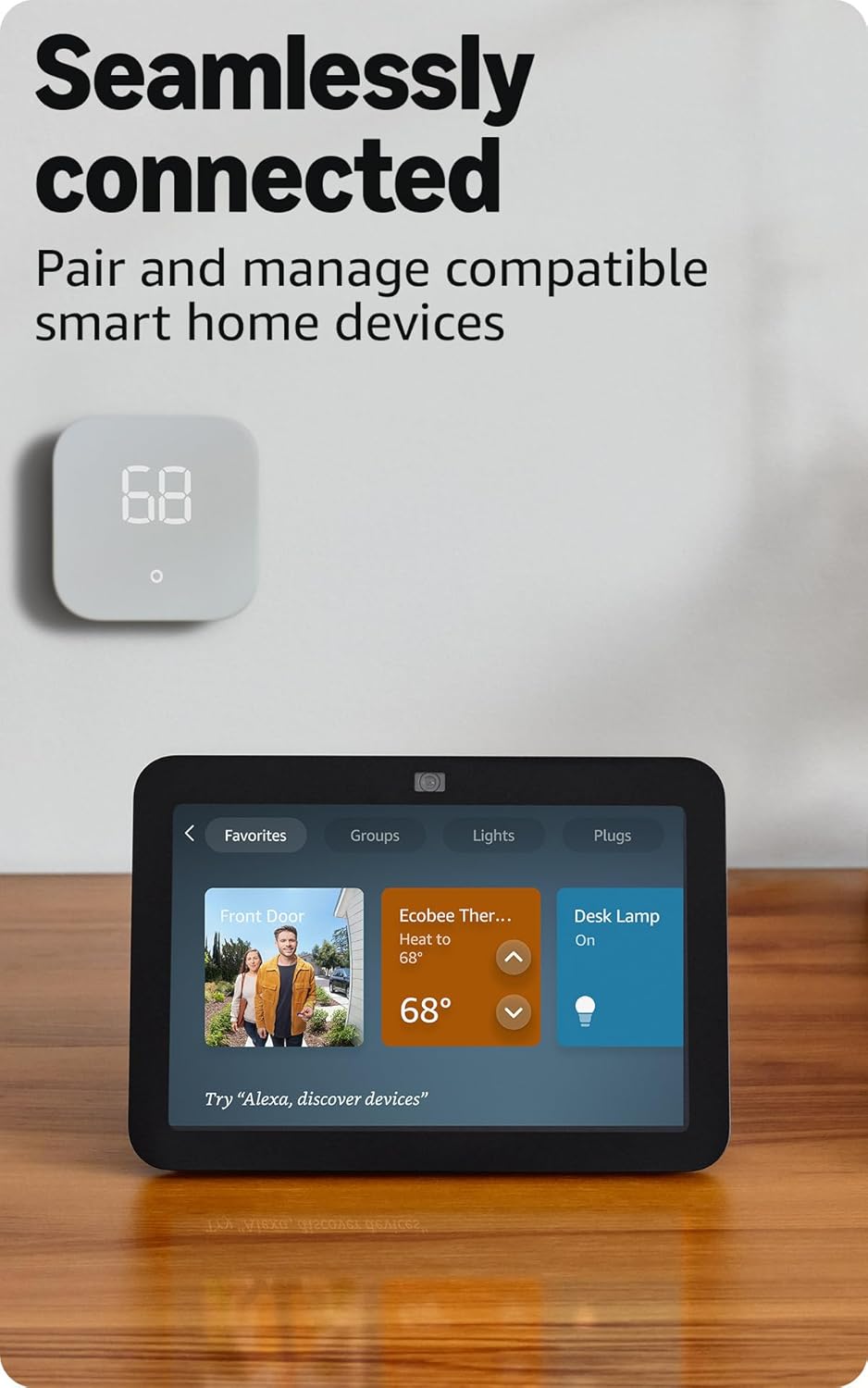
Image: Amazon Echo Show 8 (3rd Gen) screen showing smart home device controls for lights and thermostats.
5.4 Adaptive Content
Adaptive Content adjusts the information displayed on the screen based on your proximity. Glance at your calendar or reminders from afar, or see more detailed content when you're nearby. Shortcut icons on the home screen provide easy access to frequently used widgets.
6. Tietosuojaominaisuudet
Amazon Echo Show 8 is designed with multiple layers of privacy controls:
- Wake Word -teknologia: Laite alkaa kuunnella vasta havaittuaan herätyssanan ("Alexa").
- Suoratoiston indikaattorit: Visual indicators confirm when audio or video is being streamed to the cloud.
- Mikrofonin/kameran sammutuspainike: A physical button allows you to electronically disconnect the microphones and camera.
- Sisäänrakennettu kameran suljin: A physical slider covers the camera lens for complete visual privacy.
- Äänitallenteet: Sinulla on kyky view ja poista äänitallenteesi.
7. Tekniset tiedot
| Ominaisuus | Yksityiskohta |
|---|---|
| Koko | 7.9 x 5.5 x 4.2 tuumaa (200 x 139 mm x 106 mm) |
| Paino | 36.6 unssia (1034 grammaa) |
| Näyttö | 8.0 tuuman HD-kosketusnäyttö |
| Kamera | 13 megapikselin keskitetty kamera sisäänrakennetulla sulkimella |
| Wi-Fi-yhteys | Kaksikaistainen Wi-Fi (802.11a/b/g/n/ac) |
| Smart Home Hub | Zigbee + Matter + langanreunusreititin |
| Bluetooth-yhteys | A2DP, AVRCP support |
| Audio | 2 x 2 tuuman täyden äänialueen neodyymielementtiä passiivisella bassosäteilijällä |
| Prosessori | Kahdeksanytiminen SoC ja Amazon AZ2 -neuroverkkomoottori |
| Sukupolvi | Echo Show 8 (3. sukupolvi) - julkaisu vuonna 2023 |
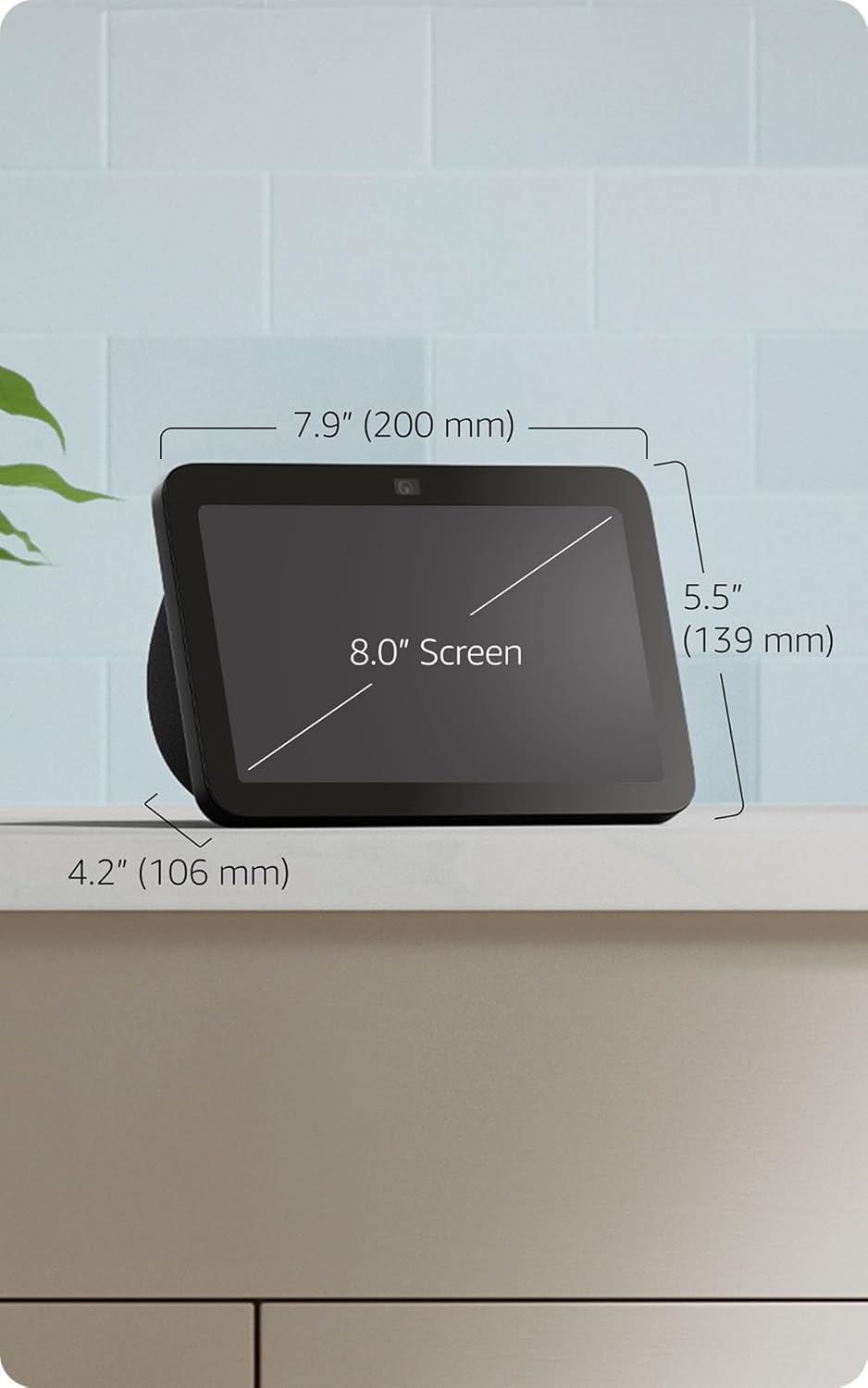
Image: Amazon Echo Show 8 (3rd Gen) with key dimensions labeled.
8. Vianmääritys
8.1 Laite ei vastaa
- Varmista, että laite on kytketty pistorasiaan ja että virtalähde on kytketty kunnolla.
- Tarkista Internet-yhteytesi.
- Verify that the microphone is not muted (red light on top indicates mute).
- Restart the device by unplugging it for 30 seconds and plugging it back in.
8.2 Wi-Fi-yhteysongelmat
- Confirm your Wi-Fi password is correct.
- Siirrä Echo Show 8 lähemmäs Wi-Fi-reititintäsi.
- Käynnistä Wi-Fi-reititin ja modeemi uudelleen.
8.3 Kamera ei toimi
- Varmista, että kameran suljin on auki.
- Check that the camera is not disabled in the device settings or Alexa app.
9. Huolto
- Puhdistus: Puhdista näyttö ja laitteen ulkopinta pehmeällä, nukkaamattomalla liinalla. Vältä hankaavia puhdistusaineita tai suihkeita.
- Ohjelmistopäivitykset: The device automatically receives software security updates. Ensure it is connected to Wi-Fi for updates.
- Sijoitus: Place the device on a stable surface, away from heat sources, direct sunlight, and liquids.
10. Esteettömyysominaisuudet
Echo Show 8 sisältää useita esteettömyysominaisuuksia:
- Napauta Alexaa varten: Access Alexa via touch through on-screen tiles or a keyboard.
- Adaptiivinen kuuntelu: Antaa enemmän aikaa puhua loppuun ennen kuin Alexa vastaa.
- Toivottu puhenopeus: Hallitse Alexan puhenopeutta.
- Alexa-tekstitys, puheluiden tekstitys, tekstitys: Lisää tuetun sisällön tekstikuvatekstit.
- Näytä ja kerro: Helps blind or visually impaired users identify products by saying "Alexa, what am I holding."
- ÄäniView Näytönlukija: Mahdollistaa käytön sokeille tai näkövammaisille käyttäjille.
- Näytön suurennuslasi: Lähennä/loitonna ja panoroi näytöllä.
- Ilmoita, kun lähellä: Toistaa ilmoitusääniä, kun se havaitaan laitteen lähellä.
- Kindle Lue ääneen: Alexa lukee Kindle-kirjoja ääneen.
- Reaaliaikainen teksti: Kirjoita reaaliaikaista tekstiä videopuhelussa.
- Lisäasetukset värien käänteiselle käytölle, värinkorjaukselle, äänen pyynnölle ja muille.
To enable these features, go to Asetukset → Esteettömyys laitteellasi.
11. Takuu ja tuki
The Amazon Echo Show 8 (3rd Gen) includes a 1-year limited warranty and service. Optional 1-year, 2-year, and 3-year extended warranties are available for U.S. customers and sold separately. Use of Echo Show 8 is subject to these terms.
Lisätietoja saat Amazonin tukisivuilta websivustolla tai ota yhteyttä asiakaspalveluun.