
1. Johdanto
Kiitos ostoksestasiasing the BYINTEK R17 Pro Portable Smart 3D DLP Projector. This manual provides essential information for safe and effective use of your device. Please read it thoroughly before operation and retain it for future reference.
The BYINTEK R17 Pro is a versatile portable projector featuring Android 9.0 OS, 4K decoding support, 3D capabilities, and a built-in battery, making it ideal for various entertainment and presentation needs. It also supports multiple languages including English, Russian, Arabic, Korean, Japanese, French, German, Italian, Spanish, Chinese, Vietnamese, Polish, and Traditional Chinese.
2. Turvallisuustiedot
- Älä katso suoraan projektorin linssiin, kunamp on päällä.
- Keep the projector away from water or other liquids to prevent electric shock.
- Älä tuki tuuletusaukkoja ylikuumenemisen estämiseksi.
- Käytä ainoastaan valmistajan toimittamaa virtalähdettä.
- Vältä projektorin sijoittamista epävakaille pinnoille.
- Älä yritä purkaa tai korjata projektoria itse. Ota yhteyttä pätevään huoltohenkilöstöön.
- Säilytä projektoria viileässä ja kuivassa paikassa, kun se ei ole käytössä.
3. Pakkauksen sisältö
Tarkista pakkauksen sisältö purkamisen yhteydessä varmistaaksesi, että kaikki osat ovat mukana:
- BYINTEK R17 Pro Projector
- Virtalähde
- Kaukosäädin
- Käyttöopas (tämä asiakirja)
- HDMI-kaapeli (voi vaihdella alueittain)

Kuva: Yksityiskohtainen sivukuva view of the BYINTEK R17 Pro projector, highlighting its compact and portable design.
4. Asennusopas
4.1 Virran kytkeminen päälle/pois
- Liitä virta: Plug the power adapter into the projector's DC input port and then into a power outlet.
- Virta päälle: Press the power button on the projector or the remote control. The indicator light will turn on.
- Virta pois: Paina virtapainiketta uudelleen. Vahvista sammutus, jos sitä pyydetään.
4.2 Sijoittelu ja heijastaminen
Position the projector on a stable, flat surface. Ensure there are no obstructions in front of the lens. The ideal projection distance ranges from 1 to 8 meters, producing a screen size of 30 to 300 inches.
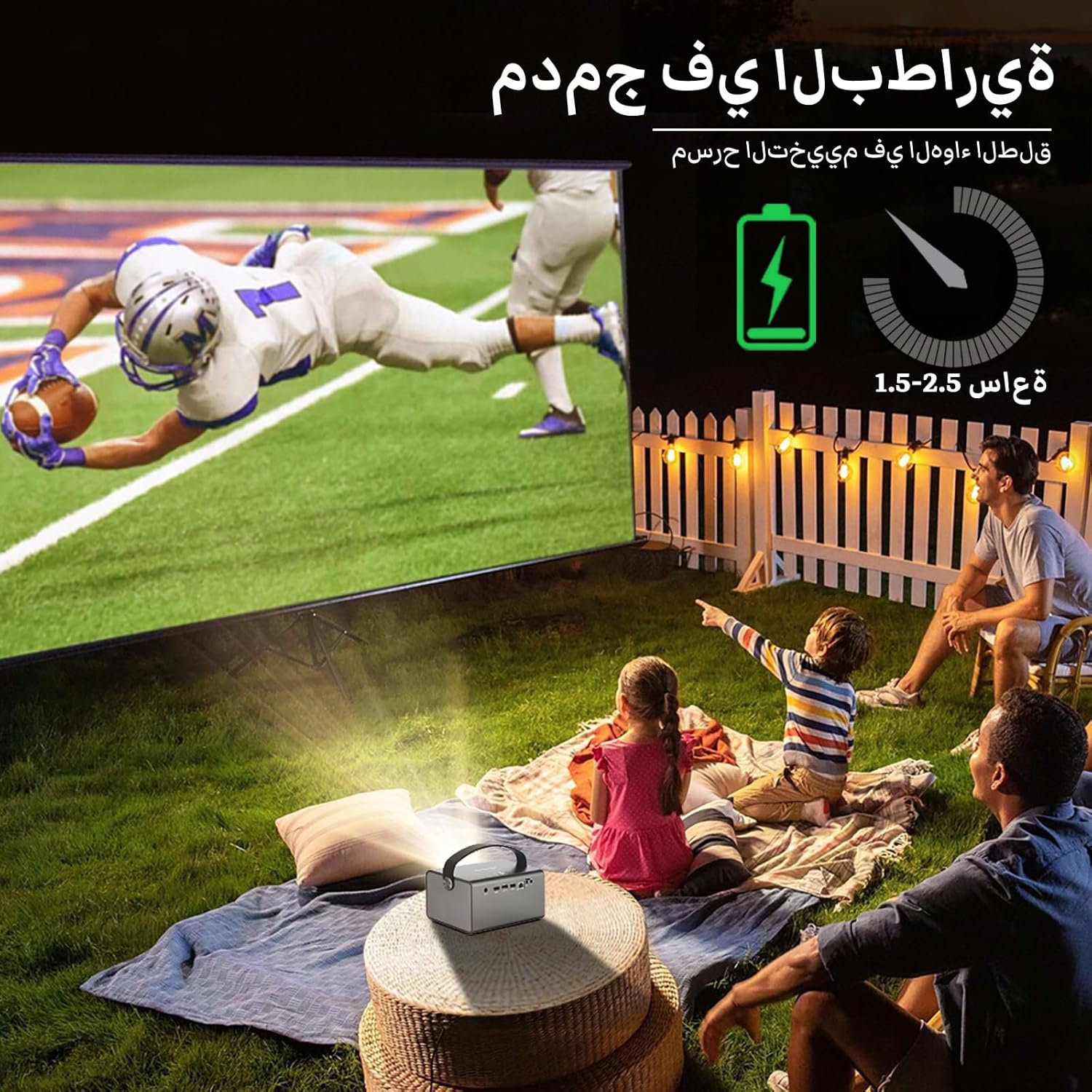
Image: The BYINTEK R17 Pro projector in an outdoor setting, demonstrating its portable use for entertainment. The image shows a football game projected onto a large screen, with people watching comfortably. This highlights the projector's battery life and suitability for outdoor events.
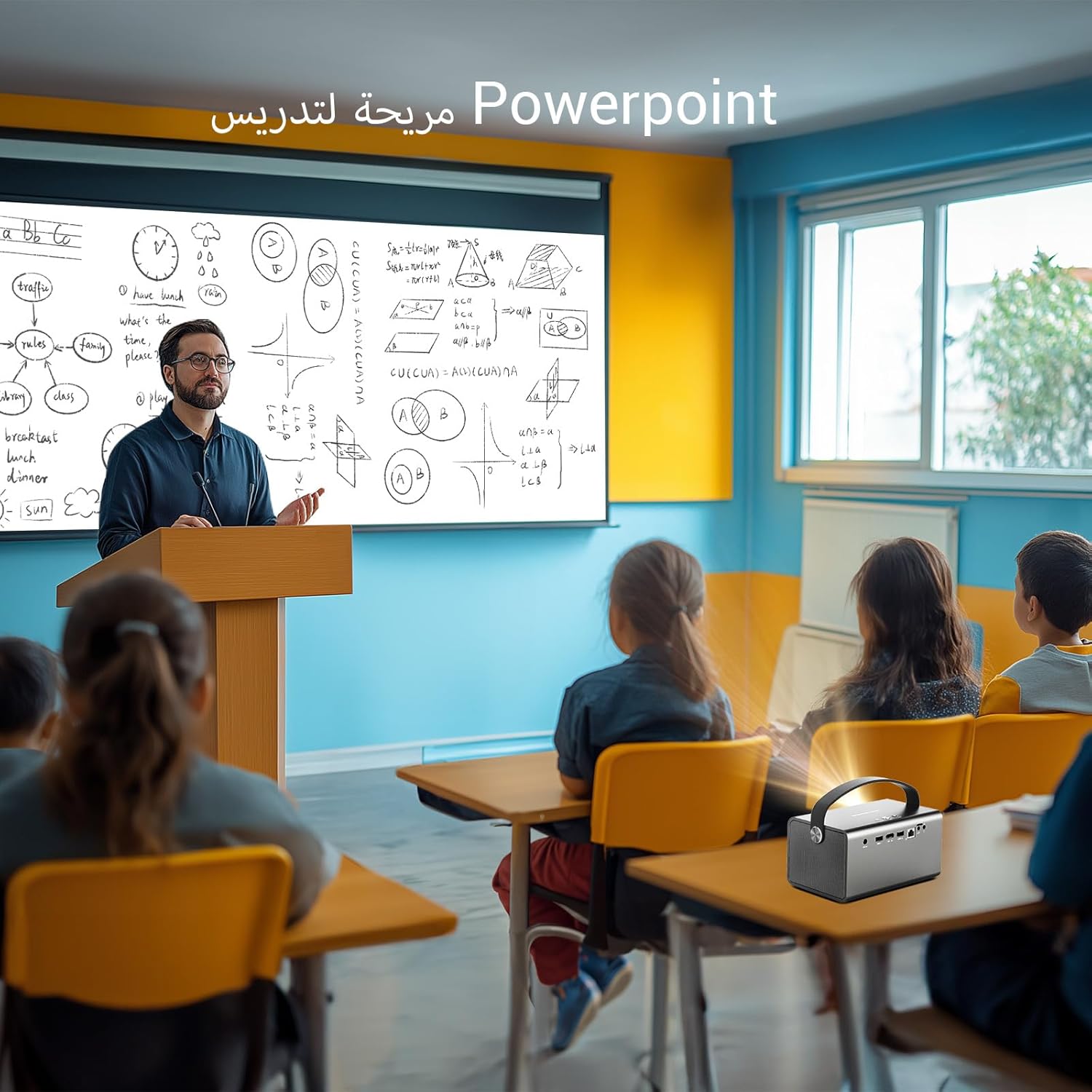
Image: The BYINTEK R17 Pro projector being used in a classroom to display a PowerPoint presentation. This illustrates its utility for educational purposes and presentations in various environments.
4.3 Tarkennus ja trapetsivääristymän korjaus
- Sähköinen tarkennus: Use the remote control to adjust the focus until the image is clear.
- Automaattinen Keystone-korjaus: The projector supports automatic vertical keystone correction.
- Manuaalinen Keystone-korjaus: For side projections or specific adjustments, use the manual keystone correction feature via the settings menu. This includes corner keystone correction.
5. Käyttö
5.1 Android 9.0 -järjestelmän käyttö
The BYINTEK R17 Pro runs on Android 9.0, providing a smart interface. Use the remote control or a connected air mouse to navigate through menus, launch applications, and adjust settings.
- Aloitusnäyttö: Access pre-installed apps and system settings.
- App Store: Download additional applications for streaming, productivity, or gaming.
- Asetukset: Configure Wi-Fi, Bluetooth, display, sound, and other system preferences.
5.2 Median toisto
The projector supports various media formats and sources:
- USB-muisti: Connect a USB drive or SSD (up to 32GB) to play videos, music, or view valokuvat.
- Suoratoisto verkossa: Use pre-installed or downloaded streaming apps via Wi-Fi.
- 3D-sisältö: The projector supports Blu-ray 3D. Ensure your 3D content and glasses are compatible.

Image: A couple enjoying a Blu-ray 3D movie projected by the BYINTEK R17 Pro. The image showcases the projector's ability to display immersive 3D content with vivid colors.
5.3 Screen Mirroring (Wi-Fi Display)
Mirror your smartphone, tablet, or computer screen wirelessly to the projector using Airplay, Miracast, or DLNA (Eshare app is pre-installed).
- Varmista, että sekä laitteesi että projektori on yhdistetty samaan Wi-Fi-verkkoon.
- Open the Eshare app on the projector.
- On your mobile device, activate screen mirroring (e.g., Airplay for iOS, Smart View/Screen Cast for Android).
- Valitse projektori käytettävissä olevien laitteiden luettelosta.

Image: The BYINTEK R17 Pro projector wirelessly displaying a racing game from a smartphone. This demonstrates the screen mirroring feature for gaming and mobile content.
6. Yhteydet
The BYINTEK R17 Pro offers multiple connectivity options:
- HDMI 2.0: Connect external devices like game consoles (e.g., PS4), computers, Blu-ray players, or TV boxes. Supports up to 4K input.
- USB 2.0 / USB 3.0: For connecting USB storage devices, external mice, game controllers, or 2.4GHz air mice.
- Ääni ulos: Liitä ulkoiset kaiuttimet tai kuulokkeet parantaaksesi ääntä.
- Wi-Fi (2.4GHz/5GHz): For internet access and wireless screen mirroring.
- Bluetooth 5.0: For connecting Bluetooth speakers, headphones, or other compatible accessories.
7. Huolto
7.1 Linssin puhdistaminen
Use a soft, lint-free cloth specifically designed for optical lenses. Do not use abrasive cleaners or excessive force, as this can scratch the lens.
7.2 Projektorin rungon puhdistaminen
Wipe the exterior of the projector with a soft, dry cloth. Avoid using chemical cleaners that may damage the finish.
7.3 Varastointi
When not in use for extended periods, store the projector in its original packaging or a protective case in a cool, dry, dust-free environment.
8. Vianmääritys
| Ongelma | Mahdollinen syy | Ratkaisu |
|---|---|---|
| Kuvaa ei näy | Power not connected; input source incorrect; lens cap on. | Check power connection; select correct input source (HDMI, USB, etc.); remove lens cap. |
| Kuva on epäselvä | Focus not adjusted; projector too far/close. | Adjust electric focus using the remote; reposition the projector within optimal distance. |
| Kuva on vääristynyt (puolisuunnikkaan muotoinen) | Keystone correction needed. | Use auto or manual keystone correction in settings. |
| Ei ääntä | Volume too low; external speakers not connected/configured; audio output muted. | Increase volume; check external speaker connection; unmute audio. |
| Wi-Fi-yhteysongelmia | Väärä salasana; kantaman ulkopuolella; reitittimen ongelmia. | Verify password; move closer to router; restart router and projector. |
| Projektori sammuu odottamatta | Overheating; low battery. | Ensure ventilation is clear; charge the battery or connect to power. |
9. Tekniset tiedot
| Ominaisuus | Yksityiskohta |
|---|---|
| Merkki | BYINTEK |
| Malli | R17 Pro |
| Kevyt moottori | TI 0.47 inch DMD WVGA |
| Valon lähde | OSRAM RGB 3LED |
| Kevyt elämä | 50,000 tuntia |
| Kirkkaus | 750 ANSI-lumenia |
| Kontrastisuhde | 10,000:1 |
| Alkuperäinen resoluutio | 1280 x 800 (supports up to 4K input) |
| Kuvasuhde | 16: 10 / 16: 9 / 4: 3 |
| Akselin ulkopuolella | 100 % |
| Heittosuhde | 1.2:1 |
| Projektion koko | 30–300 tuumaa |
| Projektioetäisyys | 1–8 metriä |
| Tarkennustila | Electric Motor Focus |
| Zoomaa | Remote Electric Zoom |
| Keystone-korjaus | Auto/Manual Vertical, Manual Corner |
| Käyttöjärjestelmä | Android 9.0 |
| CPU | MTK Contex A53 Quad-core |
| GPU | Mali-G52 |
| RAM | 2GB DDR3 |
| ROM | 32GB EMMC |
| Wi-Fi | Kaksikaistainen 2.4 GHz / 5 GHz |
| Bluetooth | Bluetooth 5.0 |
| Wi-Fi-näyttö | Airplay, Miracast, DLNA (Eshare pre-installed) |
| Akku | Built-in 11.1V 5200mAh (15600mAh equivalent) Lithium-ion, 1.5-2.5 hours life |
| Kaiuttimet | 2 x 5 W stereokaiuttimet |
| Tuloportit | HDMI 2.0 (supports 4K input), USB 2.0, USB 3.0 |
| Lähtöportit | Äänilähtö |
| Tuotteen mitat | 19.3 x 12.3 x 10 cm |
| Tuotteen paino | 2.34 kg |
| Erikoisominaisuudet | Auto Focus, Built-in Wi-Fi Receiver, Built-in 3D Display, Portable, Built-in Speaker |
10. Takuu ja tuki
BYINTEK products come with a standard manufacturer's warranty. Please refer to the warranty card included in your package for specific terms and conditions. For technical support, service, or warranty claims, please contact BYINTEK customer service or visit the official BYINTEK websivusto.
BYINTEK has a service center in Saudi Arabia to provide professional after-sales service. For more information, please visit the BYINTEK Store on Amazon.