
1. Johdanto
Kiitos ostoksestasiasing the Edifier X3s True Wireless Stereo Earbuds. This manual provides detailed instructions on how to set up, operate, and maintain your earbuds to ensure optimal performance and longevity. Please read this manual thoroughly before use.

Image: The Edifier X3s earbuds, one removed from the open charging case, showcasing niiden kompakti muotoilu.
2. Pakkauksen sisältö
- Edifier X3s True Wireless Earbuds (Left and Right)
- Latauskotelo
- USB-latauskaapeli
- Korvapäät (eri kokoja)
- Käyttöopas
3. Asennus
3.1 Kuulokkeiden ja kotelon lataaminen
Lataa nappikuulokkeet ja latauskotelo täyteen ennen ensimmäistä käyttökertaa.
- Aseta nappikuulokkeet latauskoteloon. Varmista, että ne ovat oikein paikallaan; nappikuulokkeiden merkkivalot syttyvät.
- Connect the charging case to a power source using the provided USB cable. The indicator light on the charging case will show charging status.
- A full charge for the charging case typically takes approximately 8 hours. The earbuds will charge automatically when placed in the case.
3.2 Bluetooth -pariliitos
Follow these steps to pair your Edifier X3s earbuds with your device:
- Varmista, että kuulokkeet on ladattu.
- Avaa latauskotelo. Nappikuulokkeet siirtyvät automaattisesti pariliitostilaan, minkä osoittaa nappikuulokkeiden vilkkuva valo.
- Ota Bluetooth käyttöön laitteellasi (älypuhelin, tabletti jne.) ja hae uusia laitteita.
- Select "EDIFIER X3s" from the list of available devices.
- Once connected, a voice prompt will confirm successful pairing, and the earbud indicator lights will turn off.
Kuulokkeet tukevat TrueWireless Mirroring, allowing seamless switching between single and dual earbud use.
4. Käyttöohjeet
4.1 Kosketusohjaimet
The Edifier X3s earbuds feature intuitive touch controls on each earbud. Refer to the diagram below for specific functions:

Image: A diagram illustrating the touch control functions for the left and right Edifier X3s earbuds.
- Yksi napautus (V/O): Play/Pause music, Answer an Incoming Call
- Double Tap (L): Edellinen kappale
- Double Tap (R): Seuraava kappale
- Triple Tap (L): Switch On Game Mode
- Triple Tap (R): Aktivoi Voice Assistant
- Long Press for 2-3 Seconds (L/R): Hang Up/Reject a Call
- Long Press (L): Äänenvoimakkuuden vähentäminen
- Long Press (R): Äänenvoimakkuuden lisääminen
4.2 Pelitila
To enhance your gaming experience, the Edifier X3s features a dedicated Game Mode. Triple-tap the vasemmalle earbud to activate or deactivate Game Mode. This mode optimizes audio-visual synchronization for gaming.
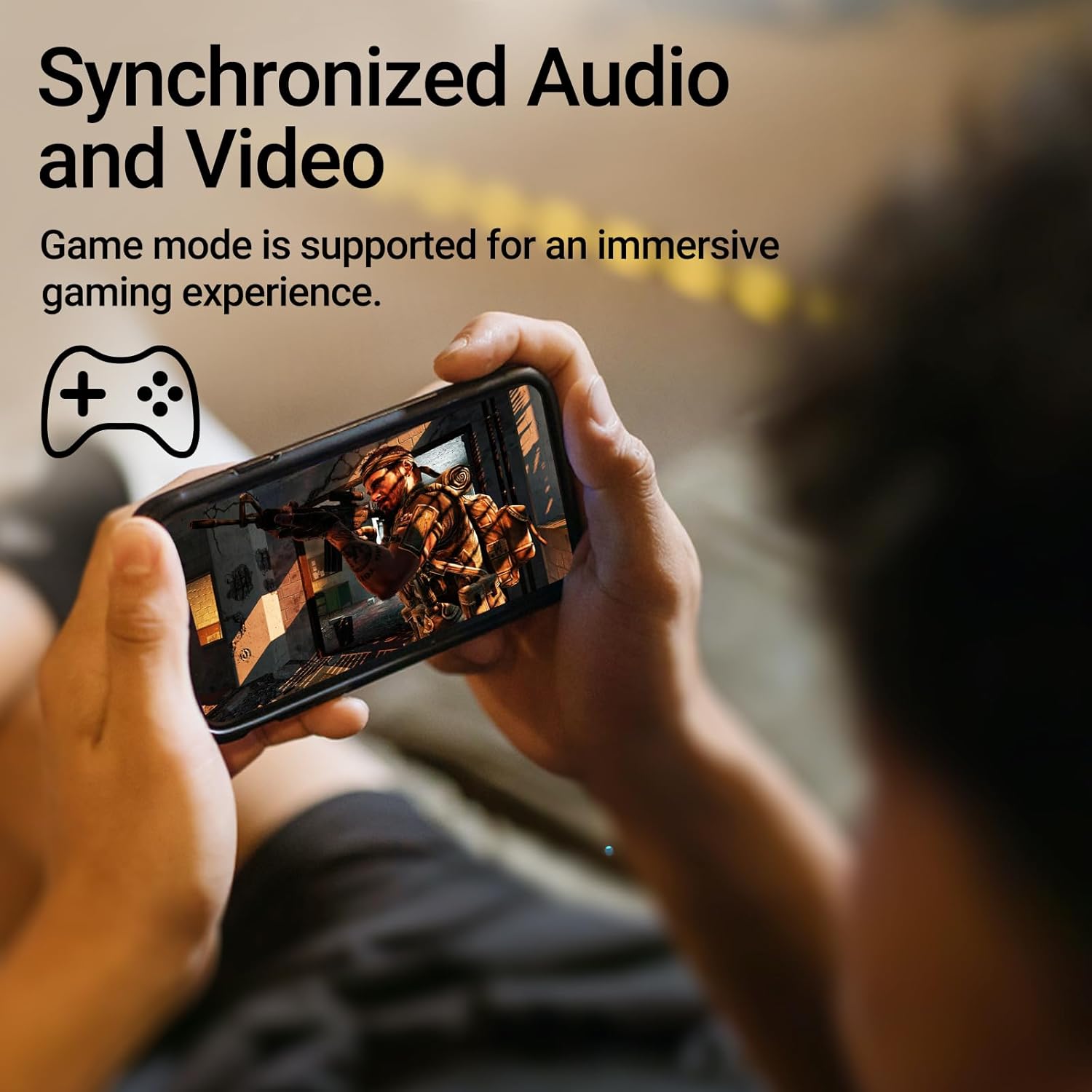
Image: A person holding a smartphone, playing a game, with the text "Synchronized Audio and Video. Game mode is supported for an immersive gaming experience."
5. Tärkeimmät ominaisuudet
- True Wireless Experience: Bluetooth V5.2 with Qualcomm aptX audio decoding for high-fidelity sound and stable connections.
- Pidennetty peliaika: Up to 28 hours of total playtime, with 8 hours from the earbuds and an additional 20 hours from the charging case.
- Superior Call Clarity: Equipped with Qualcomm cVc 8.0 noise cancellation technology for crystal clear calls.
- IP55-luokitus: Dust and water resistance make these earbuds suitable for outdoor activities and various weather conditions.
- Mukava ja kevyt muotoilu: Weighing only 62g, these earbuds provide a secure and comfortable fit for extended wear.

Image: A close-up of the Qualcomm aptX QCC3040 chip, highlighting Bluetooth V5.2 with aptX audio decoding for lossless audio transmission.

Image: Hands holding the Edifier X3s charging case, with an overlay indicating "Up to 28 hours of playback in total: 8 hours (earbuds), 20 hours (charging case)".

Image: A graphic illustrating cVc 8.0 noise reduction, showing how ambient noise is reduced while voice remains clear during calls.

Image: A woman exercising, with an overlay indicating "Dust and water resistant. Feel free to use them at the gym or on a rainy day. IP55-Rated."
6. Huolto
6.1 Puhdistus
- Puhdista nappikuulokkeet ja latauskotelo säännöllisesti pehmeällä, kuivalla ja nukkaamattomalla liinalla.
- Irrota korvatulpat ja puhdista ne tarvittaessa miedolla saippualla ja vedellä. Varmista, että ne ovat täysin kuivat ennen takaisin kiinnittämistä.
- Puhdista nappikuulokkeiden ja kotelon latauskontaktit varovasti vanupuikolla.
6.2 Varastointi
- Kun nappikuulokkeita ei käytetä, säilytä niitä latauskotelossa niiden suojaamiseksi ja latauksen ylläpitämiseksi.
- Säilytä viileässä, kuivassa paikassa, poissa äärimmäisistä lämpötiloista ja suorasta auringonvalosta.
6.3 Veden- ja pölynkestävyys
The earbuds are IP55 rated, meaning they are protected against dust ingress and low-pressure water jets from any direction. While they can withstand sweat and light rain, they are not designed for submersion in water. Do not use them while swimming or showering.
7. Vianmääritys
- Kuulokkeet eivät muodosta pariliitosta: Varmista, että molemmat nappikuulokkeet ovat latauskotelossa ja avaa sitten kansi aloittaaksesi pariliitostilan. Tarkista laitteesi Bluetooth-asetukset ja yritä muodostaa yhteys uudelleen.
- Vain yksi kuuloke toimii: Aseta molemmat nappikuulokkeet takaisin latauskoteloon, sulje kansi, odota muutama sekunti ja avaa se sitten uudelleen. Tämä usein synkronoi ne uudelleen.
- Ei ääntä: Check the volume level on both your device and the earbuds. Ensure the earbuds are properly paired and connected.
- Latausongelmat: Verify that the charging cable is securely connected and the power source is active. Clean the charging contacts on the earbuds and case.
- Huono puhelun laatu: Ensure the earbuds are clean and positioned correctly in your ears. Check for any obstructions to the microphone.
8. Tekniset tiedot
- Malli: EDIFIER X3S
- Liitettävyys: Langaton (Bluetooth V5.2)
- Äänen dekoodaus: Qualcomm aptX
- Melunvaimennus: Qualcomm cVc 8.0 (for calls)
- Peliaika: Earbuds: 8 hours, Total with Charging Case: 28 hours
- Latausaika (kotelo): Noin 8 tuntia
- Veden-/pölynkestävyys: IP55 luokitus
- Valvontamenetelmä: Kosketa
- Paino: 62 grammaa (yhteensä)
- Materiaali: Polykarbonaatti (PC), Termoplastinen elastomeeri (TPE)
- Yhteensopivat laitteet: Smartphones, Gaming Devices, Tablets
9. Takuu ja tuki
For warranty information and customer support, please refer to the warranty card included with your product or visit the official Edifier websivusto. Säilytä ostokuittisi mahdollisten takuuvaatimusten varalta.