
1. Johdanto ja loppuview
The Alienware X17 R2 is a high-performance VR Ready Gaming Laptop designed for demanding tasks such as gaming, video editing, and graphic design. It features a 17.3-inch Full HD display with a 360Hz refresh rate and 1ms response time, powered by a 12th Gen Intel Core i7-12700H processor and NVIDIA GeForce RTX 3070 Ti graphics with 8GB GDDR6 memory. This manual provides essential information for setting up, operating, maintaining, and troubleshooting your device.
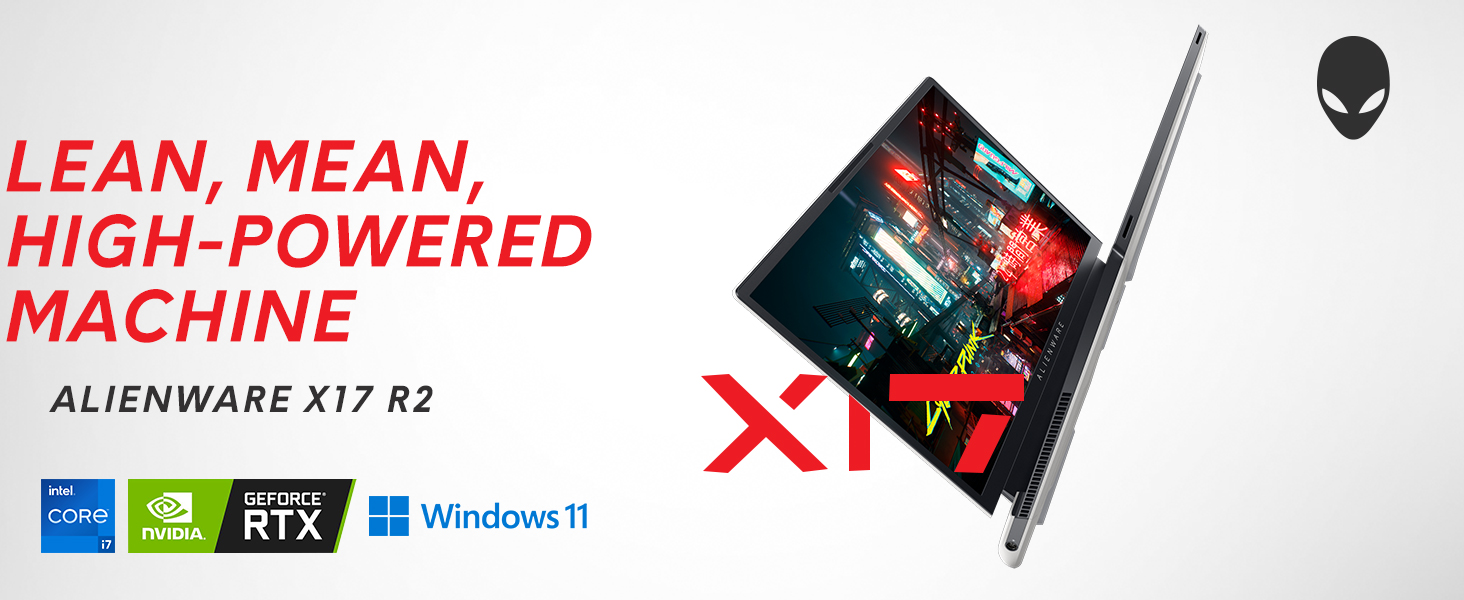
Image: Alienware X17 R2 showcasing its powerful components and sleek design.
2. Mitä laatikossa on
Upon unboxing your Alienware X17 R2, ensure all the following components are present:
- Alienware X17 R2 Notebook
- Power Adapter (240W Small Form Factor)
- Virtajohto
- Dokumentaatio (mukaan lukien tämä käyttöohje)
3. Asennus
3.1 Ensimmäinen käynnistys
- Connect the power adapter to the laptop's power/DC-in port and then to a power outlet.
- Avaa kannettavan tietokoneen kansi.
- Press the Alienware head power button located on the keyboard deck to turn on the laptop.
- Suorita Windows 11 Homen asennus loppuun noudattamalla näytön ohjeita.
3.2 Oheislaitteiden liittäminen
Utilize the various ports available for connecting external devices:
- USB 3.2 Gen 1 Type-A: Tavallisille USB-laitteille.
- USB 3.2 Gen 2 Type-C with Power Delivery: For high-speed data transfer and charging compatible devices.
- Thunderbolt 4 / USB 3.2 Gen 2 Type-C with Power Delivery: For ultra-fast data transfer, display output, and power delivery.
- HDMI 2.1: Connect to external displays or TVs.
- Mini Display Port 1.4: Yhdistä ulkoisiin näyttöihin.
- Killer E3100 RJ-45 2.5G Ethernet: Kiinteää verkkoyhteyttä varten.
- Globaali kuulokeliitäntä: Äänituloa/-lähtöä varten.
- Micro SD -korttipaikka: Tallennustilan laajentamiseen tai siirtämiseen files.
Kuva: Yksityiskohtainen view of the Alienware X17 R2's rear and side ports.
4. Kannettavan tietokoneen käyttö
4.1 Näytön ominaisuudet
The 17.3-inch Full HD display offers a 360Hz refresh rate and 1ms response time for smooth visuals. It also features ComfortView Plus technology to reduce blue light emissions, enhancing viewing comfort during extended use. Dolby Vision support provides an authentic visual experience with enhanced color profiles.
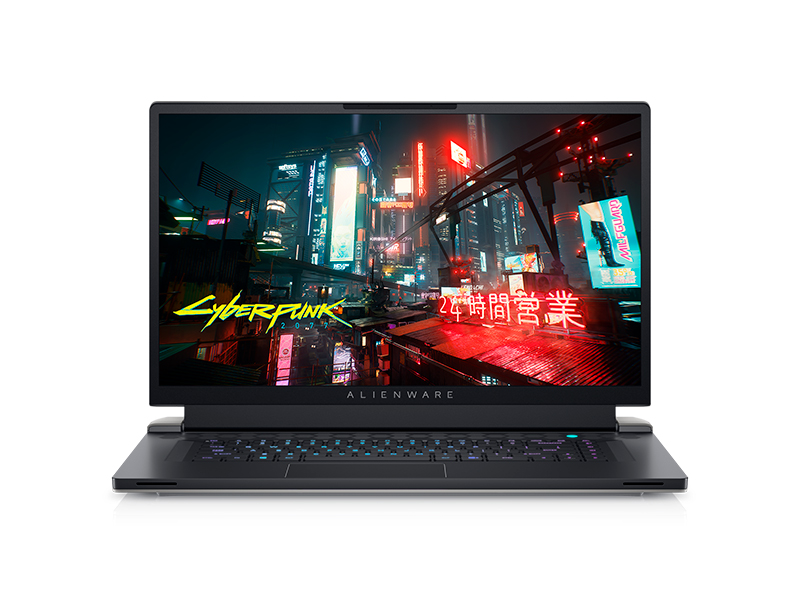
Image: Laptop screen showing vibrant game graphics with Dolby Vision and Atmos branding.
4.2 Keyboard and Lighting
The Alienware X17 R2 features an AlienFX keyboard with customizable backlighting, supporting 16.8 million colors. You can personalize the lighting effects, including wave patterns or solid colors, through the Alienware Command Center software. The power button, shaped like the Alienware head, also illuminates and can be customized.
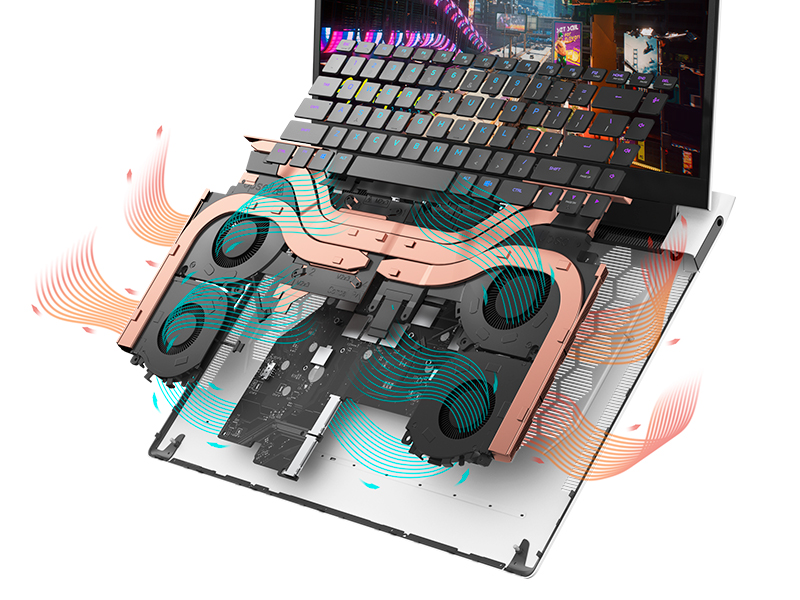
Image: The Alienware X17 R2 keyboard with customizable RGB lighting.
4.3 Äänijärjestelmä
The laptop is equipped with stereo speakers, including two 2W tweeters and two 2W woofers, totaling 8W for rich audio output. Dolby Atmos support further enhances the immersive sound experience.
4.4 Yhteydet
Enjoy high-speed wireless connectivity with Wi-Fi 6 (802.11ax) and Bluetooth. The USB 3.2 Gen 2 Type-C ports offer data transfer speeds up to 40Gbps, ensuring rapid file transfers and peripheral performance.

Kuva: Takaosa view of the Alienware X17 R2 showing connectivity options and lighting.
5. Huolto
5.1 Lämmönhallinta
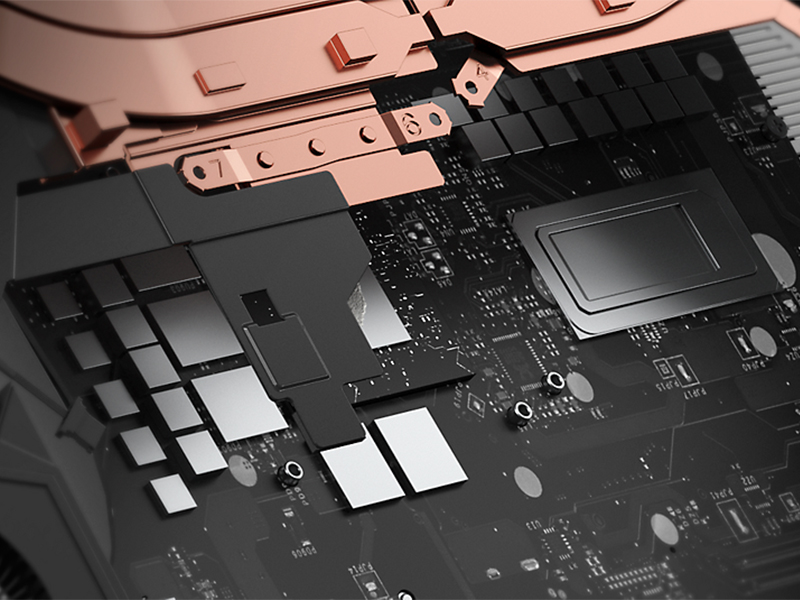
The Alienware X17 R2 features an advanced thermal design utilizing Element 31, an encapsulated gallium-silicone thermal interface material. This system maximizes airflow by expelling warm air through side vents and drawing in cooler air from the top of the keyboard, helping to keep the laptop cool during intensive use.
Kuva: Sisäinen view of the Alienware X17 R2's cooling technology.
5.2 Puhdistus ja hoito
- Regularly clean the screen with a soft, lint-free cloth and a screen-safe cleaning solution.
- Use compressed air to clear dust from the keyboard and ventilation ports.
- Avoid placing heavy objects on the laptop or exposing it to extreme temperatures.
6. Vianmääritys
If you encounter issues with your Alienware X17 R2, consider the following general troubleshooting steps:
- Ei virtaa: Ensure the power adapter is securely connected to both the laptop and the power outlet. Try a different outlet if necessary.
- Näyttöongelmat: If the screen is black, try connecting an external monitor to determine if the issue is with the laptop's display or graphics card. Restart the laptop.
- Suorituskyvyn hidastuminen: Close unnecessary applications, check for background processes, and ensure your system drivers are up to date. Overheating can also cause slowdowns; ensure vents are clear.
- Yhteysongelmat: Wi-Fi-ongelmien ilmetessä käynnistä reititin ja kannettava tietokone uudelleen. Bluetooth-yhteyden osalta varmista, että laite on löydettävissä ja kantaman sisällä.
- Ohjelmiston häiriöt: Restart the laptop. If problems persist, check for Windows updates or consider reinstalling problematic software.
For more detailed troubleshooting or persistent issues, refer to the official Alienware support websivustolla tai ota yhteyttä asiakaspalveluun.
7. Tekniset tiedot
| Ominaisuus | Erittely |
|---|---|
| Seisova näytön koko | 17.3 tuumaa |
| Näytön resoluutio | 1920 x 1080 pikseliä |
| Suurin näytön tarkkuus | 1920x1080 pikseliä |
| Prosessori | 4.7 GHz core_i7_family (Intel Core i7-12700H) |
| RAM | 16 Gt:n DDR5-muisti (4800 MHz) |
| Kiintolevy | 1 TB SSD (M.2 PCIe NVMe) |
| Grafiikka rinnakkaisprosessori | Näytönohjain NVIDIA GeForce RTX 3070 Ti |
| Näytönohjainmuistin koko | 8GB GDDR6 |
| Langaton tyyppi | 802.11ax (Wi-Fi 6), Bluetooth |
| USB 3.0 -porttien määrä | 3 |
| Käyttöjärjestelmä | Windows 11 Home |
| Tuotteen paino | 6.82 kiloa |
| Tuotteen mitat | 11.79 x 15.72 x 0.82 tuumaa |
| Väri | Lunar Light |
| Virtalähde | Paristokäyttöinen |
| Paristot | Tarvitaan 1 litiumioniakkua (mukana) |
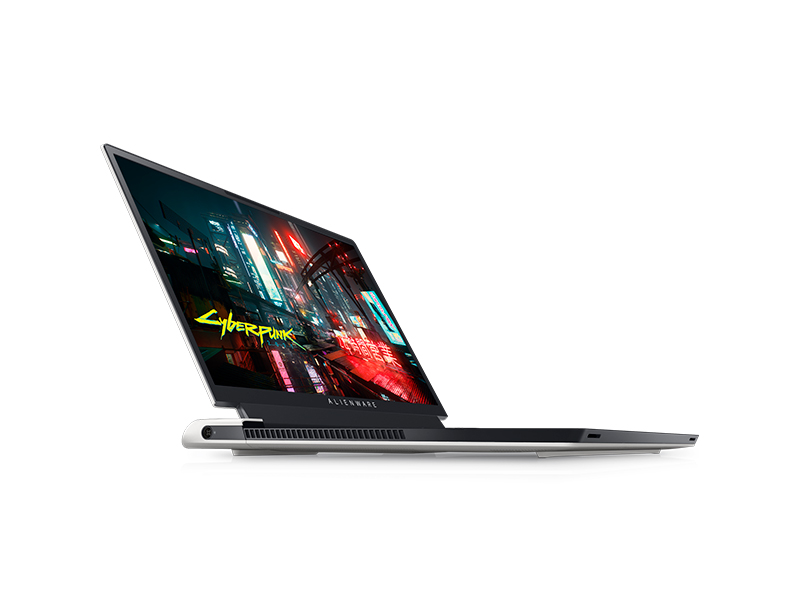
Image: Key specifications of the Alienware X17 R2.
8. Takuu ja tuki
Your Alienware X17 R2 laptop comes with a manufacturer's warranty. Please refer to the included warranty documentation for details on coverage, terms, and conditions. For technical support, driver downloads, or service requests, visit the official Alienware support websivustolla tai ota yhteyttä asiakaspalveluun.