
Johdanto
Kiitos ostoksestasiasing the Cuifati A100 Mini Cartoon Kids Camera. This camera is designed for children aged 3-12, offering a fun and safe way to explore photography and videography. Its compact, lightweight, and durable design, made from food-grade ABS material, ensures a comfortable and secure grip for small hands. This manual provides essential information for setting up, operating, and maintaining your camera.
The camera features a 2.0-inch color display, 20MP photo resolution, 720P video recording, and includes various photo frames and filters to enhance creativity. It is equipped with a built-in 400mAh rechargeable battery for extended use.
Turvallisuustiedot
- This product is intended for children aged 3-12. Adult supervision is recommended during use.
- The camera is made from food-grade ABS material, ensuring it is safe for children.
- Do not expose the camera to extreme temperatures, direct sunlight for prolonged periods, or moisture.
- Vältä kameran pudottamista tai voimakkaiden iskujen kohteeksi altistamista.
- Keep small parts, such as memory cards, out of reach of very young children to prevent choking hazards.
- Use only the provided charging cable or a compatible DC5V 1A charger.
- The battery is built-in and non-detachable. Do not attempt to replace it.
Pakkauksen sisältö
Tarkista paketti varmistaaksesi, että kaikki osat ovat mukana:
- 1 x Cuifati A100 Children Camera
- 1 x kiinnityshihna
- 1 x Anti-lost Rope
- 1 x USB-latauskaapeli

Kuva 1: Package contents including the camera, straps, and charging cable.
Tuote loppuview
The Cuifati A100 camera features a user-friendly design with a durable, rounded body for comfortable handling.

Kuva 2: The camera's light and round design.
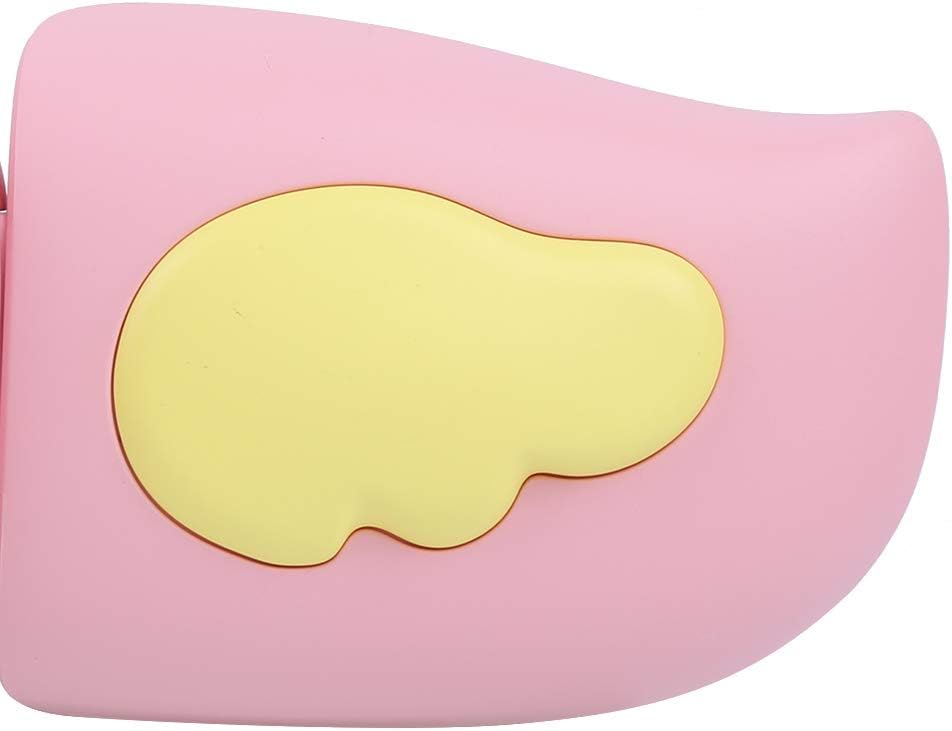
Kuva 3: Detail of the camera's ergonomic design.
Tärkeimmät ominaisuudet:
- 2.0 tuuman värinäyttö: varten viewvalokuvien ja videoiden katselua sekä valikoissa navigointia.
- Kiinteä linssi: 100° viewing angle for capturing wide scenes.
- Käyttäjäystävälliset painikkeet: Intuitiiviset säätimet helppoa käyttöä varten.
- USB-liitäntä: Lataamiseen ja tiedonsiirtoon.
- Muistikorttipaikka: Supports up to 32GB (card not included).
Asennus
1. Kameran lataaminen
Before first use, fully charge the camera's built-in 400mAh battery. The camera features a large capacity battery for strong endurance.
- Liitä mukana toimitettu USB-latauskaapeli kameran USB-porttiin.
- Connect the other end of the USB cable to a DC5V 1A USB power adapter (not included) or a computer's USB port.
- The charging indicator light will illuminate. Once charging is complete, the light may change color or turn off.
2. Muistikortin asettaminen
A memory card (MicroSD card, up to 32GB) is required to save photos and videos. It is not included in the package.
- Paikanna muistikorttipaikka kameran sivulla.
- Gently insert a MicroSD card into the slot with the metal contacts facing the front of the camera until it clicks into place.
- Poistaaksesi kortin, työnnä sitä varovasti takaisin sisään, kunnes se ponnahtaa ulos.
Käyttöohjeet
1. Virta päälle/pois
- Virran kytkeminen: Pidä virtapainiketta (yleensä merkitty symbolilla ) painettuna Ⓜ or a similar icon) for a few seconds until the screen lights up.
- Virran sammuttaminen: Paina virtapainiketta uudelleen ja pidä sitä painettuna, kunnes näyttö sammuu.

Kuva 4: Camera in hand, showing the display and control buttons.
2. Valokuvien ottaminen
- Käynnistä kamera. Se on yleensä oletustilassa valokuvaustilassa.
- Frame your shot using the 2.0-inch color display.
- Press the Shutter button (often a prominent button on top or side) to take a picture.
- The camera supports 20MP photo resolution.
- Utilize the 4 types of photo stickers and 9 kinds of filters for creative effects.
- Time-lapse shooting for selfies can be set for 3 or 5 seconds.
3. Videoiden tallentaminen
- From photo mode, navigate to video mode using the mode button (usually marked 'M' or a video camera icon).
- Press the Shutter button to start recording. A recording indicator will appear on the screen.
- Lopeta tallennus painamalla suljinpainiketta uudelleen.
- The camera records videos in 720P (1080x720) resolution.
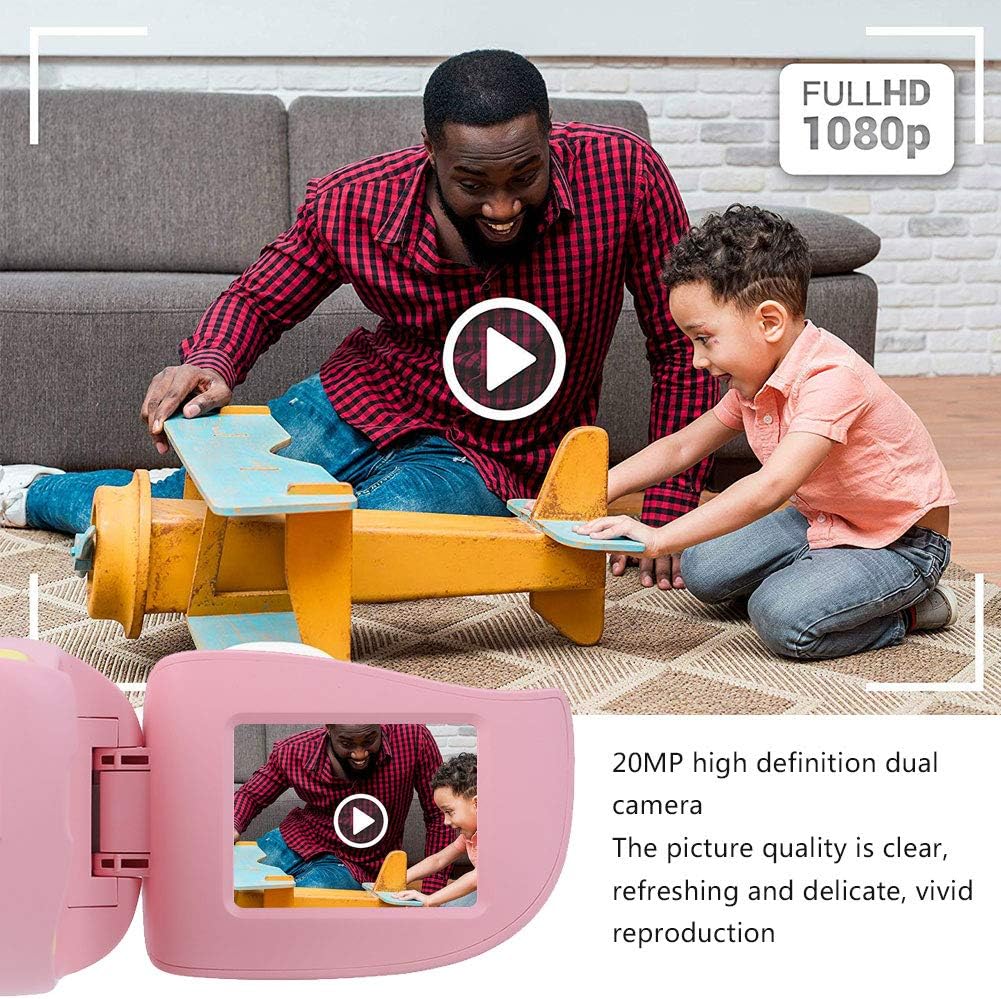
Kuva 5: Illustrating the camera's 20MP photo and 720P video capabilities.
4. Toistotila
- Siirry toistotilaan tilapainikkeella.
- Use the navigation buttons (up/down or left/right arrows) to browse through your photos and videos.
- Press the OK/Shutter button to view valokuva tai toista video.
5. Settings and Games
- Access the settings menu via the mode button or a dedicated menu button. Here you can adjust language (Chinese, English, Russian, Korean, Japanese), date/time, and other camera parameters.
- The camera supports a variety of built-in games for entertainment. Navigate to the game section through the menu.
Huolto
- Puhdistus: Use a soft, dry cloth to clean the camera body. For the lens, use a specialized lens cleaning cloth. Do not use liquid cleaners or abrasive materials.
- Varastointi: Store the camera in a cool, dry place away from direct sunlight and moisture when not in use.
- Akun hoito: Akun käyttöiän pidentämiseksi vältä akun usein tapahtuvaa täydellistä tyhjentymistä. Lataa kamera säännöllisesti, vaikka sitä ei käytettäisi pitkään aikaan.
Vianetsintä
| Ongelma | Mahdollinen syy | Ratkaisu |
|---|---|---|
| Kamera ei käynnisty. | Akku on vähissä tai tyhjä. | Charge the camera using the USB charging cable. |
| Ei voi ottaa valokuvia/tallentaa videoita. | Muistikorttia ei ole asetettu tai kortti on täynnä/vioittunut. | Insert a compatible MicroSD card (up to 32GB). Check if the card has sufficient space or try formatting it (this will erase all data). |
| Kuvat/videot ovat epätarkkoja. | Lens is dirty or lighting is poor. | Clean the lens with a soft cloth. Ensure adequate lighting for your shots. |
| Kamera jumiutuu tai lakkaa reagoimasta. | Ohjelmistohäiriö. | Press and hold the Power button for an extended period (e.g., 10-15 seconds) to force a restart. If the issue persists, ensure the battery is charged. |
Tekniset tiedot
| Malli | A100 |
| Materiaali | Elintarvikelaatuinen ABS |
| Näyttö | 2.0 Inch Color Display Screen (LCD) |
| Linssi | Fixed Lens, 100° Viewkulma |
| Varastointiväliaine | Memory Card (MicroSD), Maximum Support 32GB (Not Included) |
| Kuvan muoto | JPG |
| Videomuoto | JPEG |
| Videon resoluutio | 720p (1080x720) |
| Valokuvapikselit | 20 MP Effective Still Resolution |
| valokuvakehykset | 4 tyyppiä |
| Suodatintehosteet | 9 lajia |
| Tulo Voltage | DC5V 1A |
| Toiminnot | Taking Pictures, Video Recording, Games |
| Tuetut kielet | Chinese, English, Russian, Korean, Japanese |
| Akku | Built-in, Non-Detachable 400mAh Lithium Battery |
| Paino | Noin 220 g |
| Mitat (noin) | 13 x 11 x 7 cm (paketin mitat) |
| Yhteydet | USB, Wi-Fi |
| Valokuvatunnistintekniikka | CMOS |
| Altistuksen hallinta | Manuaalinen |
| Kuvaustilat | Urheilu |
| Jatkuva ammunta | 30 FPS |
| Ikäluokka | Lapsi (3–12 vuotta) |
Takuu ja tuki
Specific warranty information is not provided in this manual. For details regarding warranty coverage, technical support, or service, please refer to the documentation included with your purchase or contact the retailer where the product was acquired. You may also visit the official Cuifati brand store for additional information.
Cuifati Brand Store: Käy myymälässä