
Cooler Master MM730
Cooler Master MM730 Wire Gaming Mouse
Käyttöohje
Johdanto
The Cooler Master MM730 Wire Gaming Mouse is engineered for responsiveness and comfort. It features a lightweight design, an adjustable 16,000 DPI optical sensor, optical micro switches for durability, an Ultraweave cable, and PTFE feet for smooth gliding. This manual provides essential information for setting up, operating, customizing, and maintaining your MM730 mouse.
Mitä laatikossa on
- Cooler Master MM730 Wire Gaming Mouse with integrated Ultraweave Cable
- Ylimääräiset PTFE-hiiren jalat
- Käyttöopas
Tuote loppuview
The MM730 mouse combines a classic ergonomic shape with advanced gaming-grade hardware. Its design focuses on reducing weight without compromising structural integrity, providing a comfortable and responsive experience.

Kuva: Sivu view of the Cooler Master MM730 mouse, emphasizing its lightweight design at 48g without external holes.
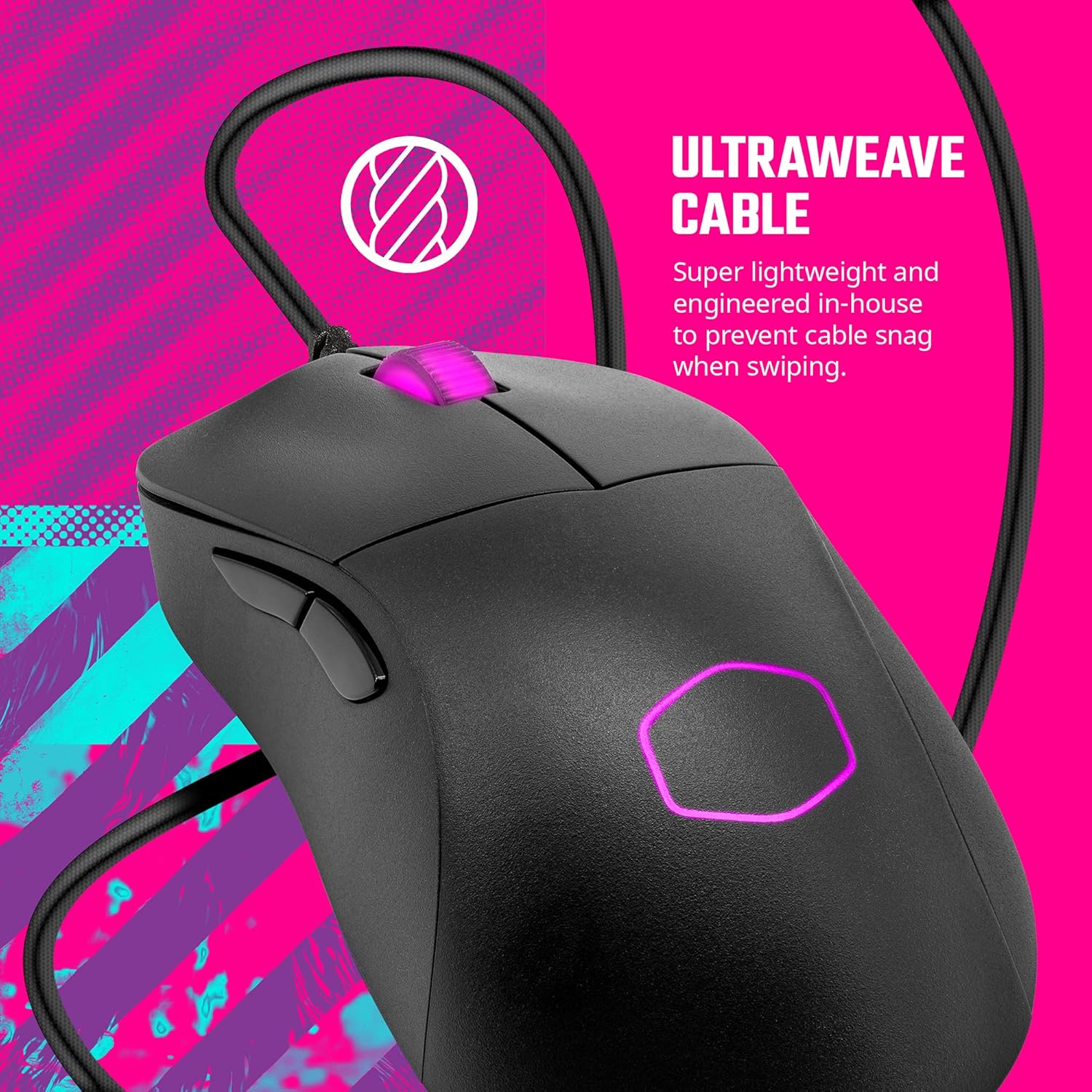
Kuva: Yläosa view of the Cooler Master MM730 mouse, highlighting the flexible Ultraweave Cable designed to prevent snagging.
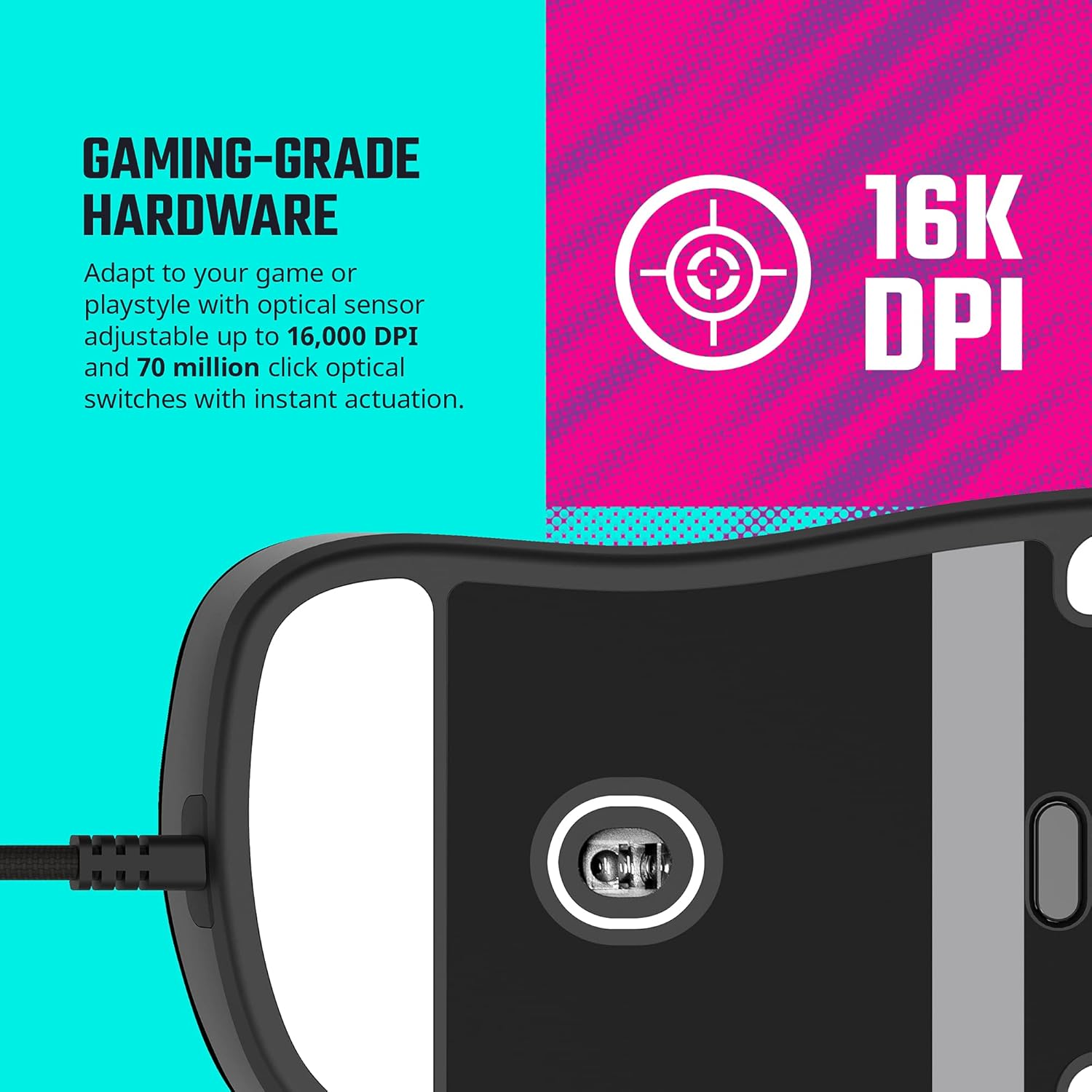
Kuva: Pohja view of the Cooler Master MM730 mouse, displaying the 16,000 DPI optical sensor and the smooth PTFE feet.
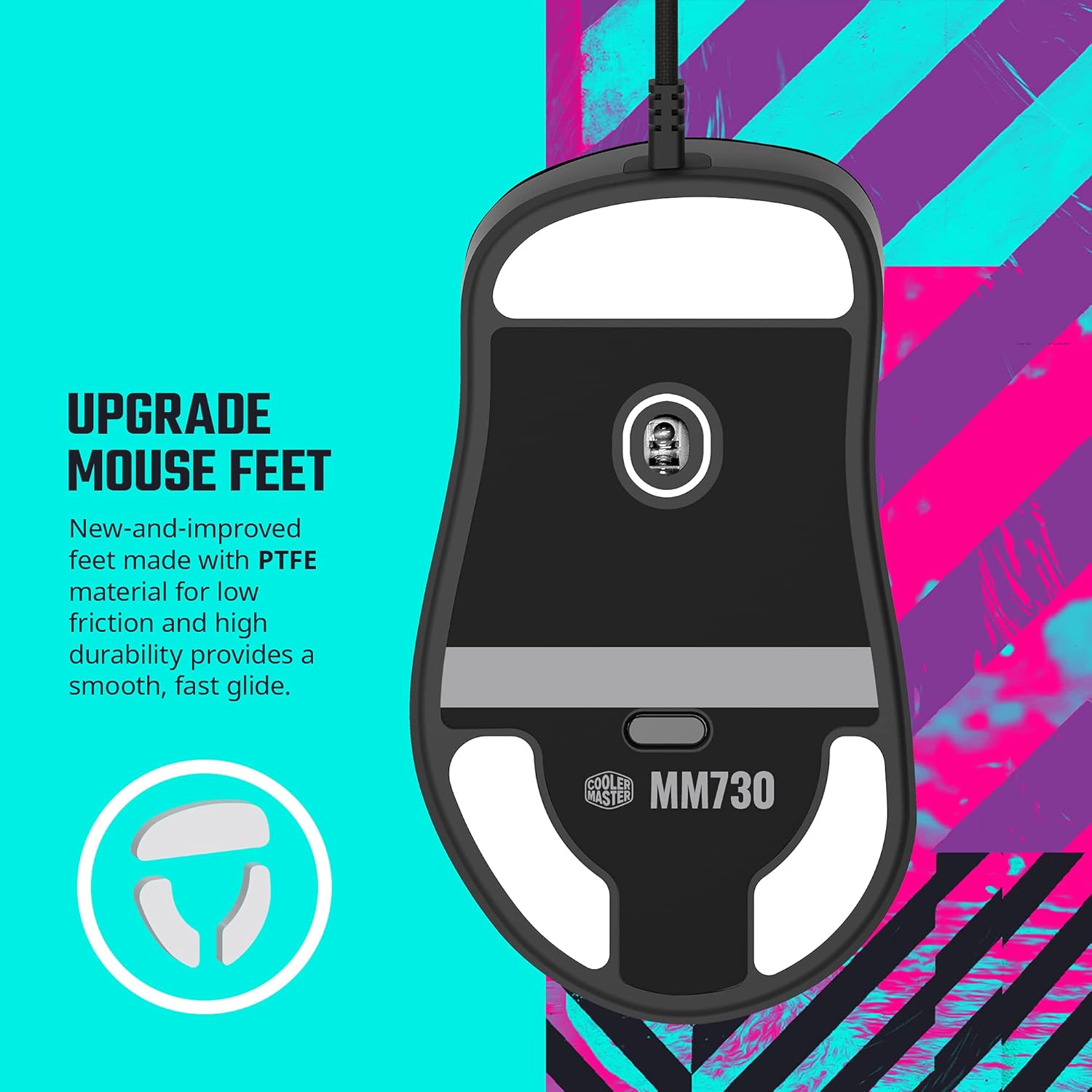
Kuva: Close-up of the Cooler Master MM730 mouse's PTFE feet, which provide low friction and high durability for a smooth glide.

Kuva: Diagram illustrating the optical encoder used in the MM730's scroll wheel, which offers greater durability, accuracy, and responsiveness compared to mechanical encoders.
Asennus
- Liitä hiiri: Plug the USB-A connector of the Ultraweave cable into an available USB port on your computer.
- Ohjaimen asennus: Your operating system (Windows 8+ or macOS) should automatically detect and install the necessary drivers.
- Ohjelmiston asennus: For full customization, download and install the Cooler Master MasterPlus+ software from the official Cooler Master websivusto.
Customization with MasterPlus+ Software
The MasterPlus+ software allows you to personalize your MM730 mouse settings to match your preferences and gaming style. The software provides various tabs for detailed configuration.
Video: Yliview of the Cooler Master MasterPlus+ software interface, demonstrating how to access and modify various settings for the MM730 mouse.
- Painikkeet-välilehti: Remap mouse buttons, assign keyboard functions, multimedia controls, macros, profiles, and DPI cycle options.
- Performance Tab: Adjust mouse sensitivity, set multiple DPI levels (up to 16,000 DPI), configure USB polling rate, angle tunability, lift-off distance, and double-click speed.
- Lighting Tab: Customize RGB lighting effects (Static, Breathing, Color Cycle, Electric Slide, Trigger Click, Custom, Off), adjust brightness, and set effect speed.
- Macros Tab: Create, record, import, and export custom macros for complex command sequences.
- Profiles Tab: Save and manage up to five different profiles, allowing you to quickly switch between settings for different games or applications.
Käyttöohjeet
Once connected and configured, the MM730 mouse operates like a standard wired mouse. Use the customizable buttons for your assigned functions. Adjust DPI on-the-fly using the dedicated DPI cycle button (if assigned) to match your task or game requirements. The RGB lighting will reflect your chosen settings.
Huolto
- Puhdistus: Puhdista hiiren pinta pehmeällä, kuivalla liinalla. Pinttyneeseen likaan käytä hieman kuivaa liinaa.amp kangasta voidaan käyttää varmistaen, ettei hiireen pääse kosteutta.
- PTFE-jalat: The included extra PTFE feet can be used to replace worn-out feet for optimal glide performance. Ensure the mouse surface is clean before applying new feet.
Vianetsintä
- Hiiri ei vastaa: Ensure the USB cable is securely connected to your computer. Try a different USB port.
- Motion Lag/Inaccuracy: Ensure your MasterPlus+ software is updated to the latest firmware version. Some users reported motion lag issues resolved with firmware updates.
- Mukautetut asetukset eivät ole käytössä: Verify that the MasterPlus+ software is running and that your desired profile on aktiivinen.
Tekniset tiedot
| Ominaisuus | Yksityiskohta |
|---|---|
| Merkki | Viileämpi mestari |
| Sarja | MM |
| Mallinumero | MM730 |
| Laitteistoalusta | PC |
| Käyttöjärjestelmä | Windows 8+, macOS |
| Tuotteen paino | 1.76 unssia |
| Tuotteen mitat | 4.8 x 2.7 x 1.5 tuumaa |
| Väri | Musta |
| Virtalähde | Johdollinen sähkö |
| Yhteystekniikka | Langallinen |
| Erikoisominaisuus | LED valot |
| Liiketunnistustekniikka | Optinen |
Takuu ja tuki
Takuutietoja ja teknistä tukea varten ota yhteyttä viralliseen Cooler Master -sivustoon. websivustolta tai ota yhteyttä heidän asiakaspalveluunsa. Säilytä ostokuitti takuuvaatimuksia varten.
Viralliset tuotevideot
Video: "The MM730 and MM731 - Lightspeed Responsiveness" by Cooler Master. This video highlights the key features and responsiveness of the MM730 and MM731 mice.
Video: "Cooler Master MM730 Black Gaming Mouse Settings" by Digital David. This video demonstrates how to use the MasterPlus+ software to customize the MM730 mouse settings.
Ask a question about this manual
Ask about setup, troubleshooting, compatibility, parts, safety, or missing instructions. Manuals+ will review the question and use this page’s manual context to help answer it.