
Johdanto
Kiitos ostoksestasiasing the AZATOM A2 Portable DAB/DAB+ Digital Radio. This compact and versatile device is designed to provide high-quality digital and FM radio reception, offering a superior listening experience on the go. Please read this manual carefully to understand the features and operation of your new radio.

The AZATOM A2 radio, showcasing its stylish and compact design, perfect for portability.
Mitä laatikossa on
- AZATOM A2 Portable DAB/DAB+ Digital Radio
- USB-kaapeli
- Urheilukuulokkeet
- Käyttöopas (tämä asiakirja)
- Takuukortti
Tuote loppuview
Familiarize yourself with the buttons and ports on your AZATOM A2 radio:

Edessä view of the AZATOM A2 radio, highlighting the display and control buttons.
- Virtanappi: Kytkee radion päälle/pois.
- MENU-painike: Pääsee valikon vaihtoehtoihin.
- VOL+ / VOL- -painikkeet: Säätää äänenvoimakkuutta.
- ENTER/SCAN Button: Confirms selections or initiates station scanning.
- PRESET Buttons (1/2, 3/4): Recalls stored preset stations.
- MODE-painike: Switches between DAB/DAB+ and FM modes.
- Kuulokepistoke: Connects the included earphones, which also function as the antenna.
- USB-C-portti: Laitteen lataamiseen.
Asennus
1. Akun lataaminen
Before first use, fully charge the radio. Connect the supplied USB-C cable to the radio's USB-C port and the other end to a USB power adapter (not included) or a computer's USB port. The display will indicate charging status. A full charge provides up to 24 hours of playtime.

The AZATOM A2 features a long-lasting rechargeable battery for extended use.
2. Connecting Earphones (Antenna)
The included earphones serve as the radio's antenna for both DAB/DAB+ and FM reception. It is essential to connect the earphones to the 3.5mm jack before operating the radio to ensure proper signal reception.
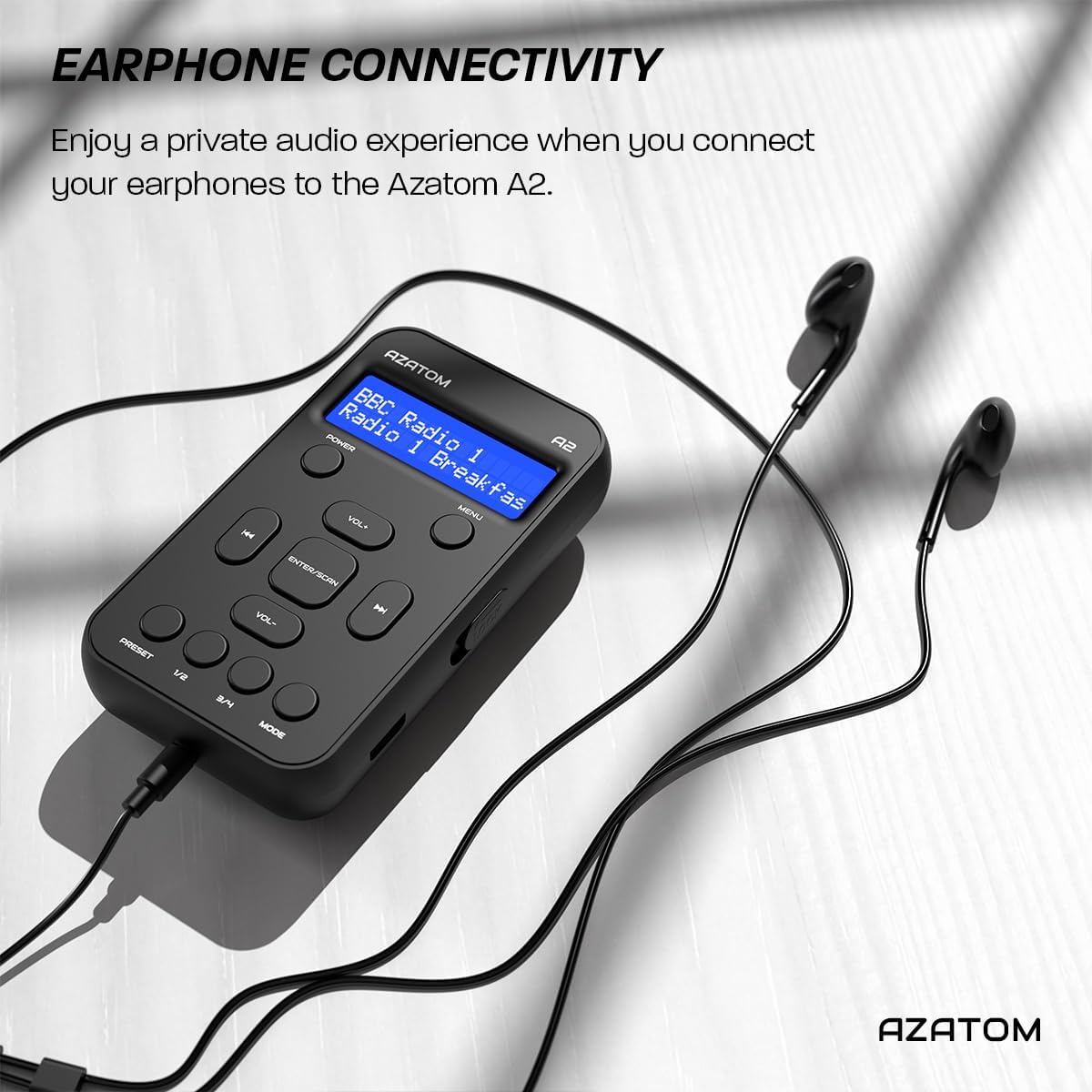
Connect the supplied earphones to the radio for optimal reception and a private listening experience.
Käyttöohjeet
Virta päälle/pois
- Paina ja pidä painettuna POWER painiketta radion kytkemiseksi päälle tai pois päältä.
DAB/DAB+ -radiokäyttö

The AZATOM A2 supports both DAB/DAB+ and FM radio technologies.
- Ensure the earphones are connected.
- Paina MODE button until 'DAB' or 'DAB+' is displayed.
- The radio will automatically perform a full scan for available DAB/DAB+ stations upon first use or if no stations are found. To manually scan, press and hold the ENTER/SCAN -painiketta.
- Käytä VOL+ or VOL- buttons to navigate through the list of found stations.
- Paina ENTER/SCAN aseman valitsemiseksi.
FM-radion toiminta
- Ensure the earphones are connected.
- Paina MODE -painiketta, kunnes näytössä näkyy 'FM'.
- To auto-scan for FM stations, press and hold the ENTER/SCAN -painiketta. Radio hakee ja tallentaa saatavilla olevat asemat.
- Voit virittää manuaalisesti painamalla lyhyesti VOL+ or VOL- buttons to adjust the frequency in small increments.
Esiasetusten asettaminen ja haku
The AZATOM A2 allows you to store up to 40 DAB+ and 40 FM favorite stations.

The AZATOM A2 allows for easy recall of your favorite preset stations.
Esiasetuksen tallentaminen:
- Viritä haluamasi asema.
- Paina ja pidä painettuna jotakin PRESET buttons (1/2 or 3/4) until the display shows 'Preset Store'.
- Käytä VOL+ or VOL- painikkeita valitaksesi halutun esiasetetun numeron (1–40).
- Paina ENTER/SCAN vahvistaaksesi ja tallentaaksesi aseman.
Esiasetuksen palauttaminen:
- Paina lyhyesti jotakin PRESET buttons (1/2 or 3/4).
- Käytä VOL+ or VOL- buttons to navigate through your stored presets.
- Paina ENTER/SCAN to select and play the desired preset station.
Äänenvoimakkuuden säätö
- Paina VOL+ äänenvoimakkuuden lisäämiseksi.
- Paina VOL- äänenvoimakkuuden vähentämiseksi.
Näytön kirkkaus
The XL digital display's brightness can be adjusted to your preference. Access this setting through the MENU options.

Lähikuva view of the AZATOM A2's clear digital display.
Huolto
- Puhdistus: Puhdista radion pinta pehmeällä, kuivalla liinalla. Älä käytä hankaavia puhdistusaineita tai liuottimia.
- Akun hoito: To prolong battery life, avoid fully discharging the battery frequently. Charge the radio regularly, even if not in use for extended periods.
- Varastointi: Säilytä radiota viileässä, kuivassa paikassa, poissa suorasta auringonvalosta ja äärimmäisistä lämpötiloista.
Vianetsintä
| Ongelma | Mahdollinen syy | Ratkaisu |
|---|---|---|
| No power/Radio won't turn on. | Akku on tyhjä. | Lataa radio mukana toimitetulla USB-C-kaapelilla. |
| Huono radiovastaanotto (DAB/FM). | Kuulokkeita ei ole kytketty tai ne eivät ole kokonaan paikallaan. Heikko signaalialue. | Ensure earphones are securely connected. Try moving to an open area or near a window. Perform a new scan. |
| Ei ääntä. | Volume is too low or muted. Earphones not connected. | Increase the volume using VOL+. Ensure earphones are connected. |
| Radio freezes or becomes unresponsive. | Väliaikainen ohjelmistohäiriö. | Press and hold the POWER button to force a restart. If issue persists, allow battery to fully discharge then recharge. |
Tekniset tiedot

Dimensions of the AZATOM A2 radio.
| Ominaisuus | Yksityiskohta |
|---|---|
| Malli | A2 |
| Mitat (P x L x K) | 9 x 4 x 11 cm (noin 90 mm x 50 mm x 24 mm) |
| Paino | 90 g |
| Tuetut radioyhtyeet | DAB, DAB+, FM |
| Esiasetukset | 40 DAB+, 40 FM |
| Akun tyyppi | Ladattava litiumioniakku (1800 mAh) |
| Peliaika | Jopa 24 tuntia |
| Näytön tyyppi | LCD |
| Yhteydet | USB-C (for charging), 3.5mm Earphone Jack |
| Materiaali | Muovi |
Takuu ja tuki
AZATOM products are designed and engineered in the UK. The AZATOM A2 comes with a premium 3-year warranty (registration required). For any questions or support, please contact our dedicated customer service team. Lifetime customer support is provided to assist you with any queries.
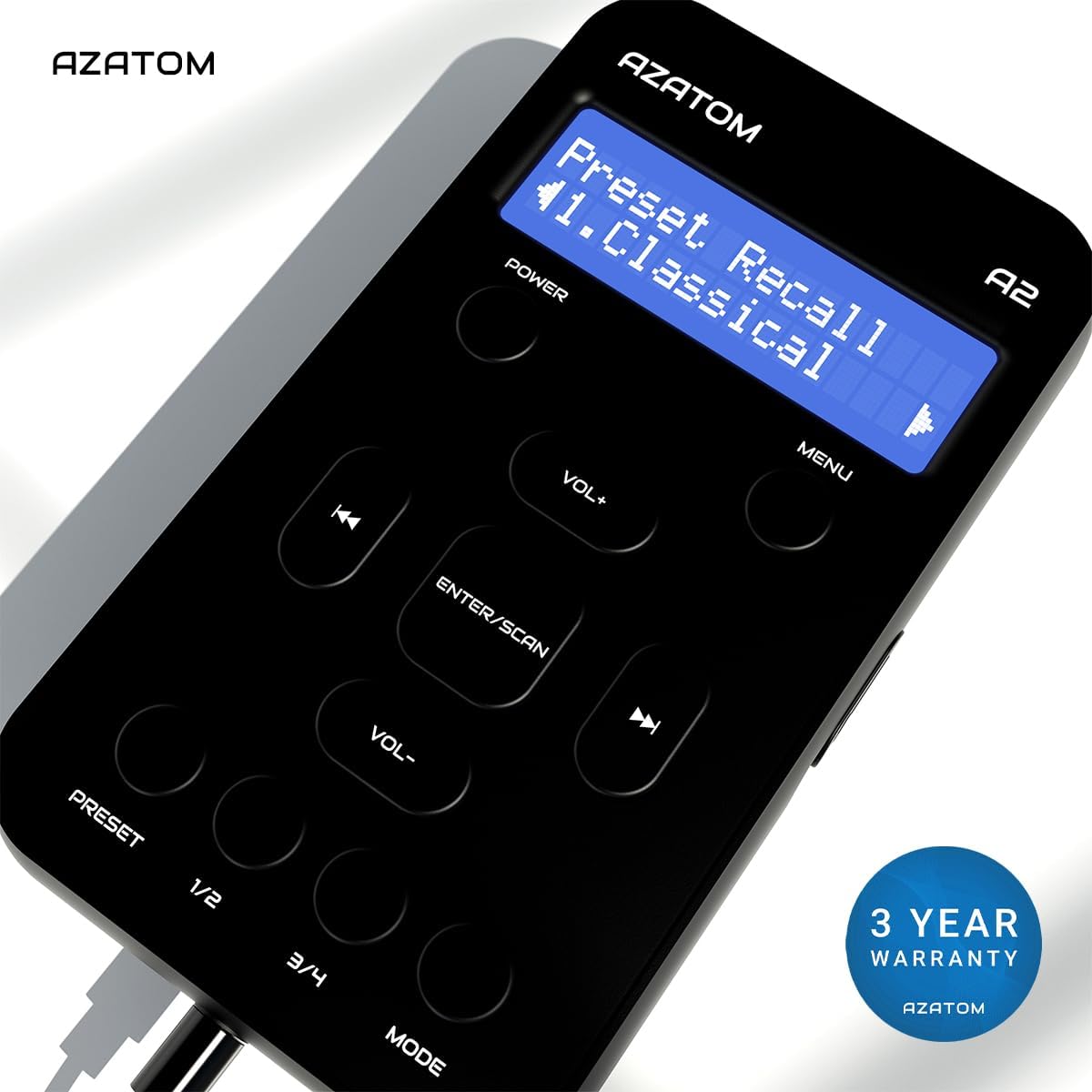
The AZATOM A2 is backed by a 3-year warranty.