
Johdanto
Thank you for choosing the MEDION MD 10319 Tower Fan. This manual provides essential information for the safe and efficient operation of your new fan. Please read these instructions carefully before use and keep them for future reference.
Tärkeitä turvallisuusohjeita
Noudata aina sähkölaitteita käyttäessäsi perusturvallisuusohjeita tulipalon, sähköiskun ja henkilövahinkojen riskin vähentämiseksi.
- Varmista virtalähteen voltage vastaa tuulettimen luokitustarraa.
- Älä käytä tuuletinta, jos sen johto tai pistoke on vaurioitunut. Jos johto on vaurioitunut, valmistajan, sen huoltoedustajan tai vastaavan pätevän henkilön on vaihdettava se vaaran välttämiseksi.
- Keep the fan away from water or other liquids. Do not immerse the fan in water.
- Älä työnnä sormia tai vieraita esineitä ritilään tuulettimen ollessa käynnissä.
- Irrota tuuletin pistorasiasta, kun sitä ei käytetä, kun siirrät sitä paikasta toiseen ja ennen puhdistusta.
- Tätä laitetta ei ole tarkoitettu henkilöiden (mukaan lukien lapset) käytettäväksi, joilla on alentuneet fyysiset, sensoriset tai henkiset kyvyt tai joilla ei ole kokemusta ja tietoa, ellei heidän turvallisuudestaan vastaava henkilö ole valvonut tai opastanut laitteen käyttöä.
- Lapsia tulee valvoa sen varmistamiseksi, etteivät he leiki laitteella.
- Aseta tuuletin tasaiselle ja vakaalle alustalle, jotta se ei kaadu.
Pakkauksen sisältö
Tarkista pakkauksesta seuraavat osat:
- MEDION MD 10319 Tower Fan
- Base (two halves)
- Kiinnitysmutteri
- 4 Mounting Screws for Base
- Remote Control (with 2 x AAA batteries)
- Käyttöohje
Kokoonpano ja asennus
Kokoa tornituuletin seuraavasti:
- Poista kaikki osat varovasti pakkauksesta.
- Assemble the two halves of the base by interlocking them.
- Align the assembled base with the bottom of the fan unit. Ensure the power cord passes through the designated slot in the base.
- Secure the base to the fan unit using the 4 mounting screws provided.
- Tighten the securing nut from underneath the base to firmly attach it to the fan body.
- Aseta 2 AAA-paristoa kaukosäätimeen ja huomioi napaisuus.
- Aseta tuuletin tukevalle ja tasaiselle alustalle.
- Kytke virtajohto sopivaan pistorasiaan (220 V).
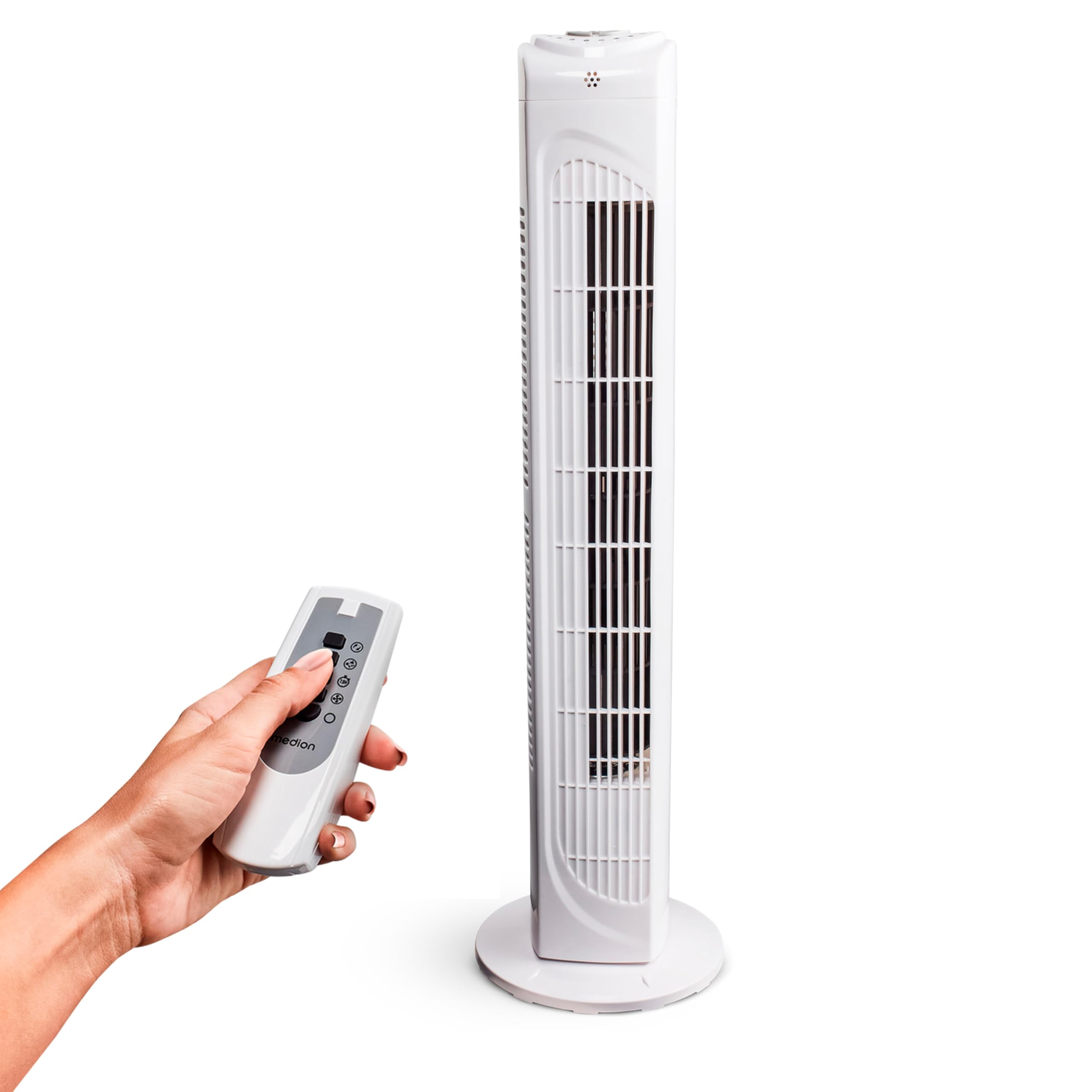
Image: The MEDION MD 10319 Tower Fan, fully assembled with its base, ready for use.
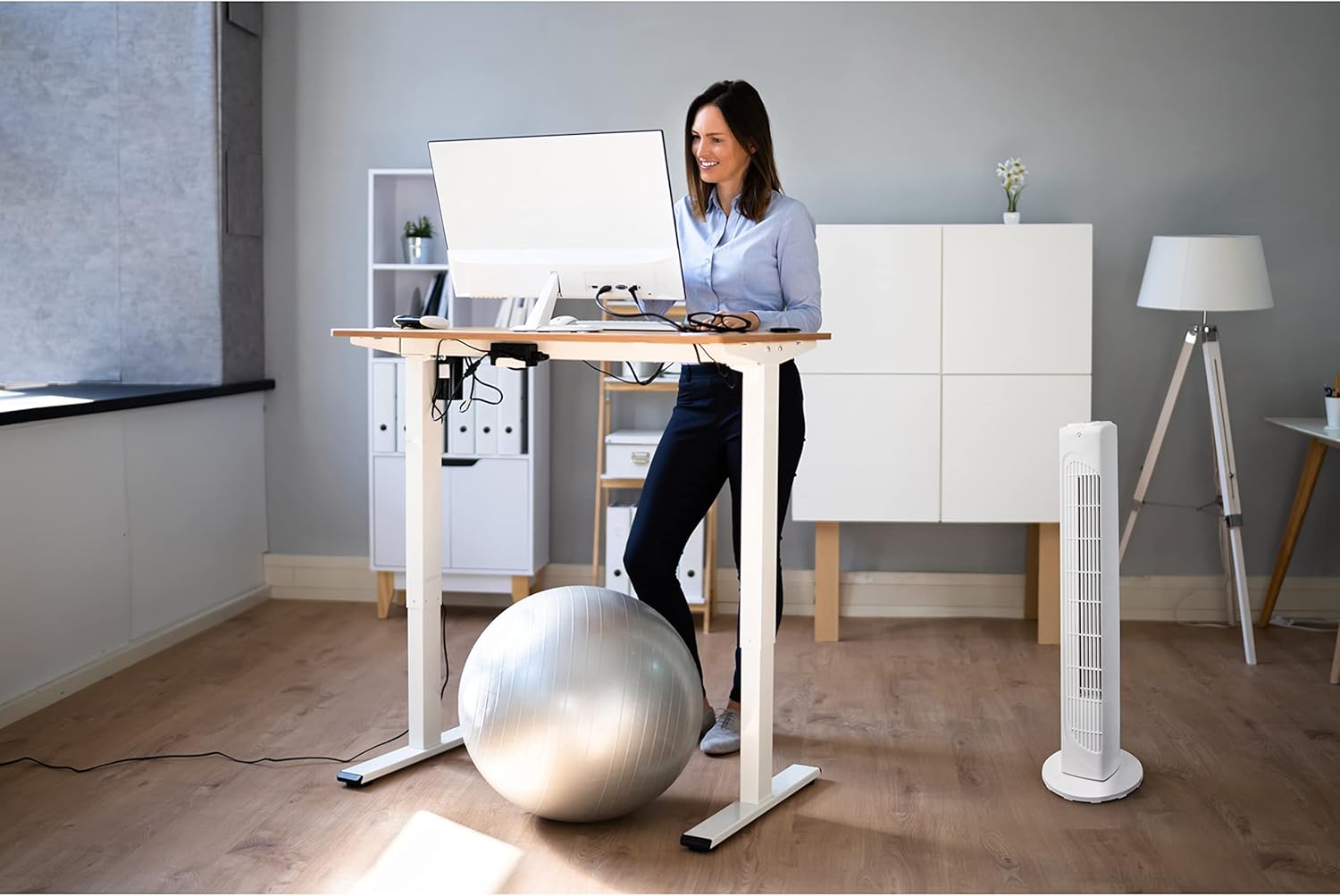
Image: A hand demonstrating the integrated carrying handle on top of the fan for easy portability.
Tuote loppuview
Ohjauspaneeli
The control panel is located on the top of the fan unit. It features buttons for power, speed, oscillation, and timer functions.

Kuva: Yksityiskohtainen view of the fan's top control panel, showing buttons for power, speed settings (3 levels), timer, and oscillation.
Kaukosäädin
The included remote control allows you to operate all fan functions from a distance.
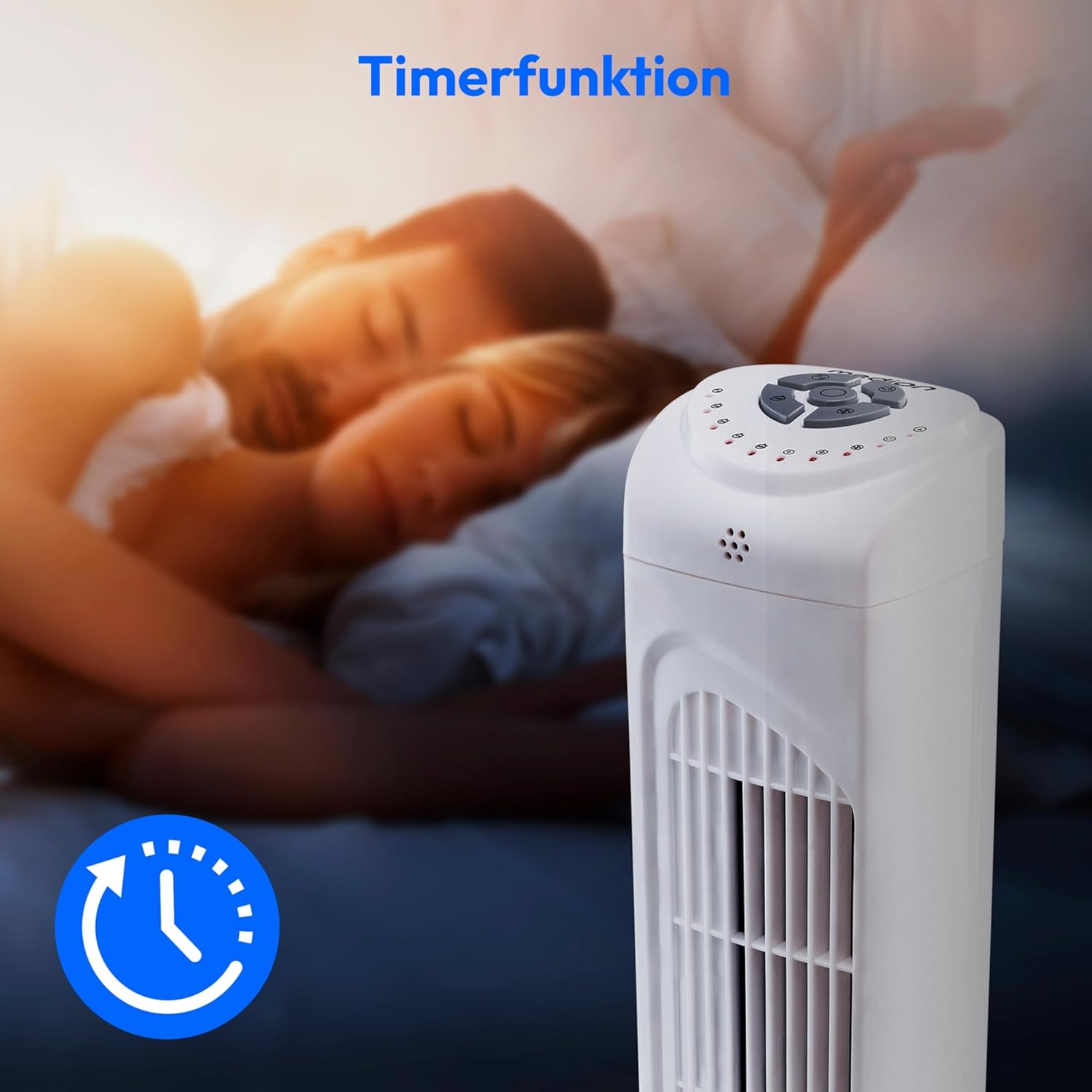
Image: A hand holding the remote control, which features buttons for power, speed, oscillation, and timer, mirroring the main control panel.
Käyttöohjeet
Virta päälle/pois
- Paina POWER button on the control panel or remote control to turn the fan ON.
- Paina POWER -painiketta uudelleen sammuttaaksesi tuulettimen.
Tuulettimen nopeuden säätö
Tuulettimessa on kolme nopeusasetusta: matala, keskitaso ja korkea.
- Paina NOPEUS button repeatedly to cycle through the speed settings.
- The current speed level will be indicated by LED lights on the control panel.
Värähtelytoiminto
The oscillation function allows the fan to rotate horizontally, distributing air over a wider area.
- Paina OSC button on the control panel or remote control to activate oscillation. The fan will rotate approximately 60 degrees.
- Paina OSC button again to stop oscillation. The fan will stop in its current position.

Image: The tower fan oscillating, indicated by blue arrows showing a 60-degree rotation for wider air distribution.
Ajastintoiminto
The timer function allows you to set the fan to automatically turn off after a specified period, up to 7.5 hours.
- Paina AJASTIN button repeatedly to set the desired operating time (e.g., 0.5h, 1h, 2h, 4h, up to 7.5h).
- The selected timer duration will be indicated by LED lights on the control panel.
- To cancel the timer, cycle through the settings until no timer LEDs are illuminated, or turn the fan off.

Image: The fan with a timer icon, illustrating its use for setting automatic shut-off, ideal for use during sleep.
Huolto
Regular cleaning will help maintain the performance and extend the lifespan of your fan.
- Irrota tuuletin aina pistorasiasta ennen puhdistamista.
- Käytä pehmeää, damp pyyhi tuulettimen ulkopinnat liinalla. Älä käytä hankaavia puhdistusaineita tai liuottimia.
- Poista pöly varovasti ilmanotto- ja poistoritilöistä pölynimurilla ja harjasuulakkeella.
- Do not allow water to drip into the interior of the fan.
- Säilytä tuuletinta viileässä ja kuivassa paikassa, kun sitä ei käytetä pitkään aikaan.
Vianetsintä
If you encounter any issues with your MEDION MD 10319 Tower Fan, please refer to the following common problems and solutions:
| Ongelma | Mahdollinen syy | Ratkaisu |
|---|---|---|
| Tuuletin ei käynnisty. | Ei virtalähdettä. Virtapainiketta ei painettu. | Tarkista, että virtajohto on kytketty kunnolla toimivaan pistorasiaan. Press the POWER button on the fan or remote. |
| Kaukosäädin ei toimi. | Paristot ovat tyhjiä tai väärin asennettuja. Este kaukosäätimen ja tuulettimen välillä. | Vaihda paristot (2 x AAA) ja varmista oikea napaisuus. Remove any objects blocking the signal path. Ensure you are within range. |
| Tuuletin pitää epätavallista ääntä. | Tuuletin ei ole tasaisella alustalla. Obstruction in the fan grille. | Aseta tuuletin vakaalle, tasaiselle alustalle. Unplug the fan and carefully check for any foreign objects in the grilles. |
| Oscillation function is not working. | Oskillointipainiketta ei ole aktivoitu. | Press the OSC button on the control panel or remote control. |
Tekniset tiedot
| Ominaisuus | Yksityiskohta |
|---|---|
| Merkki | MEDION |
| Mallin nimi | MD 10319 |
| Tyyppi | Tower Fan / Floor Fan |
| Väri | Valkoinen |
| Virtalähde | Johdollinen sähkö |
| Wattage | 45 W |
| Voitage | 220 volttia |
| Nopeuksien määrä | 3 |
| Erikoisominaisuudet | Oscillating, Timer Function |
| Värähtelykulma | 60° |
| Ajastintoiminto | Jopa 7.5 tuntia |
| Valvontamenetelmä | Kaukosäädin, laitteen painikkeet |
| Melutaso | 50 desibeliä |
| Tuotteen mitat (S x L x K) | 28 cm x 28 cm x 79 cm |
| Tuotteen paino | 2.5 kiloa |
| Materiaali | Muovi |
| Päävirtaliittimen tyyppi | CEE 7/7 (Schuko) |

Image: The MEDION MD 10319 Tower Fan with its height (79 cm) and base width (28 cm) clearly indicated.
Takuu ja tuki
Your MEDION MD 10319 Tower Fan comes with a manufacturer's warranty. Please refer to the warranty card included in your package for detailed terms and conditions, including the warranty period and coverage.
For technical support, service, or spare parts, please contact MEDION customer service. Contact information can typically be found on the MEDION official websivustolla tai takuuasiakirjoissa.