
Johdanto
Thank you for choosing the Arenti IN1 WiFi Pet Camera. This manual provides detailed instructions on how to set up, operate, and maintain your camera. Please read this manual thoroughly before use to ensure proper functionality and safety. Keep this manual for future reference.
Tuote loppuview
The Arenti IN1 WiFi Pet Camera is designed to provide reliable indoor surveillance with advanced features for monitoring your pets, children, or home. It offers high-definition video, two-way audio, and smart detection capabilities.
Tärkeimmät ominaisuudet:
- 1080p Full HD -video: Taltioi selkeän ja yksityiskohtaisen ruokaäänentage 25 kuvaa sekunnissa.
- Parannettu yönäkö: Provides clear images even in low-light conditions, ensuring 24/7 monitoring.
- AI Human & Sound Detection: Intelligently detects human movement and abnormal sounds, sending instant notifications to your smartphone.
- Kaksisuuntainen ääni: Built-in microphone and speaker allow for seamless communication with your pets or family members.
- Yksityisyystila: Offers features like one-touch sleep mode, geofencing, and off-timer settings to protect your privacy.
- Cloud & SD Card Storage: Securely store recordings on AWS cloud service or a local SD card.
- Älykkään kodin integrointi: Yhteensopiva Alexan ja Google Assistantin kanssa äänikomentoja varten.
- Arenti App Control: Manage all camera settings, monitor live view, and share access through the intuitive Arenti smartphone application.
Paketin sisältö:
- Arenti IN1 WiFi Pet Camera
- Virtalähde
- USB-kaapeli
- Asennussarja (ruuvit, seinäankkurit)
- Käyttöopas
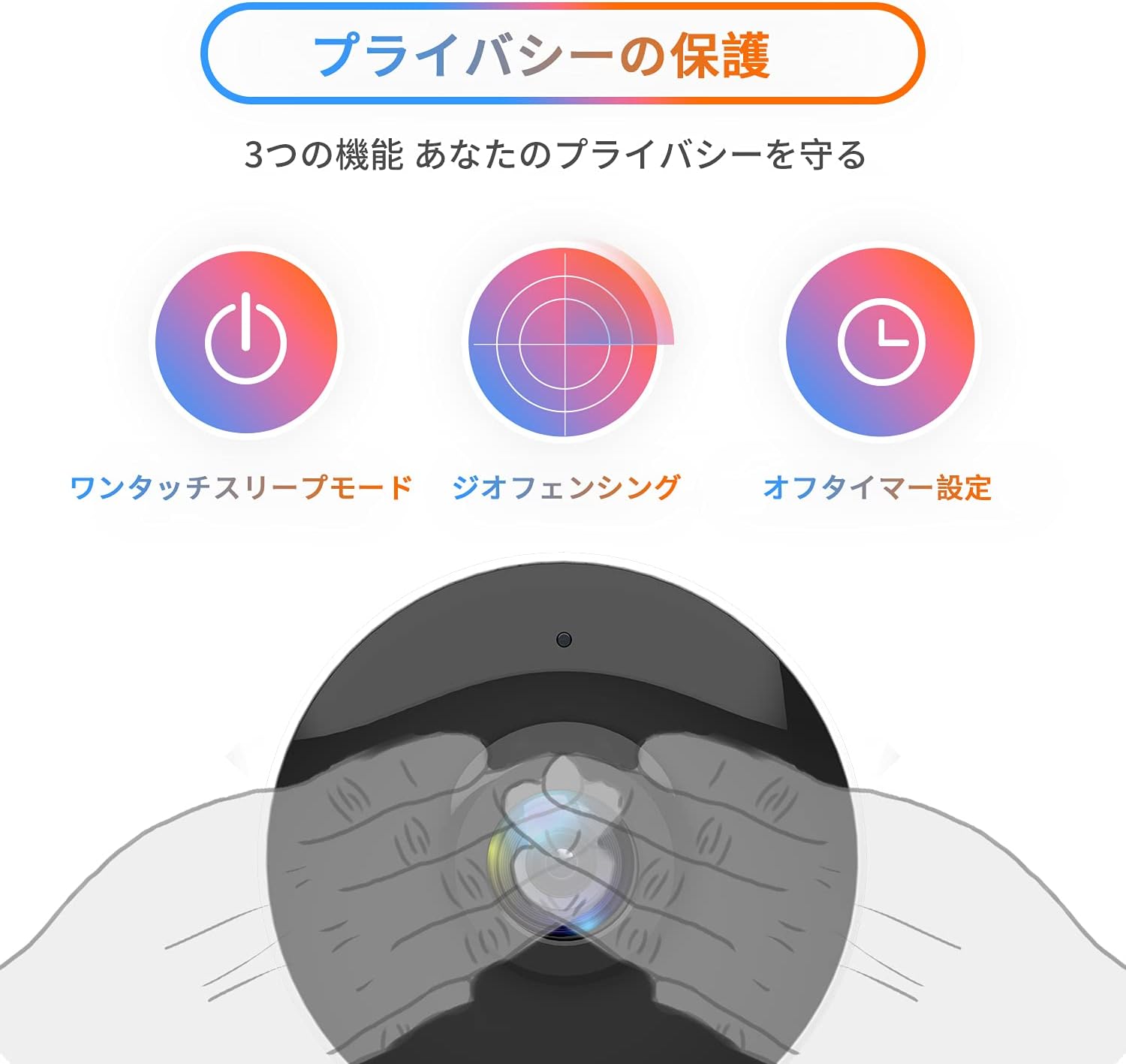
Image: The Arenti IN1 WiFi Pet Camera, a compact indoor camera with a white body and black lens, shown with its adjustable stand.
Asennusopas
Follow these steps to set up your Arenti IN1 WiFi Pet Camera:
- Download the Arenti App: Etsi "Arenti" in the App Store (iOS) or Google Play Store (Android) and download the application.
- Luo tili: Open the Arenti app and register for a new account or log in if you already have one.
- Kytke kameraan virta: Connect the camera to a power outlet using the provided USB cable and power adapter. The camera's indicator light will turn on.
- Lisää laite: In the Arenti app, tap the "+" icon to add a new device. Select your camera model (IN1) from the list.
- Yhdistä Wi-Fi-verkkoon: Follow the in-app instructions to connect your camera to your 2.4GHz Wi-Fi network. You may need to scan a QR code displayed on your phone with the camera lens.
- Sijoitus: Place the camera on a flat surface or mount it to a wall or ceiling using the included mounting kit. Ensure it has a clear view alueelta, jota haluat seurata.


Image: A series of smartphone screenshots illustrating the process of downloading the Arenti app, adding a device, and viewlive-syötteen katselu.
Käyttöohjeet
Elää View:
Open the Arenti app and select your camera to view the live feed. You can pinch to zoom and pan across the image.
Kaksisuuntainen ääni:
Napauta mikrofonikuvaketta live-lähetyksessä view to speak through the camera's speaker. Tap again to end. This allows you to communicate with anyone near the camera.

Image: A child smiling while a speech bubble indicates communication with a person via the Arenti camera, demonstrating the two-way audio feature.
Liikkeen ja äänen tunnistus:
The camera uses AI to detect human movement and abnormal sounds. When an event is detected, you will receive a push notification on your smartphone. You can adjust the detection sensitivity and set specific detection zones within the app.

Image: An illustration highlighting the camera's features including night vision, human detection, motion/sound detection, privacy mode, and compatibility with Alexa voice control.
Pimeänäkö:
The camera automatically switches to night vision mode in low-light conditions, providing clear black and white images. This ensures continuous monitoring day and night.
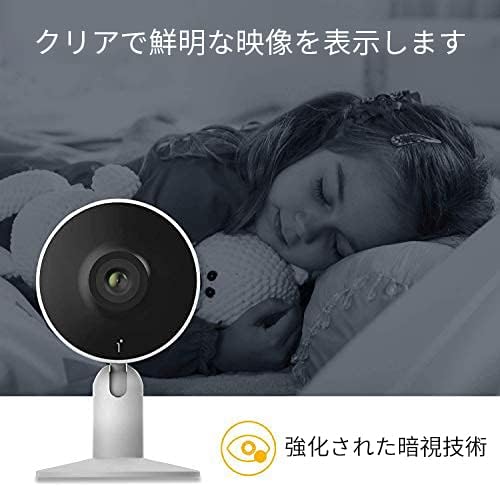
Image: A child sleeping peacefully in a dimly lit room, with the Arenti camera in the foreground, demonstrating its enhanced night vision capabilities for clear monitoring.
Yksityisyystila:
Activate privacy mode through the app to temporarily disable recording and live view. Options include one-touch sleep mode, geofencing (automatically activating privacy when you are home), and setting an off-timer.

Image: Three icons illustrating privacy protection features: a power button for one-touch sleep mode, a radar for geofencing, and a clock for off-timer settings.
Tallennus ja tallennus:
The camera supports both cloud storage (via Arenti Cloud Service, powered by AWS) and local storage using a microSD card (up to 128GB, sold separately). You can review tallennettu footage through the app's history timeline.
Älykkään kodin integrointi:
Connect your Arenti camera to Amazon Alexa or Google Assistant for convenient voice control. For example, you can say, "Alexa, show me the living room camera."
Video: Kenraali yliview video demonstrating the features and usage of the Arenti camera, including app interface and live monitoring.
Huolto
- Puhdistus: Use a soft, dry cloth to clean the camera lens and body. Avoid using harsh chemicals or abrasive materials that could scratch the surface.
- Laiteohjelmistopäivitykset: Regularly check the Arenti app for available firmware updates. Keeping your camera's firmware up-to-date ensures optimal performance and security.
- Tallennuksen hallinta: If using a microSD card, periodically check its storage capacity and delete old recordings if necessary. For cloud storage, manage your subscription and data retention settings within the app.
- Tehosykli: Jos kamerassa on ongelmia, irrota se virtalähteestä muutamaksi sekunniksi ja kytke se sitten takaisin.
Vianetsintä
| Ongelma | Mahdollinen syy | Ratkaisu |
|---|---|---|
| Kamera offline-tilassa | No power, Wi-Fi disconnected, poor signal | Tarkista virtaliitäntä. Käynnistä kamera ja reititin uudelleen. Varmista, että kamera on Wi-Fi-yhteyden kantaman sisällä. |
| Ei voi muodostaa yhteyttä Wi-Fi-verkkoon | Incorrect password, 5GHz Wi-Fi, network issues | Verify Wi-Fi password. Ensure you are connecting to a 2.4GHz network. Try resetting the camera and repeating setup. |
| Ei ilmoituksia | App settings, phone settings, detection sensitivity | Check notification settings in the Arenti app and on your smartphone. Adjust motion/sound detection sensitivity. |
| Huono videon laatu | Low bandwidth, dirty lens | Ensure stable internet connection. Clean the camera lens with a soft cloth. |
| Kaksisuuntainen ääni ei toimi | Microphone/speaker disabled, volume low | Check audio settings in the app. Ensure phone volume is up. |
Tekniset tiedot
| Ominaisuus | Yksityiskohta |
|---|---|
| Videon resoluutio | 1080p (Full HD) |
| Kuvataajuus | 25 fps |
| Yhteydet | Wi-Fi (vain 2.4 GHz) |
| Night Vision | Kyllä |
| Audio | Kaksisuuntainen ääni |
| Havaitseminen | Motion Sensor, Sound Detection |
| Tallennusvaihtoehdot | Cloud Storage, MicroSD Card (up to 128GB) |
| Yhteensopivat laitteet | Smartphones (iOS/Android) |
| Mitat | 21.2 x 18.4 x 6.6 cm (pakkauskoko) |
| Paino | 480 g (pakkauksen paino) |
Takuu ja tuki
Arenti products typically come with a limited warranty. For specific warranty details, please refer to the warranty card included with your product or visit the official Arenti website. If you encounter any issues or require technical assistance, please contact Arenti customer support through their official website or the Arenti app.