
Johdanto
The SanDisk Ultra Flair USB 3.0 Flash Drive provides high-speed data transfer and reliable storage in a durable metal casing. Designed for efficiency, it allows you to move files quickly and securely. This manual will guide you through the setup, operation, maintenance, and troubleshooting of your flash drive.
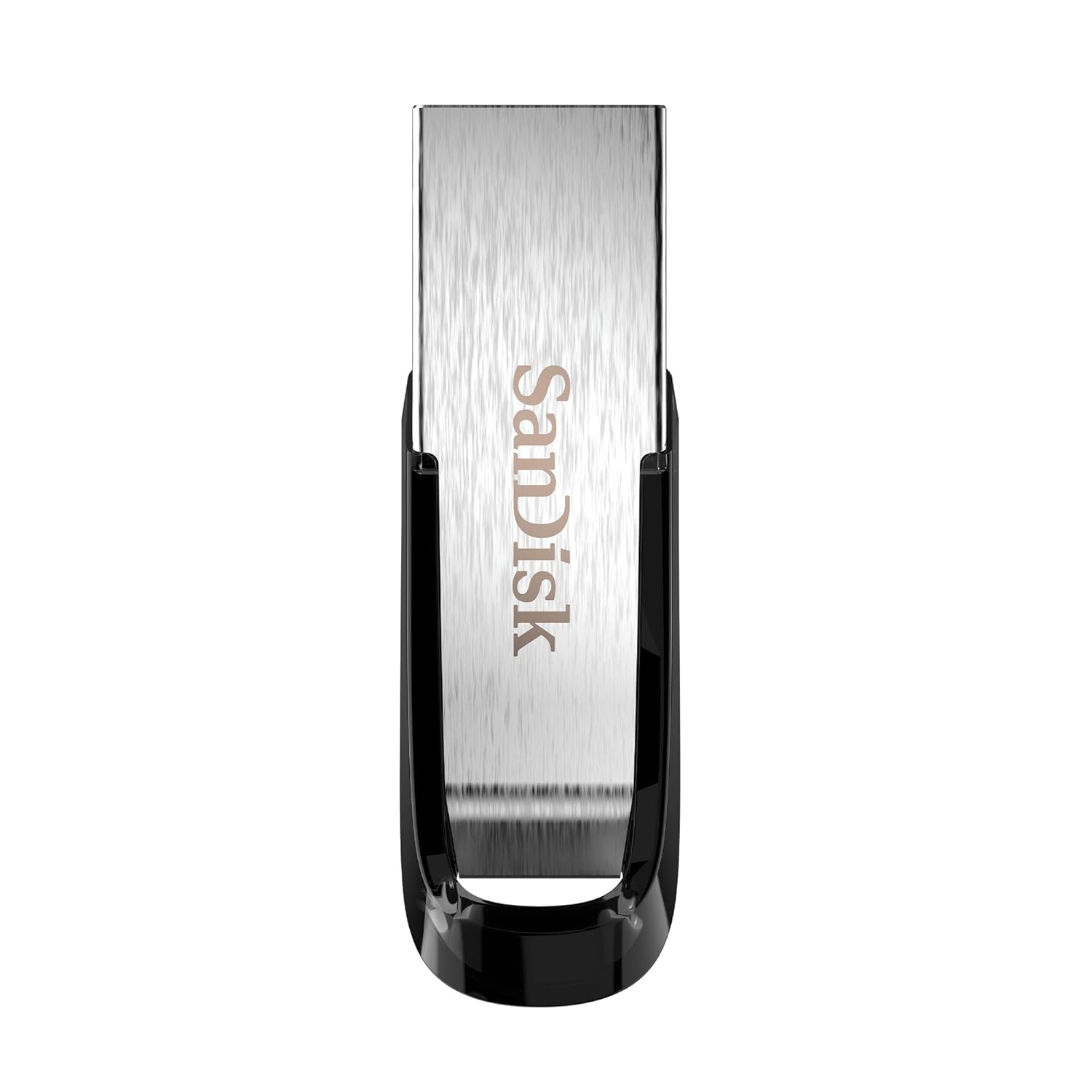
Image: The SanDisk Ultra Flair USB 3.0 Flash Drive, showcasing its sleek metal design and USB 3.0 connector.
Asennus
- Aseta muistitikku paikalleen: Locate an available USB port on your computer (desktop, laptop, or compatible device). Gently insert the SanDisk Ultra Flair USB 3.0 Flash Drive into the USB port. For optimal performance, use a USB 3.0 port (often identified by a blue interior). The drive is also backward compatible with USB 2.0 ports.
- Automaattinen tunnistus: Your operating system (Windows, macOS, Linux) should automatically detect and install the necessary drivers for the flash drive. A notification may appear indicating that the device is ready for use.
- Aseman käyttö:
- Windows: Open "This PC" or "My Computer." The flash drive will appear as a removable disk (e.g., "SanDisk Ultra Flair" or a drive letter like E: or F:).
- MacOS: Muistitikun kuvake näkyy työpöydällä tai Finderin sivupalkissa kohdassa "Sijainnit".
- Pre-loaded Software: The drive may come with pre-loaded software, such as SanDisk SecureAccess. You can choose to install and use this software for password protection and file salausta.
Käyttöohjeet
Siirretään Files
Siirtämään files to or from your SanDisk Ultra Flair flash drive:
- Avaa asema: Double-click the flash drive icon in "This PC" (Windows) or on your desktop/Finder (macOS) to open its contents.
- Vedä ja pudota:
- Kopioidaksesi files to USB-muistitikku: Vedä ja pudota files or folders from your computer into the flash drive's window.
- Kopioidaksesi files alkaen USB-muistitikku: Vedä ja pudota filetiedostoja tai kansioita flash-aseman ikkunasta tietokoneellasi olevaan sijaintiin.
- Kopioi liitä: Alternatively, right-click on the desired files/folders, select "Copy," then navigate to the destination, right-click, and select "Paste."

Image: A person working on a computer, illustrating the fast data transfer capabilities of the SanDisk Ultra Flair USB 3.0 Flash Drive.
Using SanDisk SecureAccess Software
The SanDisk SecureAccess software allows you to create a password-protected folder (vault) on your flash drive to secure sensitive files with 128-bit AES encryption.
- Asennus: If not already installed, run the SecureAccess installer found on the drive. Follow the on-screen instructions to set up your vault and password.
- Lisätään Files: Vedä ja pudota files into the SecureAccess vault window to encrypt them.
- Pääsy Files: Salatun pääsyn saamiseksi files, open the SecureAccess application and enter your password.

Image: A person using a computer, representing the ease of backup and organization with SanDisk software.
Safely Removing the Flash Drive
Always safely remove the flash drive to prevent data corruption:
- Windows: Click the "Safely Remove Hardware and Eject Media" icon in the system tray (bottom-right corner), then select your flash drive. Wait for the "Safe to Remove Hardware" message before physically disconnecting.
- MacOS: Drag the flash drive icon from your desktop to the Trash, or click the Eject icon next to the drive name in Finder. Wait for the icon to disappear before physically disconnecting.
Huolto
- Fyysinen hoito: The SanDisk Ultra Flair features a durable metal casing. While robust, avoid exposing the drive to extreme temperatures, moisture, or strong magnetic fields. Keep the USB connector clean and free from dust or debris.
- Tietojen varmuuskopiointi: Regularly back up important data from your flash drive to another storage device to prevent data loss.
- Ohjelmistopäivitykset: Tarkista säännöllisesti virallinen SanDiskin website for any available firmware updates or new versions of SanDisk SecureAccess software.
Vianetsintä
- Asemaa ei tunnistettu:
- Kokeile asettaa asema tietokoneen toiseen USB-porttiin.
- Test the drive on another computer to rule out a port or system issue.
- Varmista, että asema on työnnetty kokonaan USB-porttiin.
- Käynnistä tietokone uudelleen.
- Hitaat siirtonopeudet:
- Ensure you are using a USB 3.0 port for maximum speed. USB 2.0 ports will result in slower transfers.
- Monien pienten siirto filevoi olla hitaampaa kuin muutaman suuren siirtäminen files.
- Sulje muut sovellukset, jotka saattavat käyttää järjestelmäresursseja.
- Drive Gets Warm During Use:
It is normal for the metal casing of the SanDisk Ultra Flair to become warm during prolonged data transfers, especially with USB 3.0 speeds. The metal design helps dissipate heat efficiently. This typically does not affect performance or durability.
- Lost or Corrupted Files:
Your SanDisk Ultra Flair includes a one-year subscription to RescuePRO software. Visit the SanDisk website to download and activate RescuePRO for data recovery attempts.
Tekniset tiedot

Kuva: Yksityiskohtainen view of the SanDisk Ultra Flair USB 3.0 Flash Drive, showing its physical dimensions.
| Ominaisuus | Yksityiskohta |
|---|---|
| Merkki | SanDisk |
| Mallin nimi | SanDisk Ultra Flair |
| Mallinumero | SDCZ73-032G-I35 |
| Muistin tallennuskapasiteetti | 32 Gt |
| Laitteistorajapinta | USB 3.0 (taaksepäin yhteensopiva USB 2.0:n kanssa) |
| Lukunopeus | Jopa 150 XNUMX Mt/s |
| Erikoisominaisuudet | Kestävä metalli casing, Fast Data Transfer, Sleek design, Password Protected (with SecureAccess software), Data Encryption, Easy File Recovery (with RescuePRO software) |
| Yhteensopivat laitteet | Devices with USB 3.0 or USB 2.0 port |
| Väri | Hopea |
| Mitat (P x L x K) | Noin 43 mm x 13 mm x 7 mm (1.69" x 0.51" x 0.28") |
| Tuotteen paino | 4 grammaa |
| UPC | 619659173975 |
| Alkuperämaa | Taiwan |
| Laatikon sisältö | 1x SanDisk Ultra Flair Flash Drive |
Takuutiedot
The SanDisk Ultra Flair USB 3.0 Flash Drive comes with a 5 vuoden rajoitettu takuu provided by SanDisk. This warranty covers manufacturing defects under normal use. Please retain your proof of purchase for warranty claims.
For detailed terms and conditions, or to initiate a warranty claim, please visit the official SanDisk support websivusto.
Tukea
For further assistance, technical support, or to download software like SanDisk SecureAccess or RescuePRO, please visit the official SanDisk support websivusto:
SanDiskin virallinen tuki Websivusto
Löydät myös usein kysyttyjä kysymyksiä ja yhteisöfoorumeita heidän sivustoltaan websivusto yleisille ongelmille ja vinkeille.