
Johdanto
The Cooler Master Hyper 212 LED CPU Cooler is designed to provide efficient cooling for your desktop processor. Featuring a 120mm XtraFlo 'Fire Red' LED PWM fan and four direct contact copper heat pipes, this cooler offers a balanced performance between cooling efficiency and low noise operation. Its universal mounting system ensures compatibility with a wide range of Intel sockets.
Please read this manual carefully before installation and use to ensure proper setup and optimal performance.
Pakkauksen sisältö
Varmista, että pakkauksessasi on kaikki alla luetellut tuotteet:
- 1 x Cooler Master Hyper 212 LED CPU Cooler Unit
- 1 x Mounting Kit (for Intel sockets)
- 1 x Thermal Grease Pack
- 1 x Käyttöohje

Image: Illustrative view of the Cooler Master Hyper 212 LED CPU Cooler and its main components.
Asennus ja asennus
This cooler is compatible with Intel sockets: LGA 2066, 2011-v3, 2011, 1156, 1155, 1151, 1150, 1366, and 775. The installation process involves securing the backplate, applying thermal paste, mounting the heatsink, and attaching the fan.
- Valmistele emolevy: Ensure your motherboard is removed from the PC case if necessary for backplate installation. Identify the correct mounting holes for your Intel socket type.
- Asenna takalevy: Attach the universal Intel backplate to the rear of your motherboard, aligning the screws with the appropriate holes.
- Levitä lämpötahnaa: Clean the CPU surface and apply a small amount of thermal grease (included) to the center of the CPU. Spread it evenly or allow the cooler's pressure to distribute it.
- Jäähdytyselementin kiinnitys: Carefully place the heatsink onto the CPU, ensuring the direct contact heat pipes make full contact. Secure the heatsink using the provided mounting brackets and screws, tightening them in a diagonal pattern until snug. Do not overtighten.
- Kiinnitä tuuletin: Use the quick-snap fan brackets to attach the 120mm XtraFlo fan to the heatsink. Ensure the fan is oriented to blow air through the heatsink fins towards the rear of your PC case.
- Liitä tuulettimen kaapeli: Kytke 4-nastainen PWM-tuulettimen kaapeli emolevyn CPU_FAN-liittimeen.

Kuva: Sivu view of the cooler, showing the copper heat pipes extending from the base through the aluminum fins.
Käyttöohjeet
The Cooler Master Hyper 212 LED CPU Cooler operates automatically once connected to the motherboard's CPU_FAN header. The 4-pin PWM fan allows your motherboard to dynamically control the fan speed based on CPU temperature, optimizing for both cooling performance and noise levels.
- Automaattinen nopeudensäätö: The fan speed will adjust between 600 and 1600 RPM (±10%) depending on the CPU load and temperature.
- LED-valaistus: The 'Fire Red' LEDs on the fan will illuminate when the fan is operating, providing aesthetic lighting inside your PC case.
- BIOS/UEFI-asetukset: You can fine-tune fan control settings through your motherboard's BIOS/UEFI interface for custom performance profiles, if desired.
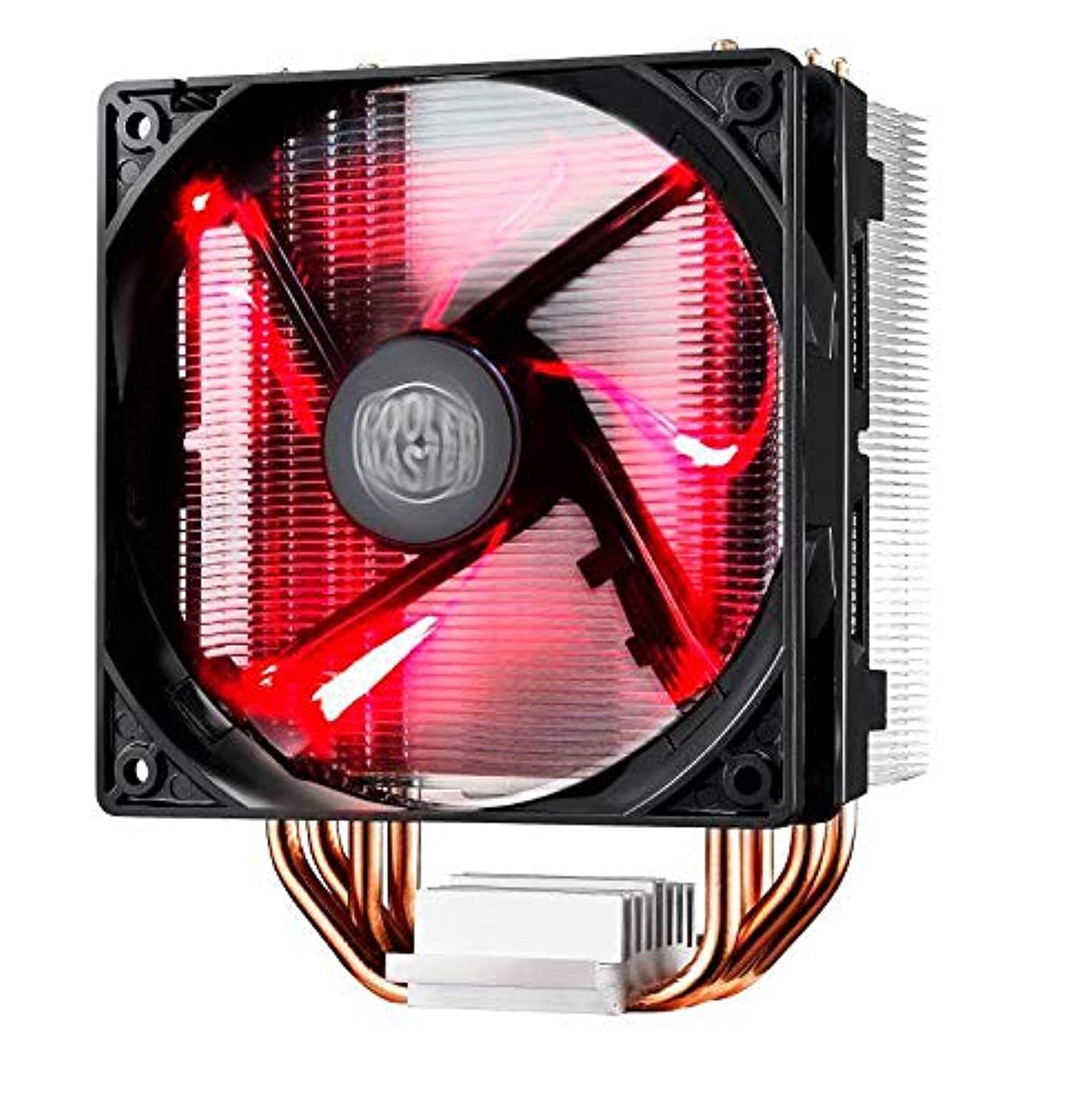
Image: The Cooler Master Hyper 212 LED CPU Cooler with its 'Fire Red' LED fan glowing.
Huolto
Säännöllinen huolto varmistaa optimaalisen jäähdytystehon ja pidentää CPU-jäähdyttimen käyttöikää.
- Pölynpoisto: Periodically clean dust from the heatsink fins and fan blades using compressed air or a soft brush. Ensure the fan is powered off before cleaning.
- Fan Cleaning/Replacement: The quick-snap fan bracket allows for easy removal of the fan for thorough cleaning or replacement if needed. Gently unclip the fan from the heatsink, clean, and reattach.
- Lämpötahna: If you remove the heatsink for any reason, it is recommended to clean off the old thermal paste from both the CPU and the cooler base and apply a fresh layer before reinstallation.
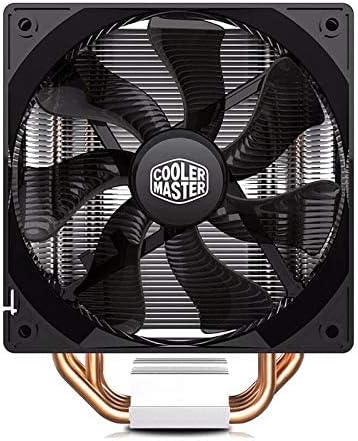
Kuva: Edessä view of the 120mm XtraFlo fan, showing its blade design.
Vianetsintä
| Ongelma | Mahdollinen syy | Ratkaisu |
|---|---|---|
| Korkeat suorittimen lämpötilat |
|
|
| Liiallinen tuulettimen melu |
|
|
| Cooler Does Not Fit in Case |
Tekniset tiedot
| Ominaisuus | Yksityiskohta |
|---|---|
| Tuotteen malli | RR-212L-16PR-R1 |
| Yhteensopivat pistorasiat | Intel LGA 2066 / 2011-v3 / 2011 / 1156 / 1155 / 1151 / 1150 / 1366 / 775 |
| Kokonaismitat (P x L x K) | 120 x 84 x 160 mm (4.7 x 3.3 x 6.3 tuumaa) |
| Kokonaispaino | 705 g (1.55 lbs) |
| Jäähdytyselementin mitat (P x L x K) | 116 x 60 x 160 mm (4.6 x 2.4 x 6.3 tuumaa) |
| Jäähdytyselementin materiaali | 4 Direct Contact Copper Heat Pipes, Aluminum Fins |
| Lämpöputken mitat | Ø6 mm |
| Tuulettimen mitat (P x L x K) | 120 x 120 x 25 mm (4.7 x 4.7 x 1 tuumaa) |
| Tuulettimen nopeus | 600 - 1600 RPM (PWM) ±10% |
| Tuulettimen ilmavirta | 66.3 CFM ±10% (@ 1600RPM) |
| Tuulettimen ilmanpaine | 1.7 mm H2O ±10% (@ 1600RPM) |
| Fanin elinajanodote | 40,000 tuntia |
| Tuulettimen melutaso | 9–31 dB |
| Laakerin tyyppi | Kiväärilaakeri |
| Virtaliitin | 4-Pin PWM |
| Fan Rated Voltage | 12 VDC |
| Nimellisvirta | 0.19 A |
| Virrankulutus | 2.28 W |
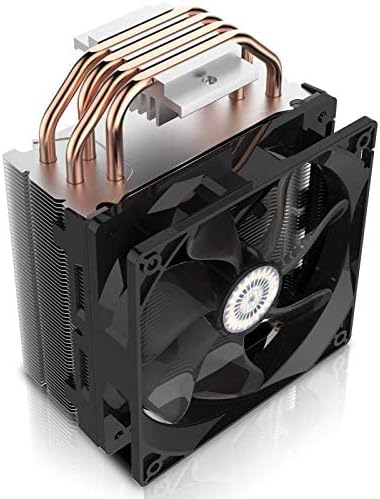
Kuva: Ylhäältä alas view of the heatsink, showing the aluminum fins and the ends of the copper heat pipes.
Takuu ja tuki
Takuutietoja ja teknistä tukea varten ota yhteyttä viralliseen Cooler Master -sivustoon. websivustolta tai ota yhteyttä heidän asiakaspalveluunsa. Säilytä ostokuitti ostotodistuksena.
Cooler Masterin virallinen Websivusto: www.coolermaster.com