
1. Johdanto
Thank you for choosing the Inandon KV-306 Karaoke Player. This 22-inch capacitive touch screen system is designed to provide a comprehensive home entertainment experience with intelligent song selection and free cloud downloads. For optimal performance, please read this manual carefully before use.
Mitä laatikossa on
- Inandon KV-306 Karaoke Player Unit
- 22 tuuman kapasitiivinen kosketusnäyttö
- Mikrofoni
- Virta-adapterit
- VGA-kaapeli
- Verkkokaapeli
- RCA-äänikaapelit
- Optical Cable (optional, for soundbar connection)
2. Turvallisuustiedot
Noudata seuraavia turvaohjeita laitteen vahingoittumisen ja itsesi loukkaantumisen välttämiseksi:
- Ensure the karaoke machine is used with an amplifier and speakers (not included).
- Älä altista laitetta vedelle tai kosteudelle.
- Käytä ainoastaan toimitettuja virtalähteitä.
- Pidä tuuletusaukot vapaina ylikuumenemisen estämiseksi.
- Vältä raskaiden esineiden asettamista laitteen päälle.
- Katkaise virta ukkosmyrskyjen aikana tai jos laitetta ei käytetä pitkään aikaan.
3. Tuote ohiview
The Inandon KV-306 Karaoke Player consists of a main unit and a separate 22-inch touch screen for song selection and control. Below is an overview of the main unit's front and rear panels.

Tärkeimmät ominaisuudet:
- 22-inch Capacitive Touch Screen for intuitive control.
- Wi-Fi Connectivity for online features and cloud downloads.
- Intelligent Song Deletion to optimize hard drive space.
- KTV Intelligent Scoring System for an interactive singing experience.
- Mobile Device Song Selection via dedicated app.
- System Online Update Service for continuous improvement.
4. Asennus
Follow these steps to set up your Inandon KV-306 Karaoke Player:
4.1. Touch Screen Assembly
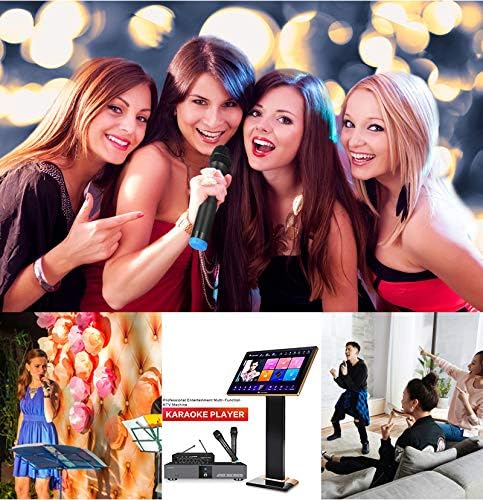
Assemble the touch screen stand by securing the base and screen mount using the provided screws. Ensure all connections are firm.
4.2. Connecting the Touch Screen to the Karaoke Player
- Connect the touch screen VGA cable to the VGA output port on the karaoke player unit.
- Connect the touch screen network cable to the 'TOUCH SCREEN' network interface on the karaoke player unit.
- Connect the touchscreen power adapter to the touchscreen's power input.

4.3. Äänilähtöliitäntä
The karaoke player requires an external amplifier and speakers for audio output. There are two primary methods for connecting audio:
Method 1: Using RCA Cables (to Ampelävämpi)
- Connect the RCA red and white cables from the 'AUDIO OUT' ports on the karaoke machine to the 'AUX IN' of your ampelävämpi.
- Connect the microphone power adapter to the 12V port of the microphone host.
- Connect the RCA red and white cables from the microphone host's AUX output to the audio input of the ampelävämpi.

Method 2: Using Optical Cable (to Soundbar/Receiver)
- Connect an optical cable from the 'OPTICAL' output port on the karaoke player to the optical input of your soundbar or receiver.
- Switch your soundbar or receiver to the corresponding optical input source.

4.4. Virtaliitäntä
- Connect the power adapter of the karaoke machine to the DC 12V input on the karaoke machine.
- Liitä verkkolaite pistorasiaan.

4.5. Wiring Demonstration Video
Katso visuaalinen opas johdotuksesta alla olevasta videosta:
Video: This video demonstrates the wiring process for the Inandon Karaoke Player, including connections for the touch screen, audio, and power.
5. Käyttöohjeet
Once the system is set up, you can begin enjoying your karaoke experience.
5.1. Virta päälle / pois
Press the 'POWER' button on the front panel of the main unit to turn the system on or off.
5.2. Kosketusnäytön käyttö
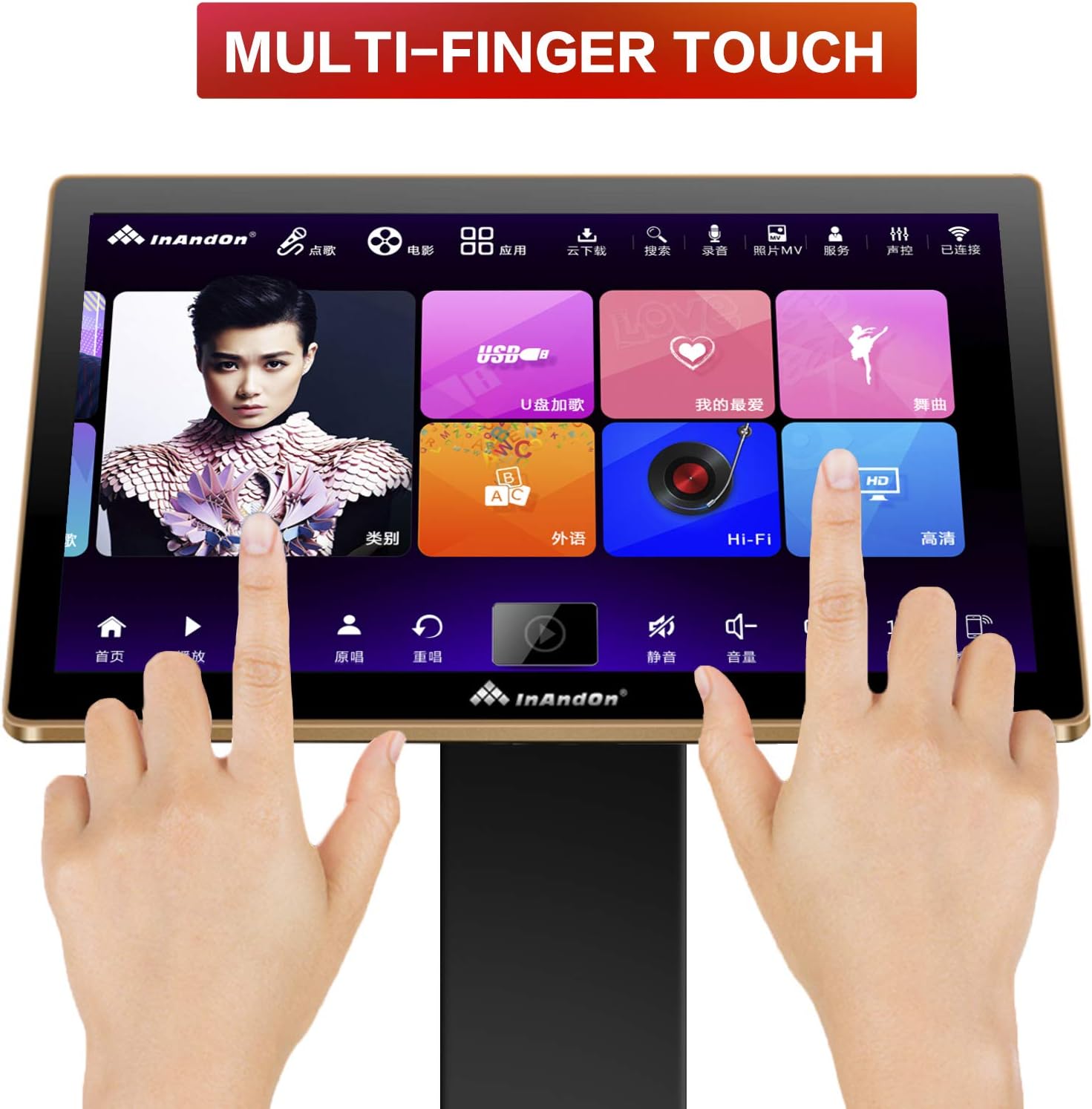
The 22-inch capacitive touch screen provides an intuitive interface for navigating songs and features. It supports multi-finger touch for easy interaction.
5.3. Song Selection and Cloud Download
- Intelligent Song Selection: Browse and select songs directly from the touch screen.
- Mobile Wireless Ordering: Use a mobile phone app (e.g., WeChat) to remotely select songs.
- Pilvipalvelusta lataaminen: Connect to the internet to access a vast cloud song library (approximately 440,000 songs) and download songs for free. The 4T hard drive stores about 90,000 songs.
5.4. Intelligent Song Management
The karaoke machine features intelligent song deletion. When the hard drive memory falls below 10GB, the system automatically deletes songs with low or no click-through rates to free up space. You can re-download these songs from the cloud if needed.

5.5. KTV:n älykäs pisteytysjärjestelmä
Enhance your singing experience with the built-in KTV intelligent scoring system, providing real-time feedback on your performance.
5.6. Live Demonstrations
Watch these videos for live demonstrations of the karaoke machine in action:
Video: A live demonstration of the karaoke machine in use, showing two individuals singing along with lyrics displayed on a large screen.
Video: Live footage of karaoke machines in a room with dynamic lighting, showcasing the visual experience during use.
Video: This video illustrates the overall effect of using the karaoke system in a home setting, displaying the screen and audio setup.
6. Huolto
To ensure the longevity and optimal performance of your Inandon KV-306 Karaoke Player, follow these maintenance guidelines:
- Puhdistus: Use a soft, dry cloth to clean the touch screen and main unit. Avoid abrasive cleaners or solvents.
- Ohjelmistopäivitykset: The system supports online updates. Regularly check for and install available updates to ensure you have the latest features and improvements.
- Kiintolevyn hallinta: The intelligent song deletion feature helps manage space. If you frequently download new songs, consider manually reviewing and deleting older, less-played songs.
7. Vianmääritys
If you encounter issues with your Inandon KV-306 Karaoke Player, refer to the following common problems and solutions:
| Ongelma | Ratkaisu |
|---|---|
| Ei äänilähtöä | Ensure the karaoke machine is connected to an amplifier and speakers. Check all audio cable connections (RCA or Optical) and verify the amplifier/soundbar input source is correctly selected. |
| Kosketusnäyttö ei vastaa | Check the touch screen's power connection and the network cable connection to the main unit. Restart the system. |
| Cannot download songs from cloud | Verify that the karaoke player is connected to the internet via Wi-Fi or LAN. Check network settings. |
| Limited English songs | The cloud library has a larger selection of Chinese songs (approx. 240,000) compared to English songs (approx. 20,000). This is expected behavior. |
| Hard drive full | The system automatically deletes less-played songs when space is low. You can also manually manage songs or re-download from the cloud. |
8. Tekniset tiedot
| Ominaisuus | Yksityiskohta |
|---|---|
| Merkki | Inandon |
| Mallinumero | KV-306 |
| Erikoisominaisuus | Touch Screen, Wi-Fi |
| Väri | Valkoinen |
| Mukana olevat komponentit | Mikrofoni |
| Suositellut käyttötavat | Liiketoiminta, Koti, KTV |
| Virtalähde | Battery Powered (main unit is DC 12V, touch screen has separate adapter) |
| USB-portteja yhteensä | 2 |
| Yhteystekniikka | Wi-Fi |
| Mediatyyppi | USB, SD, Wi-Fi |
| Yhteensopivat laitteet | Ampelävämpi |
| UPC | 712760261446 |
9. Takuu ja tuki
For warranty information, please refer to the documentation provided with your purchase or contact the seller directly. For technical support, you may reach out via WeChat at 17727581630.