
Taurus 947245000
Taurus Alpatec Babel RC Tower Fan User Manual
Malli: 947245000
1. Johdanto
Kiitos ostoksestasiasing the Taurus Alpatec Babel RC Tower Fan. This manual provides important information regarding the safe operation, installation, maintenance, and troubleshooting of your new appliance. Please read this manual thoroughly before use and retain it for future reference.
The Taurus Alpatec Babel RC is a 45W tower fan designed for efficient air circulation, featuring 3 speed settings, 3 operating modes (Normal, Breeze, Night), a 7.5-hour timer, oscillation function, and convenient remote control. Its compact design and integrated handle make it easy to move and store.
2. Tärkeitä turvallisuusohjeita
Noudata aina sähkölaitteita käyttäessäsi perusturvallisuusohjeita tulipalon, sähköiskun ja loukkaantumisen riskin vähentämiseksi.
- Lue kaikki ohjeet ennen tuulettimen käyttöä.
- Varmista voltagArvokilvessä ilmoitettu e vastaa verkkovirtasi äänenvoimakkuuttatage.
- Älä upota tuuletinta, pistoketta tai johtoa veteen tai muihin nesteisiin.
- Irrota pistoke pistorasiasta, kun et käytä laitetta, ennen puhdistamista tai ennen siirtämistä.
- Älä käytä laitetta, jonka johto tai pistoke on vaurioitunut, tai sen jälkeen, kun laitteessa on toimintahäiriö tai se on vaurioitunut millään tavalla.
- Pidä tuuletin poissa lasten ja lemmikkien ulottuvilta.
- Älä työnnä sormia tai vieraita esineitä tuulettimen aukkoihin.
- Älä käytä ulkona.
- Aseta tuuletin vakaalle, tasaiselle alustalle.
- Ensure the fan grilles are not blocked.
3. Tuotteen osat
Familiarize yourself with the main parts of your Taurus Alpatec Babel RC Tower Fan:
- Ohjauspaneeli LED-näytöllä
- Ilmanpoistosäleikkö
- Pohja
- Virtajohto
- Remote Control (with dedicated storage slot)
- Integroitu kantokahva

Kuva 3.1: Etuosa view of the Taurus Alpatec Babel RC Tower Fan, showing its sleek design and control panel.

Kuva 3.2: Sivu view of the tower fan, highlighting its slim profile ja vakaa pohja.
4. Asennus ja kokoonpano
The Taurus Alpatec Babel RC Tower Fan comes largely pre-assembled. Follow these steps for initial setup:
- Purkaminen: Carefully remove the fan from its packaging. Retain the packaging for future storage or transport.
- Pohjan kokoonpano (tarvittaessa): Some models may require attaching the base. Align the base with the bottom of the fan body and secure it using the provided screws. Ensure it is firmly attached for stability.
- Sijoitus: Place the fan on a firm, level surface, away from curtains or other objects that could obstruct airflow. Ensure there is adequate space around the fan for optimal performance and oscillation.
- Virtaliitäntä: Kytke virtajohto tavalliseen pistorasiaan (240 V).

Kuva 4.1: Takaosa view of the fan, showing the integrated carry handle for easy portability.
5. Käyttöohjeet
Your Taurus Alpatec Babel RC Tower Fan can be operated using the control panel on top of the unit or the included remote control.
5.1 Ohjauspaneeli ja kaukosäädin

Figure 5.1: Close-up of the fan's control panel, showing buttons for power, speed, mode, timer, and oscillation.

Figure 5.2: A hand holding the remote control, which can be stored in a dedicated slot on the fan's top panel.
The remote control offers the same functionalities as the control panel for convenient operation from a distance. Ensure the remote control is pointed towards the fan's control panel for effective communication.
5.2 Toiminnot
- Virta päälle/pois: Paina Tehoa painike (
 ) kytkeäksesi tuulettimen päälle tai pois päältä.
 - Nopeusasetukset: Paina Nopeus button to cycle through 3 speed settings: Low, Medium, High. The current speed will be indicated on the LED display.
- Toimintatilat: Paina tila button to select from 3 modes:
- Normaali: Jatkuva ilmavirtaus valitulla nopeudella.
- Tuulta: Simulates natural wind with varying fan speeds.
- Night (Sleep): Operates at a lower, quieter speed for undisturbed sleep.
- oscillation: Paina värähtely button to activate or deactivate the automatic oscillation function, which distributes air across a wider area.
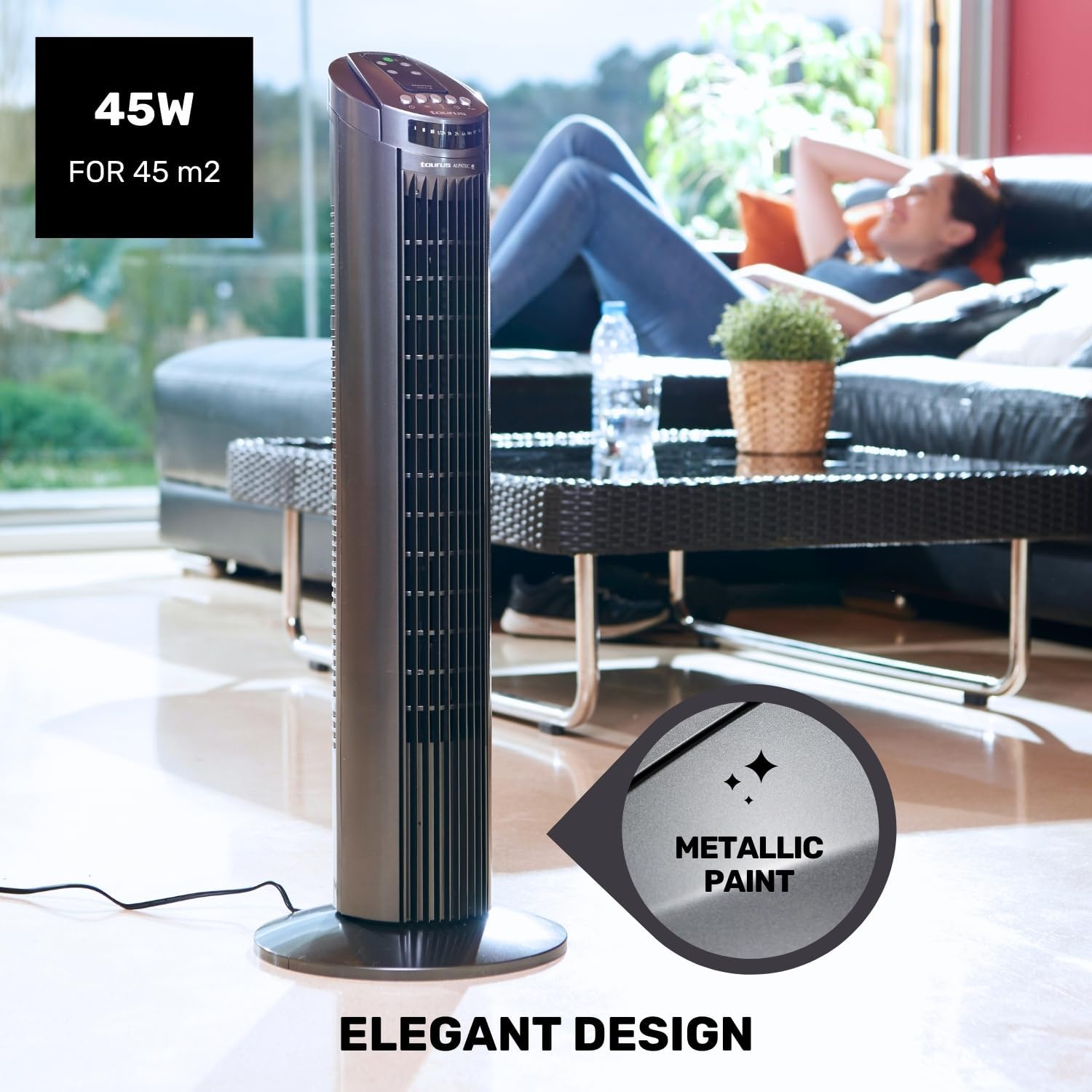
Figure 5.3: The fan in oscillation mode, showing the wide air distribution.
- Ajastin: Paina Ajastin button to set the fan to automatically turn off after a specified period. The timer can be set up to 7.5 hours. Each press typically adds 0.5 hours or 1 hour, depending on the model's increment.

Figure 5.4: The fan operating in Night mode, designed for quiet performance during sleep.

Figure 5.5: Illustration of the different airflow modes: Normal, Breeze, and Night.
6. Huolto ja puhdistus
Säännöllinen puhdistus ja huolto pidentävät tuulettimen käyttöikää ja varmistavat optimaalisen suorituskyvyn.
- Ennen puhdistusta: Irrota tuuletin aina pistorasiasta ennen puhdistamista.
- Ulkopuolen puhdistus: Pyyhi tuulettimen ulkopinnat pehmeällä, d:lläamp liinalla. Älä käytä hankaavia puhdistusaineita tai liuottimia, sillä ne voivat vahingoittaa pintaa.
- Säleikön puhdistus: Use a vacuum cleaner with a brush attachment to remove dust from the air inlet and outlet grilles. This helps maintain efficient airflow.
- Varastointi: Kun tuuletinta ei käytetä pitkään aikaan, säilytä sitä alkuperäispakkauksessaan viileässä ja kuivassa paikassa.
7. Vianmääritys
Jos tuulettimessasi on ongelmia, katso seuraavat yleiset ongelmat ja ratkaisut:
| Ongelma | Mahdollinen syy | Ratkaisu |
|---|---|---|
| Tuuletin ei käynnisty. | Ei virtalähdettä. Virtapainiketta ei painettu. | Varmista, että tuuletin on kytketty toimivaan pistorasiaan. Paina virtapainiketta ohjauspaneelissa tai kaukosäätimessä. |
| Heikko ilmavirtaus. | Säleiköt ovat pölyn peitossa. Tuuletin on hitaalla nopeudella. | Clean the air inlet and outlet grilles. Lisää puhaltimen nopeutta. |
| Oskillointi ei toimi. | Oskillointitoiminto on pois päältä. | Press the Oscillation button to activate. |
| Kaukosäädin ei toimi. | Paristot ovat tyhjiä tai väärin asennettuja. Este kaukosäätimen ja tuulettimen välillä. | Vaihda paristot ja varmista oikea napaisuus. Ensure a clear line of sight to the fan's control panel. |
If the problem persists after trying these solutions, please contact Taurus customer support.
8. Tuotteen tekniset tiedot
| Ominaisuus | Erittely |
|---|---|
| Mallinumero | 947245000 (Babel RC) |
| Merkki | Härkä |
| Tehoa | 45 wattia |
| Voitage | 240V |
| Nopeuksien määrä | 3 |
| Toimintatilat | Normal, Breeze, Night |
| Ajastin | Jopa 7.5 tuntia |
| värähtely | Kyllä |
| Mitat (P x L x K) | 26 x 26 x 75.5 cm (10.2 x 10.2 x 29.7 tuumaa) |
| Nettopaino | 2.6 kg (5.7 lbs) |
| Materiaali | Muovi |
| Väri | Harmaa |
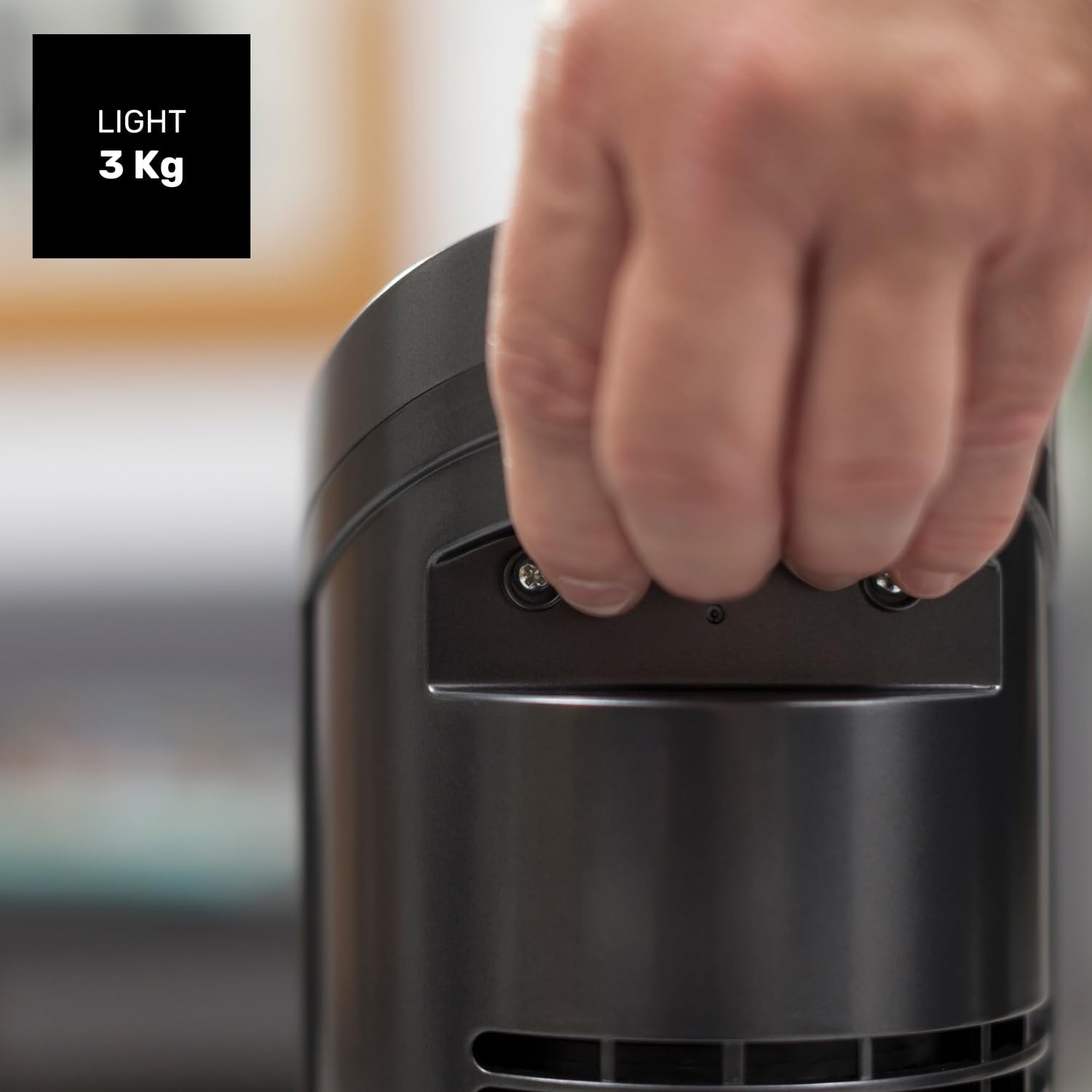
Figure 8.1: Diagram showing the dimensions of the Taurus Alpatec Babel RC Tower Fan.
9. Takuu ja tuki
Taurus products are manufactured to high-quality standards. For information regarding warranty coverage, please refer to the warranty card included with your purchase or visit the official Taurus websivusto. Säilytä ostokuitti takuuvaatimuksia varten.
For technical support, spare parts, or service inquiries, please contact Taurus customer service through their official channels. You can find contact information on the Taurus websivustolla tai tuotepakkauksessa.
Verkkoresurssit: For additional information and product registration, visit the official Taurus websivusto: www.taurus-home.com
10. Ympäristöystävällinen hävittäminen
Tämä tuotteessa tai sen pakkauksessa oleva symboli osoittaa, että tätä tuotetta ei saa käsitellä talousjätteenä. Sen sijaan se on toimitettava asianmukaiseen sähkö- ja elektroniikkalaitteiden kierrätyspisteeseen. Varmistamalla, että tämä tuote hävitetään oikein, autat estämään mahdolliset kielteiset vaikutukset ympäristöön ja ihmisten terveyteen, joita muutoin voisi aiheutua tämän tuotteen virheellisestä jätteenkäsittelystä. Saat lisätietoja tämän tuotteen kierrätyksestä ottamalla yhteyttä paikalliseen kuntasi toimistoon, talousjätteenkäsittelypalveluun tai liikkeeseen, josta ostit tuotteen.
Ask a question about this manual
Ask about setup, troubleshooting, compatibility, parts, safety, or missing instructions. Manuals+ will review the question and use this page’s manual context to help answer it.