
Johdanto
Microsoft LifeCam HD-3000 on teräväpiirtokamera. webcam designed for clear video conferencing and communication. It features true 720p HD video capabilities, a 16:9 widescreen aspect ratio, and a built-in noise-cancelling microphone to ensure clear audio. Its universal attachment base allows for flexible placement on various devices and surfaces.
This manual provides essential information for setting up, operating, maintaining, and troubleshooting your LifeCam HD-3000.

Figure 1: Microsoft LifeCam HD-3000, showcasing its compact design and universal attachment base.
Asennus
The Microsoft LifeCam HD-3000 is designed for simple plug-and-play installation on compatible operating systems.
- Pura pakkauksesta Webnokka: Carefully remove the LifeCam HD-3000 from its packaging.
- Yhdistä tietokoneeseen: Plug the USB cable of the LifeCam HD-3000 into an available USB 2.0 port on your desktop, laptop, or notebook computer.
- Automaattinen ajurin asennus: For Windows 7 and newer operating systems, the necessary drivers will typically install automatically upon connection. Allow a few moments for the system to recognize the device and complete the installation.
- Sijoita Webnokka: Utilize the universal attachment base to securely position the webcam. It can be placed on top of a monitor, on a flat surface like a desk, or adjusted for various angles. The flexible rubberized foot provides stability.
- Tarkista asennus: Once installed, you can verify the webcam's functionality through your computer's camera application or a video conferencing software.

Kuva 2: Etuosa view of the LifeCam HD-3000, showing the lens and microphone placement.
Käyttöohjeet
The LifeCam HD-3000 is designed for ease of use with various video communication platforms.
- Videoneuvottelut: The webcam is compatible with popular video calling applications such as Microsoft Teams, Zoom, Skype, and Google Hangouts. Select "Microsoft LifeCam HD-3000" as your video input device within the settings of your chosen application.
- Teräväpiirtovideo: The camera captures true 720p HD video, providing clear and detailed images for your calls and recordings. The 16:9 widescreen format is ideal for cinematic video recording and broader field of view.
- Melua vaimentava mikrofoni: The built-in unidirectional microphone features acoustic noise cancellation, ensuring your voice is captured clearly with reduced background noise. Select "Microsoft LifeCam HD-3000" as your audio input device in your application settings.
- Valon korjaus: The LifeCam HD-3000 includes light correction features to optimize video quality in various lighting conditions.
- Resoluutioasetukset: Depending on your internet speed and application, you may be able to adjust the video resolution. Lower resolutions can be beneficial for slower internet connections to maintain smooth video. Refer to your video conferencing software's settings for these options.
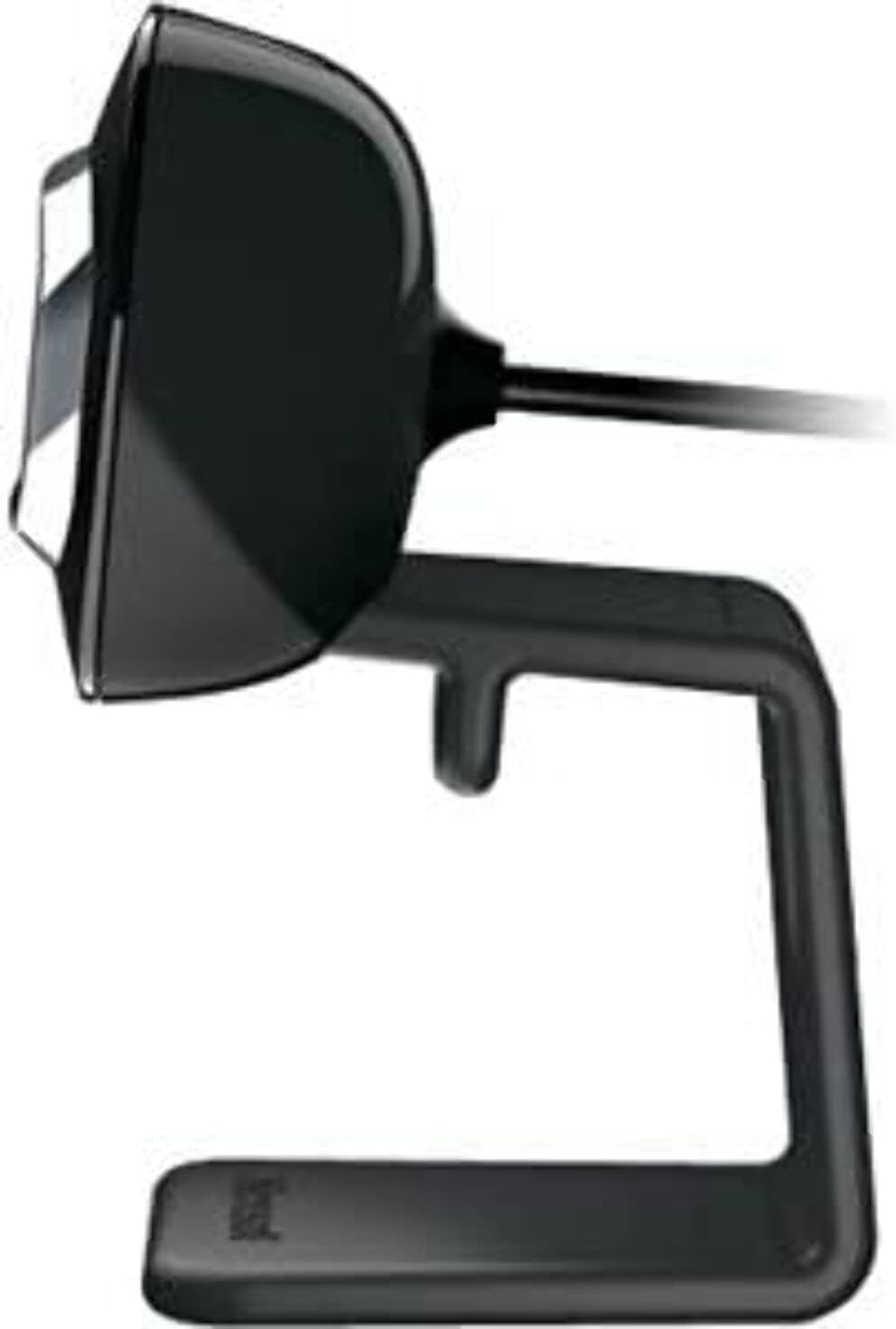
Kuva 3: Sivu view of the LifeCam HD-3000, illustrating its slim profile.
Huolto
Proper care and maintenance will help prolong the life of your Microsoft LifeCam HD-3000.
- Linssin puhdistus: Use a soft, lint-free cloth specifically designed for optics to gently wipe the camera lens. Avoid abrasive materials or harsh cleaning chemicals, which can scratch or damage the lens.
- Kehon puhdistus: Pyyhi laitteen runko webcam with a soft, slightly damp cloth. Ensure no moisture enters the USB port or microphone opening.
- Varastointi: Kun et käytä sitä, säilytä webcam in a clean, dry environment away from extreme temperatures and direct sunlight.
- Kaapelihuolto: Avoid bending or crimping the USB cable excessively. Do not pull the cable to disconnect the webkamera; tartu aina USB-liittimeen.
Vianetsintä
Jos kohtaat ongelmia LifeCam HD-3000 -kamerasi kanssa, kokeile seuraavia vianmääritysohjeita:
- Webkameraa ei havaittu:
- Ensure the USB cable is securely plugged into a functioning USB port. Try a different USB port.
- Käynnistä tietokone uudelleen.
- Tarkista tietokoneesi Laitehallinnasta (Windows) tai Järjestelmätiedoista (macOS), onko webkamera on luettelossa ja tunnistettu.
- No Video or Black Screen:
- Varmista, että webcam is selected as the primary video device in your video conferencing application's settings.
- Check privacy settings on your operating system that might be blocking camera access for certain applications.
- Ensure no physical obstruction is covering the lens.
- Poor Video Quality (Blurry, Grainy):
- Ensure the lens is clean (refer to Maintenance section).
- Check lighting conditions. The webcam has light correction, but sufficient ambient light is beneficial.
- Verify your internet connection stability if streaming video.
- Adjust resolution settings within your application if available.
- No Audio or Muffled Sound:
- Ensure the LifeCam HD-3000 microphone is selected as the audio input device in your application settings and operating system sound settings.
- Tarkista mikrofonin äänenvoimakkuustasot järjestelmäasetuksista.
- Ensure there are no obstructions to the microphone opening.
- Ohjelmisto-ongelmat:
- If using specific Microsoft LifeCam software, ensure it is up to date.
- For Windows 10, the built-in camera software is often sufficient and may work better than older dedicated software.
Tekniset tiedot
| Ominaisuus | Yksityiskohta |
|---|---|
| Mallinumero | T4H-00002 |
| Merkki | Microsoft |
| Videon sieppaustarkkuus | 720p HD |
| Kuvasuhde | 16: 9-laajakuvanäyttö |
| Mikrofoni | Built-in, Noise-Cancelling, Unidirectional |
| Yhteystekniikka | USB 2.0 |
| Laitteistoalusta | PC, kannettava tietokone |
| Väri | Musta |
| Tuotteen paino | 3.17 unssia |
| Tuotteen mitat (PxLxK) | 11.13 x 5.75 x 5.88 tuumaa |
| Erikoisominaisuus | Hämärän valon korjaus |
| Valokuvatunnistintekniikka | CMOS |
Warranty and Protection Plans
Microsoft offers various options for product protection and support.
- Normaali palautuskäytäntö: Typically, products purchased from Amazon.com are eligible for a return within 30 days of receipt for a refund or replacement. Please refer to Amazon's current return policy for specific details.
- Valinnaiset suojaussuunnitelmat: Extended protection plans may be available for purchase to cover your device beyond the standard manufacturer's warranty. These plans are offered by third-party providers and can include:
- 2 vuoden suojaussuunnitelma
- 3 vuoden suojaussuunnitelma
- Complete Protect (a monthly plan covering eligible past and future purchases)
Tukea
For further assistance, technical support, or driver updates, please refer to the official Microsoft support channels.
- Microsoftin tuki Websivusto: Visit the official Microsoft support website for your region. This is the primary resource for troubleshooting guides, FAQs, and driver downloads.
- Microsoft Store: For general product information or to explore other Microsoft products, you can visit the Microsoft Store Amazonissa.
- Yhteydenotto tukeen: If you require direct assistance, contact Microsoft customer support through their official channels, which typically include phone, chat, or email options.