
1. Johdanto
This manual provides instructions for the SIIG PremiumHD Cable, model CB-000012-S1. This 2-meter HDMI cable is designed to transmit high-definition digital video and multi-channel digital audio between compatible devices. Please read this manual thoroughly before use to ensure proper installation and optimal performance.
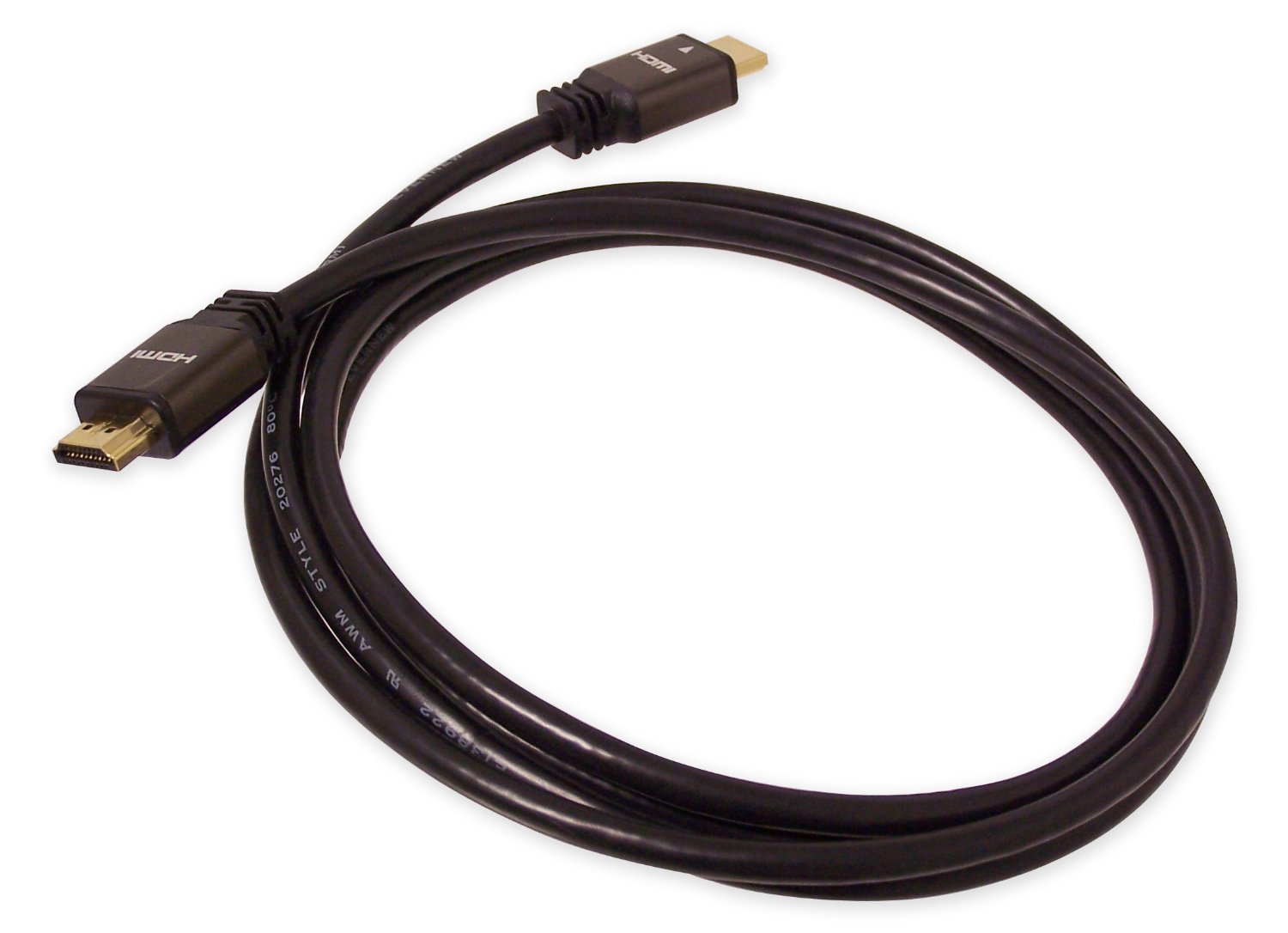
Figure 1: SIIG PremiumHD Cable (CB-000012-S1). This image shows the 2-meter HDMI cable with its male connectors.
2. Tuotteen ominaisuudet
The SIIG PremiumHD Cable offers the following key features:
- Pituus: 2 meters (approximately 6.56 feet) for flexible placement.
- Liittimet: Male HDMI connectors on both ends for direct connection.
- Vaatimustenmukaisuus: Compliant with HDMI 1.2a specification, supporting high-quality audio and video.
- Suojaus: Double-shielded cable construction to prevent electromagnetic interference (EMI) and radio-frequency interference (RFI), ensuring a clear signal.
- Kestävyys: Gold-plated connectors resist corrosion and provide optimal signal transfer.

Figure 2: Illustration of a high-speed HDMI cable. This image highlights the robust construction typical of high-quality HDMI cables.
3. Asennusohjeet
Follow these steps to connect your SIIG PremiumHD Cable:
- Tunnista portit: Locate the HDMI output port on your source device (e.g., DVD player, gaming console, computer) and the HDMI input port on your display device (e.g., TV, monitor, projector).
- Yhteyden lähde: Gently insert one end of the SIIG PremiumHD Cable into the HDMI output port of your source device. Ensure it is fully seated.
- Yhdistä näyttö: Gently insert the other end of the SIIG PremiumHD Cable into the HDMI input port of your display device. Ensure it is fully seated.
- Käynnistettävät laitteet: Käynnistä sekä lähdelaite että näyttölaite.
- Valitse syöttö: Valitse näyttölaitteessasi kaukosäätimellä tai näyttövalikosta oikea HDMI-tulolähde, joka vastaa käyttämääsi porttia.
Note: Always ensure devices are powered off before connecting or disconnecting cables to prevent potential damage.
4. Käyttöohjeet
Once the SIIG PremiumHD Cable is correctly connected and the input source is selected on your display, the cable will automatically transmit digital video and audio signals from your source device to your display. No additional configuration is typically required for the cable itself.
- Videon siirto: The cable supports high-definition video resolutions as per the HDMI 1.2a specification.
- Äänen siirto: Multi-channel digital audio is transmitted alongside the video signal.
- CEC (Consumer Electronics Control): If both your source and display devices support CEC, they may be able to communicate and control each other through the HDMI connection. Refer to your device manuals for CEC functionality.
5. Huolto
To ensure the longevity and optimal performance of your SIIG PremiumHD Cable, follow these simple maintenance guidelines:
- Käsittely: Avoid bending the cable sharply or placing heavy objects on it, as this can damage the internal wiring.
- Puhdistus: If necessary, gently wipe the cable and connectors with a soft, dry, lint-free cloth. Do not use liquid cleaners or solvents.
- Varastointi: Kun kaapelia ei käytetä, säilytä sitä viileässä ja kuivassa paikassa, mieluiten löysästi kierrettynä mutkien estämiseksi.
- Yhteys: Tartu aina liittimen koteloon, kun kytket tai irrotat kaapelia, älä itse kaapeliin.
6. Vianmääritys
If you encounter issues with your SIIG PremiumHD Cable, refer to the following common problems and solutions:
| Ongelma | Mahdollinen syy | Ratkaisu |
|---|---|---|
| Ei video- tai äänisignaalia. |
|
|
| Huono kuvanlaatu (esim. välkkymistä, vääristynyttä kuvaa). |
|
|
| Ääntä ei ole, mutta video on läsnä. |
|
|
7. Tekniset tiedot
Detailed specifications for the SIIG PremiumHD Cable (CB-000012-S1):
- Merkki: SIIG
- Malli: CB-000012-S1
- Pituus: 2 metriä (6.56 jalkaa)
- Liittimen tyyppi: HDMI-uros-uros-liitäntä
- Kaapelin tyyppi: HDMI
- HDMI-spesifikaatio: 1.2a compliant
- Suojaus: Kaksoissuojattu
- Liittimet: Kullattu
- Tiedonsiirtonopeus: Up to 10.2 gigabits per second
- Nastojen lukumäärä: 19
- Väri: Musta
- Yhteensopivat laitteet: TVs, Monitors, Projectors, DVD Players, Gaming Consoles (e.g., PS3, Xbox), PCs, and other devices with HDMI ports.
- Erikoisominaisuudet: High Speed, CEC (Consumer Electronics Control) support.
- Sisä-/ulkokäyttö: Sisällä, ulkona
- Tuotteen paino: 100 g

Figure 3: Close-up of HDMI cable connectors. This image illustrates the design of the male HDMI connectors.
8. Takuu ja tuki
For warranty information and technical support regarding your SIIG PremiumHD Cable, please refer to the official SIIG website or contact SIIG customer service directly. Specific warranty terms may vary by region and purchase date.
SIIG Official Websivusto: www.siig.com
Please note that product specifications and support details are subject to change without prior notice.